A Nanonets Alternative
No Model Training Required
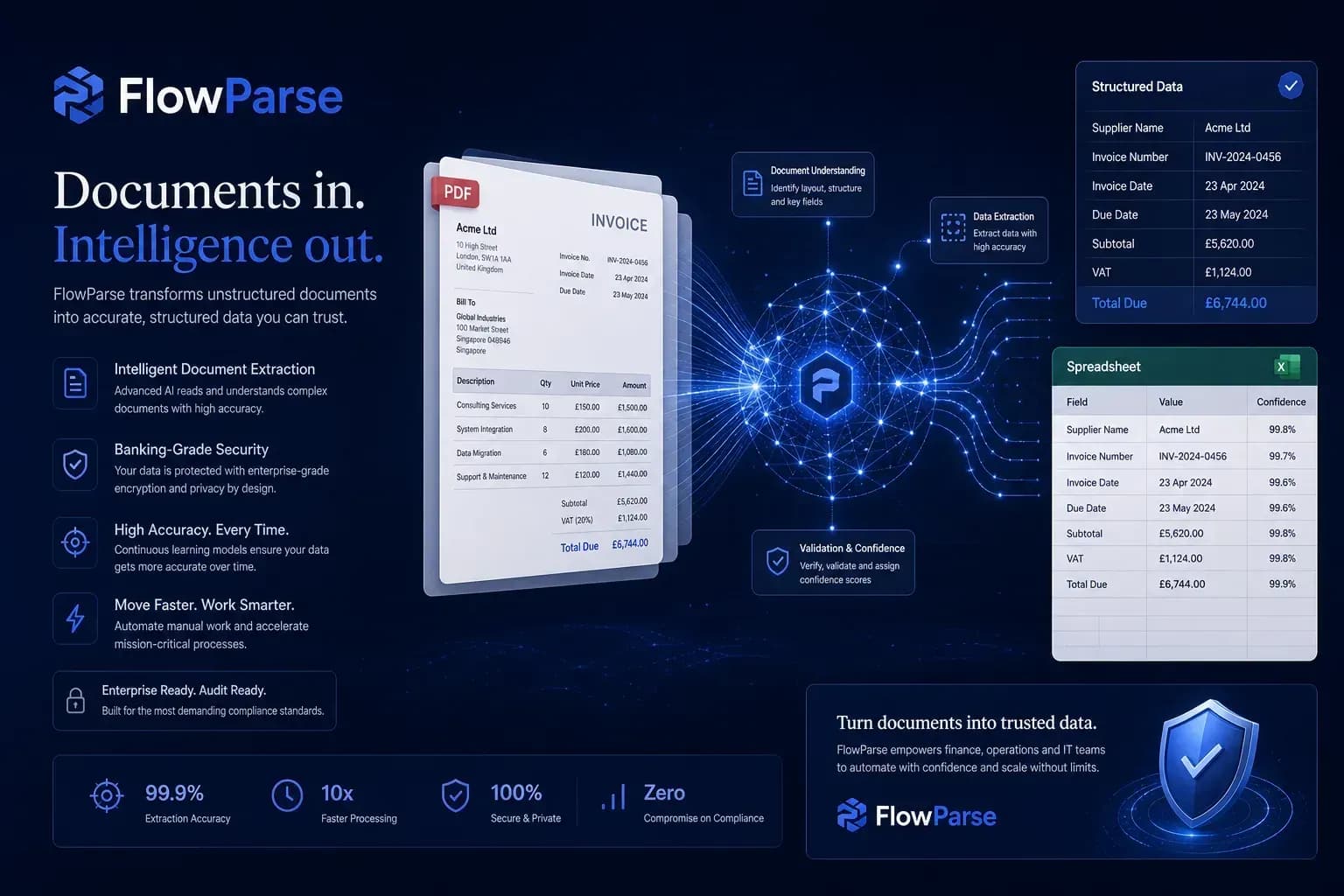
Nanonets is a flexible ML platform often paired with custom models and training. FlowParse works instantly — upload an invoice, extract the data, export to Excel. No datasets, no training, no deployment.
Custom ML models, bespoke document types and training-based workflows.
Instant invoice and bank statement extraction with zero training.
Why Businesses Look for Nanonets Alternatives
No data collection
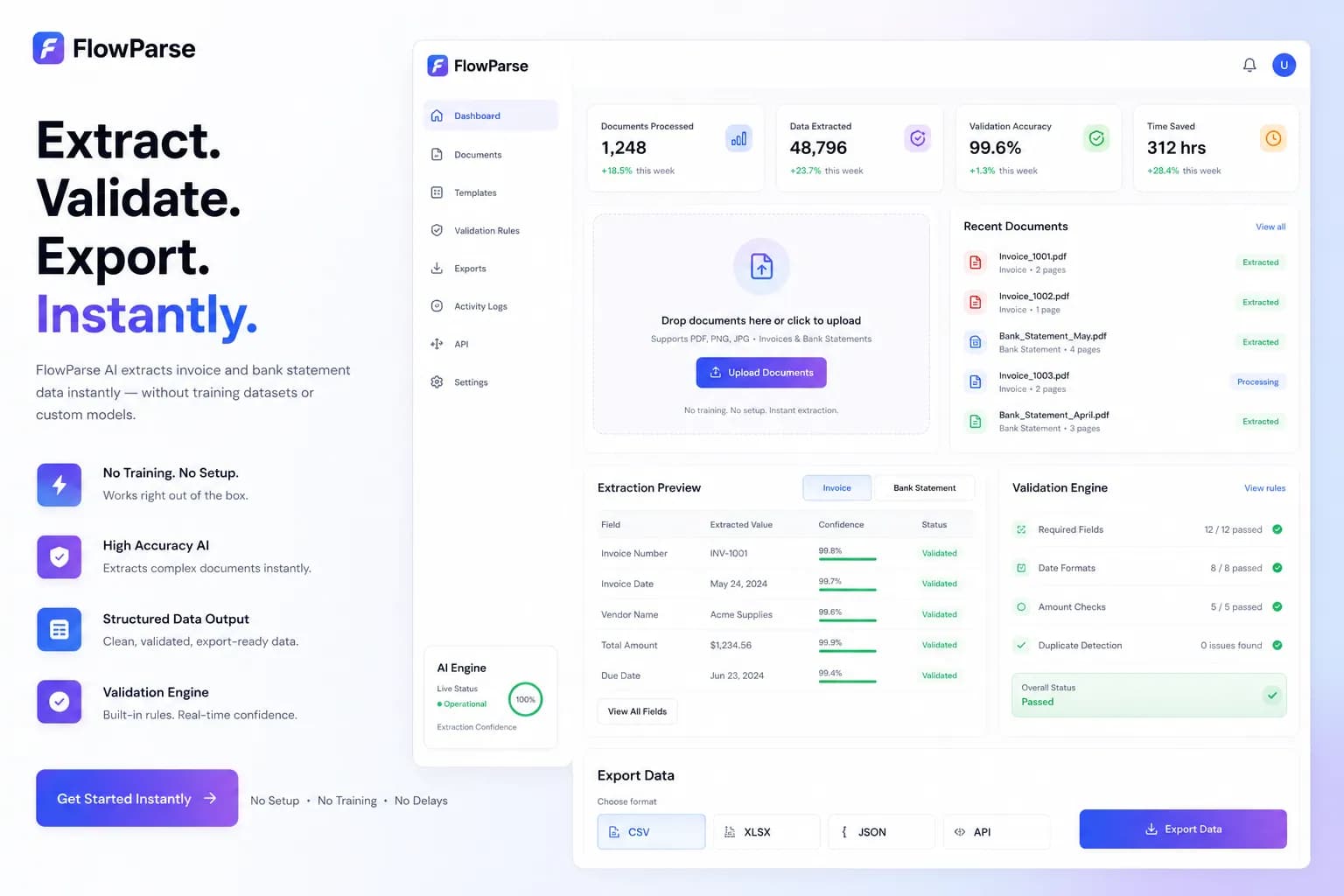
Training-based tools need labelled datasets before they work. FlowParse works on the first upload.
No model training
Skip the collect-train-validate-deploy loop entirely — extraction is ready out of the box.
Faster to value
Setup in minutes instead of days spent preparing and tuning a model.
Invoice & bank ready
Pre-tuned for invoices and bank statements, the documents finance teams actually process.
Built-in validation
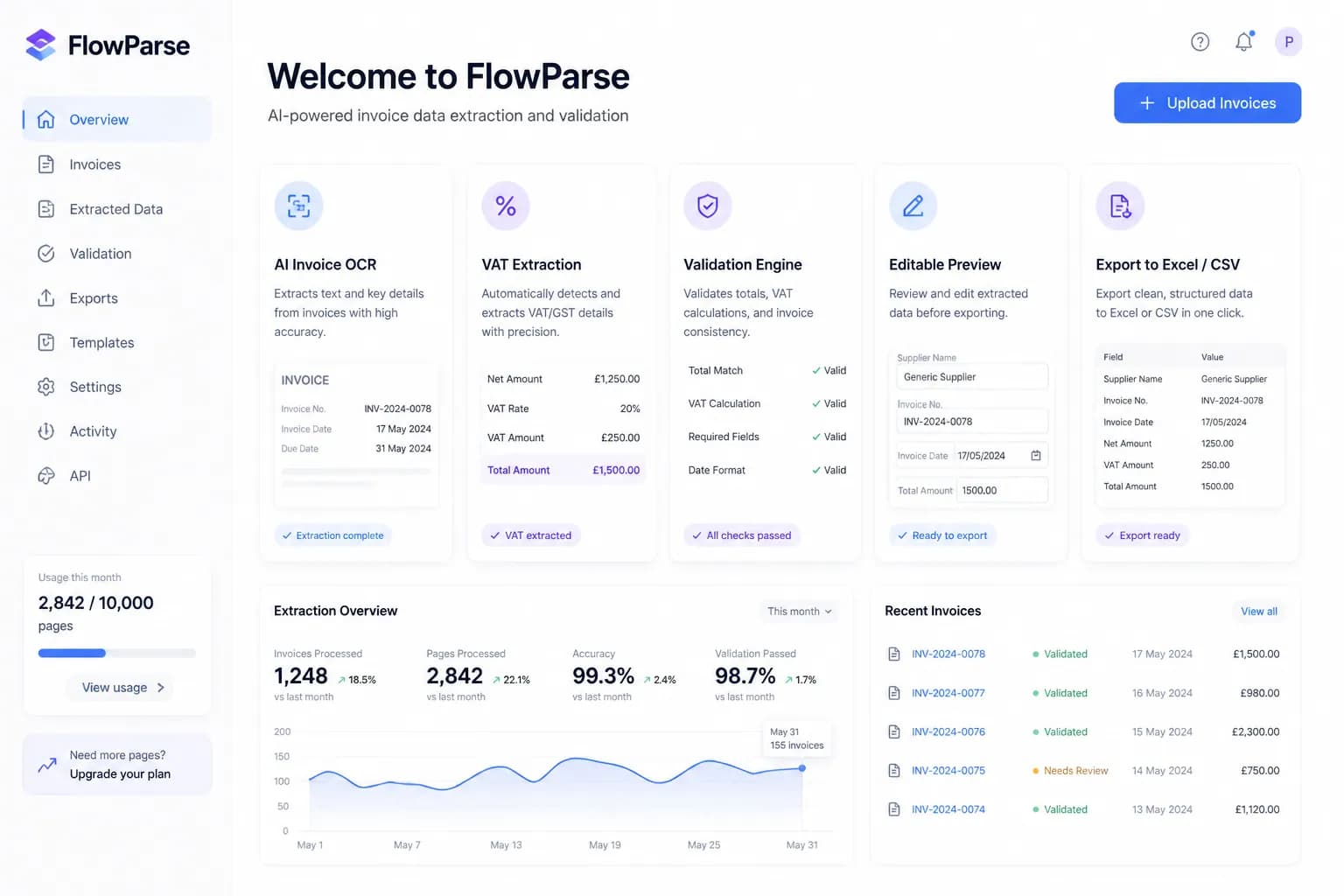
Totals and VAT are checked automatically — no separate model evaluation needed.
Free plan
Try extraction immediately without commitment.
Quick Comparison — Nanonets vs FlowParse
A feature-by-feature look at Nanonets and FlowParse.
| Feature | Nanonets | FlowParse |
|---|---|---|
| Model training | Often | Never |
| Works on first upload | After training | Yes |
| Invoice OCR | Yes | Yes |
| Bank statements | Yes | Yes |
| VAT extraction | Yes | Yes |
| Validation engine | Varies | Yes |
| Excel & CSV export | Yes | Yes |
| Setup time | Days | Minutes |
| Free plan | Limited | Yes |
What Is Nanonets?
Nanonets is a flexible machine-learning platform for document data extraction. It is powerful and general: you can train custom models for many document types, which makes it well suited to bespoke extraction problems.
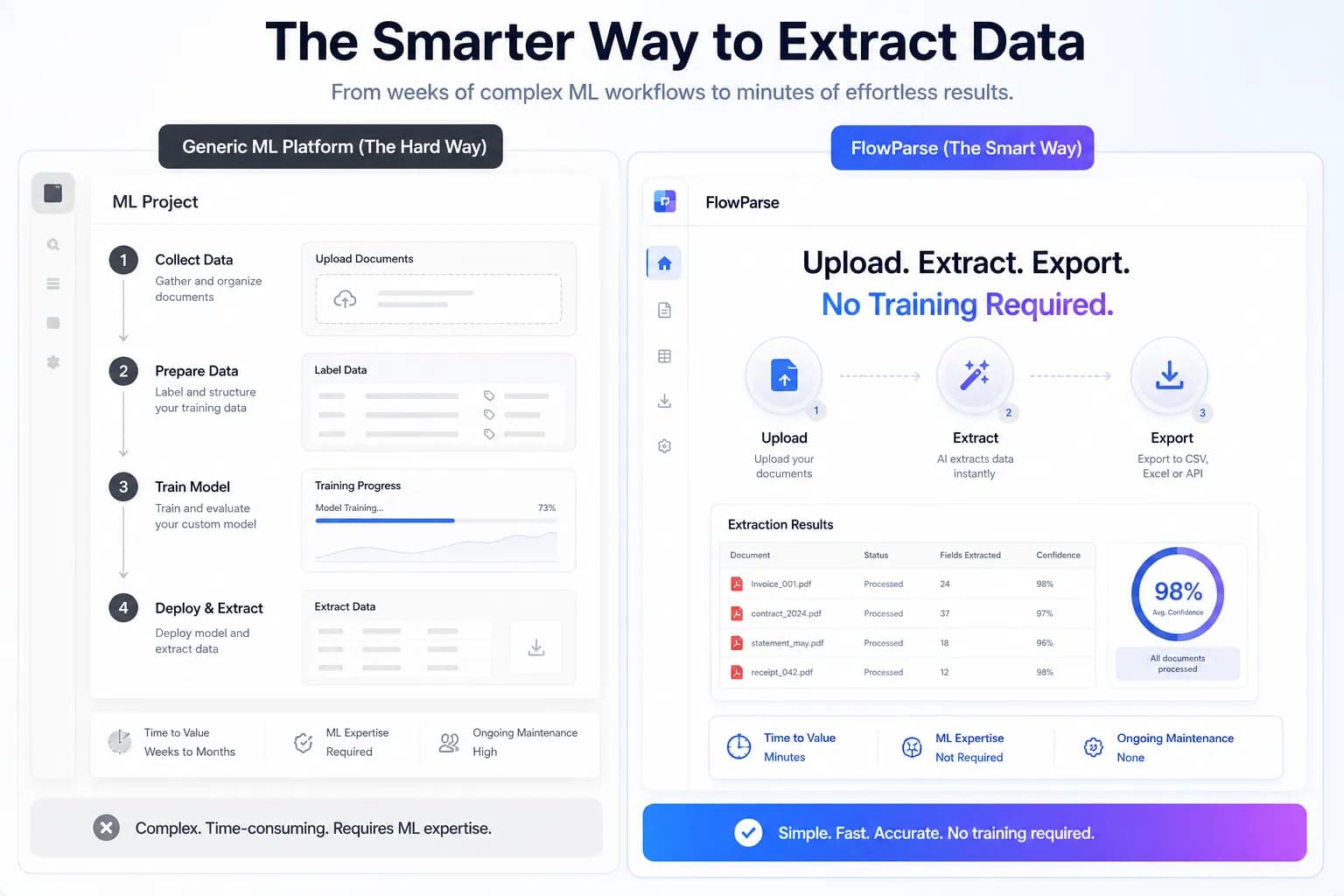
That flexibility comes with a workflow: to get the best results you often collect data, train a model, validate it, and deploy it. For teams with ML resources and unusual document types, that control is valuable.
FlowParse is the opposite trade-off. It is pre-tuned for invoices and bank statements and works on the very first upload — no datasets, no training, no deployment. Upload, extract, export.
Nanonets strengths
- Best for custom ML models
- Flexible across many document types
- Strong control over training
- Good for bespoke extraction
Where teams want something different
- Often needs datasets and training
- Longer time to first result
- ML resources help to get the best results
- More setup than finance teams typically want
Why Teams Switch to FlowParse
No training
Works on the first upload — no datasets to collect or models to tune.
Minutes, not days
Skip the collect-train-validate-deploy loop entirely.
Finance-tuned
Pre-tuned for invoices and bank statements out of the box.
Validation built in
Totals and VAT checked automatically on every document.
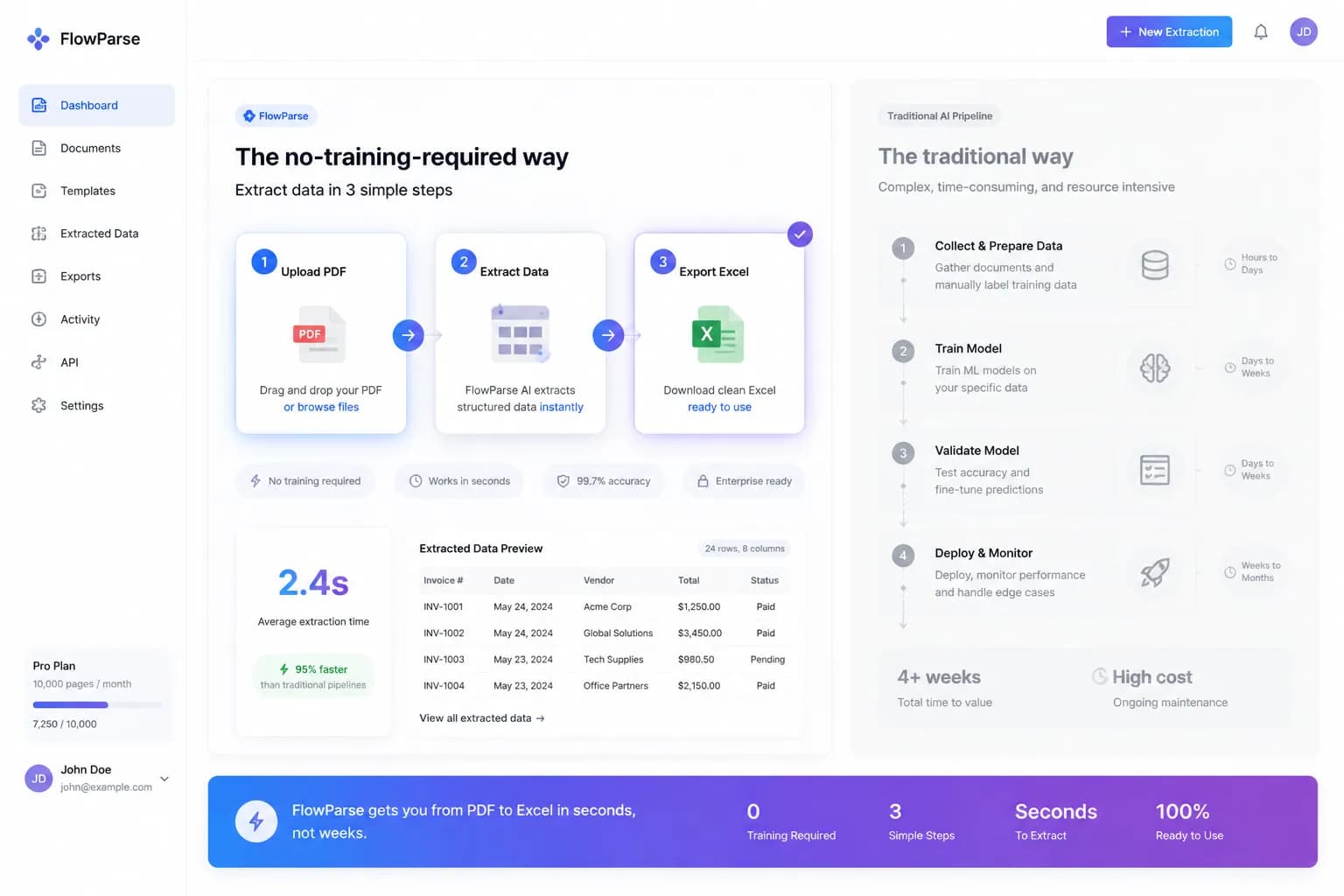
No training required
Skip the model lifecycle entirely. FlowParse extracts on the first upload.
Training-based workflow
- Collect labelled data
- Train the model
- Validate the model
- Deploy the model
FlowParse
- Upload PDF
- Extract data
- Export Excel
Pricing Comparison
How the cost and commitment models compare.
| Feature | Nanonets | FlowParse |
|---|---|---|
| Free plan | Limited | Yes |
| Pricing model | Usage / plans | Transparent self-serve |
| Training effort | Often required | None |
| ML resources needed | Helpful | None |
| Time to first result | Days | Minutes |
Accuracy Comparison
Both platforms use modern AI OCR — here is how extraction quality is assured.
| Feature | Nanonets | FlowParse |
|---|---|---|
| AI OCR accuracy | High (after training) | High |
| Accurate without training | No | Yes |
| Validation engine | Varies | Yes |
| Human review before export | Varies | Yes |
| Per-field confidence scores | Yes | Yes |
Who should choose Nanonets?
- Teams with ML resources
- Bespoke or unusual document types
- Workflows needing custom-trained models
- Developers building tailored pipelines
Who should choose FlowParse?
- Finance teams wanting instant results
- Accountants and bookkeepers
- Anyone processing invoices and bank statements
- Teams without ML resources
- Users who want a free plan and no training
Migrating from Nanonets to FlowParse
Switching takes minutes — there are no templates to rebuild or models to retrain.
Export your documents
Export invoices and statements from Nanonets or your source.
Upload to FlowParse
Drag and drop PDFs, scans, or images — no setup.
Review extracted data
Check fields in the editable preview before export.
Export Excel or CSV
Download structured data for your accounting system.
Automate workflows
Use the API and integrations for future documents.