

Every business runs on documents — invoices from suppliers, receipts that accumulate daily, monthly bank statements and ever-growing financial reports. Most companies store these files in Dropbox because it's simple and reliable. But storing documents is only the first step; the real challenge begins when finance teams need to extract information from PDFs and turn it into structured business data. For decades that work was manual. Today, Dropbox invoice automation powered by AI eliminates most of it.
The Hidden Cost of Manual PDF Processing
Most organizations underestimate how much time is spent handling PDFs. A typical invoice workflow looks simple: a supplier sends an invoice, it's uploaded to Dropbox, an employee downloads it, copies the data by hand, updates a spreadsheet, updates the accounting software, and archives the file. Multiply that across hundreds or thousands of documents a month and the cost becomes substantial — not just in hours but in errors.
Many finance teams spend dozens of hours every month simply moving information between systems. Automation removes that burden.
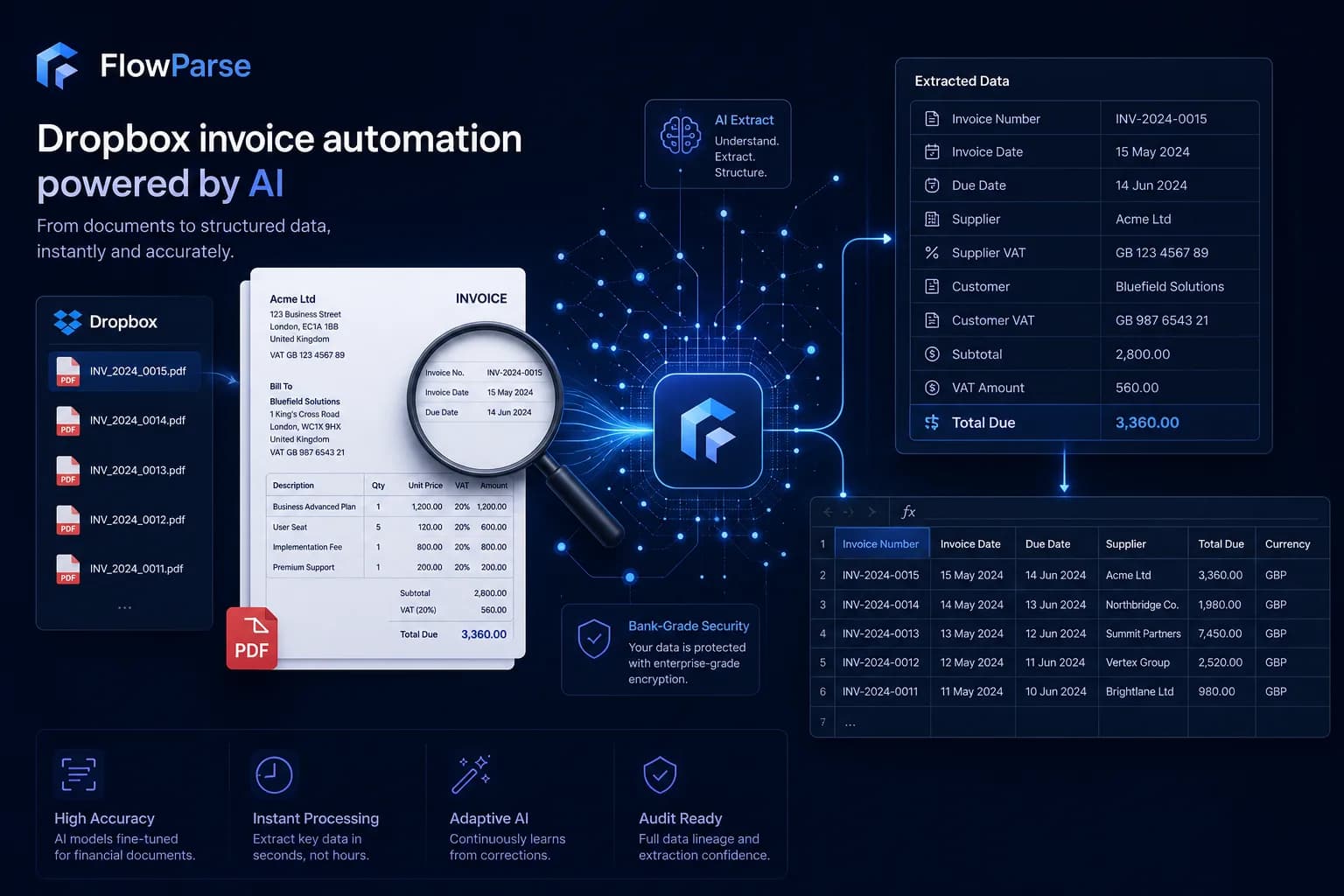
Manual Processing vs AI Automation: A Direct Comparison
Comparing the two approaches side by side makes the case obvious. Manual processing is linear, error-prone and impossible to scale; AI automation is near-instant, consistent and scales to any volume — straight from the Dropbox folders you already use.
| Dimension | Manual processing | Dropbox + AI |
|---|---|---|
| Time per invoice | 2–5 minutes | Seconds of review |
| Scales with volume | Linear (more docs = more hours) | Near-flat — 10 or 10,000 |
| Accuracy | Error-prone typing | AI-extracted + validated |
| Scanned documents | Manual re-typing | OCR automatic |
| Duplicate detection | Easy to miss | Flagged in review |
| Cost at scale | Grows with headcount | Flat subscription |
| Reporting speed | Delayed | Immediate, structured data |
Why Dropbox Became a Business Standard
Dropbox is one of the most widely adopted cloud storage platforms in the world, used for invoice storage, supplier documentation, contract management, receipt archiving, bank statement storage and accounting collaboration. It's popular because it's simple, reliable, easy to share, easy to organise and accessible anywhere. The catch: Dropbox stores files — it doesn't understand them. A PDF invoice stays a PDF invoice; a bank statement stays a bank statement. Automation fills that gap.
What Is Dropbox Invoice Automation?
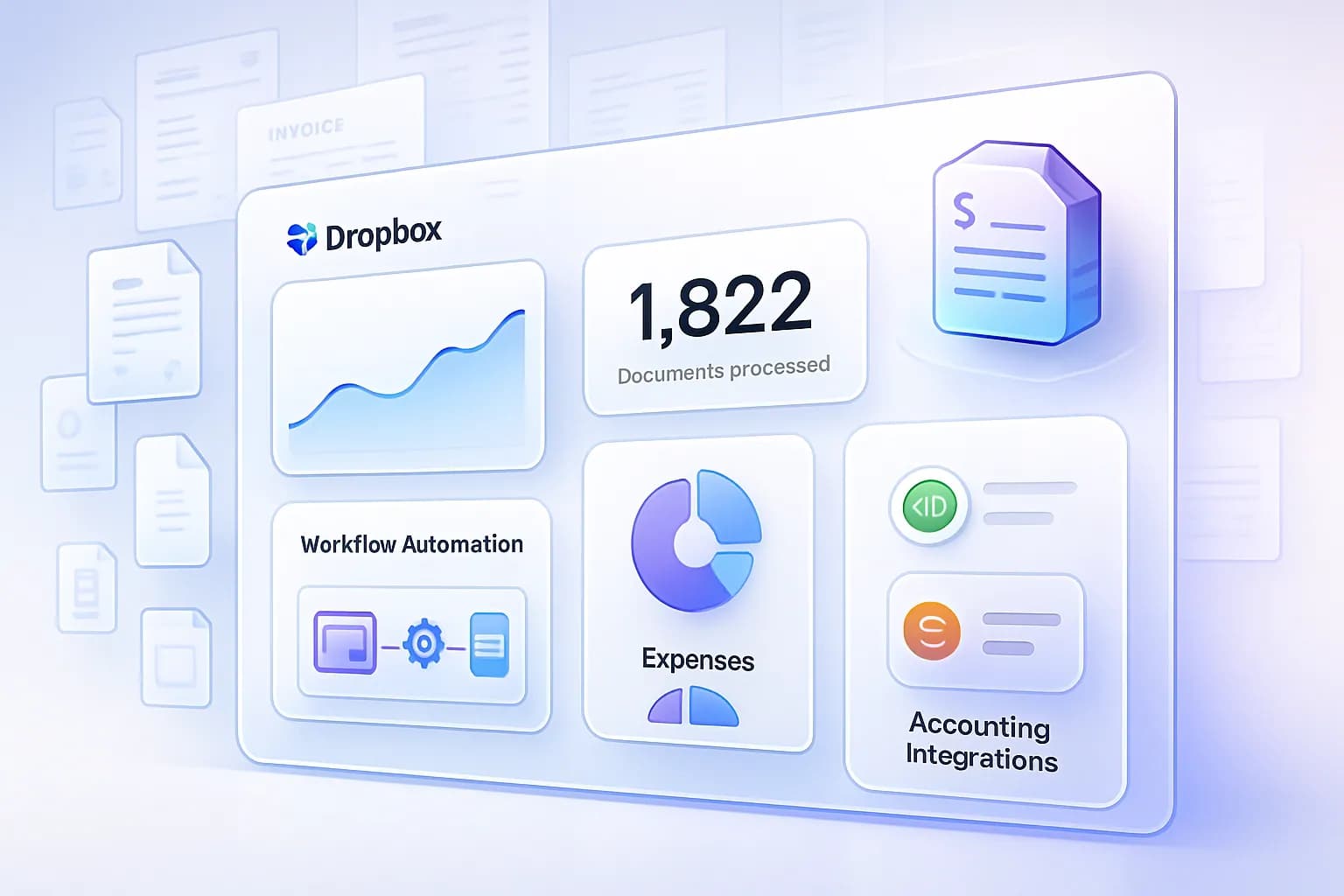
Dropbox invoice automation is the process of automatically extracting information from invoices stored in Dropbox. Instead of manually reading PDFs, AI identifies invoice numbers, supplier details, invoice dates, taxes, line items and totals, and converts them into structured data — ready to export to Excel, CSV, accounting systems, ERP platforms and reporting tools. The result is a faster, more reliable workflow that scales with your document volume. It's the same engine behind our invoice parser, pointed directly at your Dropbox.
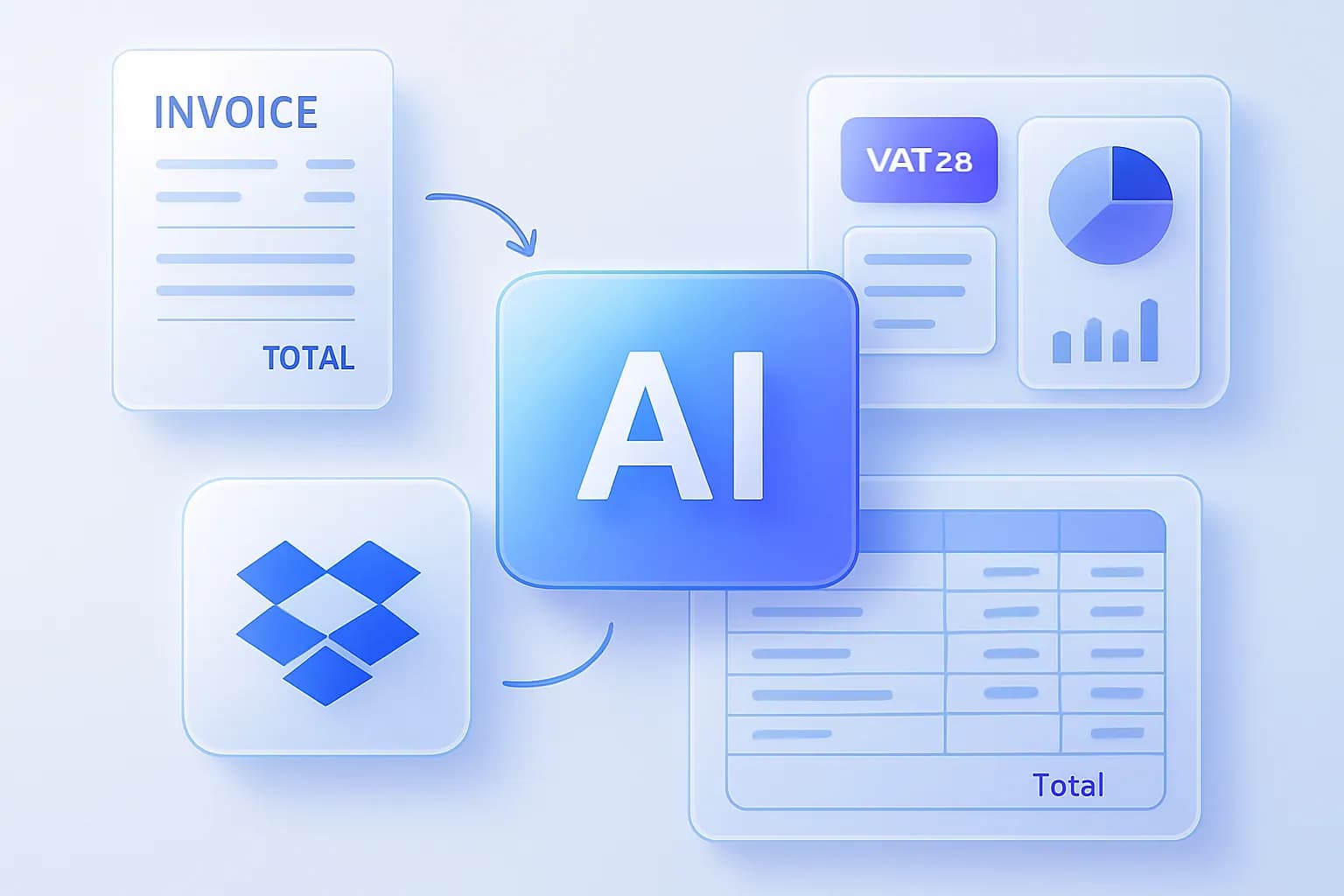
How AI Processes Documents Inside Dropbox
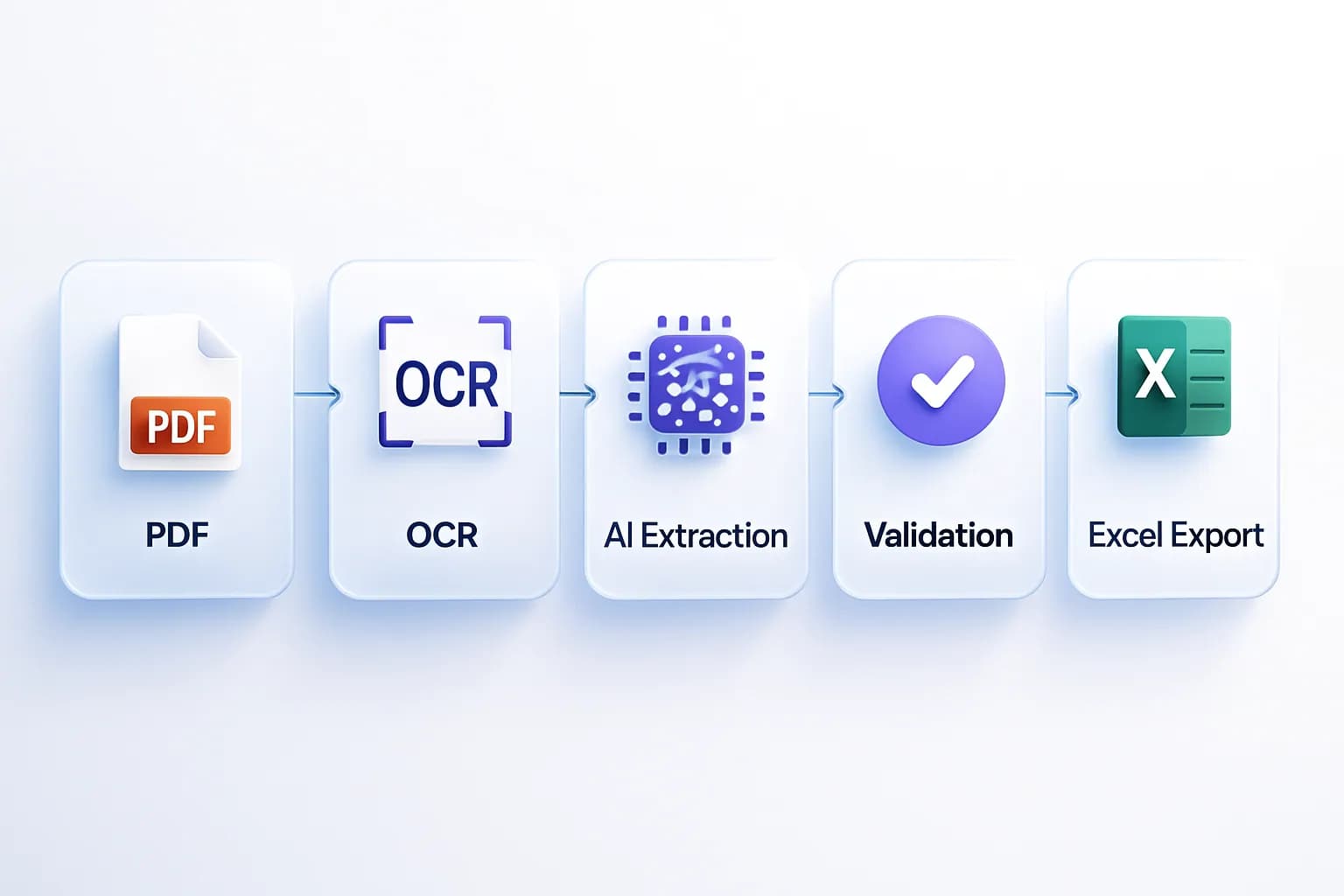
Modern document automation follows a clear pipeline, running automatically in the background:
Dropbox folder
Detection
OCR
AI extraction
Validation
Excel export
Every stage contributes to accuracy and efficiency — OCR makes scans readable, AI understands structure, and validation catches inconsistencies before export.
Dropbox PDF to Excel Automation
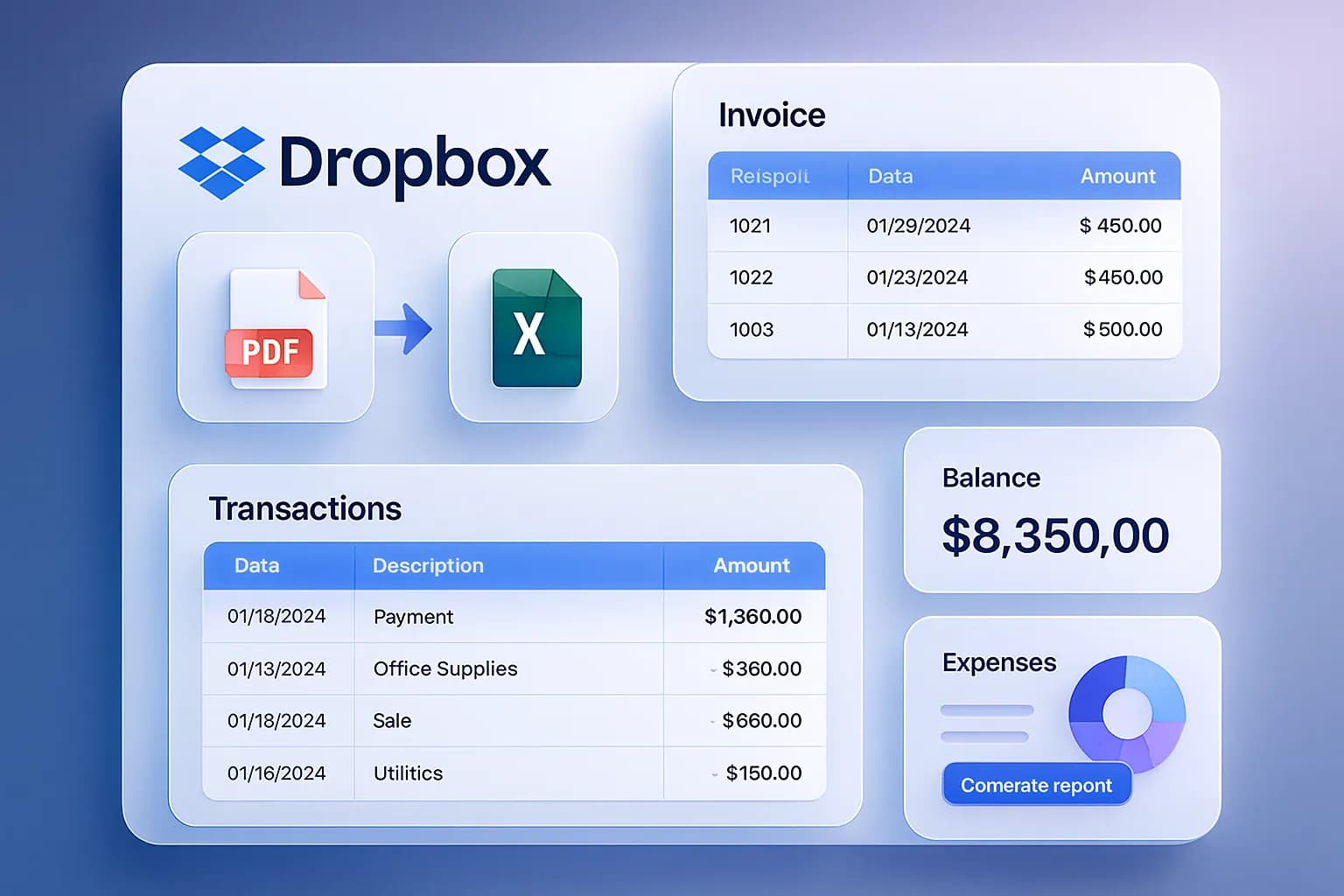
One of the most common business requirements is converting PDFs into Excel. Finance teams receive invoices, transaction reports, statements and financial summaries as PDFs — a format where the data is locked inside the layout. Excel turns those static documents into actionable information you can filter, sort, report on, audit and forecast from. AI makes the PDF-to-Excel conversion automatic, the moment a file lands in Dropbox.
OCR: The Technology Behind Scanned Document Automation
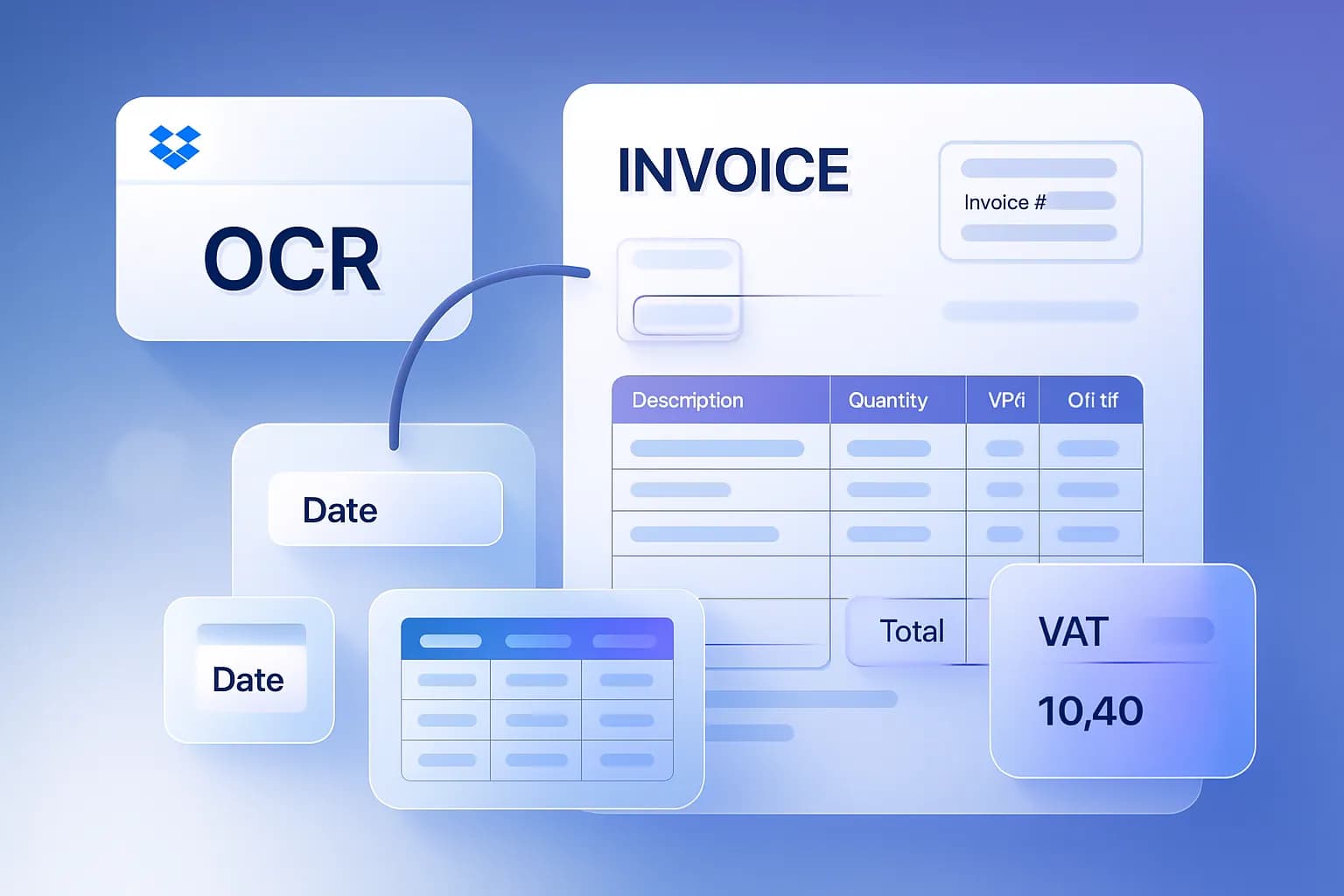
Not all PDFs contain selectable text. Many business documents are scanned invoices, photographed receipts, image-based PDFs or paper archives, and traditional software struggles with them. OCR converts images into machine-readable text, and modern AI-powered OCR identifies tables, invoice fields, tax values, supplier details and transaction records — enabling automation even when documents originate on paper.
OCR vs AI Extraction: Why You Need Both
OCR and AI extraction solve different problems. OCR turns an image into text — "what characters are on this page?" AI extraction turns text into structured meaning — "which number is the VAT, and which line items belong to this invoice?" OCR alone leaves you a wall of unstructured text. FlowParse chains them: OCR first, then AI extraction and validation, so a photographed receipt from Dropbox comes out as clean spreadsheet rows.
| Capability | OCR only | AI extraction (with OCR) |
|---|---|---|
| Reads scanned images | Yes | Yes |
| Identifies semantic fields | No | Yes — supplier, VAT, totals |
| Maps table columns to rows | No | Yes |
| Validates totals/maths | No | Yes |
| Output | Raw text | Structured Excel / CSV |
Automating Bank Statement Processing
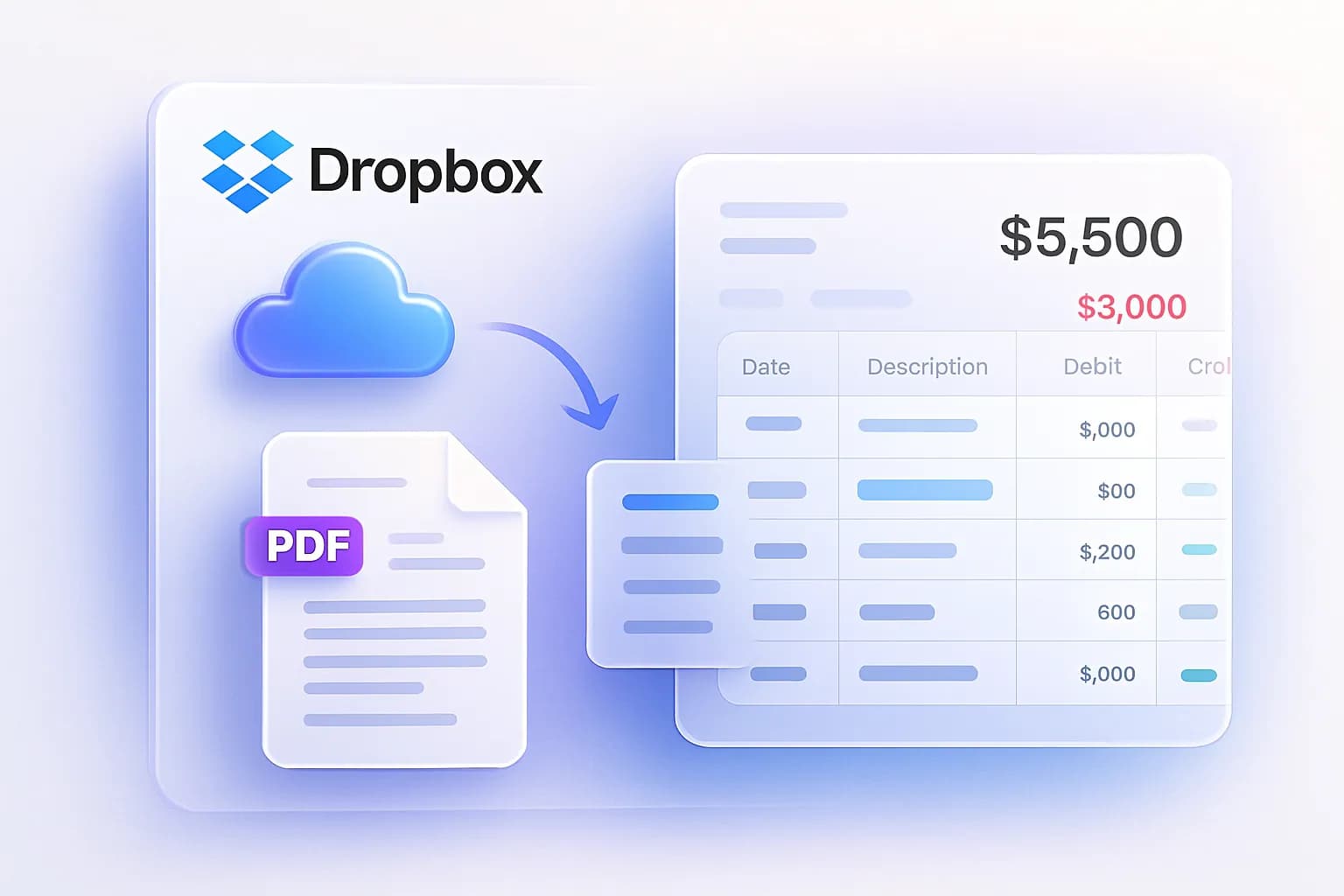
Invoices are only part of the picture. Many businesses store statements in Dropbox, and AI automatically extracts transaction dates, descriptions, balances, debit and credit values and merchant information, exporting everything into spreadsheets. This dramatically simplifies reconciliation, bookkeeping, audits and reporting — see bank statement to Excel.
Real-World Dropbox Automation Workflows
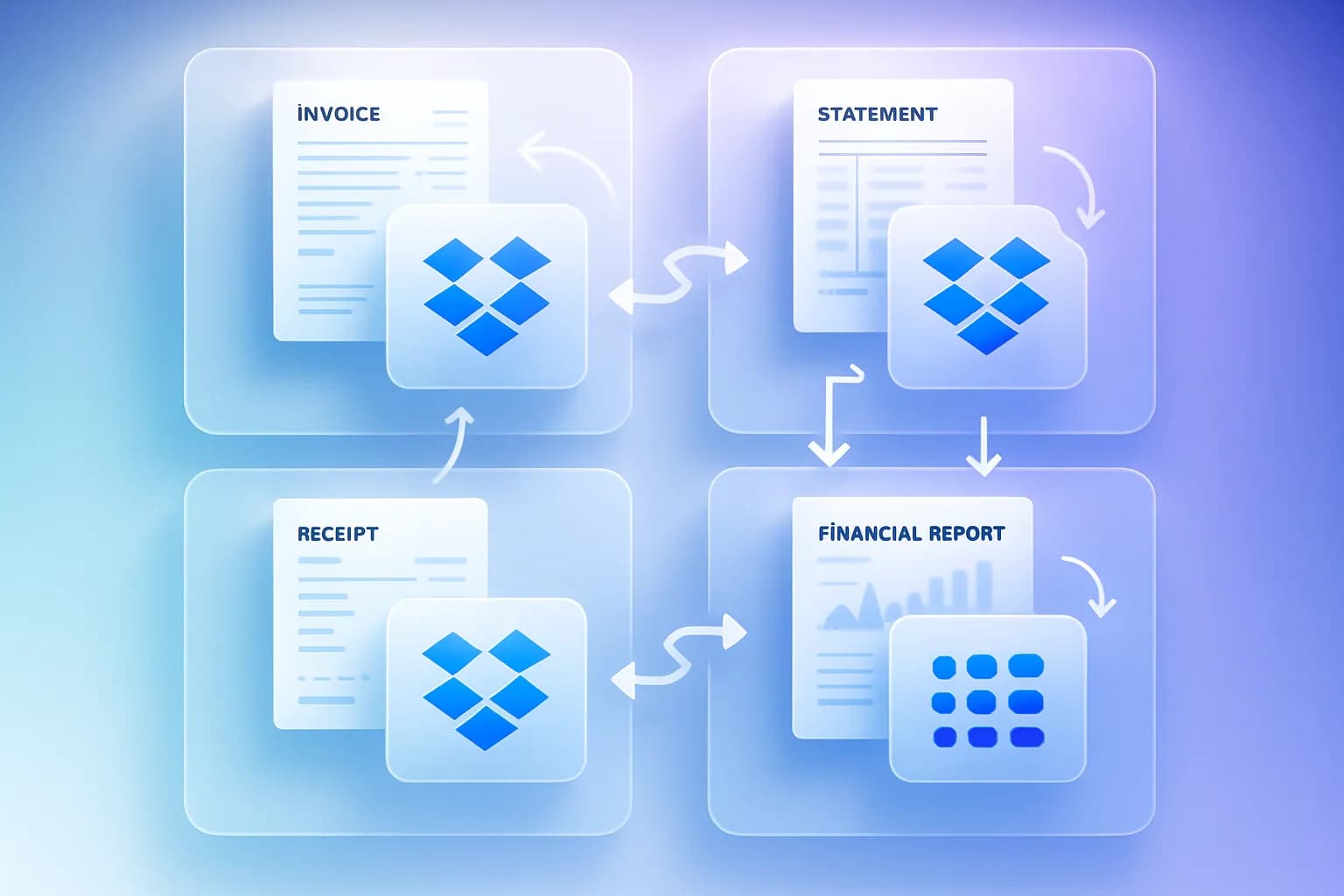
These workflows can save dozens of hours every month — and they get more valuable as volume grows.
Benefits of Dropbox Accounting Automation
Increased efficiency
Documents are processed automatically, often the moment they arrive.
Better accuracy
AI removes manual typing mistakes and validates results.
Lower costs
Less time spent on repetitive work means lower operating cost.
Faster reporting
Structured data becomes available immediately for dashboards.
OCR coverage
Scanned and photographed documents are handled, not skipped.
Scalability
Process thousands of documents monthly without extra headcount.
Real-World Examples
Concrete scenarios show how Dropbox automation plays out for different teams.
A boutique firm keeps each client's invoices in a dedicated Dropbox folder. Juniors used to download and key in every document. Importing straight from each client folder and exporting structured Excel cut monthly data entry from days to hours, freeing capacity to take on more clients.
An online seller funnels supplier invoices and payout reports into Dropbox. Manual reconciliation delayed month-end by a week; with AI extraction, line items and totals land in Excel automatically, turning a month-end sprint into a continuous, low-effort process.
An agency stores client receipts and vendor invoices across many Dropbox folders. Photographed receipts that text-only tools ignored are now read via OCR, producing a clean, categorised dataset for accurate client billing and fewer disputes.
Common Mistakes When Automating Document Workflows
Automation pays off fastest when you avoid a few predictable pitfalls:
Treating OCR as enough
Raw OCR text still needs structuring. Use a tool that combines OCR with AI extraction and validation, not OCR alone.
Skipping the review step
Automation should propose, humans should approve high-stakes values. Keep a quick review on totals and tax until you trust accuracy.
Disorganised Dropbox folders
Automation is only as tidy as your storage. Keep clear folders (per client, per month, per vendor) so the right documents flow into the right exports.
Ignoring scanned documents
If half your invoices are scans and your tool can't OCR them, you've only half-automated. Confirm scanned-document support up front.
No export-to-accounting plan
Decide early whether you need Excel for review or CSV for QuickBooks/Xero import, so the output fits your books.
Security and Compliance
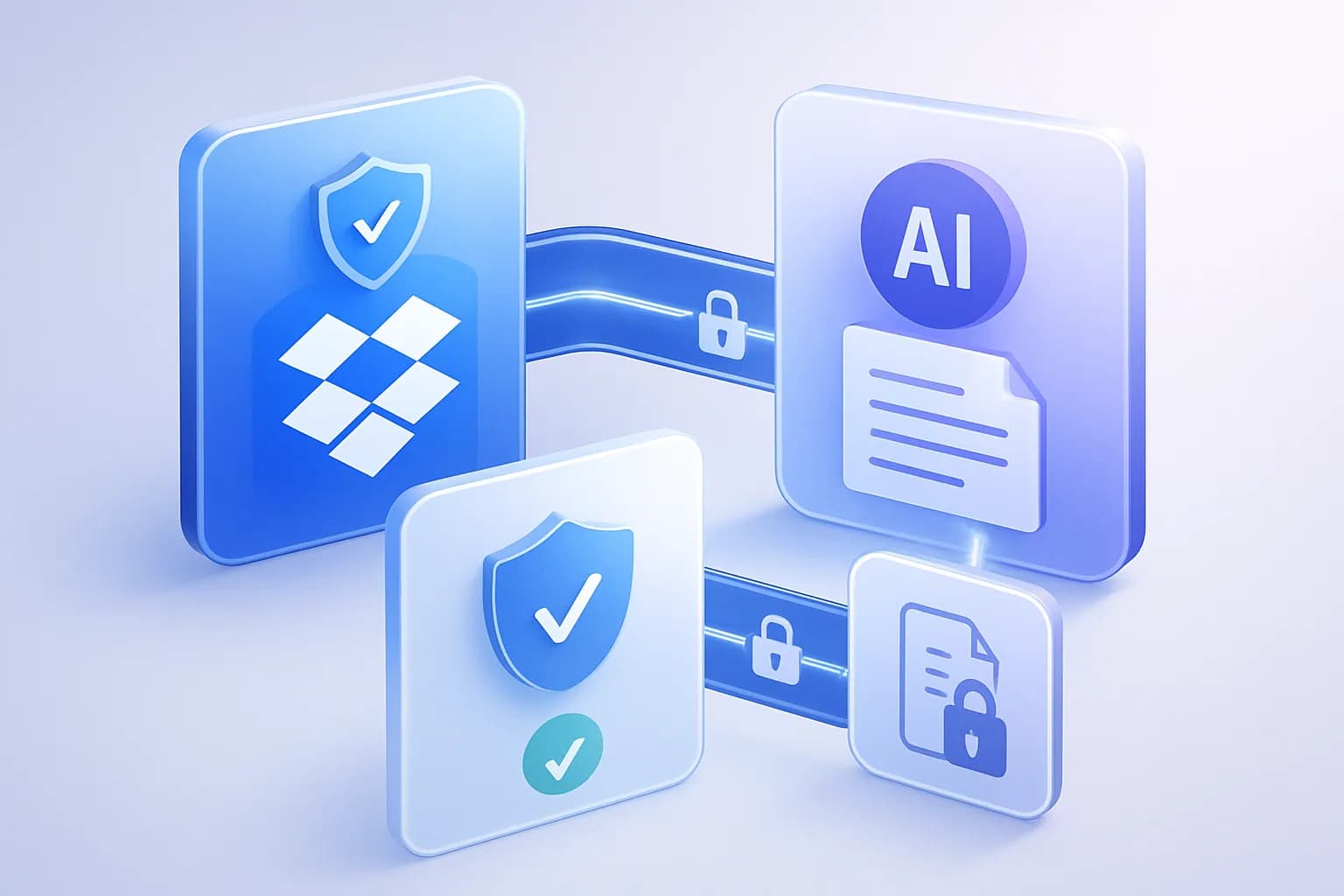
Financial documents contain sensitive information, so security has to be a priority. Modern automation platforms use OAuth authentication, encrypted transfers, access controls, secure storage and audit trails — allowing organisations to automate workflows without sacrificing security. With FlowParse, Dropbox access is granted only through your authorization, and you can disconnect any time.
The Future of Dropbox Document Automation
The future is intelligent document processing: systems that understand documents, extract data automatically, classify files, validate information and generate reports. Manual PDF processing is gradually disappearing, and companies that adopt automation gain lower operating costs, faster reporting, better financial visibility and improved scalability. The next generation of accounting workflows will be driven by AI — and it starts with connecting the storage you already use.
Dropbox has already become the document storage platform of choice for millions of businesses. The next evolution is automation: combine Dropbox with AI document processing to eliminate manual data entry, accelerate accounting workflows and unlock structured financial data directly from PDFs.
