A Parseur Alternative
AI Extraction Without Templates
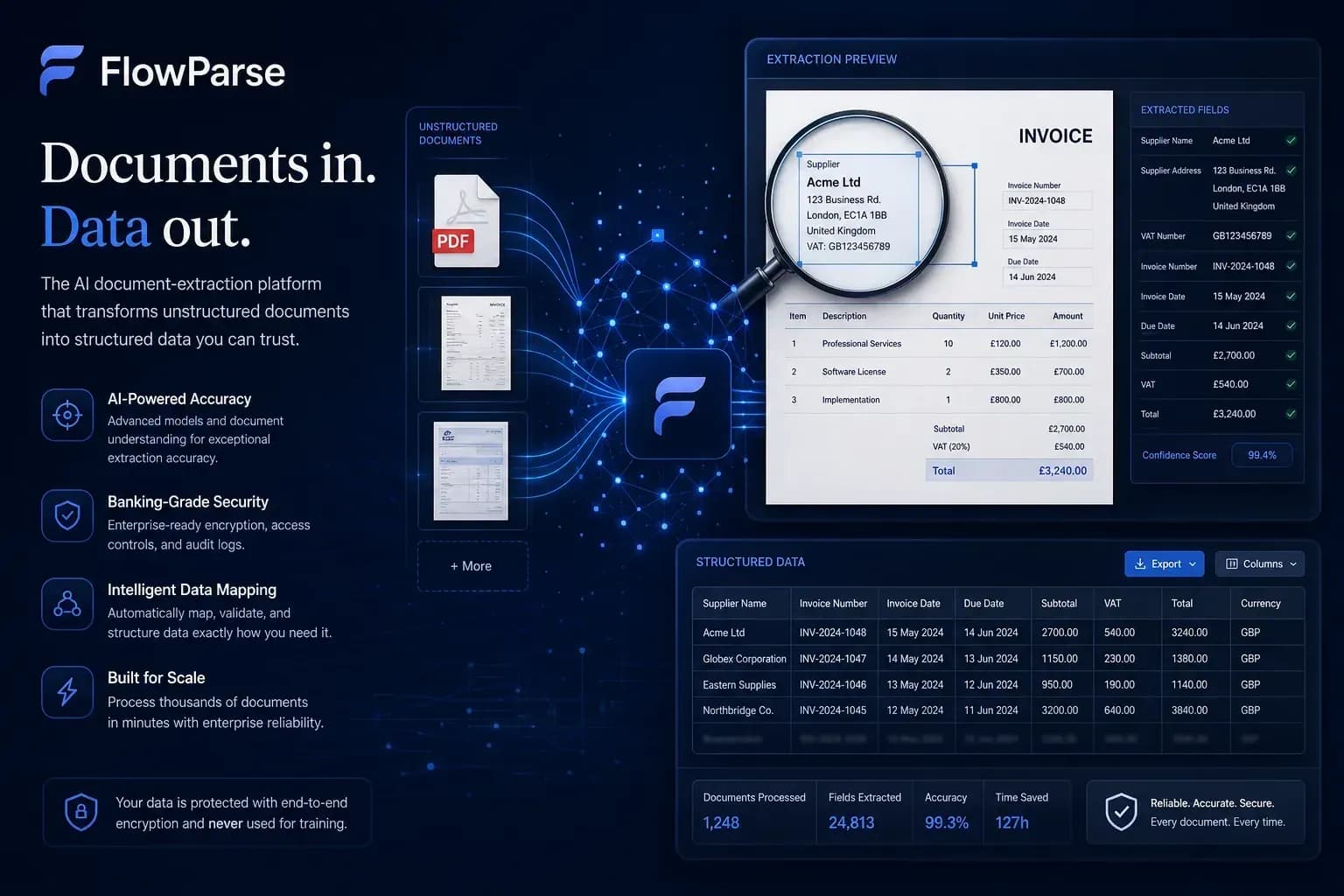
Parseur is best for template-based parsing of consistent document formats. FlowParse uses AI-first extraction that handles any invoice layout automatically — no templates, no rules to maintain.
Template-based parsing of consistent, repetitive document formats.
Variable, multi-supplier invoices where layouts change constantly.
Why Businesses Look for Parseur Alternatives
Templates break on new layouts
Rule-based parsing needs a template per format and breaks when a supplier changes their invoice.
Multi-supplier reality
Most finance teams receive invoices in dozens of layouts that never stay consistent.
Scanned PDFs
Image-based and scanned invoices need OCR plus understanding, not just text rules.
Built-in validation
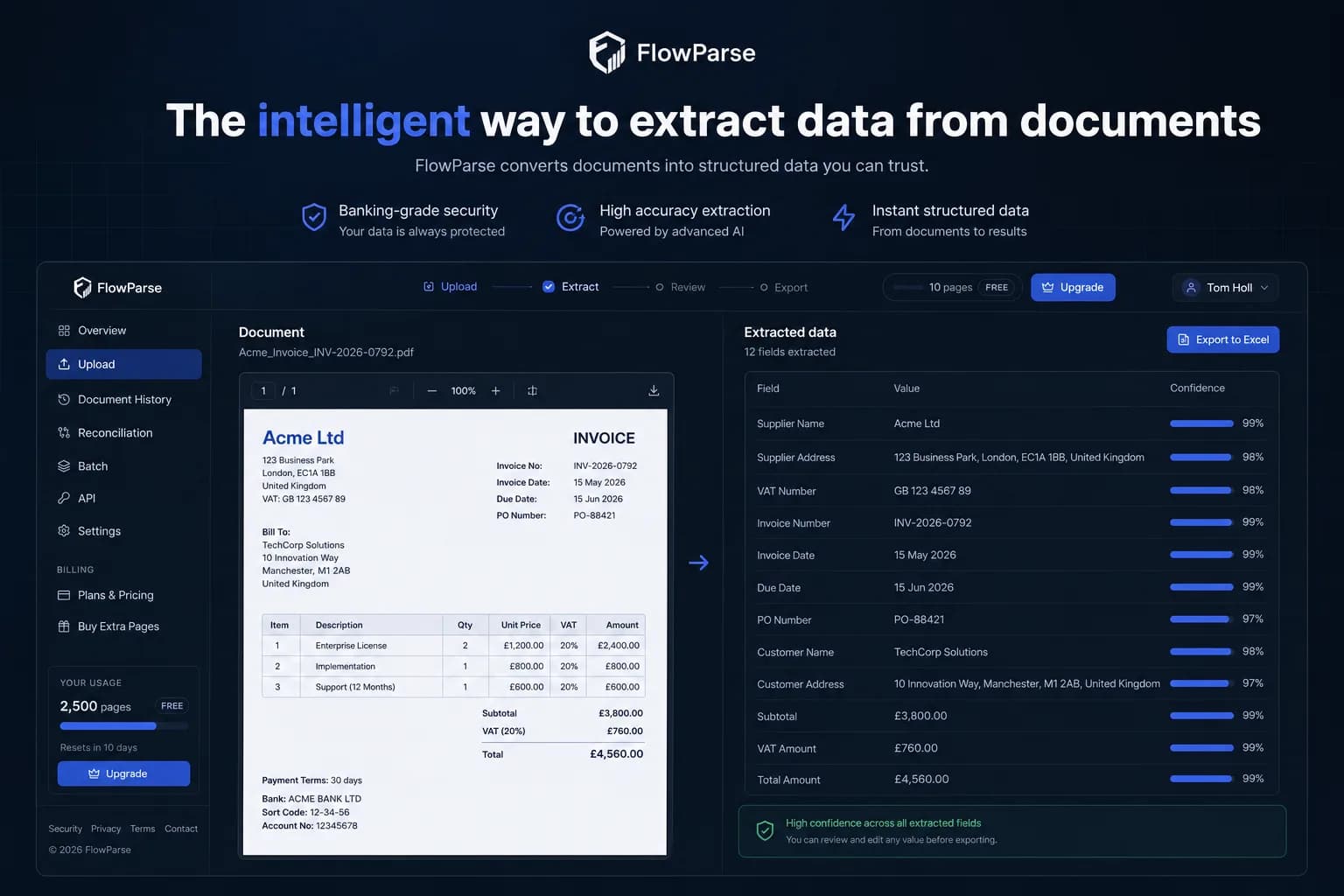
Teams want totals and VAT checked automatically, not just fields matched.
Editable preview
A human review step before export catches anything that needs a correction.
Less maintenance
AI-first extraction removes the ongoing work of building and fixing templates.
Quick Comparison — Parseur vs FlowParse
A feature-by-feature look at Parseur and FlowParse.
| Feature | Parseur | FlowParse |
|---|---|---|
| Template-free | Partial | Yes |
| Invoice OCR | Yes | Yes |
| Bank statements | Limited | Yes |
| VAT extraction | Limited | Yes |
| Validation engine | No | Yes |
| Editable preview | No | Yes |
| Multi-page support | Basic | Advanced |
| Excel & CSV export | Yes | Yes |
| Free plan | Limited | Yes |
What Is Parseur?
Parseur is a document parsing tool best known for template-based extraction. You define a template for a given document format, and Parseur extracts the matching fields from documents that follow that layout.
This works well when documents are highly consistent — the same sender, the same format, every time. For predictable, repetitive formats, template parsing is fast and reliable.
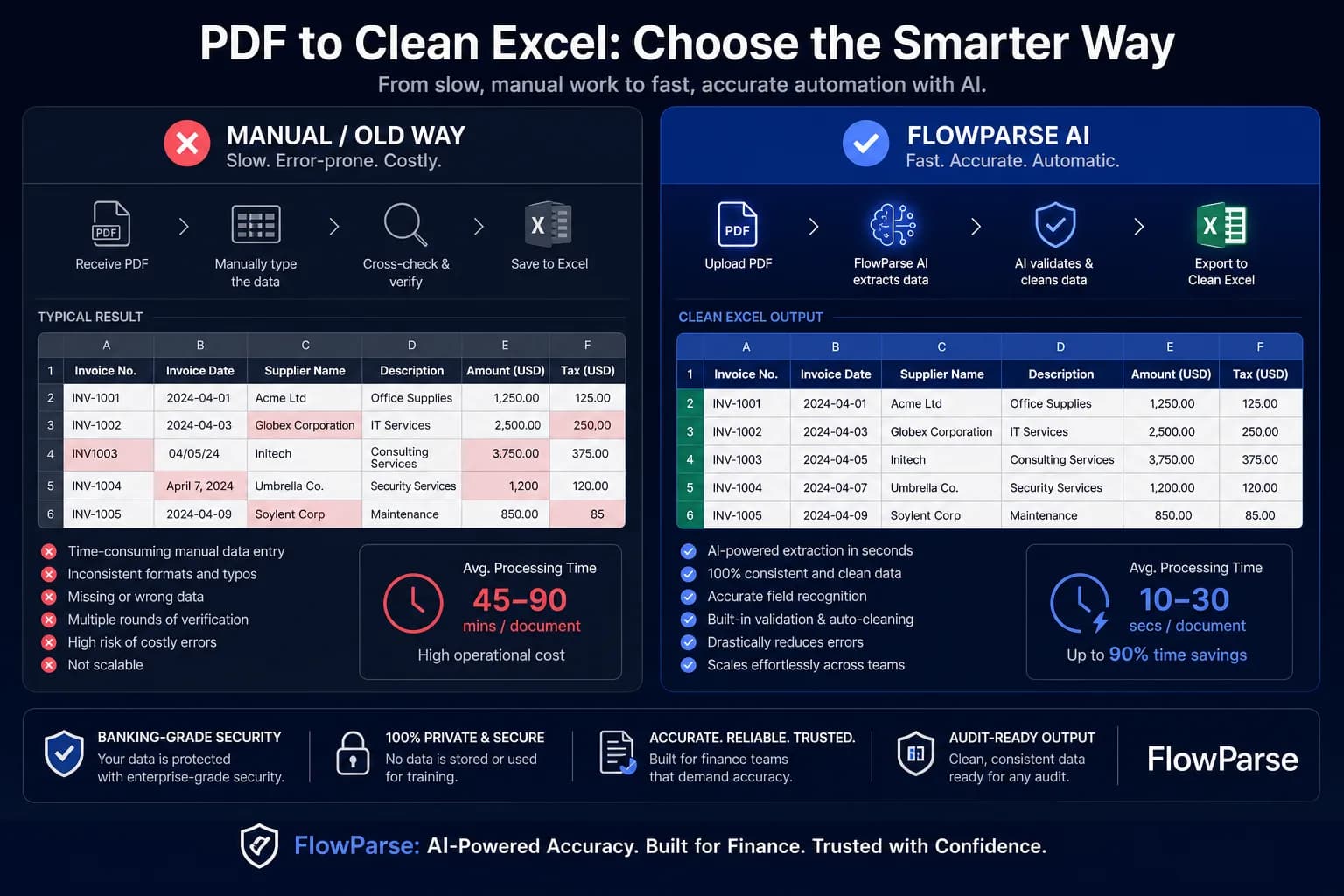
FlowParse is built for the opposite reality: invoices that arrive in many different layouts from many suppliers. AI-first extraction understands the document rather than matching a template, so it adapts to new layouts automatically.
Parseur strengths
- Best for template-based extraction
- Reliable on consistent, repetitive formats
- Good for predictable email-to-data flows
- Mature parsing tooling
Where teams want something different
- Templates must be built and maintained
- New or changed layouts can break parsing
- Limited validation of extracted values
- Less suited to scanned, variable invoices
Why Teams Switch to FlowParse
No templates
AI handles any invoice layout without per-format rules to build.
Validation engine
Totals, VAT and line items are checked for consistency automatically.
Editable preview
Review and correct any field before exporting.
Scanned support
OCR plus AI reliably extracts data from scanned and image-based invoices.
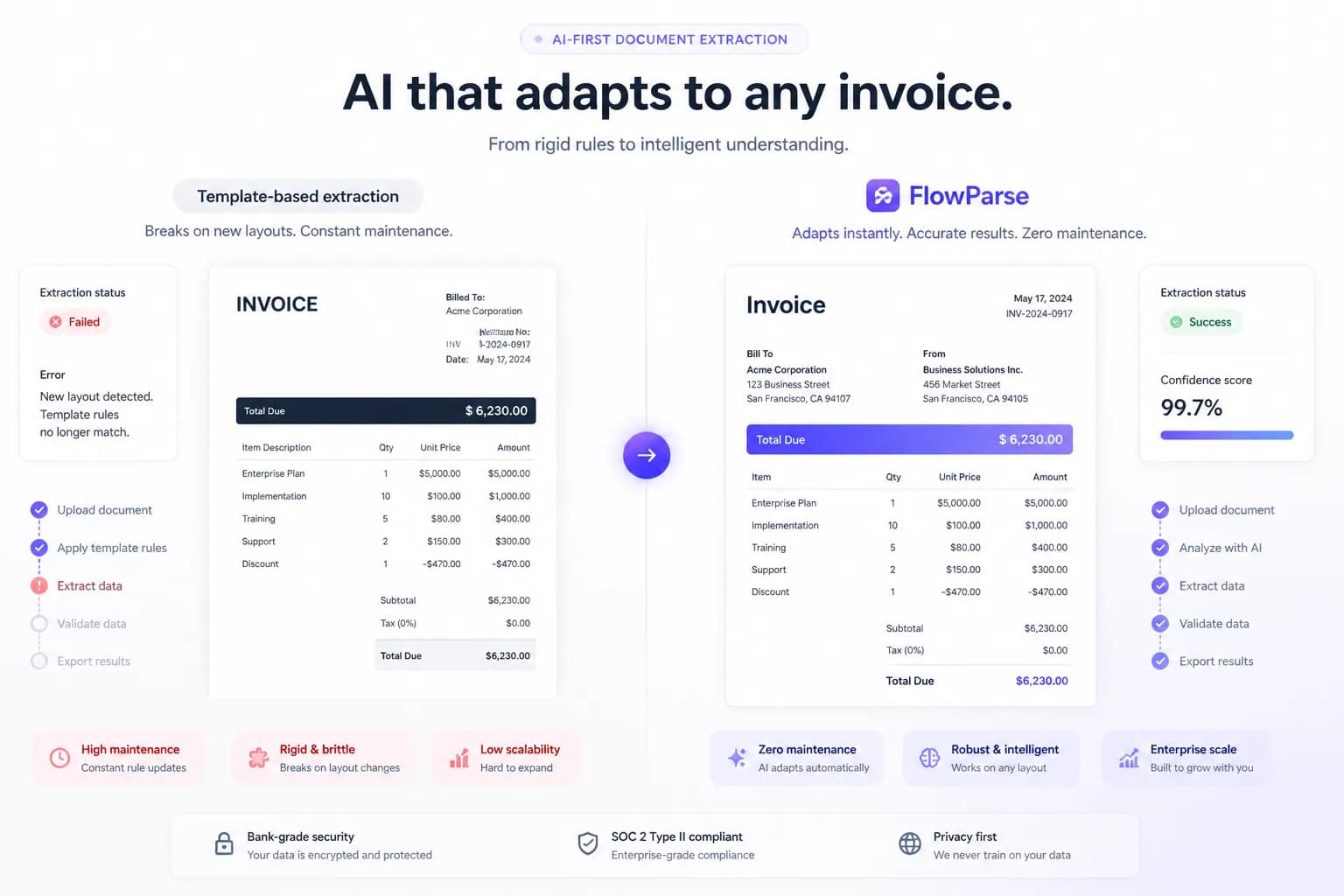
AI-first vs template-based extraction
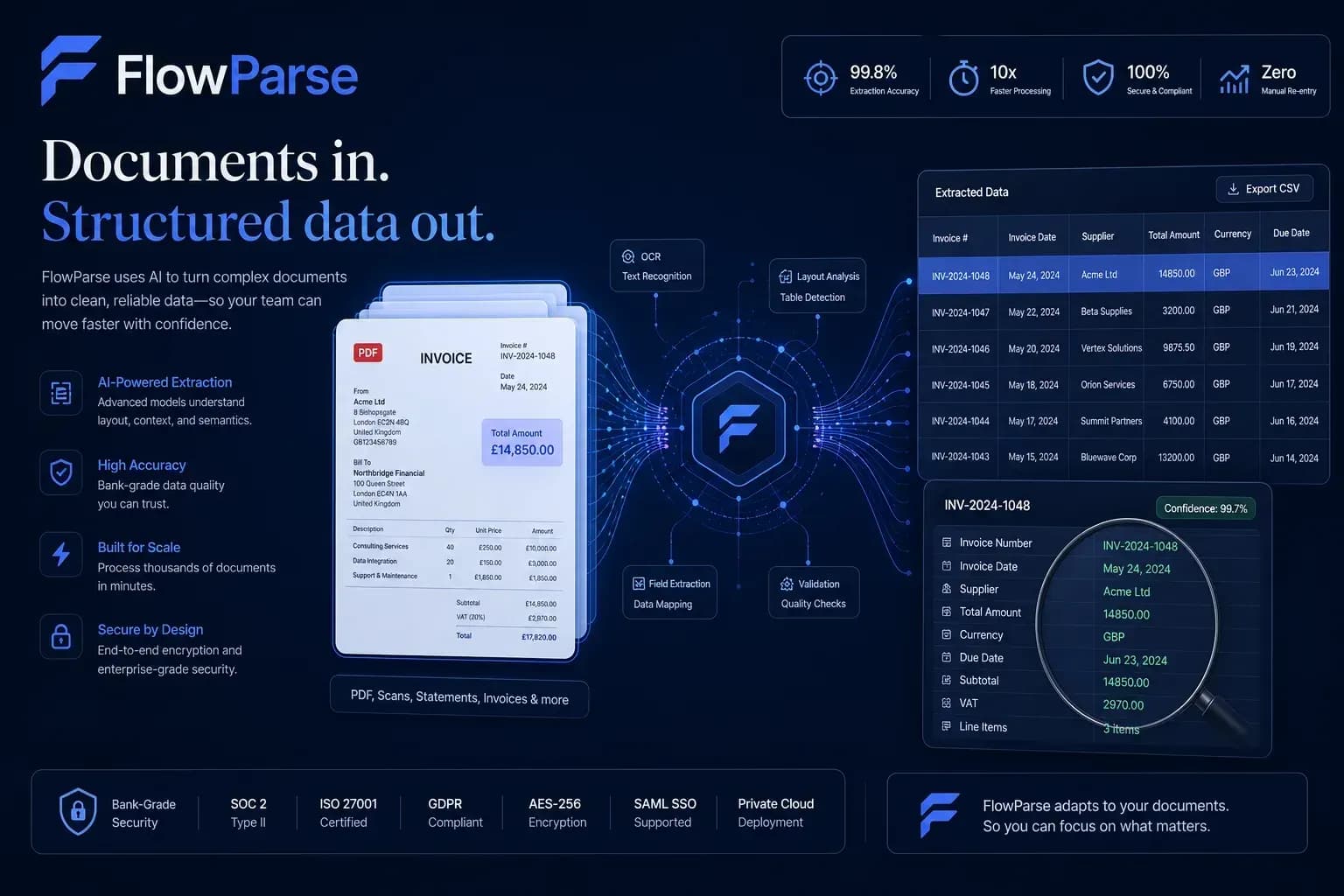
Templates match a fixed layout. AI understands the invoice — so it keeps working when layouts change.
Template-based parsing
- Build a template per format
- Breaks when a layout changes
- Ongoing template maintenance
FlowParse
- Upload any invoice layout
- AI adapts automatically
- No templates to maintain
Pricing Comparison
How the cost and commitment models compare.
| Feature | Parseur | FlowParse |
|---|---|---|
| Free plan | Limited | Yes |
| Pricing model | Per-document tiers | Transparent self-serve |
| Template setup effort | Per format | None |
| Ongoing maintenance | Template upkeep | Minimal |
| Time to first result | After template build | Minutes |
Accuracy Comparison
Both platforms use modern AI OCR — here is how extraction quality is assured.
| Feature | Parseur | FlowParse |
|---|---|---|
| AI OCR accuracy | Depends on template | High |
| Adapts to new layouts | No | Yes |
| Validation engine | No | Yes |
| Human review before export | Limited | Yes |
| Scanned / image PDFs | Limited | Yes |
Who should choose Parseur?
- Teams with highly consistent document formats
- Predictable email-to-spreadsheet parsing
- Single-sender, single-layout workflows
- Users comfortable maintaining templates
Who should choose FlowParse?
- Teams with many invoice layouts
- Multi-supplier accounts payable
- Anyone processing scanned invoices
- Users who want validation and review built in
- Teams that prefer zero template maintenance
Migrating from Parseur to FlowParse
Switching takes minutes — there are no templates to rebuild or models to retrain.
Export your documents
Export invoices and statements from Parseur or your source.
Upload to FlowParse
Drag and drop PDFs, scans, or images — no setup.
Review extracted data
Check fields in the editable preview before export.
Export Excel or CSV
Download structured data for your accounting system.
Automate workflows
Use the API and integrations for future documents.