
Bank Statement Parser
Built for Accountants
Reconciliation starts with clean transaction data. FlowParse converts multi-page bank statement PDFs into structured Excel tables — date, description, debit, credit and balance — in seconds.
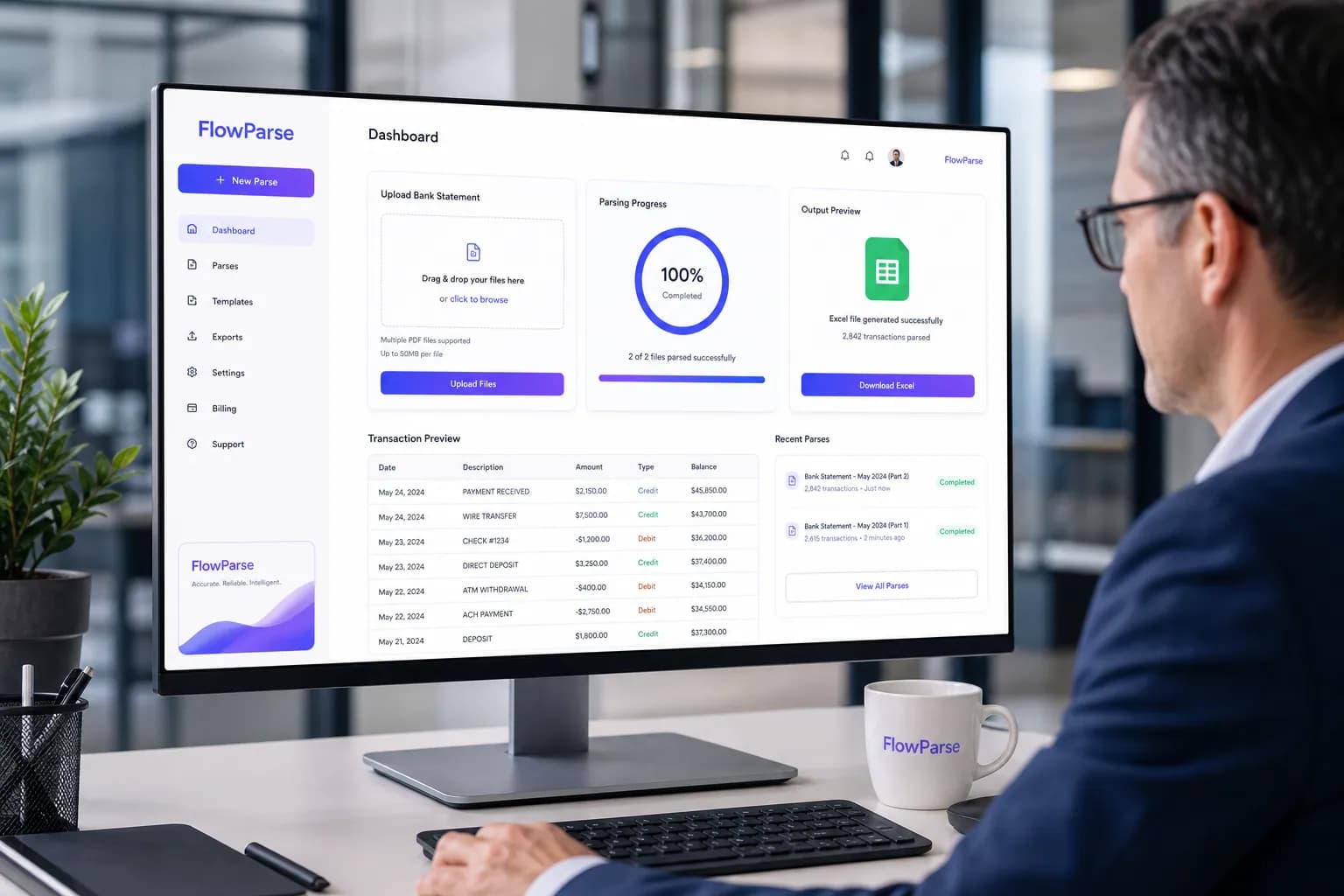
The Daily Invoice Bottleneck
The challenges accountants face with manual invoice and document work.
Manual transaction typing
Re-keying hundreds of transactions from statement PDFs is slow and error-prone.
Every bank is different
Each bank's statement layout differs, breaking copy-paste and templates.
Multi-page statements
Long statements span many pages with repeated headers and continued tables.
Reconciliation pressure
Matching transactions to invoices and the ledger is the slowest part of the close.
Audit readiness
Auditors expect complete, accurate transaction records with no gaps.
Balance errors
A single mis-keyed figure throws off the running balance and the reconciliation.
Why the Current Process Breaks Down
PDF tables don't paste
Statement tables are built for printing, so columns collapse when copied into a spreadsheet.
Scanned statements have no text
Image-based statements can't be copied at all without OCR.
Pages lose their structure
Transactions continued across pages get split or duplicated in manual workflows.
No validation
Manual entry has no automatic check that debits, credits and the running balance add up.
The Hidden Cost of Manual Work
Slow month-end close
Manual transaction entry is a bottleneck in every reconciliation cycle.
Reconciliation errors
Keying mistakes cause mismatches that take hours to track down.
Audit risk
Incomplete or inaccurate records create exposure during audits.
Wasted senior time
Qualified accountants spend time on data entry instead of review.
How FlowParse Solves It
FlowParse parses any bank statement PDF — including scanned and multi-page — into a structured transaction table, validates the running balance, and exports clean data ready for reconciliation.
Any bank, any layout
Template-free extraction reads statements from any bank automatically.
Balance validation
The validation engine checks that debits, credits and running balances are consistent.
Multi-page merge
Transactions spanning pages are merged into one continuous table.
Reconciliation-ready
Export Excel/CSV with signed amounts compatible with reconciliation tools.
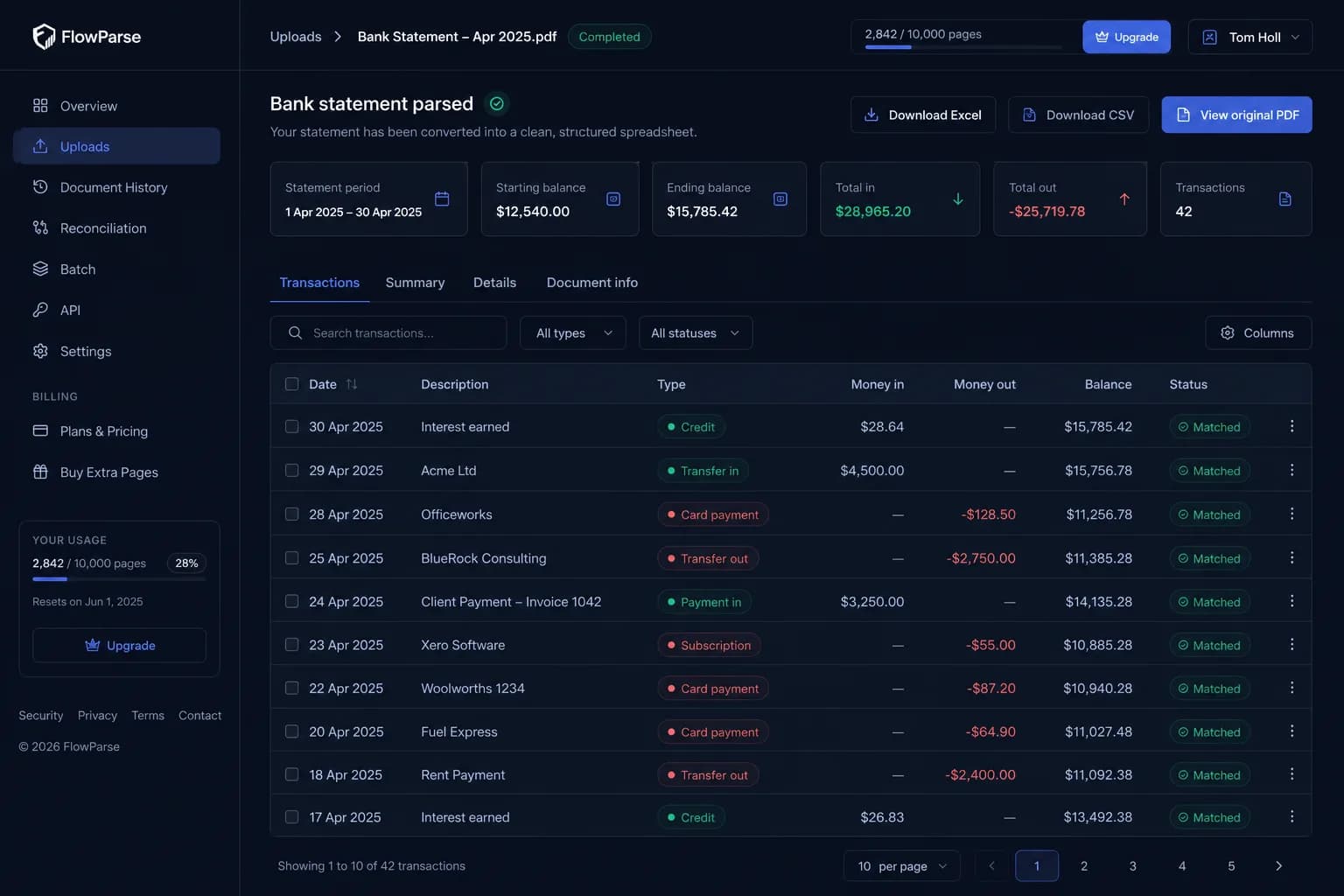
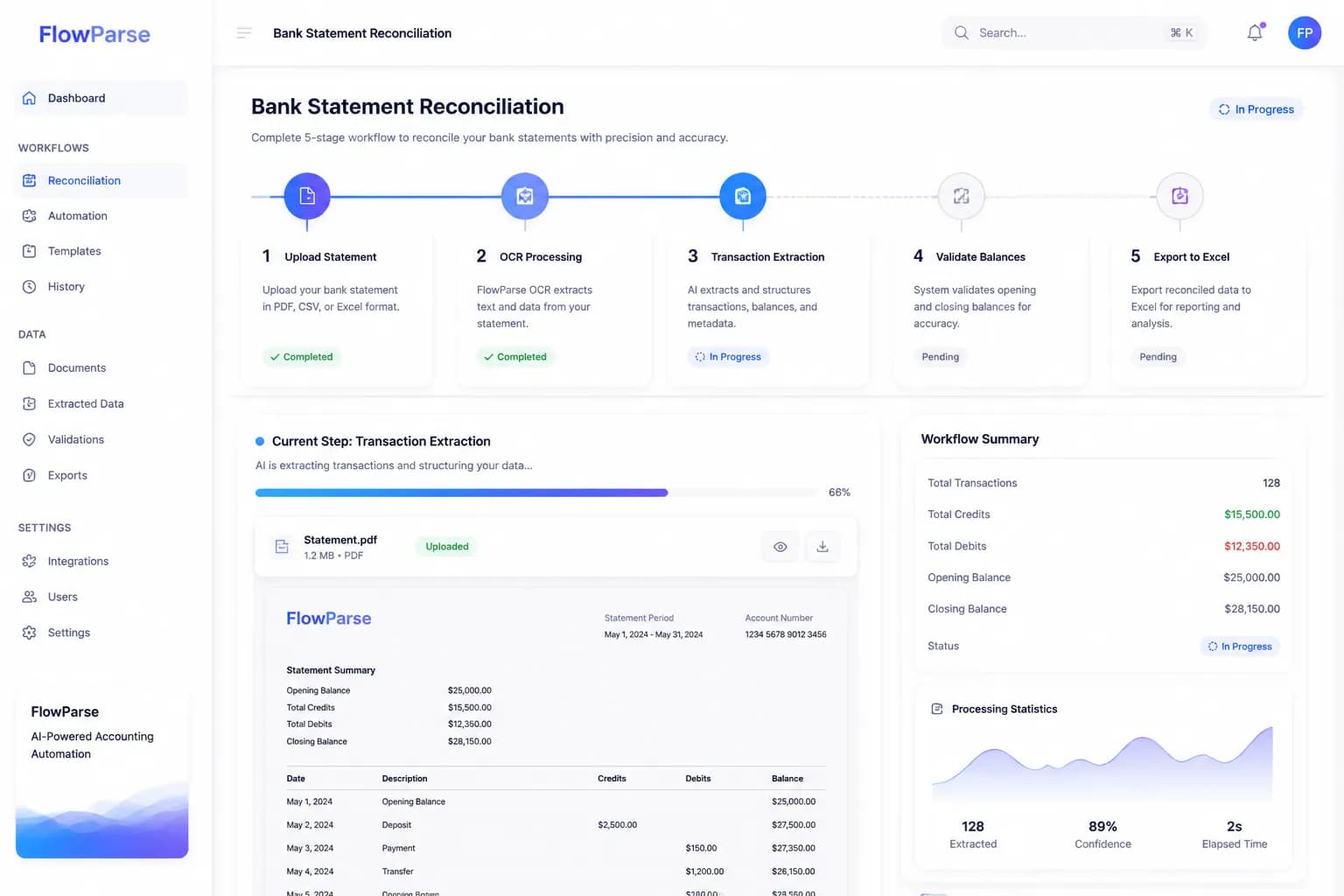
The Accountants Workflow
Upload statement
Drop in a bank statement PDF — digital or scanned.
OCR reads it
Scanned and image-based statements are digitised automatically.
Extract transactions
Every transaction row is captured with date, description, debit, credit and balance.
Validate balances
Running balance arithmetic is checked for consistency.
Export to Excel
Download structured transactions for reconciliation.
The Return on Automation
Automating statement parsing removes the slowest step in reconciliation. Practices close faster, reduce errors, and produce complete, audit-ready transaction records for every client.
saved per statement at month-end
of transactions captured
ready records every time
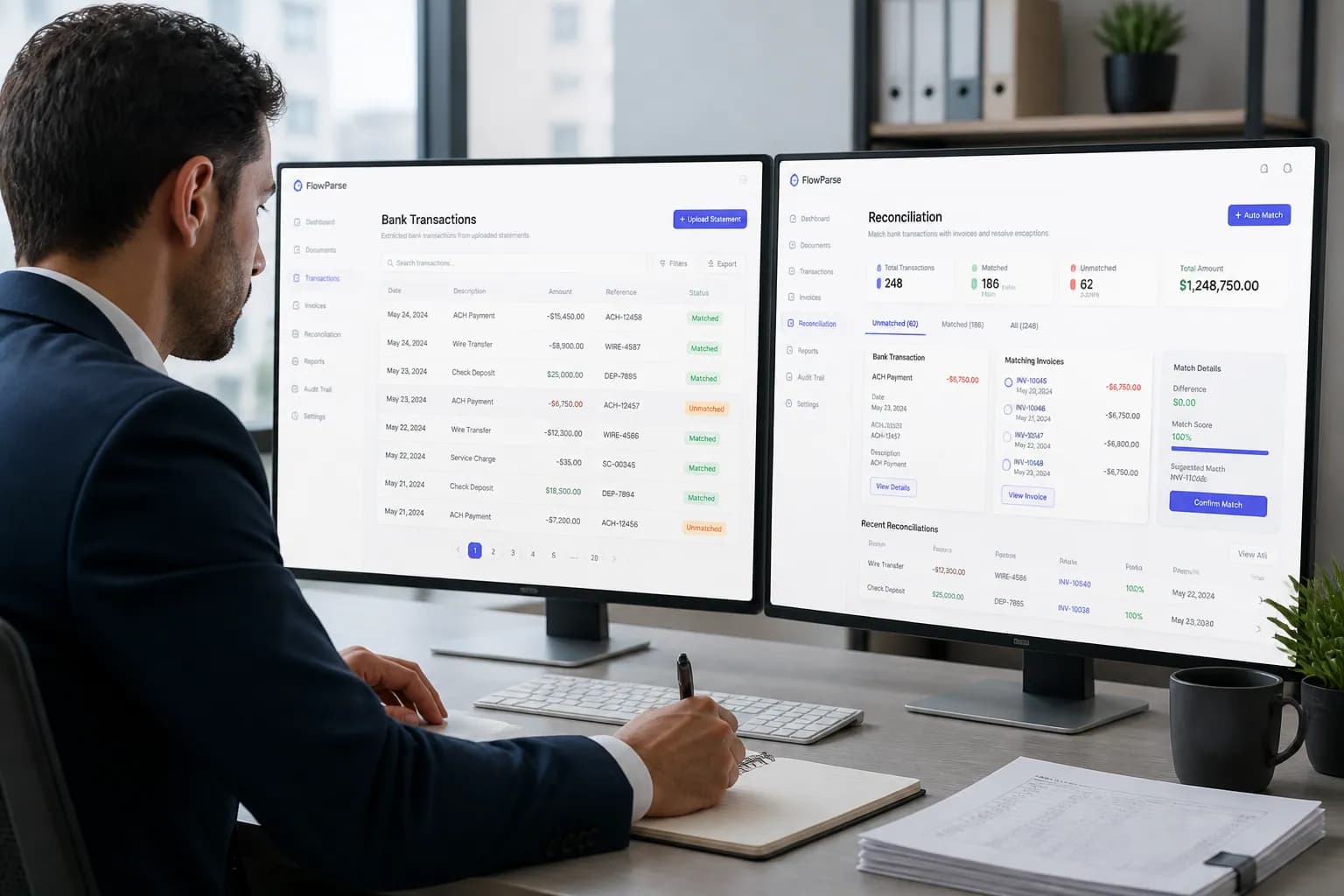
Real-World Scenarios
Monthly reconciliation
A month of client statements is parsed and validated in minutes, then matched against the ledger — no manual transaction typing.
Year-end audit prep
Complete, structured transaction records are produced for every account, giving auditors clean data with no gaps.
Catch-up bookkeeping
A client behind on books has a year of statements digitised and reconciled far faster than manual entry would allow.
The Features Behind It
Bank Statement to Excel
Convert any statement PDF into a structured transaction table.
Validation Engine
Running balance and consistency checks.
PDF to CSV
Flat CSV for reconciliation tools and ERPs.
Reconciliation Engine
Match transactions to invoices automatically.
Bank Statement Validation
Quality checks on extracted statements.
Editable Preview
Review transactions before export.
Manual vs FlowParse
| Aspect | Manual | FlowParse |
|---|---|---|
| Time per statement | 30–60 minutes | Seconds |
| Multi-page statements | Error-prone | Yes |
| Scanned statements | Retype by hand | Yes |
| Balance validation | Manual | Automatic |
| Any bank format | Difficult | Yes |
| Audit-ready records | Variable | Yes |
| Reconciliation export | Manual | One click |