
Invoice Parser
Built for Accountants
Stop typing client invoices by hand. FlowParse extracts invoice numbers, suppliers, VAT, totals and line items from any PDF and exports clean data to Excel and your accounting software.
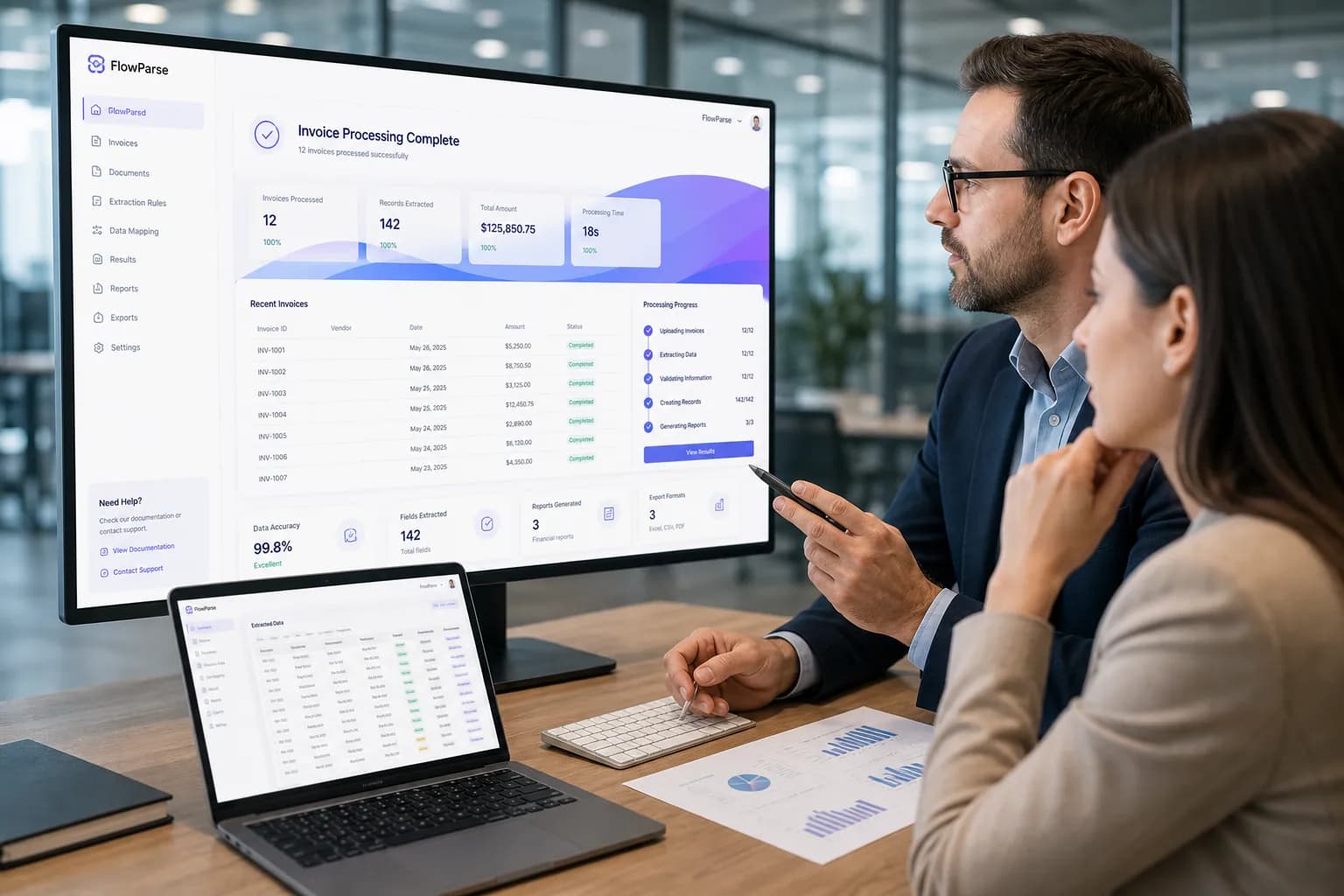
The Daily Invoice Bottleneck
The challenges accountants face with manual invoice and document work.
Manual data entry
Hours each week spent typing invoice fields into spreadsheets and accounting software.
High invoice volume
Dozens of clients, each sending invoices in different formats and layouts.
VAT accuracy pressure
Mis-keyed VAT numbers and amounts create reclaim errors and compliance risk.
Month-end crunch
Bookkeeping backlogs pile up and peak right when deadlines hit.
No standard format
Every supplier invoice looks different, defeating copy-paste shortcuts.
Review overhead
Checking manually entered data takes almost as long as entering it.
Why the Current Process Breaks Down
Copy-paste breaks on every layout
PDF invoices are designed for printing, so tables and fields never paste cleanly into a spreadsheet.
Scanned invoices have no text
Image-based and scanned invoices can't be copied at all without OCR.
Errors compound downstream
A single mis-typed total or VAT figure cascades into reconciliation and reporting problems.
It doesn't scale with clients
Adding clients means adding hours of data entry, not just adding value.
The Hidden Cost of Manual Work
Lost billable hours
Time on data entry is time not spent on advisory and higher-value work.
Error correction
Finding and fixing keying mistakes costs more than the original entry.
Staff burnout
Repetitive data entry is the work junior staff dislike most.
Capacity ceiling
Manual workflows cap how many clients a practice can take on.
How FlowParse Solves It
FlowParse gives accounting practices a template-free invoice parser. Upload any invoice — digital or scanned — and get structured, validated data ready for Excel or your accounting system in seconds.
Template-free extraction
AI reads any supplier layout automatically — no setup per client.
Validation before export
Totals, VAT and line items are checked for consistency, then reviewed in an editable preview.
Accounting-ready output
Export to Excel or CSV with columns that import cleanly into QuickBooks, Xero, and Sage.
Bulk processing
Run batches of client invoices and download structured data in one workflow.
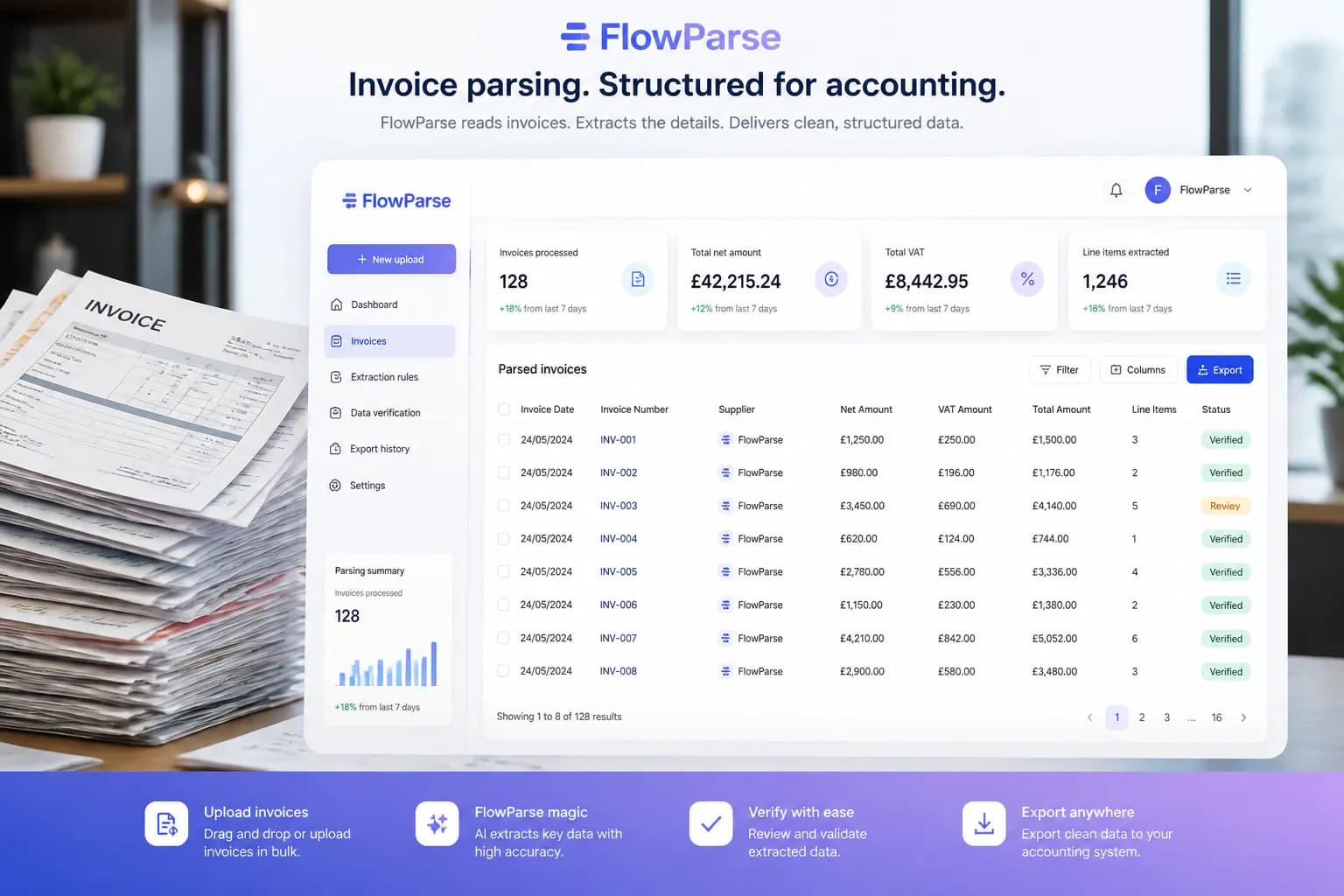
The Accountants Workflow
Collect invoices
Gather client invoices from email, cloud storage, or upload.
Upload to FlowParse
Drag and drop PDFs, scans, or images — no templates.
AI extracts data
Supplier, VAT, totals and line items captured automatically.
Review & validate
Confirm fields in the editable preview before export.
Export to accounting
Download Excel/CSV or push into your accounting software.
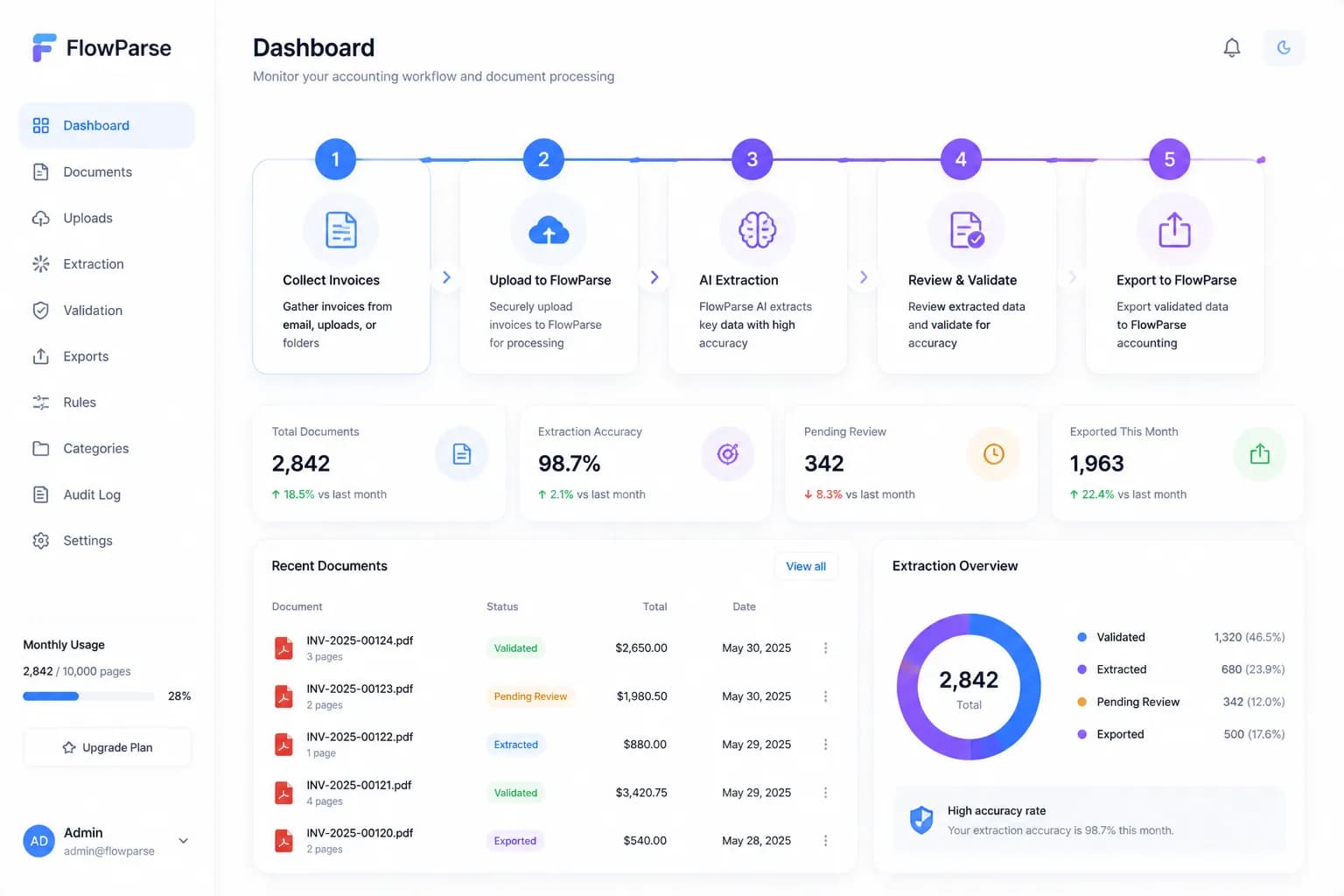
The Return on Automation
For a practice handling hundreds of invoices a month, automating extraction turns days of data entry into minutes — freeing capacity for advisory work and more clients without more headcount.
saved per week on data entry
less manual keying
to process each invoice
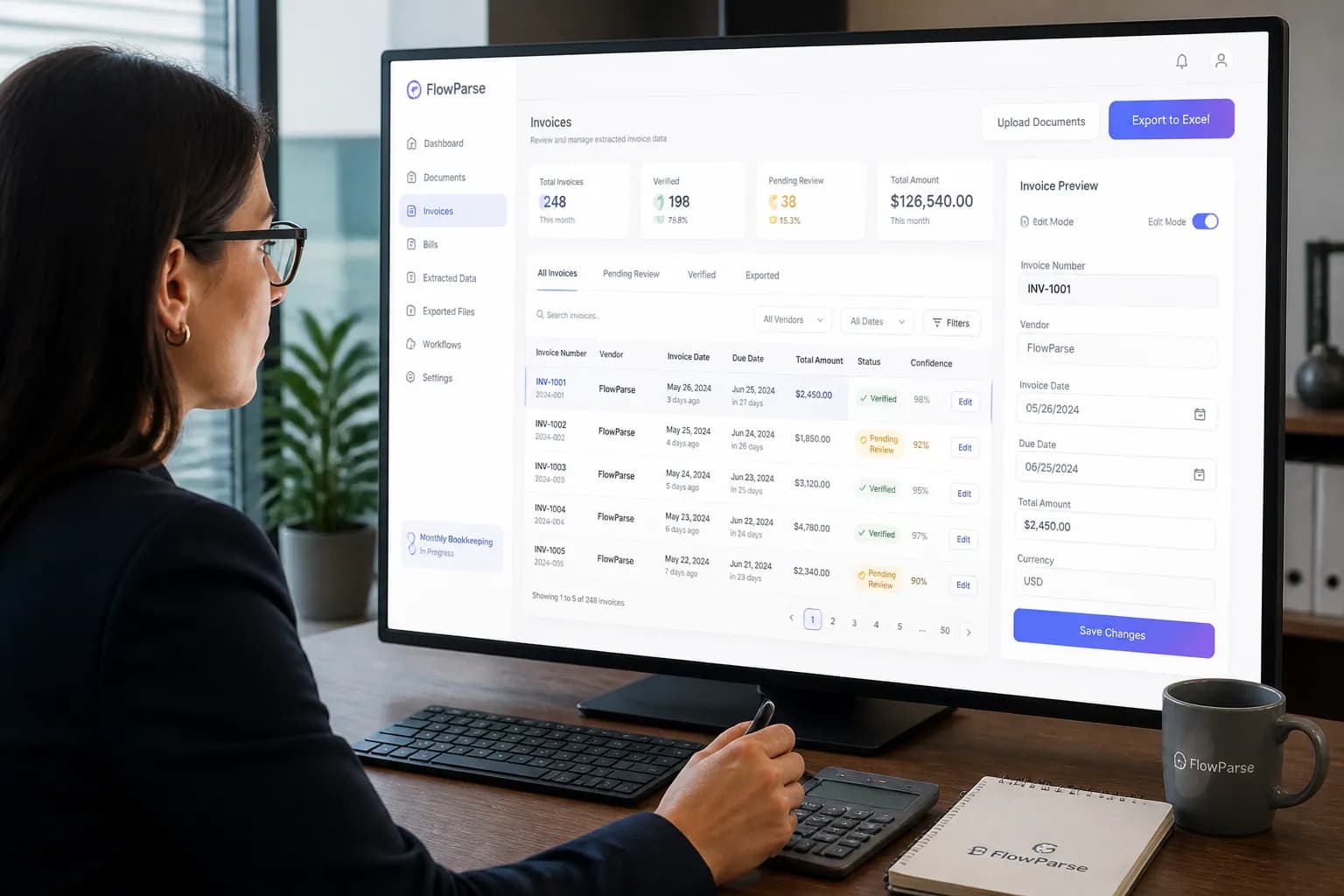
Real-World Scenarios
Onboarding a new client
A new client arrives with a shoebox of PDF and scanned invoices. Instead of weeks of catch-up entry, the backlog is digitised and structured in an afternoon.
Monthly bookkeeping run
Each month's supplier invoices are batch-uploaded, validated, and exported straight into the accounting ledger — no manual typing.
VAT return preparation
VAT numbers, rates and amounts are extracted accurately across all invoices, making the VAT return faster and audit-ready.
The Features Behind It
Invoice Data Extraction
Capture every invoice field automatically from any PDF.
VAT Extraction
Extract VAT numbers, rates and amounts for accurate reclaim.
Line-Item Extraction
Itemised rows from invoice tables for detailed bookkeeping.
Validation Engine
Mathematical checks that catch errors before export.
Editable Preview
Review and correct any field before exporting.
Invoice OCR
Digitise scanned and photographed invoices.
Manual vs FlowParse
| Aspect | Manual | FlowParse |
|---|---|---|
| Time per invoice | 2–5 minutes | Seconds |
| Scanned invoices | Retype by hand | Yes |
| VAT extraction | Manual | Automatic |
| Line items | Manual | Automatic |
| Validation | Manual review | Built in |
| Scales with clients | No | Yes |
| Accounting export | Manual | One click |