A DataSnipper Alternative
Bulk Extraction Instead of Snip-by-Snip
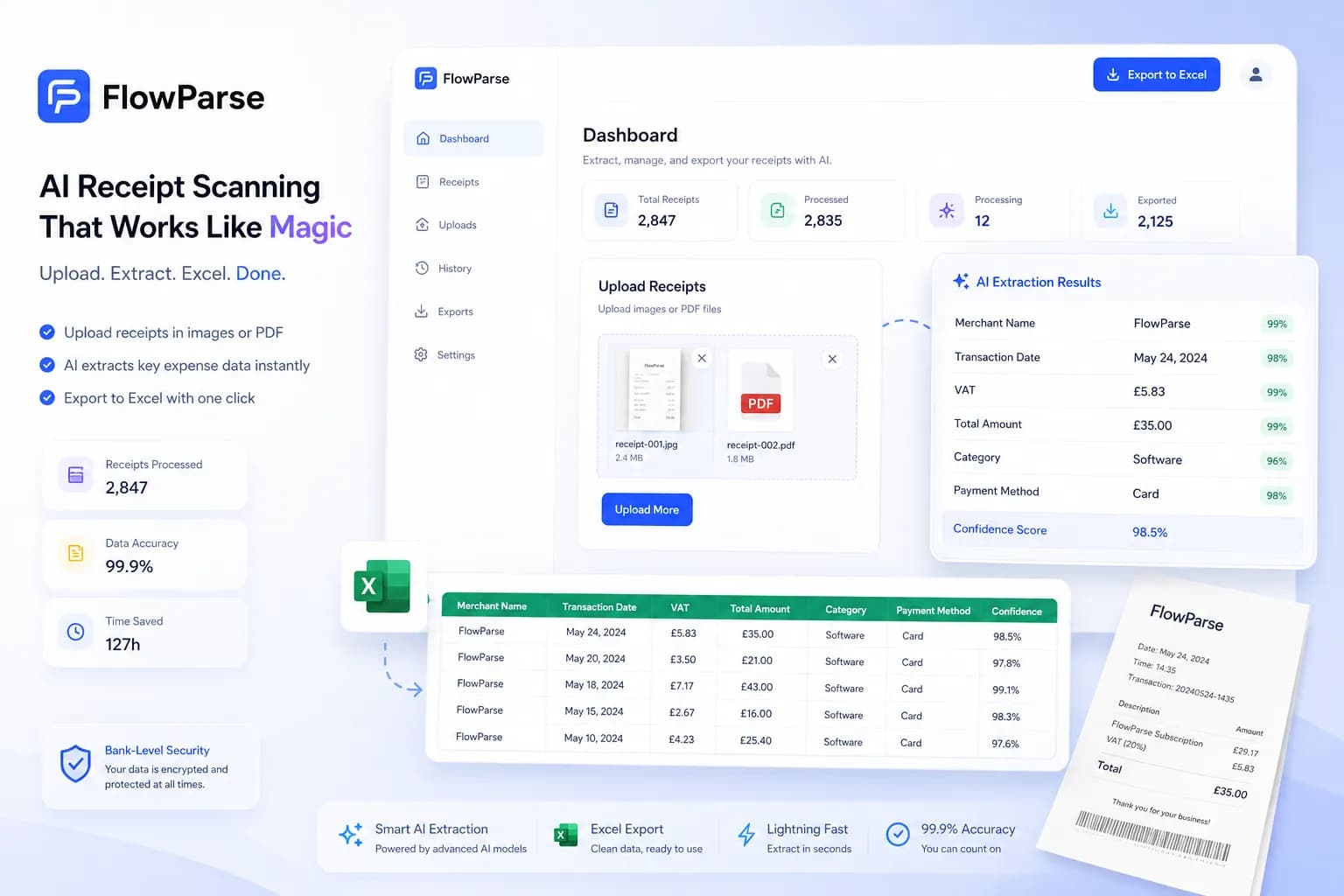
DataSnipper is an Excel add-in built for audit fieldwork: you open a source PDF alongside a workbook and "snip" each field into a cell, one at a time, with a stamp that links the cell back to its exact location on the page. FlowParse takes a different shape entirely — upload a statement, invoice or receipt and every field comes back extracted, validated and ready to export, with no add-in, no Excel and no manual snipping, as an app and an API.
External and internal audit teams who need a defensible, cell-by-cell link from a workpaper back to the exact page and coordinate of the source evidence, reviewed and signed off inside Excel.
Accountants, bookkeepers and finance teams who need a whole statement, invoice or receipt converted to structured data in one pass, without opening Excel or clicking through a document field by field.
Why Businesses Look for DataSnipper Alternatives
No Excel add-in required
Runs in the browser or over the API — nothing to install, license per seat, or keep updated alongside Excel versions.
Whole documents, not one field at a time
A 40-page statement or a stack of invoices is extracted in one upload, not snipped line by line.
Built for volume, not per-file evidence
Batch processing and Smart Merge are designed for dozens or hundreds of documents, not one workpaper at a time.
Balance validation in the box
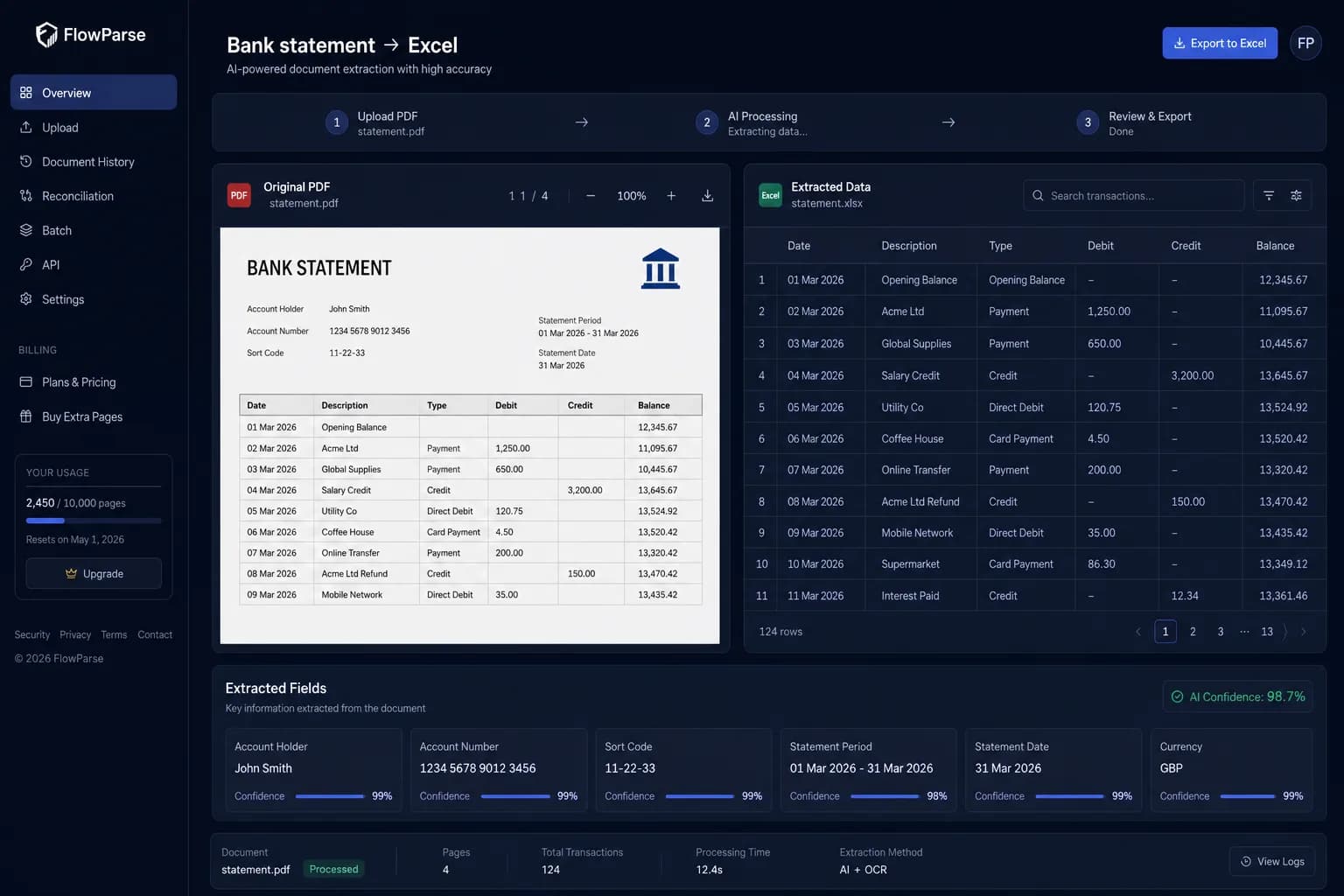
A deterministic check confirms opening + transactions = closing, with a 0-100 quality score — no manual tie-out.
Native accounting export
Real .QBO/.QFX/.OFX and Xero/Excel files, not cells positioned inside a workpaper template.
Self-serve and free to start
Convert a real document today with a free monthly allowance — no procurement cycle, no seat license.
Quick Comparison — DataSnipper vs FlowParse
A feature-by-feature look at DataSnipper and FlowParse.
| Feature | DataSnipper | FlowParse |
|---|---|---|
| Extract a field from a PDF into a cell | Manual snip, one at a time | Yes |
| Extract every field on a document in one pass | No | Yes |
| Requires Microsoft Excel + add-in | Yes | No |
| Stamp linking a cell to its source location | Yes | Confidence + source flagged per field |
| Balance reconciliation + quality score | No | Yes |
| Native .QBO / .QFX / .OFX export | No | Yes |
| Batch process 100 documents at once | One workbook at a time | Yes |
| Smart Merge — many PDFs → one Excel | No | Yes |
| REST API for automated extraction | No | Yes |
| Built for audit evidence sign-off | Yes | Not the primary use case |
| Per-seat Excel licensing | Yes | No |
| Works without Microsoft Office installed | No | Yes |
What Is DataSnipper?
DataSnipper is an Excel add-in built specifically for audit fieldwork. An auditor opens a source document — a bank statement, an invoice, a signed confirmation — next to a workbook, and "snips" a value directly from the PDF into a cell. Each snip leaves a stamp: a visual marker linking that cell back to the precise page and coordinate it came from, so a reviewer can click any figure in the workpaper and see exactly where it was pulled from on the source. For evidence gathering during a statutory audit, where every number in a workpaper needs to be traceable to a document, that traceability is genuinely valuable and is the reason the tool has become standard in many audit practices.
What DataSnipper asks in return is time per document. Snipping is a manual, guided action — the auditor decides what to snip and clicks it in, field by field, page by page. That is precisely right for the audit use case, where a human is reviewing and signing off on each figure anyway. It is a much harder fit for bulk conversion: recreating a full transaction list from a forty-page statement, or extracting line items from a stack of a hundred invoices, one snip at a time, is not what the tool is built for and is not how most audit teams use it for volume work.
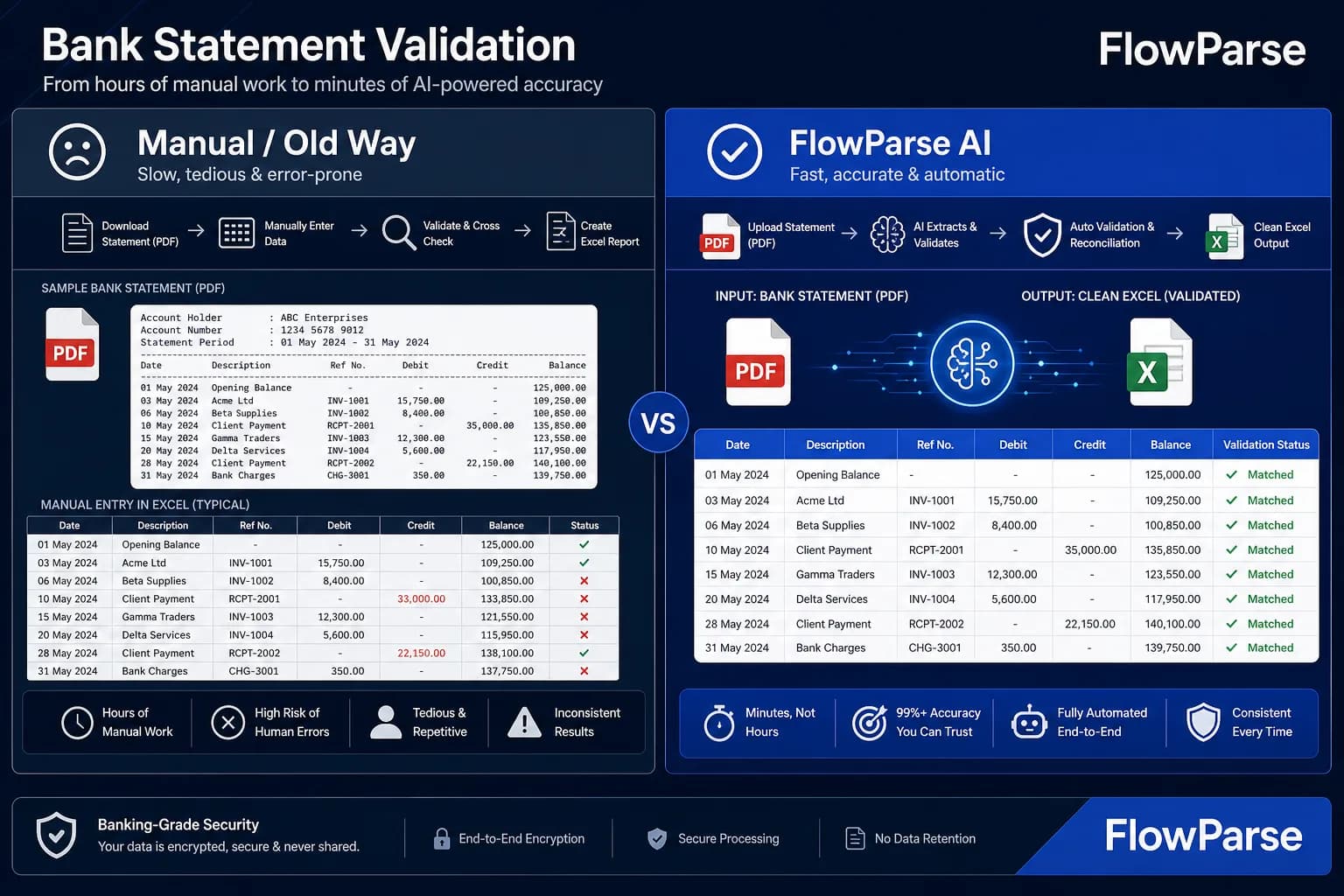
FlowParse takes the opposite shape. Instead of a human snipping each field inside Excel, the whole document is read at once — every transaction on a statement, every line item on an invoice — and returned as structured, validated data. There is no add-in to install and no Excel dependency: it runs as a [self-serve web app](/bank-statement-to-excel) and a [REST API](/document-extraction-api), with [balance validation](/features/validation-engine), an [editable review grid](/features/editable-preview), [Smart Merge](/merge-pdf-to-excel) consolidation and native [accounting export](/features/accounting-software-export) already built in.
DataSnipper strengths
- Purpose-built for audit evidence, with a stamp that proves exactly where a figure came from
- Deep, native Excel integration — the workpaper is the interface auditors already live in
- Widely adopted in audit practices, with an established review and sign-off workflow around it
- Precise, human-controlled: nothing is extracted that a reviewer did not explicitly pull
Where teams want something different
- Snipping is manual and per-field — extracting a whole document takes as long as clicking through it
- Requires Microsoft Excel and a per-seat add-in license to use at all
- No balance validation, reconciliation or automatic quality scoring of the underlying data
- No batch processing, no API, and no native accounting export — it produces a workpaper, not a data file
Why Teams Switch to FlowParse
Skip the snipping entirely
Upload a document and every field is extracted automatically — no clicking through a PDF cell by cell.
No Excel, no add-in, no license
Runs in any browser, and over the API for automation — nothing to install or keep updated.
A quality gate you can trust
Balance reconciliation, duplicate detection and a 0-100 confidence score ship in the box.
Built for volume
Batch up to 100 documents and merge them into one reconciled Excel in minutes, not one workpaper at a time.
Accounting-ready export
Native .QBO/.QFX/.OFX and Xero/Excel files, ready to import — not cells inside a template.
Free to evaluate
Convert a real statement or invoice today and compare the result to a manual snip.
Snip-by-snip vs whole-document extraction
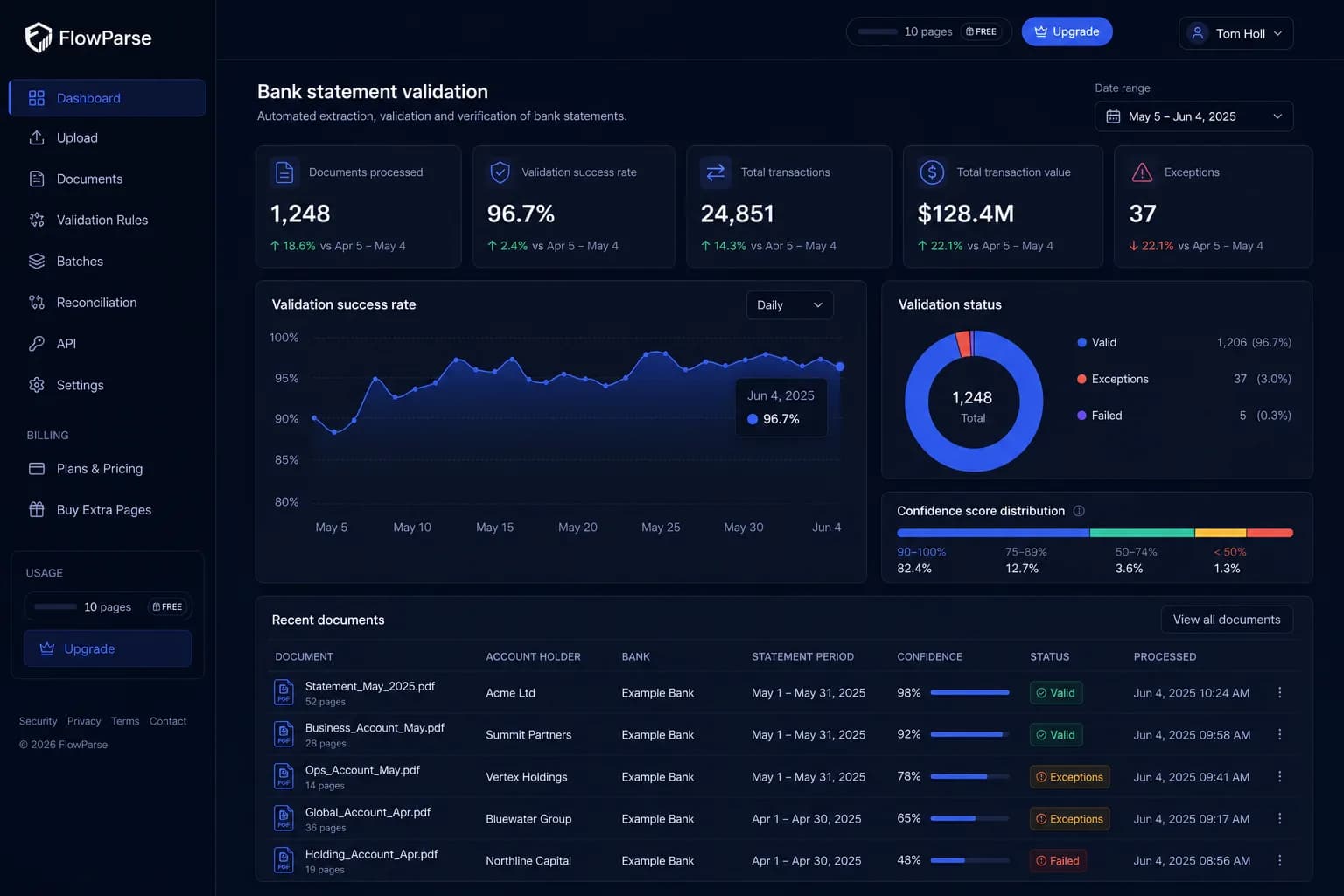
DataSnipper has a person pull each field into Excel, one click at a time. FlowParse reads the whole document in one pass.
DataSnipper path
- Open the PDF next to the workbook
- Snip each field into a cell manually
- Repeat for every field, every page
- Repeat for every document, one workbook at a time
FlowParse path
- Upload the document, or call the API
- Every field extracted automatically
- Balance-validated, confidence scored
- Batch up to 100 documents at once
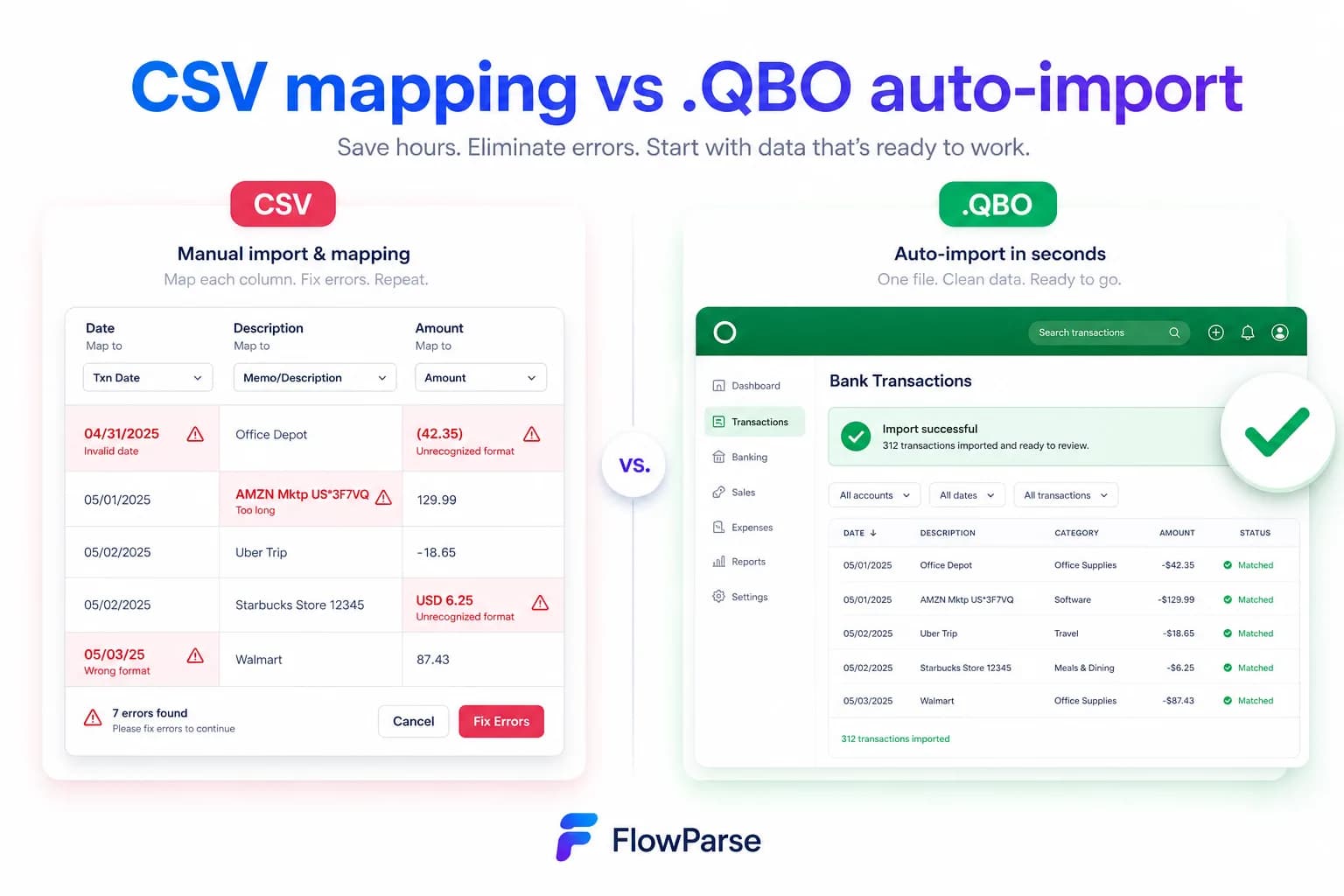
Pricing Comparison
How the cost and commitment models compare.
| Feature | DataSnipper | FlowParse |
|---|---|---|
| Free tier | Trial / demo only, typically | Free pages/month + no-signup try |
| Model | Per-seat annual license | Per page from a balance |
| Requires | Microsoft Excel + the add-in installed | A browser, or an API call |
| Setup cost | Onboarding + per-user training | None (pre-trained) |
| Scales with document volume | Cost is per user, not per document | Cost is per page processed |
| Accounting-export files | Not produced | Yes (QBO/QFX/OFX/Xero) |
Accuracy Comparison
Both platforms use modern AI OCR — here is how extraction quality is assured.
| Feature | DataSnipper | FlowParse |
|---|---|---|
| Precision of an individual snip | Exact — a human chose it | Strong (out of box) |
| Coverage of a whole document | Only what was manually snipped | Every field, extracted automatically |
| Bank statement transaction list | Rebuilt snip by snip | Every row, balance-validated |
| Traceability to source | Visual stamp on the cell | Source document + confidence per field |
| Balance reconciliation | No | Built in |
| Human review step | Every snip is a review | Editable grid + confidence flags |
Who should choose DataSnipper?
- External and internal audit teams building workpapers for sign-off
- Reviewers who need a visual, clickable link from a figure to its source page
- Practices already standardized on Excel-based audit fieldwork
- Engagements where a human deliberately chooses which fields matter
Who should choose FlowParse?
- Finance and accounting teams converting whole statements, invoices or receipts
- Anyone who wants extraction without installing Excel or an add-in
- Teams processing dozens or hundreds of documents at once
- Developers who want validated financial data from a REST API
Migrating from DataSnipper to FlowParse
Switching takes minutes — there are no templates to rebuild or models to retrain.
Export your documents
Export invoices and statements from DataSnipper or your source.
Upload to FlowParse
Drag and drop PDFs, scans, or images — no setup.
Review extracted data
Check fields in the editable preview before export.
Export Excel or CSV
Download structured data for your accounting system.
Automate workflows
Use the API and integrations for future documents.
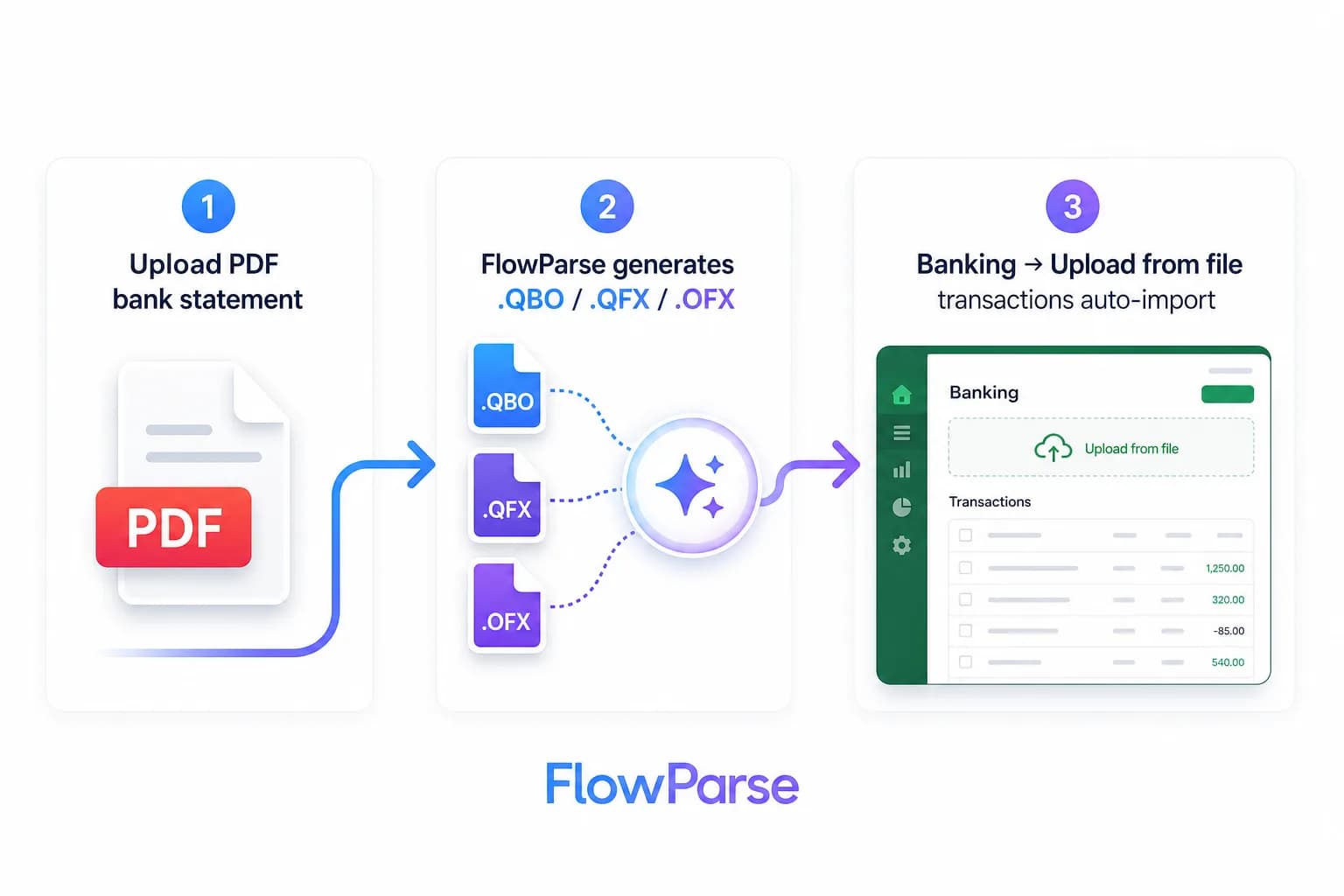
DataSnipper vs FlowParse: manual evidence vs automated extraction
Both put a number from a PDF in front of you as usable data, but they solve opposite problems. DataSnipper solves the audit problem: how do I prove, to a reviewer and eventually a regulator, exactly where this figure in my workpaper came from? Its answer is a human-driven snip and a visual stamp — deliberate, traceable, and exactly as trustworthy as the person doing the snipping. For sign-off-grade evidence, that manual precision is the point, not a limitation.
FlowParse solves the volume problem: how do I turn a whole document, or a hundred of them, into structured data without anyone clicking through it field by field? It reads a bank statement, invoice or receipt by meaning, extracts every field in one pass, and checks the result against the document's own arithmetic — balance validation, an editable review grid, Smart Merge, and native accounting export.
So the deciding question is what you are actually producing. A signed-off audit workpaper where every figure needs a human-chosen, clickable source? DataSnipper is built for exactly that. A batch of statements or invoices that need to become clean, validated data with no one opening Excel? That is FlowParse's shape.
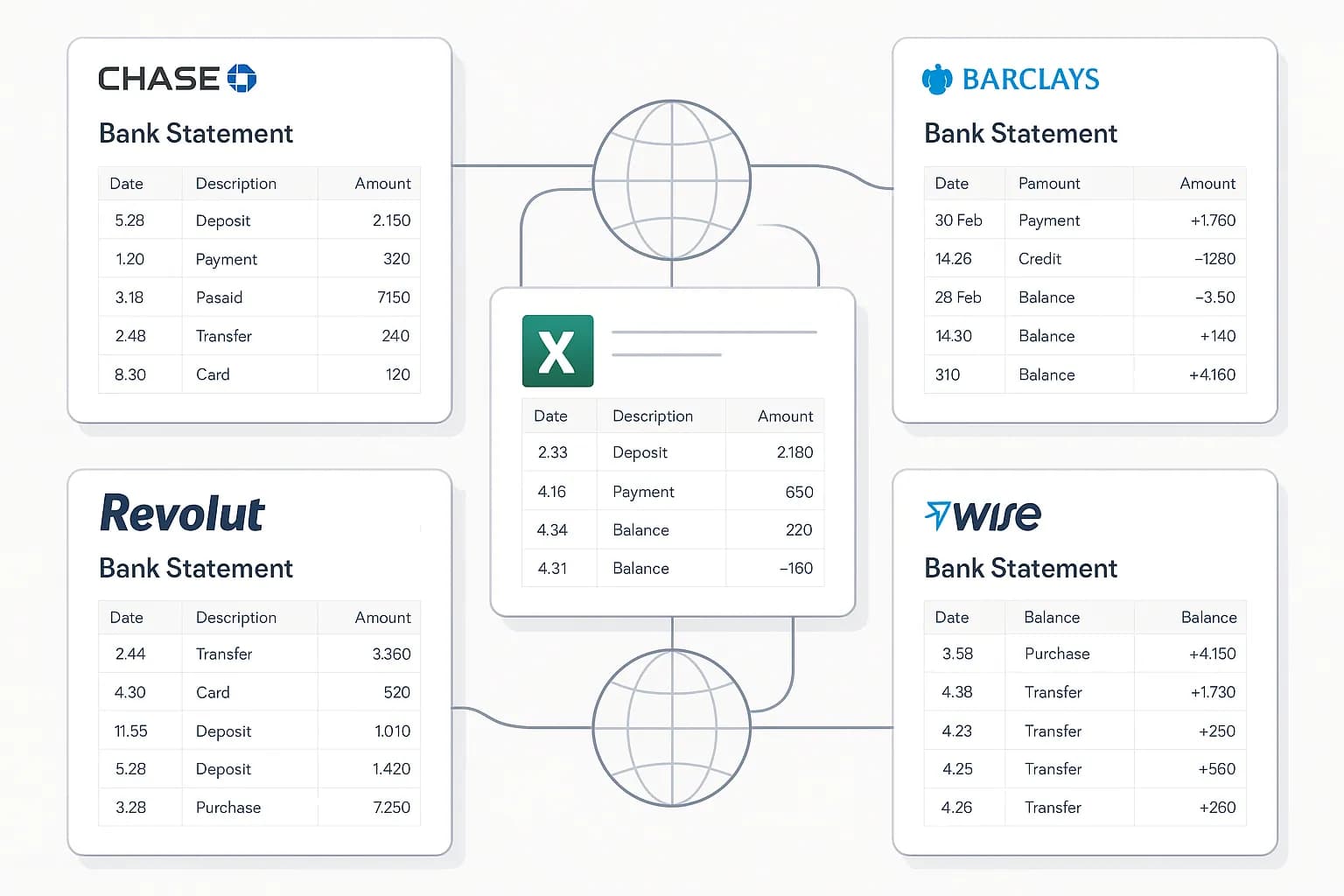
Why snipping doesn't scale past a handful of documents
Snipping is fast for the field you actually need for one workpaper — a closing balance, a total, a signature date. It stops being fast the moment the goal shifts to reconstructing an entire document: a forty-page bank statement with several hundred transactions means several hundred individual snips, each a deliberate click, each needing to land in the right row of the right column.
That cost is fixed per document. Ten statements is ten times the snipping, with no economy of scale, because there is no bulk mode — the tool is built around one workbook and one reviewer at a time. For an audit sample of a handful of statements, that is a reasonable price for evidentiary precision. For a bookkeeping team converting a client's full year of statements across several accounts, it is not a workable process at all.
FlowParse is built for exactly that volume. A batch of statements is read the same way as one — every transaction extracted, every balance checked — and Smart Merge folds any number of them into a single reconciled workbook. The manual step that scales linearly in DataSnipper does not exist here at all.

The layers beyond a single stamped cell
A DataSnipper stamp proves where a figure came from. It does not, on its own, prove that the figure — or the document as a whole — is complete. If a transaction is missed during snipping, or a page is skipped, nothing in the workpaper flags it; the workbook simply reflects what was snipped, correctly stamped and entirely incomplete.
FlowParse checks completeness structurally rather than relying on a reviewer noticing a gap. Opening balance plus every extracted transaction must equal the closing balance printed on the statement — if it does not, something was missed, and that is surfaced immediately rather than discovered later in reconciliation.
| Layer | DataSnipper | FlowParse |
|---|---|---|
| Single-field extraction | Yes (manual snip + stamp) | Yes (automatic, per field) |
| Whole-document extraction | Snip every field manually | One upload, one pass |
| Completeness check | None — relies on the reviewer | Balance validation, built in |
| Batch processing | One workbook at a time | Up to 100 documents |
| Accounting export | Not produced | Native QBO/QFX/OFX/Xero |
Where DataSnipper genuinely wins
A fair comparison names where the other tool is simply better, and for DataSnipper that is deliberate, human-verified traceability. When an auditor snips a figure, there is no ambiguity about where it came from or whether it was reviewed — a person looked at the source, chose the value, and the stamp proves it. That is precisely the evidentiary standard an audit engagement needs, and no automated extraction tool, however accurate, replicates the fact that a specific human deliberately verified a specific figure.
Its integration into Excel is also a genuine strength, not just familiarity: audit workpapers already live in Excel, and DataSnipper meets reviewers exactly where they already work, with no new tool to learn beyond the add-in itself. For firms with an established audit methodology built around that workflow, replacing it is a real cost, not just a preference.
So the honest division is by what you are producing and why. Signed-off audit evidence that a reviewer needs to trust field by field? DataSnipper. A whole document, or a batch of them, converted to validated structured data without manual review of every field? FlowParse. Some finance teams use both — DataSnipper for the audit engagement itself, FlowParse for the bulk bookkeeping conversion work that happens the rest of the year.

Total cost: per-seat license vs per-page usage
DataSnipper's cost structure is built around seats — an annual license per user, largely independent of how many documents that user actually processes in a given year. That is a reasonable model when the constraint is reviewer headcount, as it typically is in an audit practice. It is a less natural fit when the real cost driver is document volume rather than the number of people doing the reviewing.
FlowParse's pricing is per page, from a free monthly allowance. A team that occasionally converts a handful of statements pays close to nothing; a bookkeeping operation processing thousands of pages a month pays in proportion to that volume, not to the number of accountants on staff. Neither model is universally cheaper — the right comparison depends on whether your bottleneck is people or paper.
For teams evaluating both, the practical test is simple: time how long a real batch of documents — a client's full year of statements, a stack of vendor invoices — takes to snip by hand versus upload and validate automatically, and compare that against what each tool actually charges for the job.
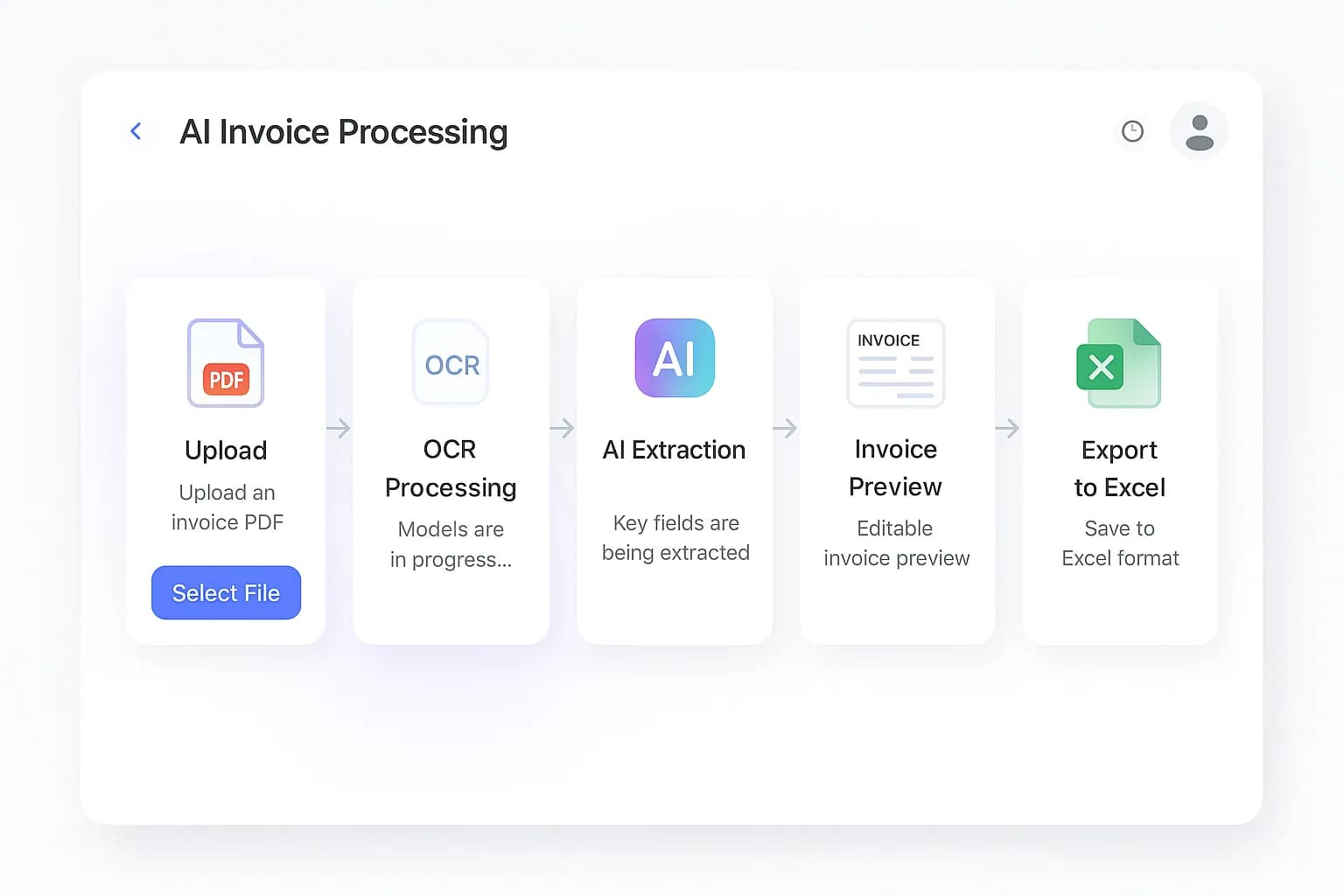
One engine for statements, invoices and receipts
Choosing FlowParse does not lock you into one document type. It extracts bank statements, invoices and receipts with full line items, supplier and buyer details, totals and tax breakdowns, all on the same pre-trained engine and in a consistent schema — extracted the same way whether it is a scanned receipt or a clean digital statement.
Because everything returns in the same shape, cross-document workflows come built in: an invoice extracted from one upload can be reconciled against the bank payment extracted from a statement, without separately snipping and matching each one by hand. DataSnipper's strength stays inside Excel, field by field; FlowParse's strength is that the whole financial document set is already solved, validated and connected.