A ABBYY Alternative
Zero-Setup Extraction, Validation & 9-Format Export
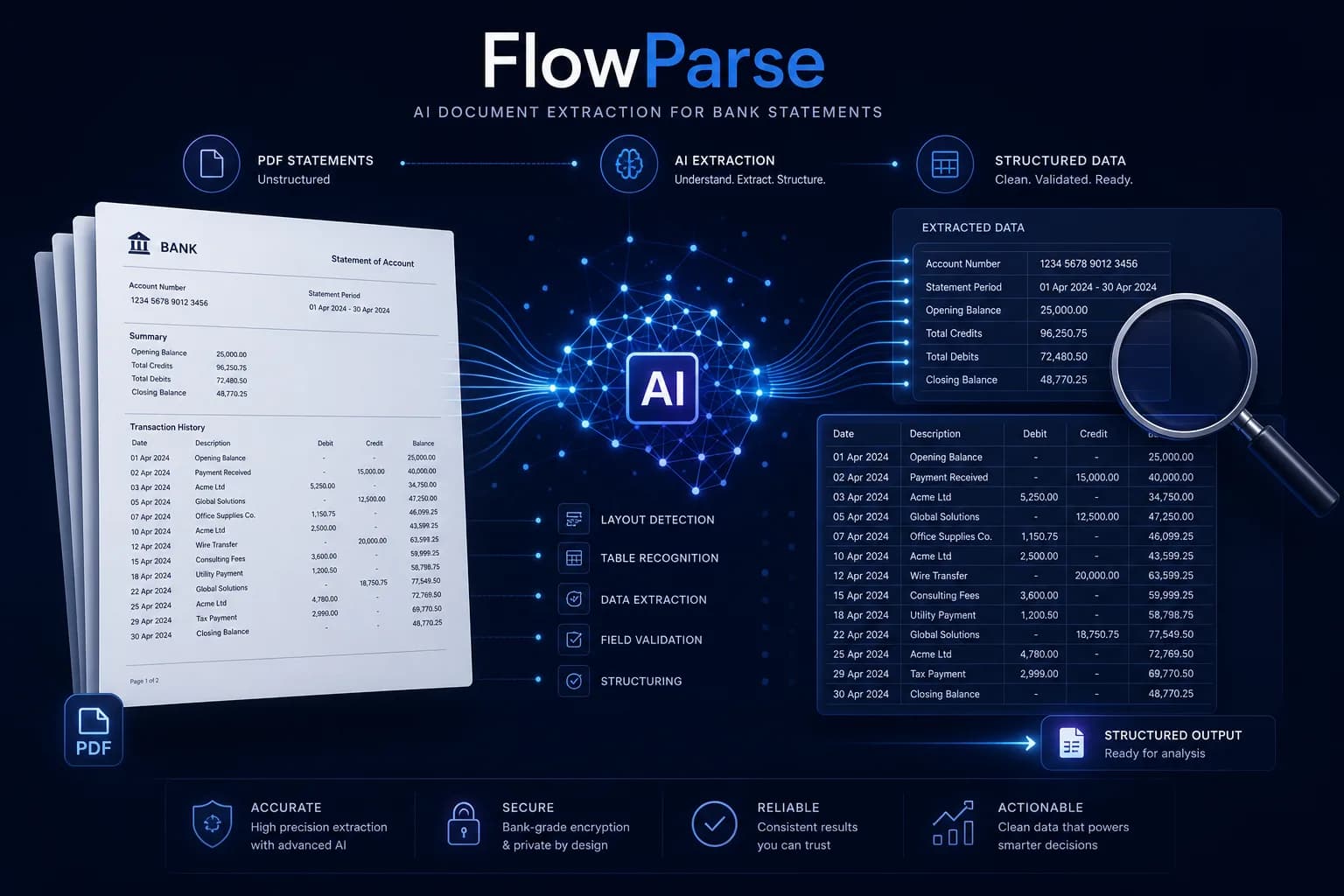
ABBYY (FlexiCapture, Vantage) is a powerful enterprise Intelligent Document Processing platform that captures data from almost any document type — usually after building skills, templates or models and an integration project. FlowParse is the opposite for financial documents: a pre-trained engine that reads bank statements, invoices and receipts with no setup, validates the numbers, and exports native QBO/QFX/OFX/Xero/Excel — self-serve, with a REST API and a free tier.
Large enterprises building a custom IDP pipeline across many document types, with IT resources, on-prem options and a platform budget.
Teams that want accurate financial-document extraction working immediately — no templates, training or integration project — with validation, export and a free way to start.
Why Businesses Look for ABBYY Alternatives
Zero setup, zero templates
ABBYY typically needs skills/models built per document; FlowParse reads any bank statement or invoice immediately.
Purpose-built for finance
Bank statements, invoices and receipts are first-class, with balance validation and accounting export baked in.
Accounting-ready export
Native .QBO/.QFX/.OFX and Xero/Excel files, not just extracted fields to map yourself.
Self-serve and free to start
Convert a real document today — no platform licence, no professional-services engagement.
Balance validation in the box
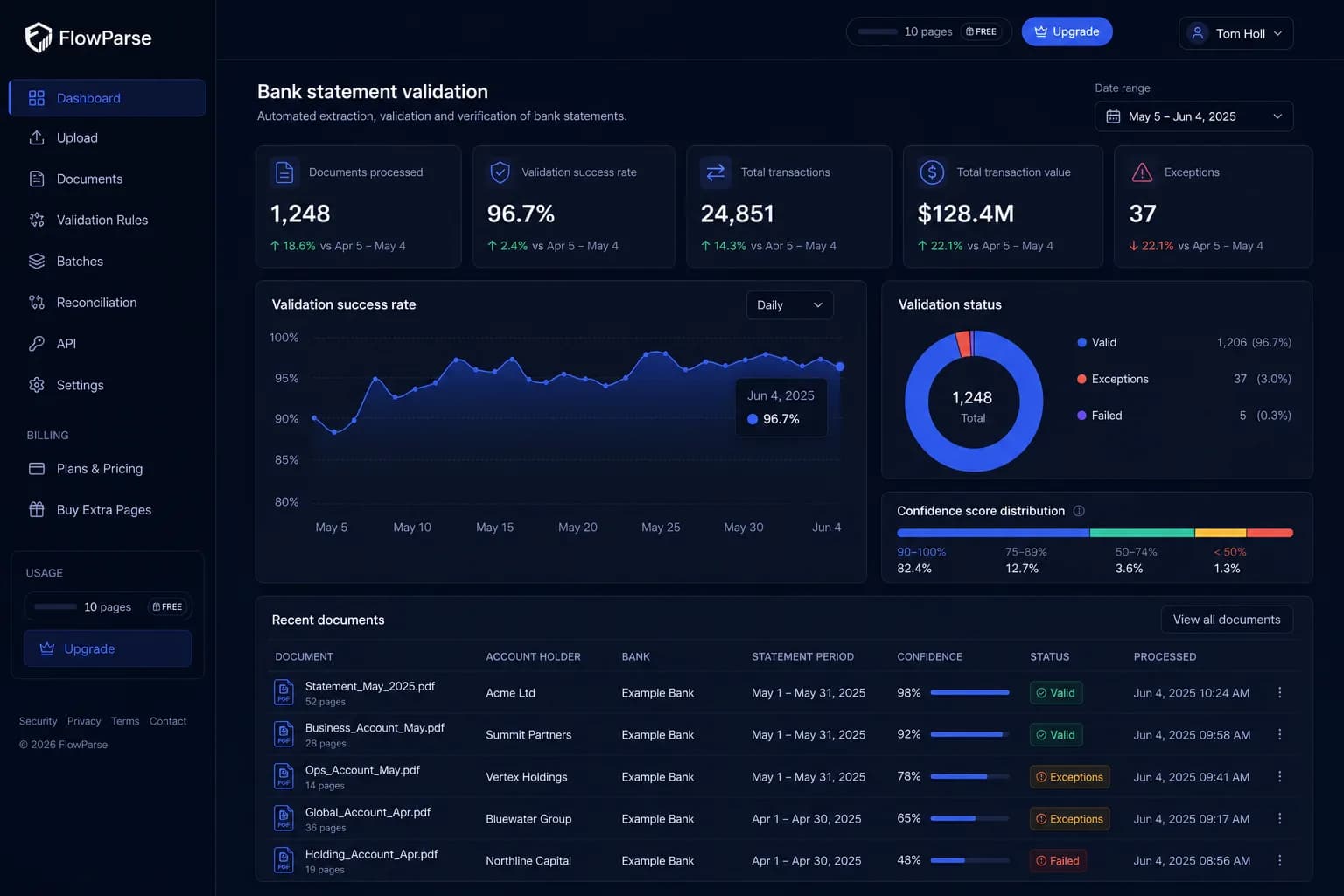
A deterministic check confirms opening + transactions = closing, with a 0–100 quality score.
Per-page pricing you can see
Pay per page from a balance with usage visible per key — not an enterprise licence.
Quick Comparison — ABBYY vs FlowParse
A feature-by-feature look at ABBYY and FlowParse.
| Feature | ABBYY | FlowParse |
|---|---|---|
| Bank statement PDF → structured data | After building a skill | Yes |
| Works with no templates / training | No | Yes |
| Invoice & receipt extraction | Yes | Yes |
| Native .QBO / .QFX / .OFX export | No | Yes |
| Xero / Excel / CSV export | Build it yourself | Yes |
| Deterministic balance reconciliation + score | Build rules yourself | Yes |
| Smart Merge — 100 PDFs → 1 Excel | No | Yes |
| Self-serve, no integration project | No | Yes |
| Per-page pricing from a balance | Enterprise licence | Yes |
| Free no-signup tier | No | Yes |
| REST API | Yes | Yes |
| EU processing / GDPR focus | Deployment-dependent | Yes |
What Is ABBYY?
ABBYY is a long-established leader in OCR and Intelligent Document Processing. Its platforms — FlexiCapture and the cloud-native Vantage — can capture structured data from an enormous range of document types, with classification, extraction skills, human verification stations and deep integration options including on-premise deployment. It's a genuinely capable enterprise platform, typically rolled out with IT involvement and, often, professional services to build and tune the document 'skills'.
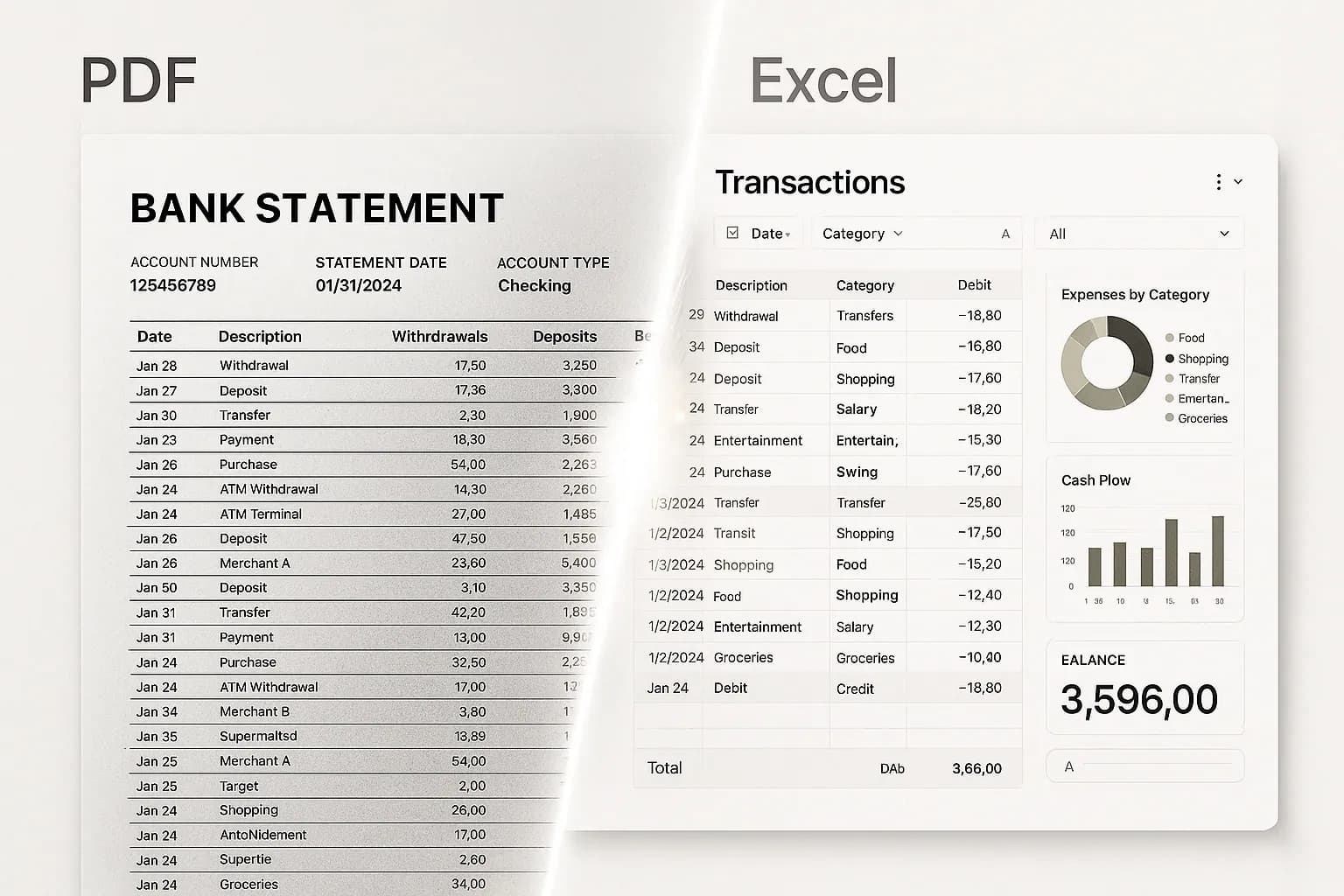
FlowParse takes the opposite approach for financial documents specifically. It's a pre-trained AI engine that reads bank statements, invoices and receipts out of the box — no skill-building, no templates, no training step — validates the numbers (balance reconciliation, totals, tax), lets you review in an editable grid, and exports the files accountants actually import. It's available self-serve as a browser app and a REST API, with a free no-signup tier.
Both extract data from documents, but they're aimed at different buyers and timelines. ABBYY is breadth and configurability for an enterprise that will invest in building a pipeline across many document types. FlowParse is instant, zero-setup accuracy for the financial documents finance teams handle every day, with accounting export built in. If your need is statements, invoices and receipts working today — not a platform project — FlowParse is the closer fit.
ABBYY strengths
- Handles a vast range of document types and languages
- Highly configurable classification and extraction skills
- Mature verification stations and enterprise integration
- On-premise and air-gapped deployment options
Where teams want something different
- Setup-heavy: skills/templates/models and often professional services
- No purpose-built bank-statement balance validation out of the box
- No native QBO/QFX/OFX accounting-export files — you build the mapping
- No self-serve free tier to convert a single document quickly
Why Teams Switch to FlowParse
Working today, not after a project
Pre-trained on financial documents — upload a statement or invoice and get clean data immediately.
Statements to a real bank feed
Export .QBO/.QFX/.OFX (OFX 1.0.2, FITID de-dup) so imports never double-post — no mapping to build.
A quality gate you can trust
Balance reconciliation, duplicate detection and a 0–100 score ship in the box — no rules to author.
Self-serve, no licence
Per-page pricing from a balance and a free tier — no enterprise contract or professional services.
Consolidate and reconcile
Merge a year into one Excel and match payments to invoices, out of the box.
Free to evaluate
Run a real document through the whole flow before committing anything.
Build-a-pipeline vs ready-to-use
ABBYY gives you a platform to build extraction for any document. FlowParse gives you finished financial-document extraction you can use in seconds.
IDP-platform path
- Licence the platform
- Build skills / templates / models
- Set up verification stations
- Build the export mapping yourself
- Integrate, then maintain
FlowParse path
- Sign up free, no setup
- Upload a statement, invoice or receipt
- AI extracts + validates (balance check)
- Review in an editable grid
- Export native QBO/QFX/OFX/Xero/Excel
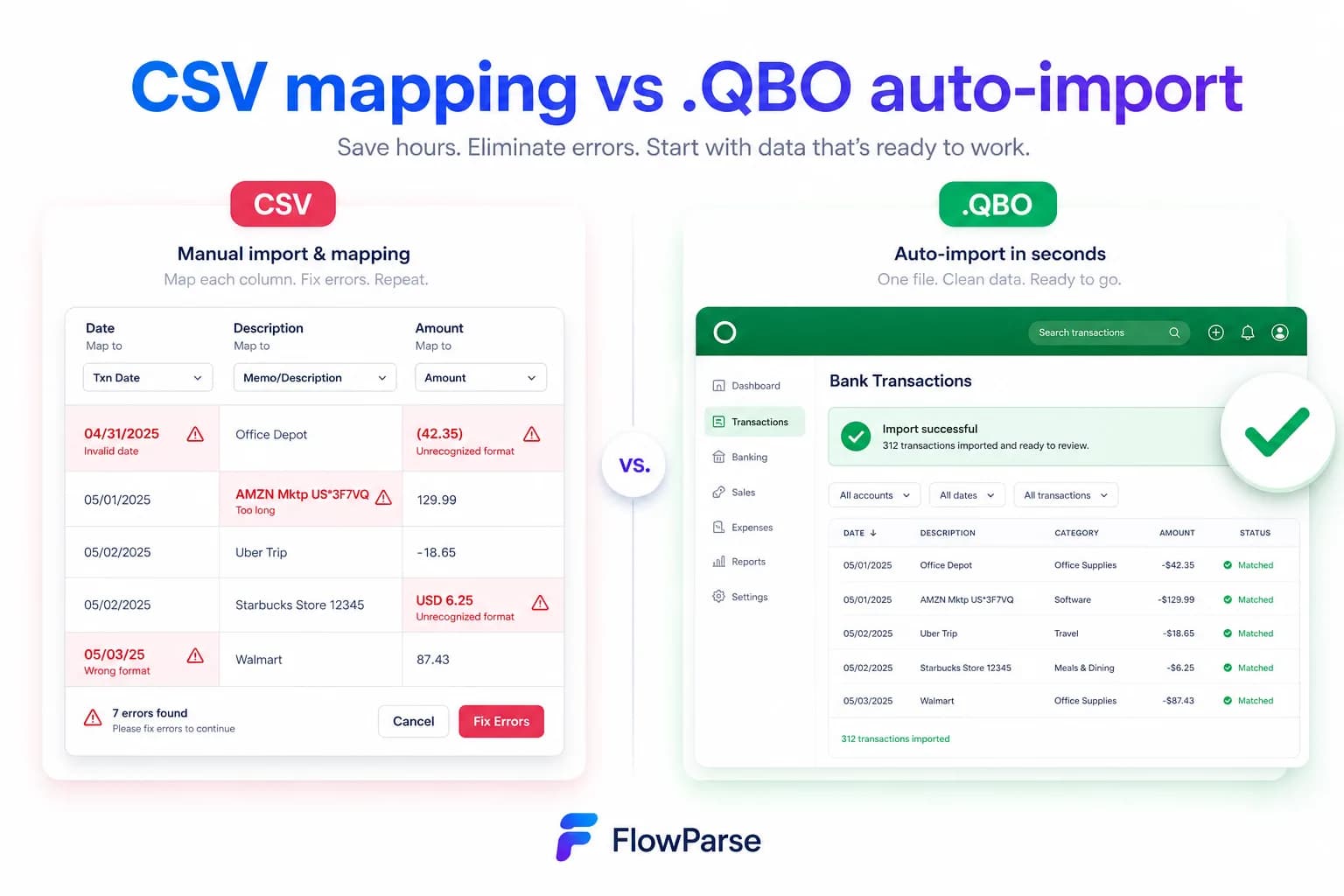
Pricing Comparison
How the cost and commitment models compare.
| Feature | ABBYY | FlowParse |
|---|---|---|
| Free tier (no signup) | No | Yes — pages/month free |
| Model | Enterprise licence / quote | Per page from a balance |
| Setup / professional services | Often required | None |
| Accounting-export files | Build it yourself | Yes (QBO/QFX/OFX/Xero) |
| Self-serve onboarding | IT-led | Instant |
Accuracy Comparison
Both platforms use modern AI OCR — here is how extraction quality is assured.
| Feature | ABBYY | FlowParse |
|---|---|---|
| Invoice / receipt fields | Strong (configured) | Strong (out of box) |
| Multi-page bank statements | After building a skill | Every row, balance-validated |
| Debit/credit normalisation | Build it yourself | Single signed amount |
| Balance reconciliation check | Author rules | Built in |
| Human review step | Verification station | Editable grid + API |
Who should choose ABBYY?
- Large enterprises building a cross-document IDP pipeline
- Organisations needing on-prem or air-gapped deployment
- Teams with IT resources to build and maintain skills
- Use cases spanning many document types beyond finance
Who should choose FlowParse?
- Accountants and finance teams converting statements and invoices
- Developers wanting financial extraction working immediately via API
- SMBs and practices without an IDP project budget
- Anyone wanting a free, self-serve way to convert a document
Migrating from ABBYY to FlowParse
Switching takes minutes — there are no templates to rebuild or models to retrain.
Export your documents
Export invoices and statements from ABBYY or your source.
Upload to FlowParse
Drag and drop PDFs, scans, or images — no setup.
Review extracted data
Check fields in the editable preview before export.
Export Excel or CSV
Download structured data for your accounting system.
Automate workflows
Use the API and integrations for future documents.
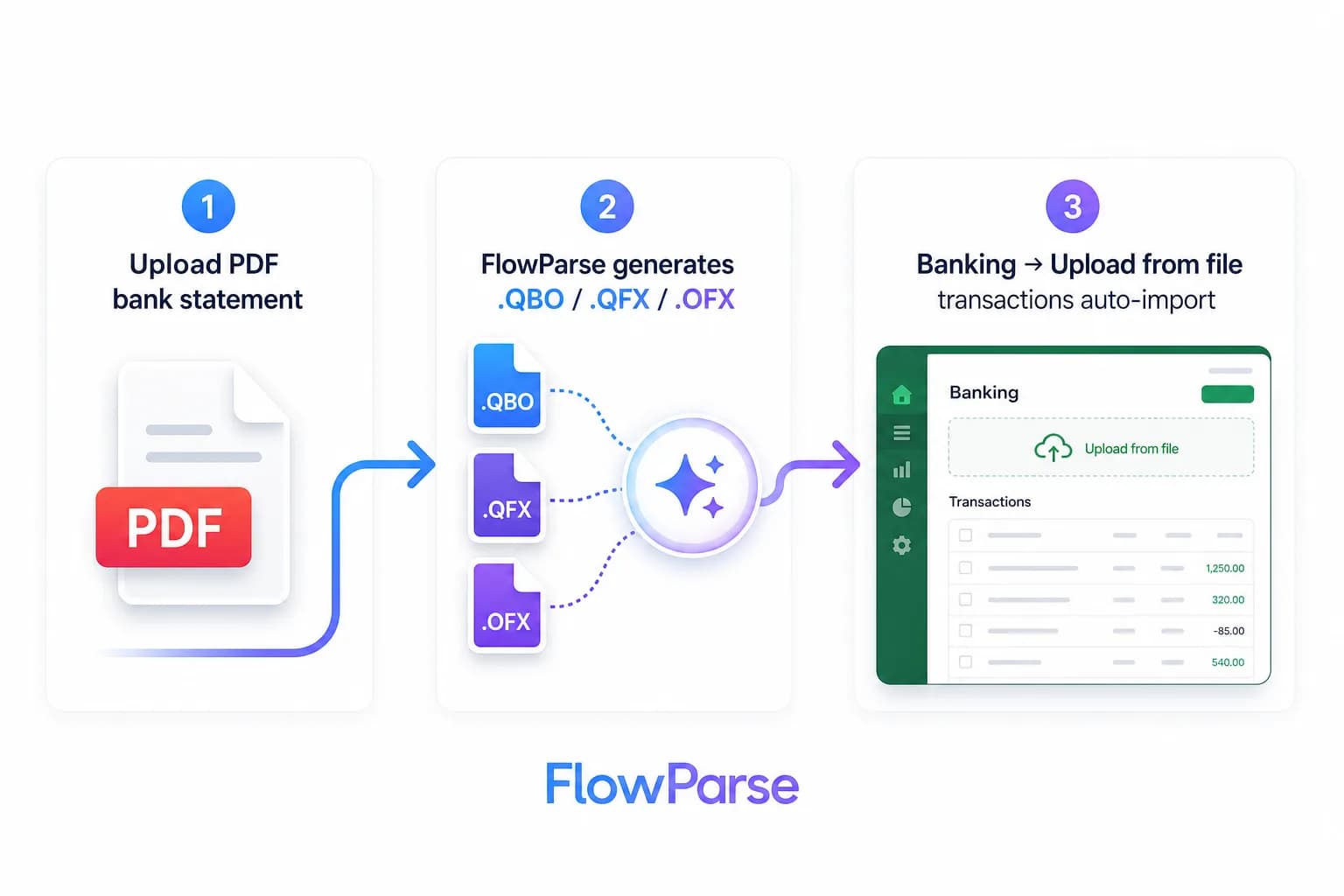
ABBYY vs FlowParse: build-a-pipeline vs ready-to-use
The clearest way to compare these is by what you have to do before you get value. ABBYY is a platform: FlexiCapture and Vantage can capture data from almost any document, but that breadth comes from configuration — you classify documents, build extraction skills or train models, set up verification stations, and integrate the output into your systems. For an enterprise standardising capture across dozens of document types, that investment pays off, and the on-prem options matter for regulated environments.
FlowParse is finished for the financial case. It's pre-trained on bank statements, invoices and receipts, so there's nothing to build: upload a statement or invoice and get clean, validated data in seconds, then export it. That heritage shows in the Smart Merge workflow, the validation engine and native bank-feed export — capabilities that, on a general IDP platform, you'd assemble yourself.
So the deciding question is whether you're buying a toolkit or a result. If you need a configurable platform across many document types with on-prem deployment, ABBYY is built for that. If you need financial-document extraction working today — with validation and accounting export included — FlowParse gets you there without a project.
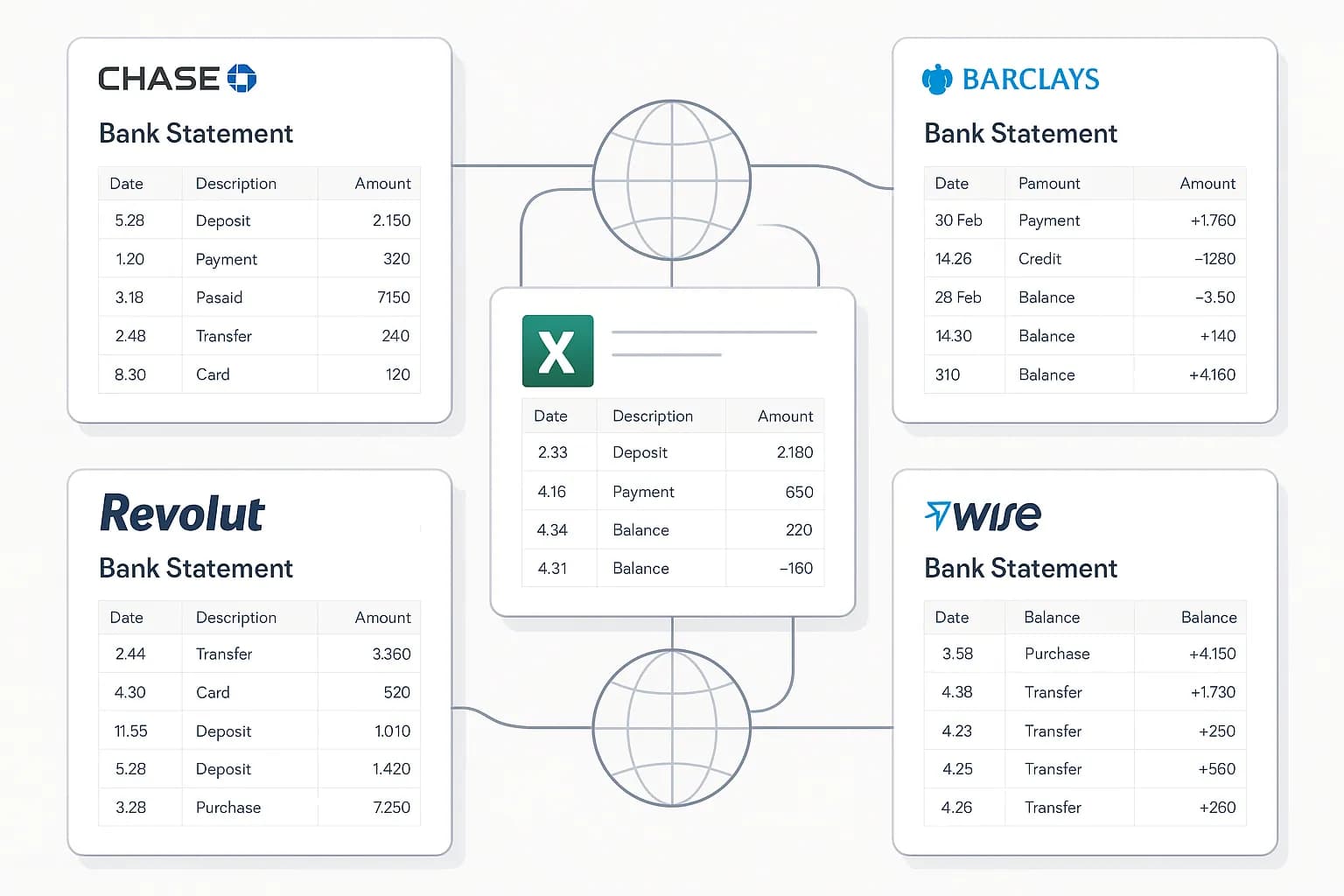
No templates, no training, no rebuild
The biggest practical difference is the setup curve. A template- or skill-based platform asks you to define what each document looks like, and when a bank or a supplier changes their layout, that definition needs updating. For a finance team receiving statements from many banks and invoices from many vendors, that maintenance is a recurring tax.
FlowParse uses a universal financial-document model trained on a huge diversity of real statements and invoices, so it understands structure from context — what a transaction row is, where a closing balance sits, how a line-item table is laid out — without being told. A new bank format or invoice design just works, which is exactly what you want when the inputs aren't under your control. The same engine powers the bank statement OCR API for scanned documents.
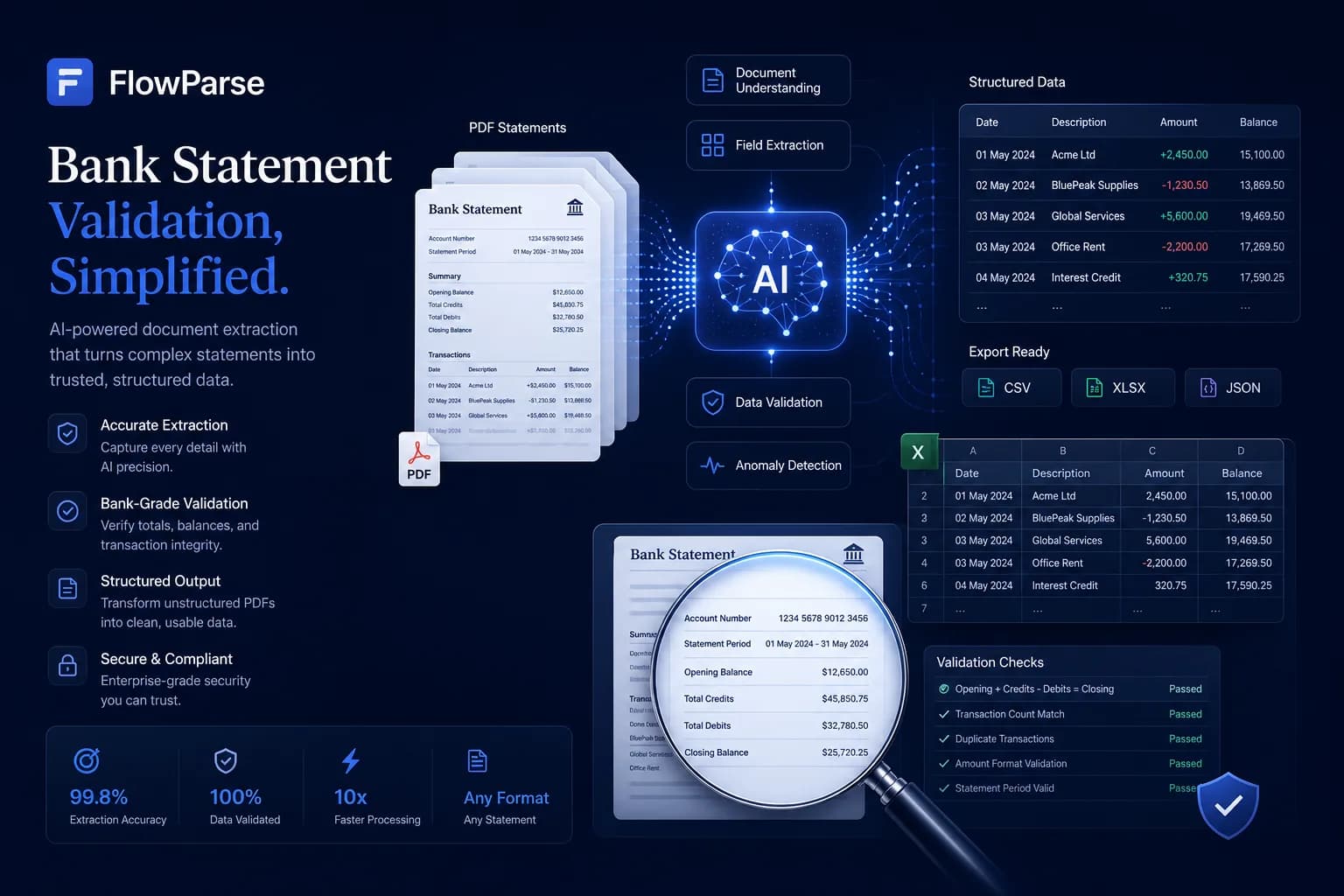
The accounting export gap
A general IDP platform extracts fields; turning those fields into a file your accounting software imports is your integration to build and maintain. FlowParse produces real Open Financial Exchange files out of the box: `.QBO` and `.QFX` for QuickBooks and Quicken, `.OFX` for tools like GnuCash and Sage, plus a Xero-ready CSV and clean Excel. Each transaction carries a stable `FITID`, which is what stops a re-import double-posting rows the user already has.
That's real engineering you don't have to do — and don't have to keep working as formats evolve. The accounting export feature and the PDF to QBO page show the full format list and import steps.
| Aspect | ABBYY | FlowParse |
|---|---|---|
| Setup before first result | Build skills/models | None — pre-trained |
| .QBO / .QFX / .OFX files | Build it yourself | Native |
| Xero CSV / Excel | Build it yourself | Native |
| Balance validation | Author rules | Built in |
| FITID de-duplication | DIY | Built in |
Self-serve workflow and API
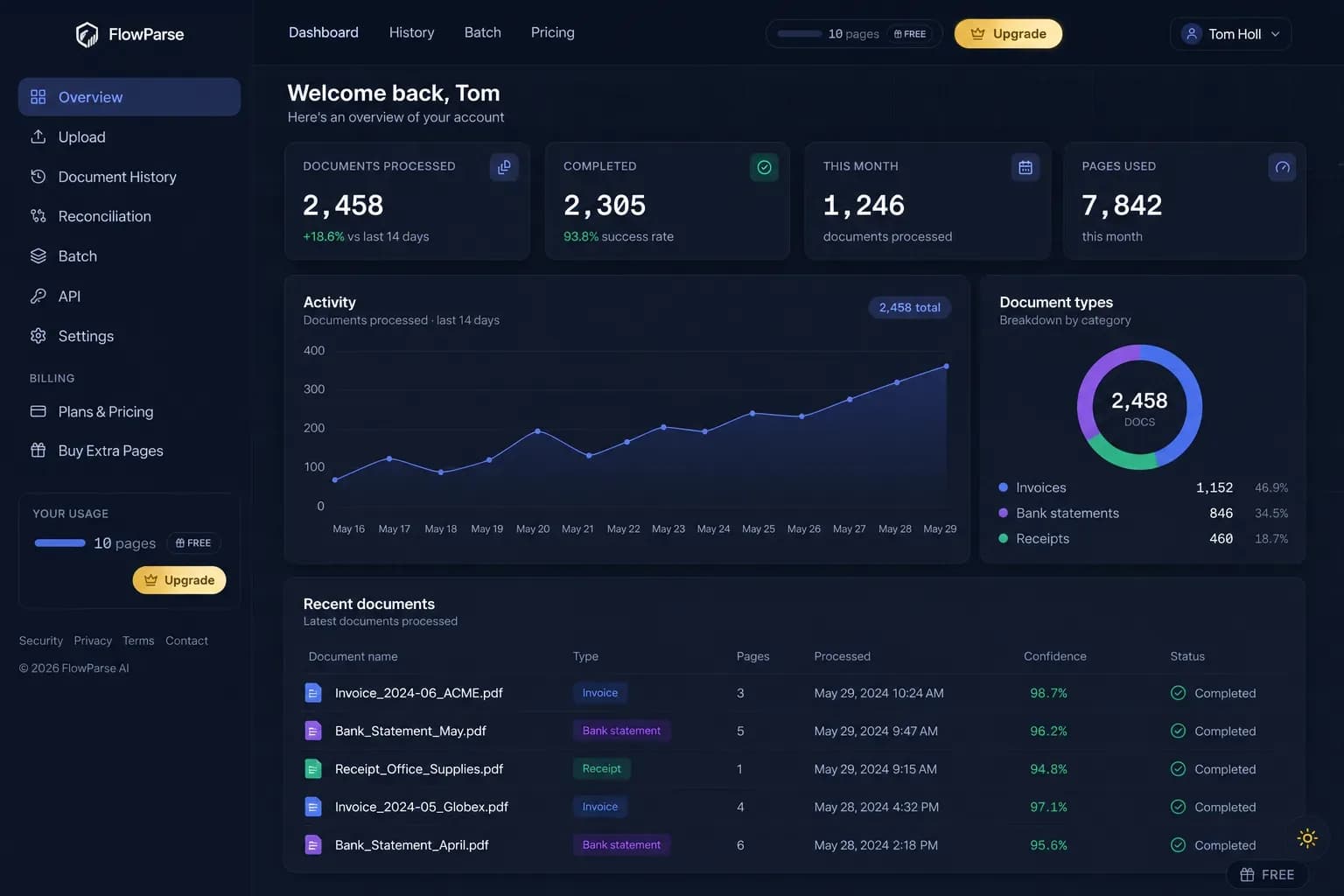
ABBYY is, by design, an IT-led deployment. FlowParse gives you a self-serve browser workflow and an API with nothing to stand up first: anyone can upload a statement, review and fix any row in an editable grid, run reconciliation, and export — and a developer can do the same over REST, billed per page. There's no platform to install and no skills to maintain.
That lowers the cost of evaluation to almost nothing. Instead of scoping a pilot to find out whether extraction is accurate enough, you can drop a real statement into the bank statement to Excel tool and judge the output in seconds. When you're ready to automate, the same capabilities are available through the bank statement API and document extraction API, with the parsing guide covering the pattern.
Pricing, privacy and getting started
FlowParse pricing is per page drawn from a balance, with a free monthly allowance and no signup required to try it — usage is visible per API key so cost is predictable and attributable, with no licence, minimums or professional-services line item. That contrasts with an enterprise-platform model, where evaluating often means a licence and a configuration engagement first. See the pricing page for plans.
On privacy, FlowParse processes in EU data centres, deletes the original PDF immediately after extraction, stores extracted data encrypted, and never trains models on your documents — details on the security page. It's a managed cloud service; where a genuine on-premise or air-gapped requirement exists, that's the case ABBYY's deployment options are built for. Getting started otherwise is the easiest part: convert a document free, then get an API key to automate.
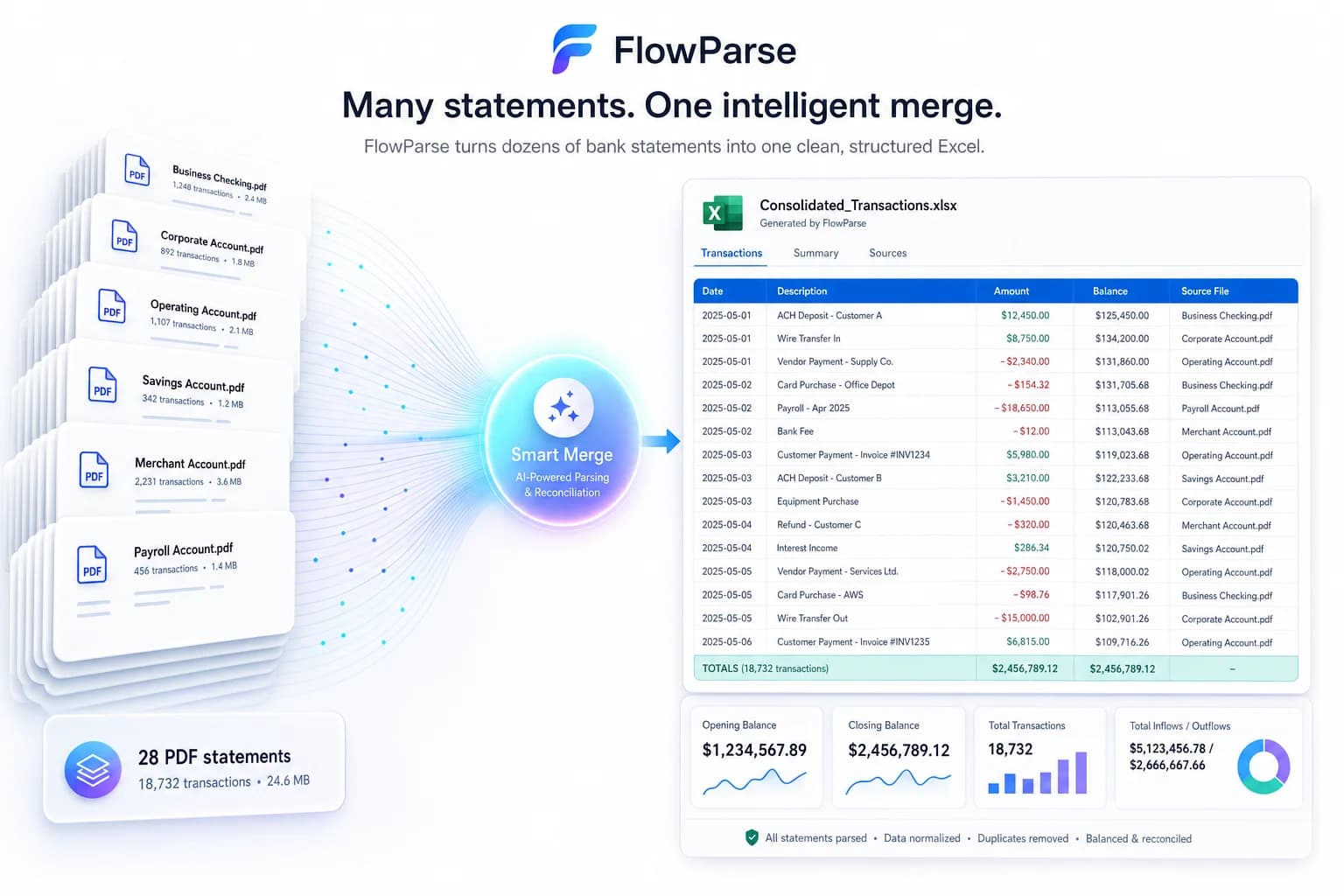
One engine for statements, invoices and receipts
Picking a finance-focused tool doesn't narrow you to one document. FlowParse extracts bank statements, invoices and receipts with full line items, supplier and buyer details, totals and a tax breakdown, and runs an AI VAT auditor on invoices to catch tax errors — all on the same pre-trained engine, all in a consistent schema.
Where ABBYY's strength is configuring capture across an open-ended set of document types, FlowParse's strength is that the financial set is already solved and tied together. Both can read invoices; the question is whether you also want statements, balance validation and accounting export working without building any of it.
Because everything comes back in the same shape, cross-document workflows are built in rather than assembled: an invoice you extract can be reconciled against the bank payment you extracted from a statement, with no mapping between two separately configured pipelines.
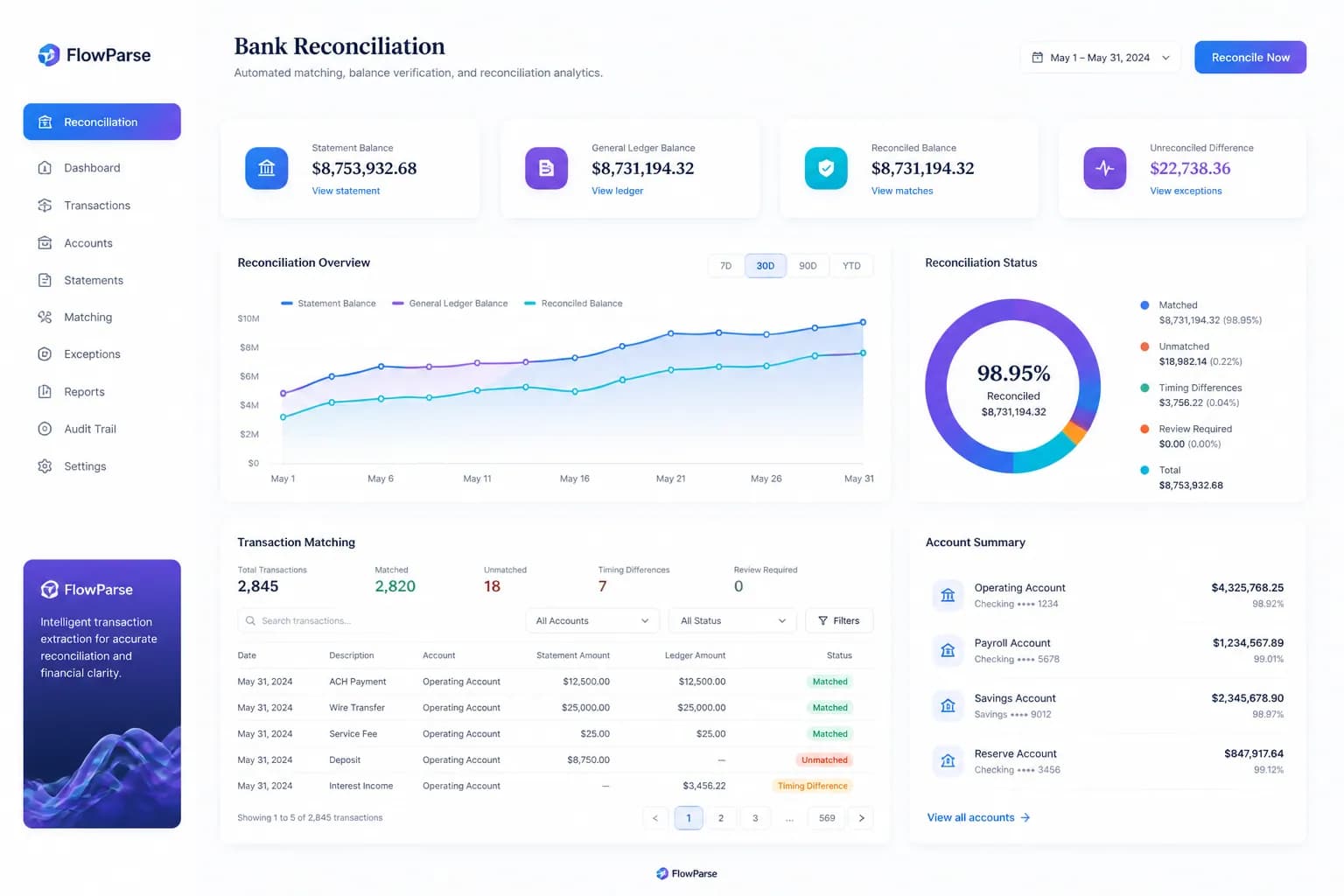
Security, compliance and data residency
Financial-document tools live or die on trust. FlowParse processes documents in EU data centres, deletes the original PDF the moment extraction completes, stores only the extracted data (encrypted), lets you delete it at any time, and never uses your documents to train models — detailed on the security page. For EU-centric teams that data-residency and deletion default is often a deciding factor.
On access control, each API key is hashed, scoped to your account, request-counted and instantly revocable, and every call is logged with a document label and page cost for a clean audit trail. You decide retention because you control the request: store the fields you need, drop the `raw_table` if you don't, and keep PII out of your logs. The honest caveat is deployment model — FlowParse is cloud-managed, so a hard on-premise mandate is the one scenario where an installable platform like ABBYY is the right tool.
| Aspect | Detail |
|---|---|
| Processing region | EU data centres |
| Original PDF | Deleted after extraction |
| Model training | Never on your documents |
| API keys | Hashed, scoped, revocable, logged |
| Deployment | Managed cloud (no setup project) |
A real-world scenario: a finance team that just needs the data
Picture a finance team at a mid-sized company that was quoted an IDP platform to handle its bank statements and supplier invoices. The platform could absolutely do it — after a licence, a configuration project to build the statement and invoice skills, and an integration to push the output into the accounting system. The team's actual need was narrower: get a year of statements and a pile of invoices into clean, validated, importable data, reliably, without standing up a pipeline.
With FlowParse, there's nothing to build. The statements are extracted and balance-validated, then Smart Merge consolidates them into a single reconciled workbook; the invoices are extracted with line items and tax; and everything exports to the formats the team already imports — a QBO bank feed for the statements, Excel for review. It worked on day one, at per-page cost, with no project plan.
The validation gate means a junior can run the conversion without eyeballing every row: clean documents pass automatically and only the flagged ones get a human glance. The lesson is one of fit, not capability — ABBYY is the right tool when you're building broad, configurable capture across an enterprise, but for a team that simply needs financial documents turned into trustworthy data today, a pre-trained, finance-specific engine gets there faster and cheaper.
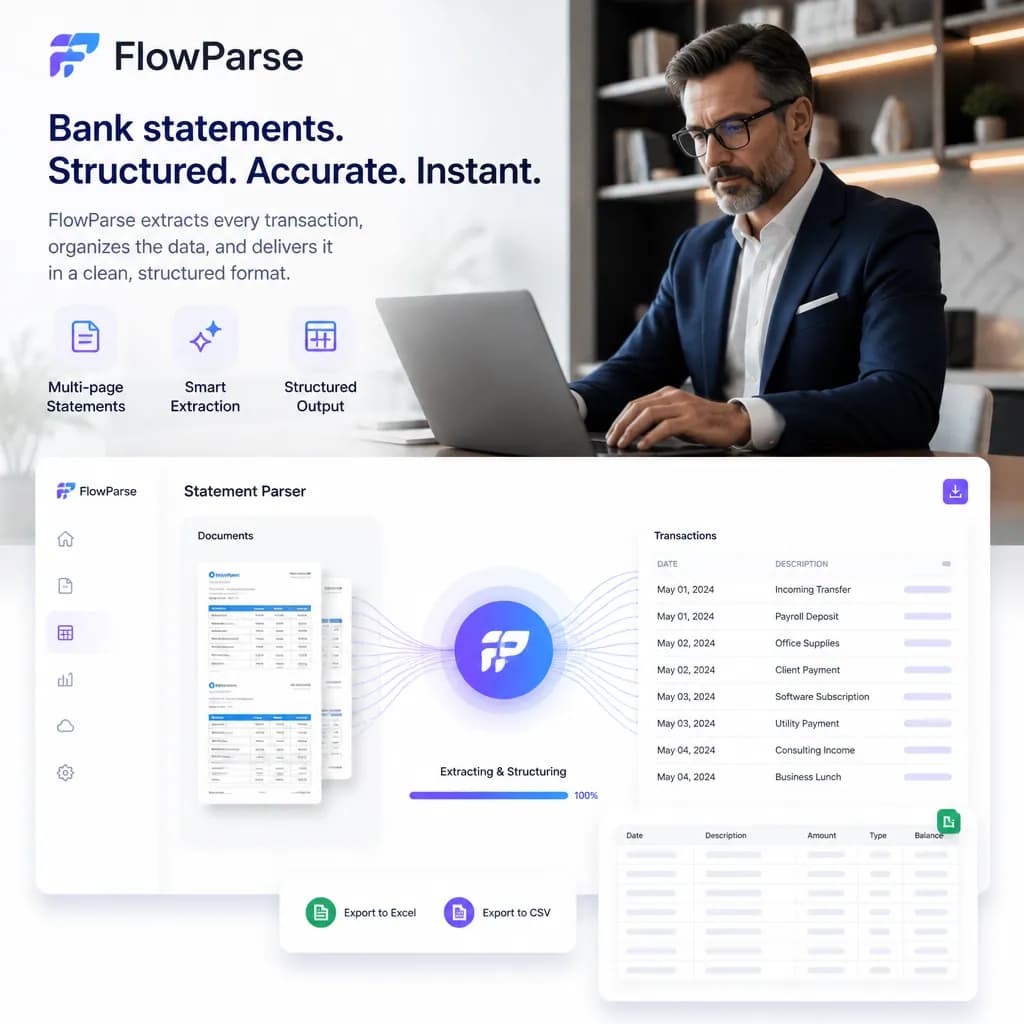
Total cost of ownership, not just licence price
Comparing a platform with a ready-to-use tool on sticker price alone misses where the real cost lives. With a configurable IDP platform, the licence is only the first line item: building the document skills, standing up verification stations, writing the export mapping, and integrating it all take time and people — and that work doesn't end at go-live. Every time a bank or supplier changes a layout, or you add a new document type, the skills and mappings need revisiting. That ongoing maintenance is the quiet, recurring cost of a build-it-yourself approach.
FlowParse's total cost of ownership is close to its per-page price because there's nothing to build or maintain. The model is pre-trained, so a new bank or vendor format just works; validation and accounting export ship in the box rather than as integrations you author; and there's no platform to host, patch or upgrade. For the financial document set specifically, that turns a project with a long tail into a line on a usage report.
This is the heart of the build-versus-buy decision. If your need genuinely spans many document types with bespoke logic and on-prem constraints, a platform you configure is the right investment and its TCO is justified. If your need is financial documents — statements, invoices, receipts — turned into trustworthy, exportable data, paying for a configurable platform means paying to rebuild capabilities that a finance-specific engine already includes. Counting the whole cost, not just the licence, is usually what tips that decision.