A Azure Document Intelligence Alternative
Finished Financial Extraction Without an Azure Build
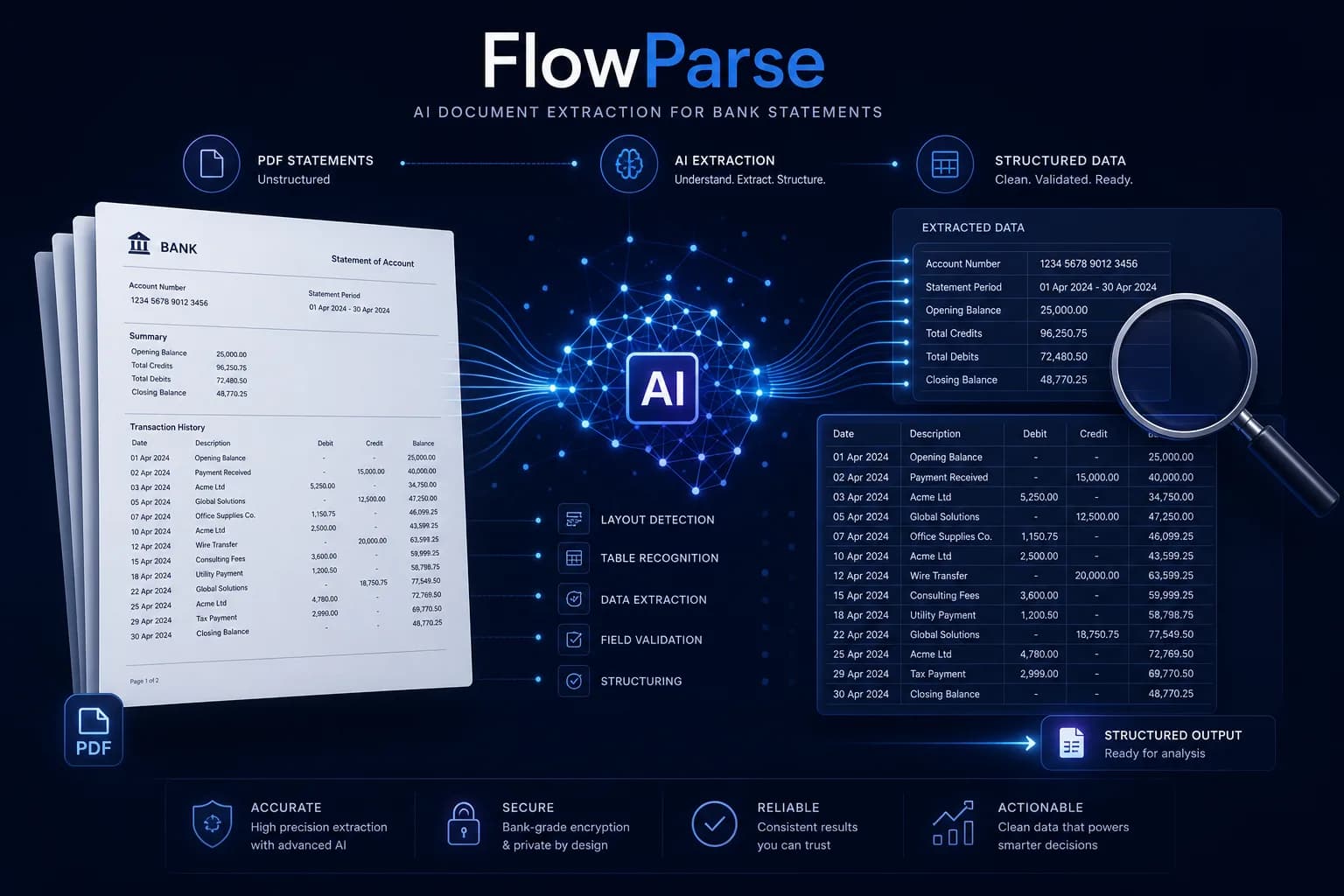
Azure AI Document Intelligence (formerly Form Recognizer) offers prebuilt models for invoices, receipts, layout and a US bank statement, plus custom models you train — all inside an Azure resource you build around. FlowParse is the finished layer for financial documents: it reads statements from any country, validates the numbers, and exports native QBO/QFX/OFX/Xero/Excel, self-serve, with a REST API and a free tier.
Engineering teams on Azure building a document pipeline across many document types, who want prebuilt and custom-trainable models and will build validation, export and orchestration themselves.
Teams that want bank statements, invoices and receipts turned into clean, validated, importable data immediately — from any bank, with accounting export included and no Azure resource to run.
Why Businesses Look for Azure Document Intelligence Alternatives
A result, not a model to wire up
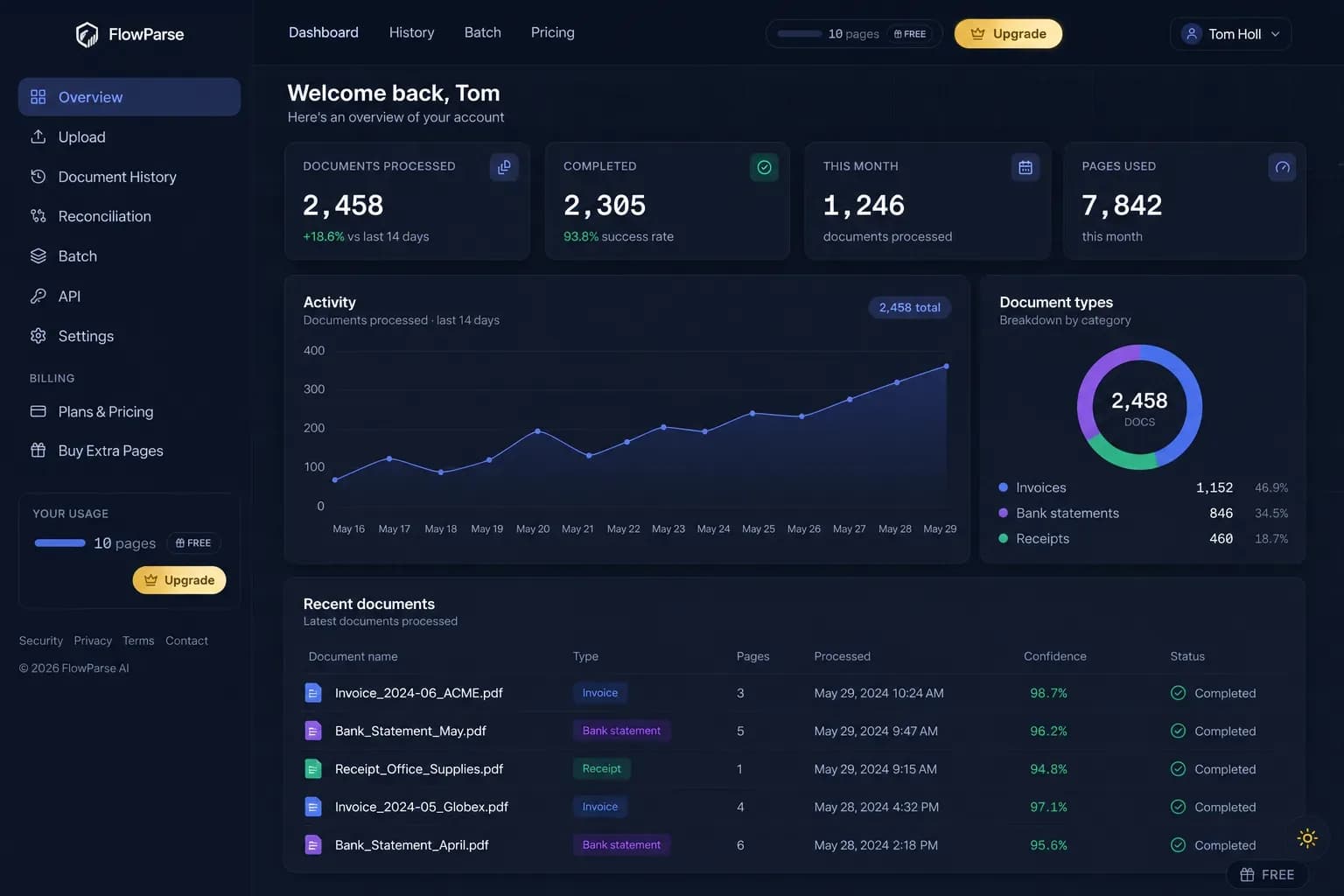
Document Intelligence returns fields you integrate; FlowParse returns finished, validated financial data ready to export.
Balance validation in the box
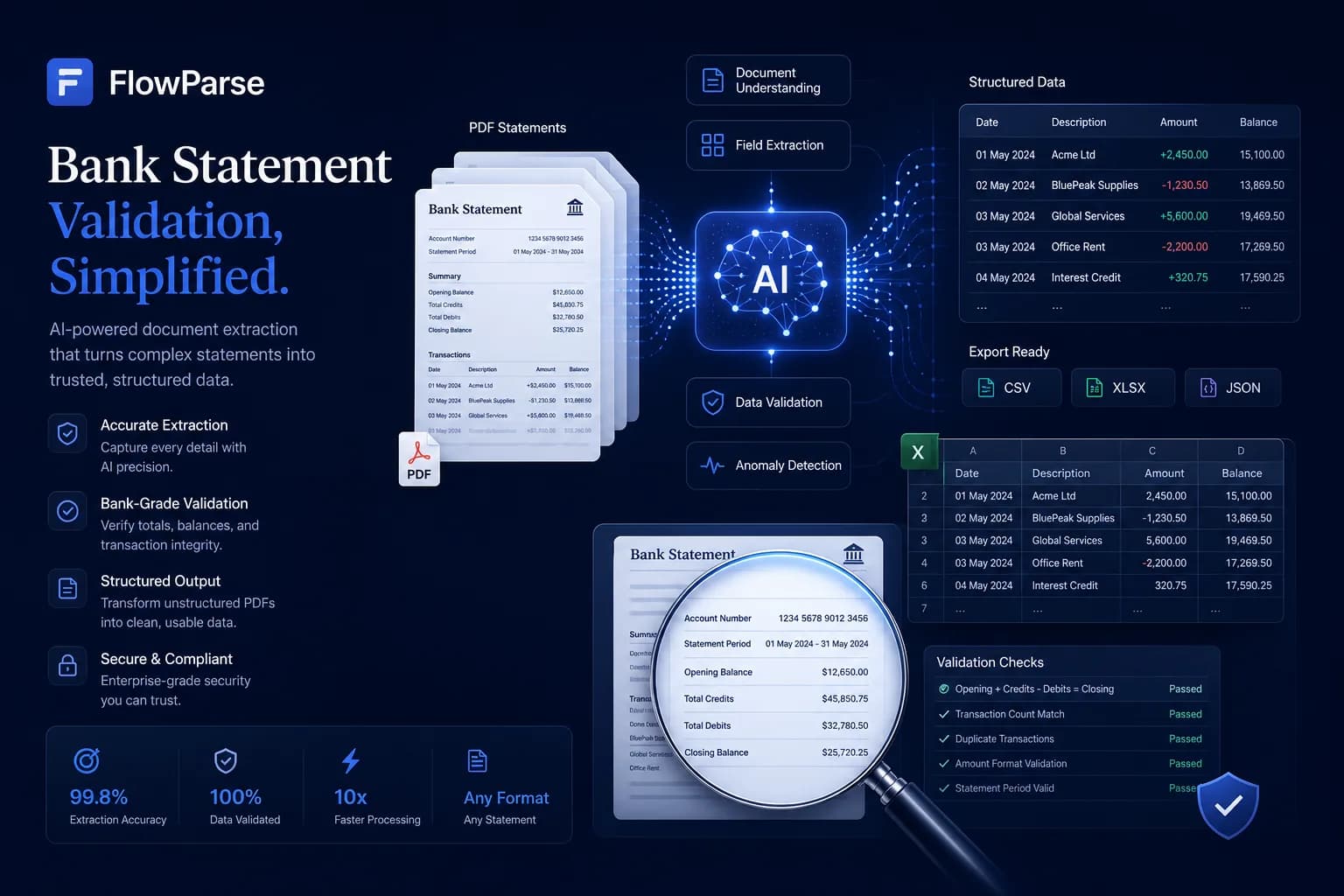
A deterministic check confirms opening + transactions = closing, with a 0-100 quality score — no rules to author.
Accounting-ready export
Native .QBO/.QFX/.OFX and Xero/Excel files, not fields you map into a ledger yourself.
Any-country statements
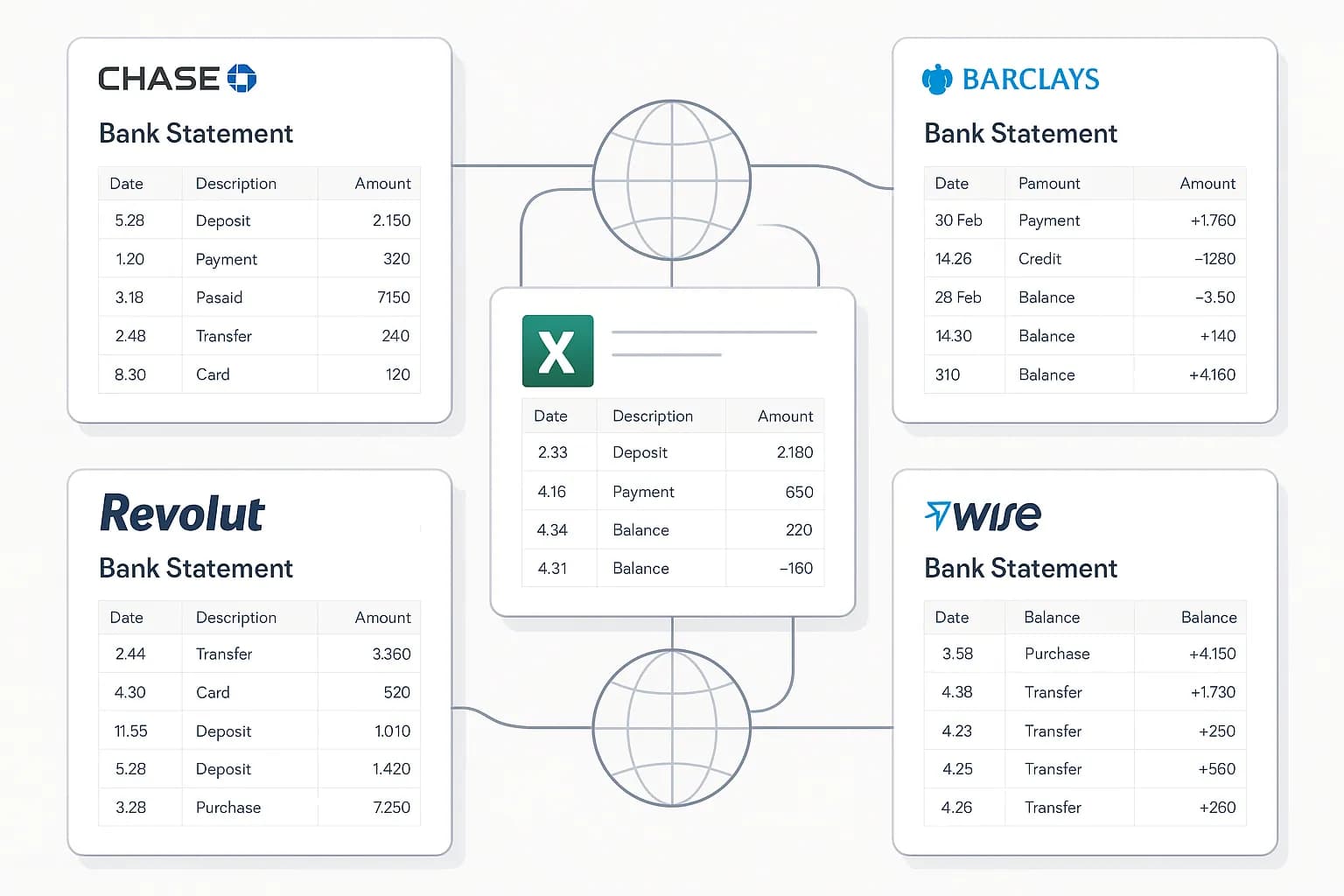
The prebuilt bank-statement model is US-focused; FlowParse reads UK, EU and global statements without a custom model.
No Azure resource or keys
No resource provisioning, endpoints, keys or SDK glue before your first result.
Self-serve and free to start
Convert a real statement in the browser today, or call one REST endpoint — no Azure portal.
Quick Comparison — Azure Document Intelligence vs FlowParse
A feature-by-feature look at Azure Document Intelligence and FlowParse.
| Feature | Azure Document Intelligence | FlowParse |
|---|---|---|
| Bank statement PDF → structured transactions | Prebuilt US model / custom | Any bank, out of box |
| Debit/credit → single signed amount | Build it yourself | Yes |
| Balance reconciliation + quality score | No | Yes |
| Native .QBO / .QFX / .OFX export | No | Yes |
| Xero / Excel / CSV export | Build it yourself | Yes |
| Smart Merge — 100 PDFs → 1 Excel | No | Yes |
| Editable review grid for humans | Build a UI | Yes |
| Works with no Azure resource | No | Yes |
| Self-serve browser app | No | Yes |
| Free no-signup tier | Azure free tier (limited) | Yes |
| REST API | Yes | Yes |
| Custom model training / broad doc types | Yes | Finance-focused, pre-trained |
What Is Azure Document Intelligence?
Azure AI Document Intelligence, previously Form Recognizer, is Microsoft's document-extraction service. It ships prebuilt models — Read (OCR), Layout, Invoice, Receipt, ID and, notably, a US bank statement model — and lets you train custom models on your own document types. It returns structured fields with confidence and bounding boxes, integrates tightly with the Azure stack, and scales well. It's a strong choice when you're building a document pipeline on Azure and want a mix of ready models and trainable ones to build on.
Where it stops is the finished financial workflow. The prebuilt bank statement model is US-oriented and returns fields, not a posting-ready result: reconstructing a full transaction list, merging debit and credit into a signed amount, validating that the balance reconciles, presenting the data for human review, and exporting a file your accounting software imports are all yours to build. You also provision an Azure resource, manage endpoints and keys, and integrate the SDK before any of it runs — and for non-US statements you're typically training a custom model.
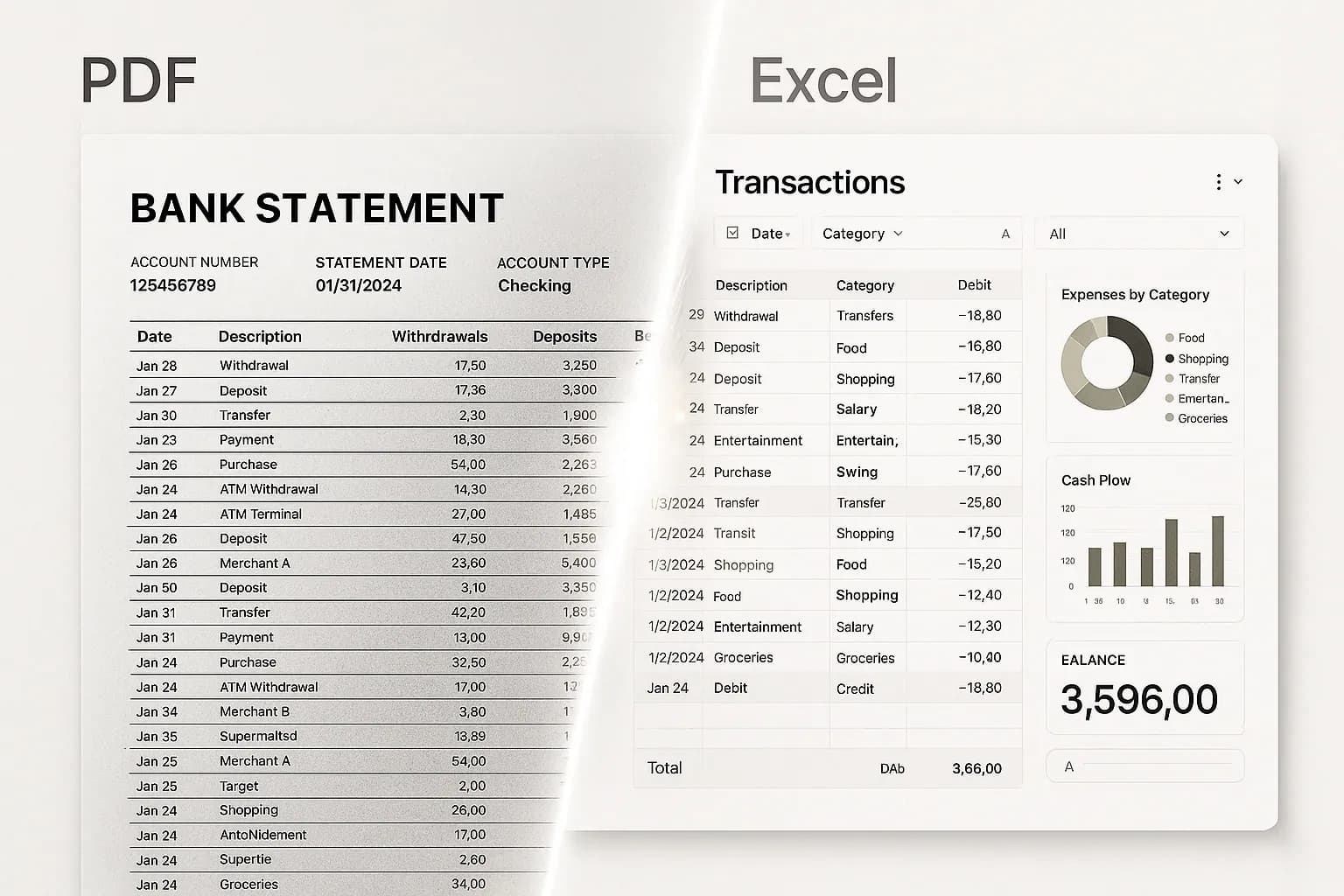
FlowParse is that finished workflow for financial documents, from any country. It's pre-trained on bank statements, invoices and receipts, so a document comes back as validated data — signed transactions, line items, totals and tax — ready to review in an editable grid and export as the files accountants actually import, with no per-country model to train. It runs self-serve in the browser and as a metered REST API, with a free tier.
Azure Document Intelligence strengths
- Prebuilt models for invoices, receipts, layout and US bank statements
- Custom model training for your own document types
- Confidence scores, bounding boxes and tight Azure integration
- Enterprise scale and broad language coverage
Where teams want something different
- Prebuilt bank statement model is US-focused; other countries need a custom model
- No balance validation, debit/credit normalisation or accounting-export files out of the box
- Requires an Azure resource, keys and integration code before any result
- No self-serve app or free no-signup way to convert a single document
Why Teams Switch to FlowParse
Skip the Azure build
Get finished transactions and invoice fields without a resource, custom models to train, or export code to write.
Statements from any country
UK, EU and global statements are read out of the box — no US-only prebuilt model or per-country training.
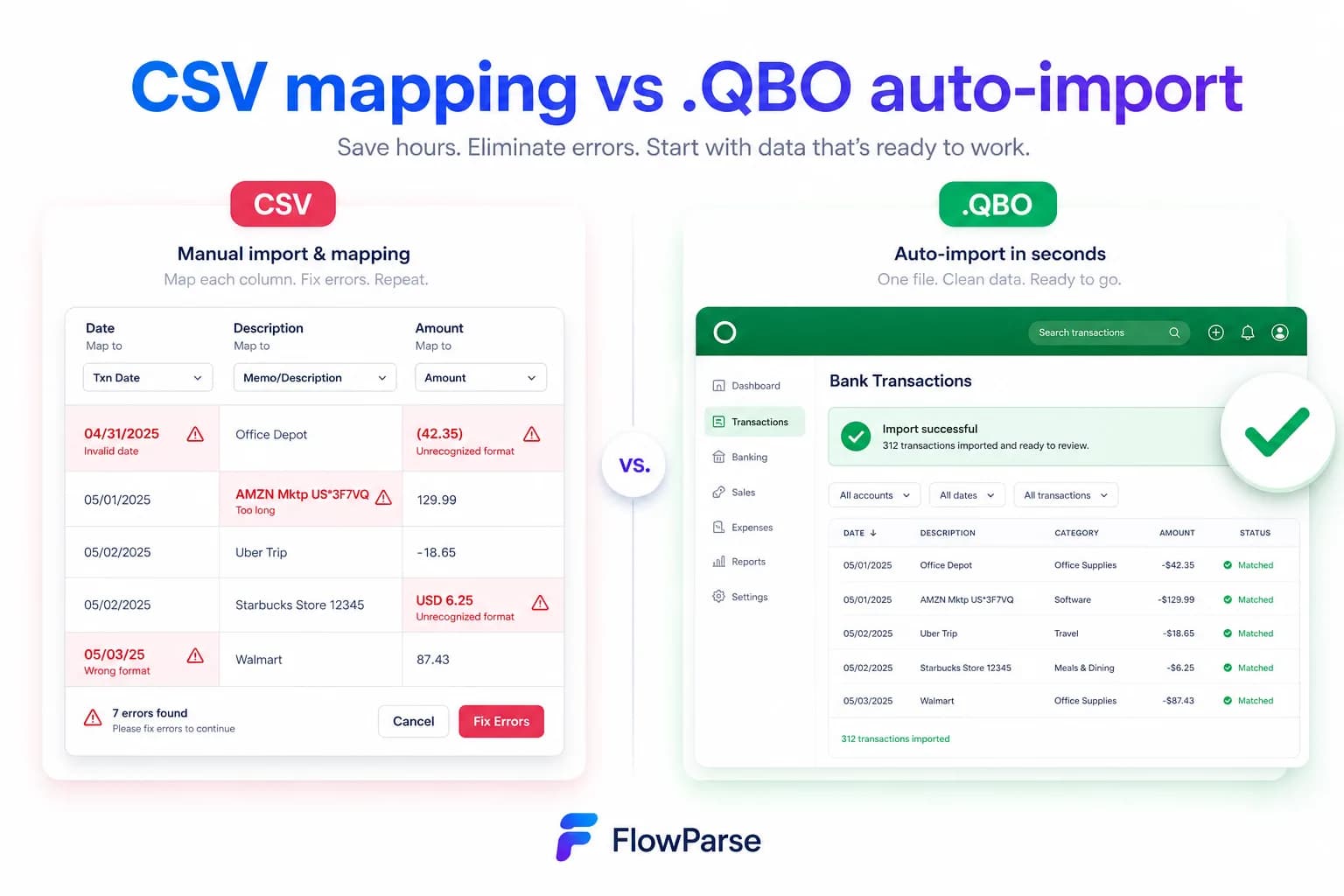
Statements to a real bank feed
Export .QBO/.QFX/.OFX (OFX 1.0.2, FITID de-dup) so imports never double-post — no mapping to build.
A quality gate you can trust
Balance reconciliation, duplicate detection and a 0-100 score ship in the box.
Consolidate and reconcile
Merge a year into one Excel and match payments to invoices, out of the box.
Free to evaluate
Run a real statement through the whole flow before committing anything.
Model toolkit vs finished result
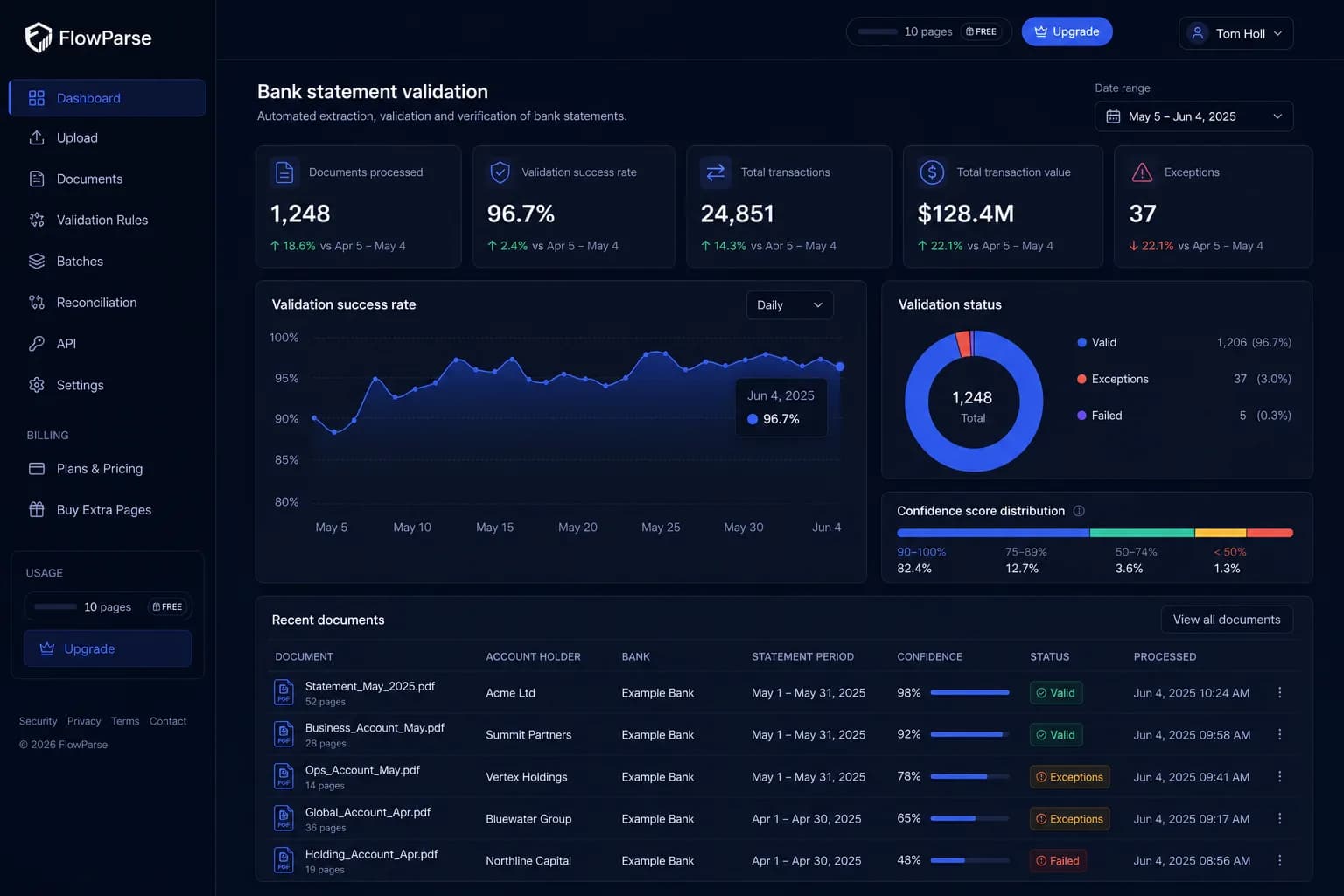
Document Intelligence gives you prebuilt and custom models to build financial extraction. FlowParse gives you the finished financial extraction.
Document Intelligence path
- Provision an Azure resource + keys
- Pick a prebuilt or train a custom model
- Call from the SDK
- Write validation + export code
- Integrate, then maintain
FlowParse path
- Sign up free, no setup
- Upload a statement, invoice or receipt
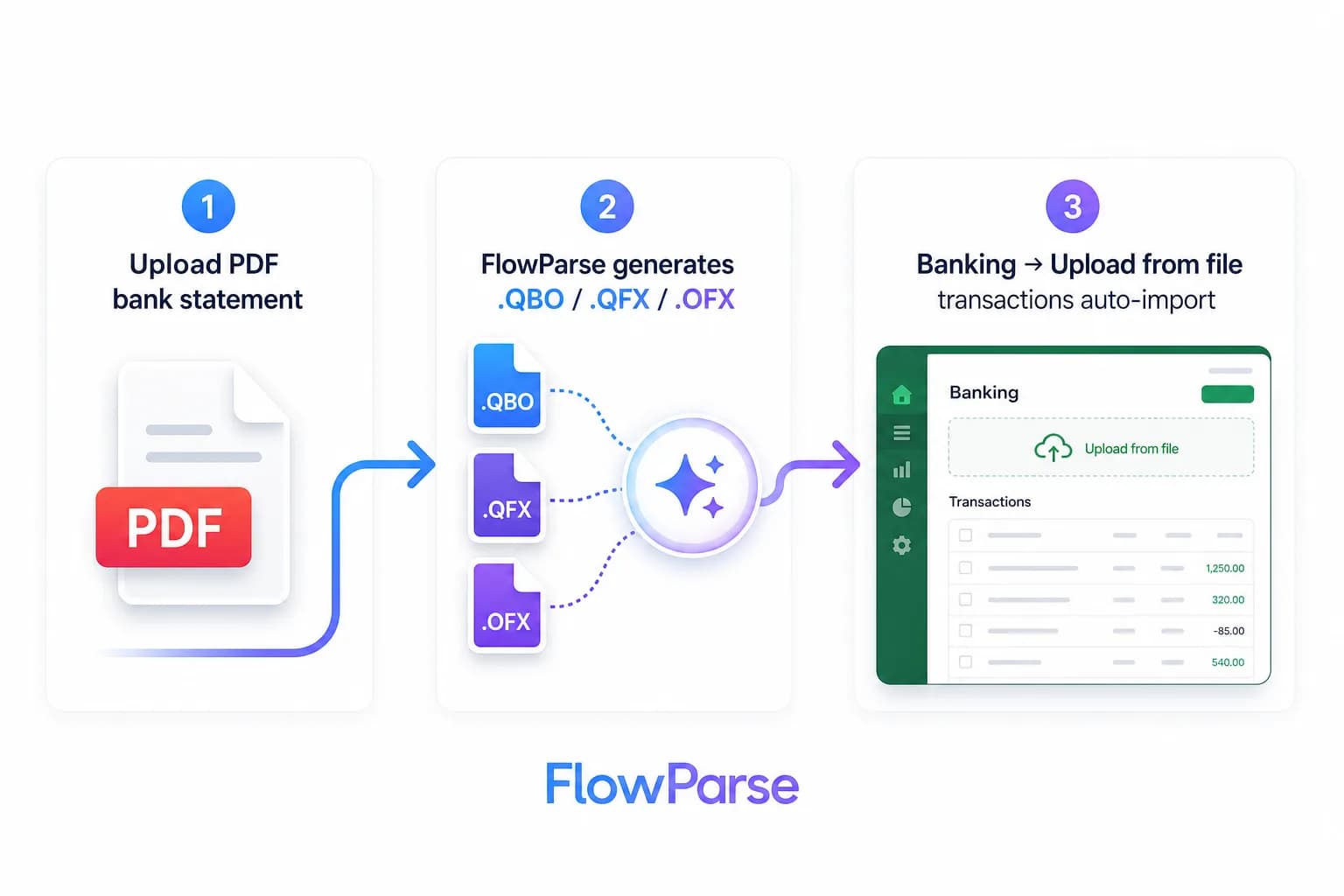
- AI extracts + validates (balance check)
- Review in an editable grid
- Export native QBO/QFX/OFX/Xero/Excel
Pricing Comparison
How the cost and commitment models compare.
| Feature | Azure Document Intelligence | FlowParse |
|---|---|---|
| Free tier | Azure free tier (limited pages) | Yes — pages/month, no signup |
| Model | Per page/model call, Azure billing | Per page from a balance |
| Setup before first result | Azure resource + integration code | None |
| Accounting-export files | Build it yourself | Yes (QBO/QFX/OFX/Xero) |
| Self-serve onboarding | Developer-led | Instant |
Accuracy Comparison
Both platforms use modern AI OCR — here is how extraction quality is assured.
| Feature | Azure Document Intelligence | FlowParse |
|---|---|---|
| Invoice / receipt fields | Strong (prebuilt) | Strong (out of box) |
| US bank statement | Prebuilt model | Every row, balance-validated |
| Non-US bank statement | Train a custom model | Out of box, any country |
| Debit/credit normalisation | Build it yourself | Single signed amount |
| Balance reconciliation | No | Built in |
Who should choose Azure Document Intelligence?
- Engineering teams building a document pipeline on Azure
- Use cases spanning many document types beyond finance
- Teams needing custom-trained models for bespoke documents
- Organisations already standardised on Microsoft Azure
Who should choose FlowParse?
- Accountants and finance teams converting statements and invoices
- Developers wanting finished financial data from one REST call
- Teams handling non-US statements without training a model
- Anyone wanting a free, self-serve way to convert a document
Migrating from Azure Document Intelligence to FlowParse
Switching takes minutes — there are no templates to rebuild or models to retrain.
Export your documents
Export invoices and statements from Azure Document Intelligence or your source.
Upload to FlowParse
Drag and drop PDFs, scans, or images — no setup.
Review extracted data
Check fields in the editable preview before export.
Export Excel or CSV
Download structured data for your accounting system.
Automate workflows
Use the API and integrations for future documents.
Azure Document Intelligence vs FlowParse: toolkit vs product
The distinction is one of altitude and scope. Azure Document Intelligence is a toolkit: prebuilt models for common documents, custom models you can train, OCR and Layout underneath, all returning structured fields you consume in code. For a team building document infrastructure on Azure across many document types, that mix of ready and trainable models is exactly right, and the prebuilt invoice and receipt models are genuinely good. The workflow that turns fields into a working feature — reconstruction, validation, review and export — is yours to build.
FlowParse is a product for the financial case, and one that isn't tied to US layouts. Upload a bank statement or invoice from any country and you get finished objects: dated transactions with a single signed amount, line items with tax, totals that have been checked, and native accounting export. The validation engine, Smart Merge and editable review grid are all included because the engine is built for financial documents.
So the deciding question is whether you're buying models to build on or a finished result. If you need prebuilt and trainable models across arbitrary documents on Azure, Document Intelligence is the toolkit. If your documents are statements, invoices and receipts — including non-US ones — and you want validated, importable data today, FlowParse already contains the layers you'd assemble on Azure.
Fields are not yet posting-ready finance data
A prebuilt model returning invoice or statement fields is a real head start — but on a bank statement there's still a gap between 'fields returned' and 'data I can post'. That gap includes stitching the transaction list back together across page breaks, merging separate debit and credit columns into one signed value, parsing day-first versus month-first dates consistently, and confirming that opening balance plus every transaction equals the closing balance so you know nothing was dropped. And with the US-oriented prebuilt model, a UK or EU statement is out of scope until you train a custom one.
With Document Intelligence you write and own that logic and maintain it across formats and countries. FlowParse ships it: one universal financial model reads statements from any country, normalises, validates and scores them, and surfaces anything uncertain for a quick human check in an editable grid. That's the difference between a model that returns fields and a tool that returns numbers you can trust — the scanned path runs through the same bank statement OCR API.
The accounting export gap
A document model extracts fields; turning them into a file your accounting software imports is your integration to build and keep working. FlowParse produces real Open Financial Exchange files out of the box: `.QBO` and `.QFX` for QuickBooks and Quicken, `.OFX` for tools like GnuCash and Sage, plus a Xero-ready CSV and clean Excel. Each transaction carries a stable `FITID`, which is what stops a re-import double-posting rows the user already has.
That's engineering you don't have to do on top of Document Intelligence — and don't have to keep working as formats evolve. The accounting export feature and the PDF to QBO page show the full format list and the exact import steps into each tool.
| Stage | Document Intelligence | FlowParse |
|---|---|---|
| OCR / field extraction | Yes (prebuilt/custom) | Yes (then structured) |
| Non-US statements | Train a custom model | Out of box |
| Debit/credit → signed amount | Build it yourself | Built in |
| Balance validation + score | None | Built in |
| .QBO/.QFX/.OFX/Xero files | Build it yourself | Native |
No Azure resource, no pipeline to run
Document Intelligence is a cloud-developer service: you provision an Azure resource, manage endpoints and keys, pick a prebuilt model or train a custom one, and call it from the SDK before you write the workflow around it. For an Azure-native engineering team that's routine; for a finance team or a small dev shop it's a project on its own.
FlowParse removes it. Anyone can drop a statement into the bank statement to Excel tool and judge the output in seconds, and a developer can get the same finished data from a single authenticated REST call, billed per page — no resource, no model management. When you're ready to automate, the bank statement API and document extraction API cover it, with the parsing guide walking through the pattern.
Pricing, privacy and getting started
On price, Document Intelligence bills per page or model call through Azure, and that meter sits on top of the engineering to build and maintain the pipeline — the true cost is the pipeline, plus any custom-model training for the layouts the prebuilt models miss. FlowParse is per page drawn from a balance, with a free monthly allowance and no signup required to try it; because the output is finished and country-agnostic, the per-page price is close to the whole cost. See the pricing page for plans.
On privacy, FlowParse processes in EU data centres, deletes the original PDF immediately after extraction, stores extracted data encrypted, and never trains models on your documents — details on the security page. With Document Intelligence, residency and retention follow your Azure configuration, which is capable but is yours to get right. Getting started with FlowParse is the easy part: convert a document free, then get an API key to automate.
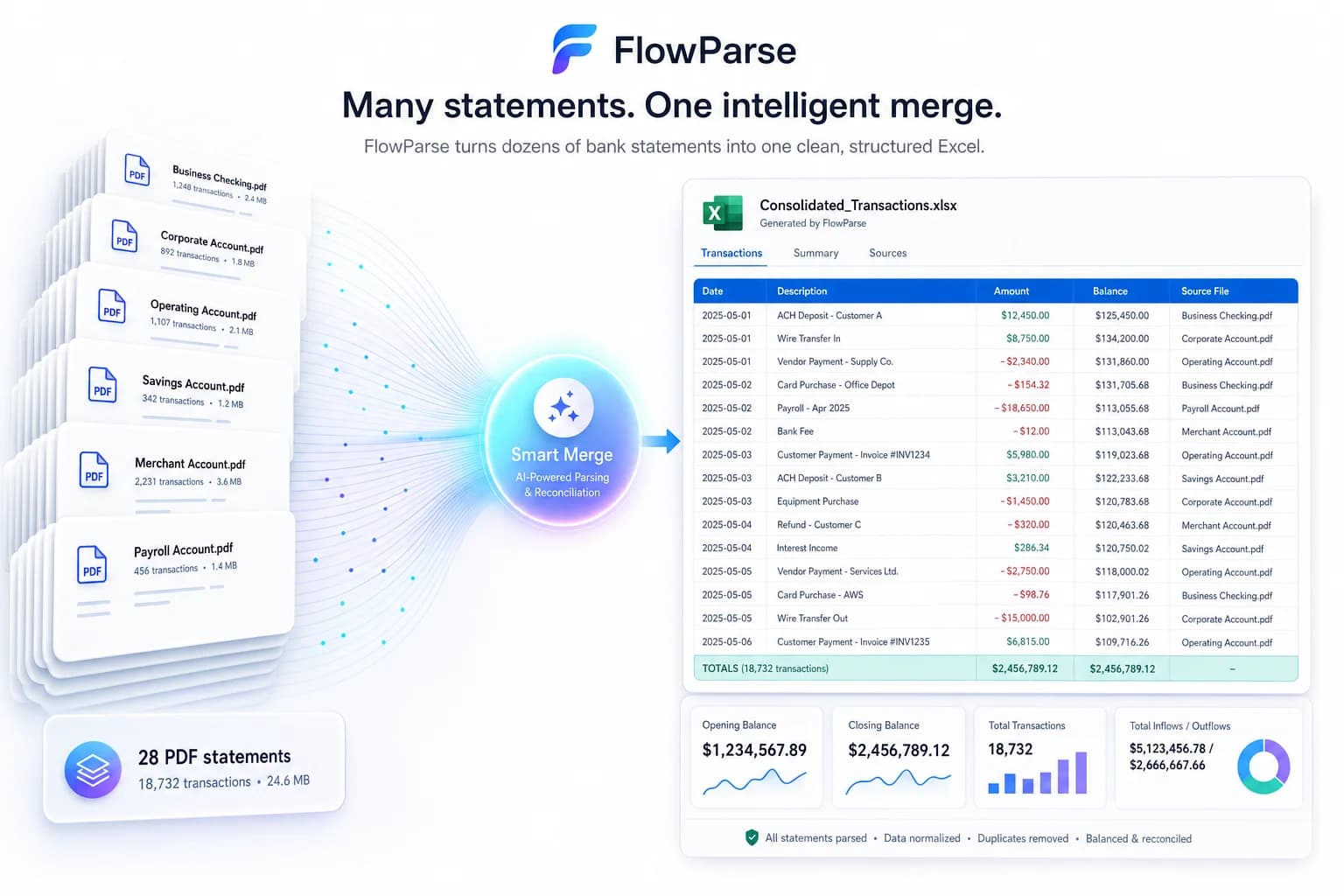
One engine for statements, invoices and receipts
Choosing a finance-focused tool doesn't narrow you to one document. FlowParse extracts bank statements, invoices and receipts with full line items, supplier and buyer details, totals and a tax breakdown, and runs an AI VAT auditor on invoices — all on the same pre-trained engine, all in a consistent schema.
Because everything comes back in the same shape, cross-document workflows are built in rather than assembled: an invoice you extract can be reconciled against the bank payment you extracted from a statement, with no mapping between separately configured models. On Document Intelligence, each document type is a model to enable or train and each join is code you own.
Where Document Intelligence's strength is a mix of prebuilt and trainable models for any document type, FlowParse's strength is that the financial set is already solved, country-agnostic and tied together — exactly what you want when the documents in front of you are financial.
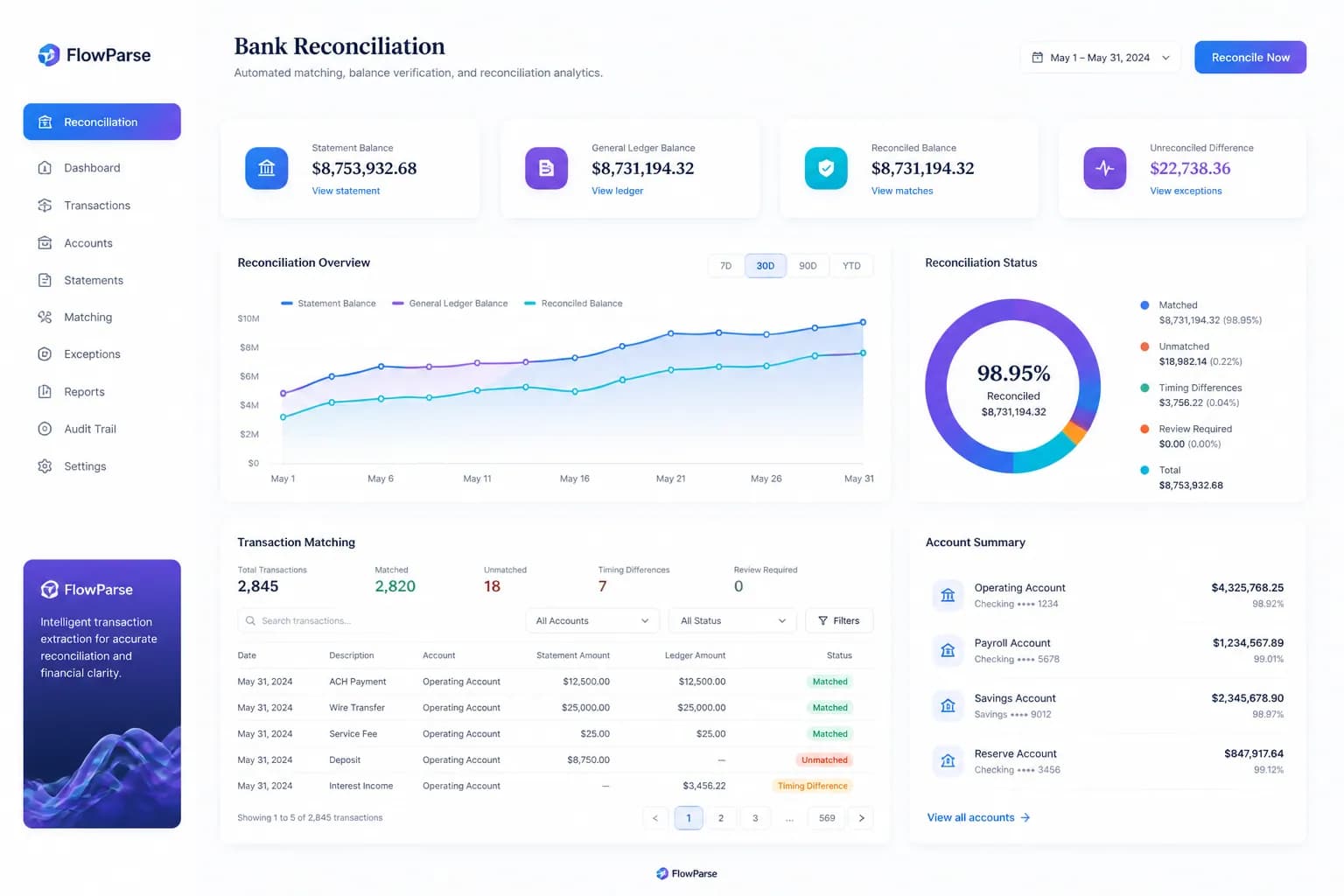
A real-world scenario: a lender processing UK and EU statements
Picture a lender that tried Azure's prebuilt bank statement model to automate affordability checks. On US statements it worked; on the UK and EU statements that made up most of their book, the prebuilt model wasn't built for the layouts, so they were staring at a custom-model training project — labelling documents, training, evaluating, and then still building the reconstruction, validation and export around it.
With FlowParse, the same UK and EU statements are read out of the box, balance-validated, and available as clean transactions the moment they're uploaded, with Smart Merge to consolidate an applicant's several months and an editable grid for review. There was no per-country model to train, because the engine was built on a huge diversity of real statements from many countries.
The lesson is one of fit — Azure Document Intelligence is a strong toolkit, and where you need trainable models across bespoke documents it's the right investment. But for a team whose documents are financial and often non-US, a finished, country-agnostic engine gets there without a training project and keeps working as new layouts arrive.
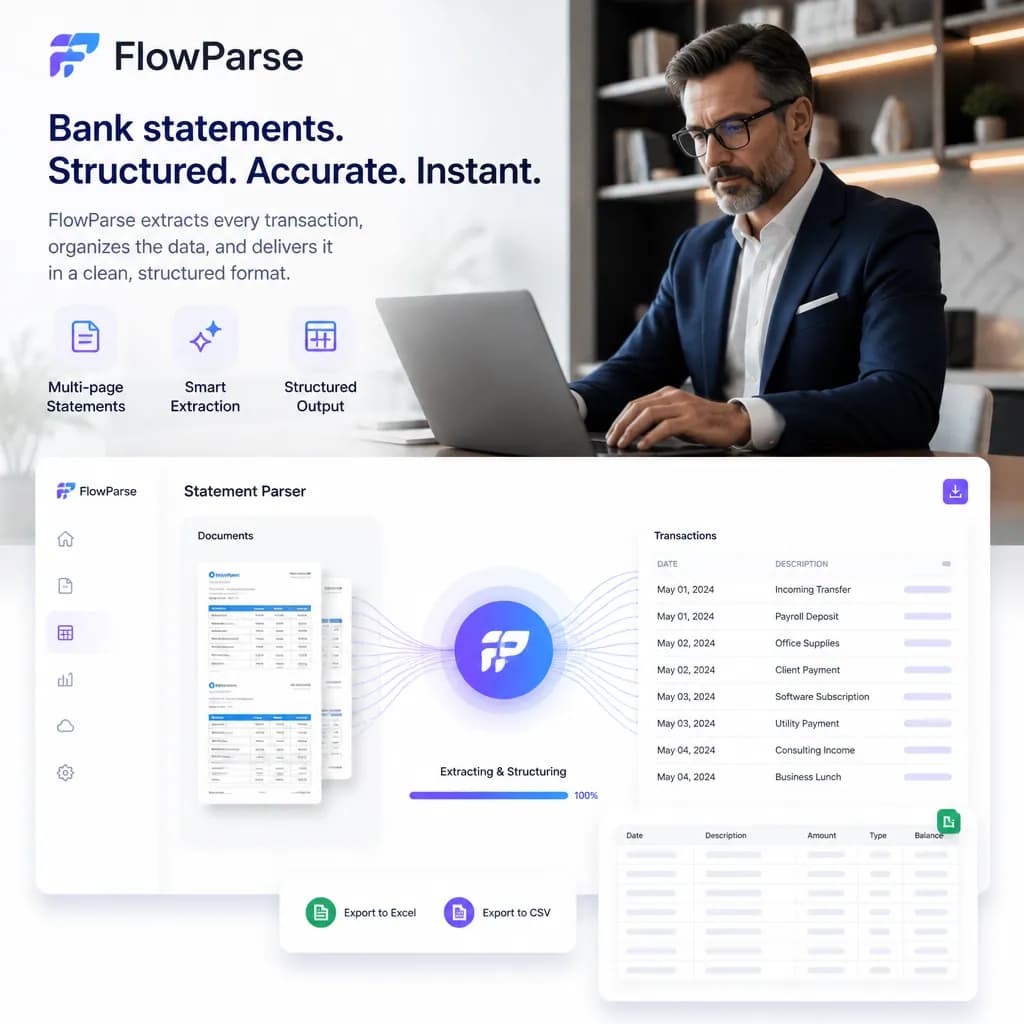
Total cost of ownership, not just per-page price
Comparing a model toolkit with a finished tool on per-page price alone misses where the cost lives. With Document Intelligence, the model meter is one line item: any custom-model training, the reconstruction logic, the validation rules, the export mappings, the review UI and the pipeline orchestration take engineering time to build and keep maintaining — every new layout, country or document type is more work. That ongoing effort is the true, recurring cost of building on a toolkit.
FlowParse's total cost of ownership is close to its per-page price because there's nothing to build or maintain. The model is pre-trained and country-agnostic, so a new bank or vendor format just works; validation and accounting export ship in the box; and there's no resource to host, patch or manage. For financial documents specifically, that turns a build-and-maintain project into a line on a usage report.
This is the heart of the build-versus-buy decision. If your need genuinely spans many document types with trainable models on Azure, Document Intelligence is the right toolkit and its TCO is justified. If your documents are statements, invoices and receipts — especially non-US ones — paying to train models and build the layers around them means paying to recreate what a finance-specific engine already includes.