A AWS Textract Alternative
Finished Financial Extraction, Not Raw OCR Blocks
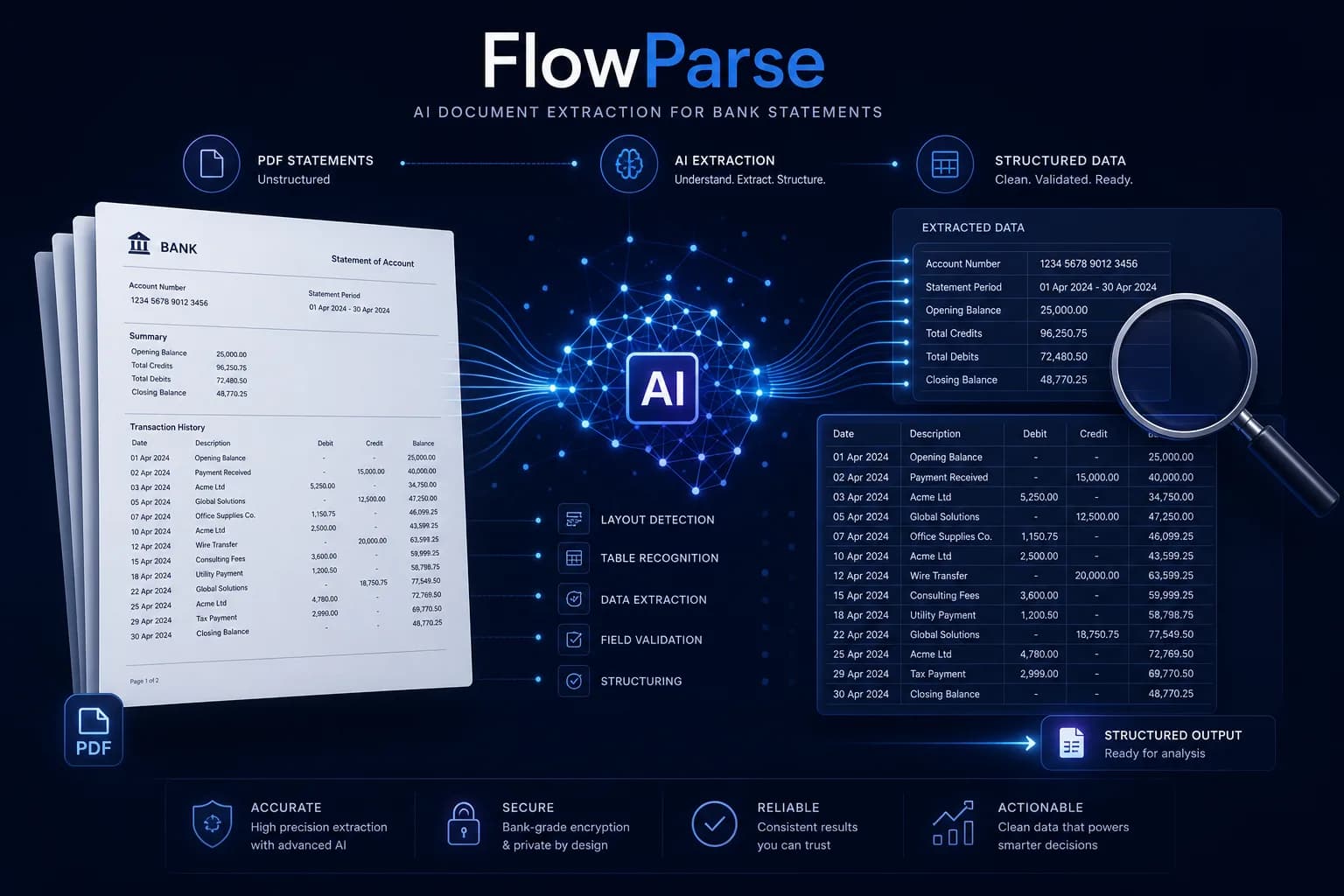
Amazon Textract is a powerful cloud OCR primitive: it returns text, tables, forms and key-value pairs from any document, and you build the business logic on top. FlowParse is the finished layer for financial documents — it reads bank statements, invoices and receipts, normalises and validates the numbers, and exports native QBO/QFX/OFX/Xero/Excel, self-serve, with a REST API and a free tier.
Engineering teams building a custom document pipeline on AWS, who want a low-level OCR/table primitive and will write the parsing, validation and export themselves.
Teams that want bank statements, invoices and receipts turned into clean, validated, importable data immediately — with accounting export included and no pipeline to build.
Why Businesses Look for AWS Textract Alternatives
A result, not a toolkit
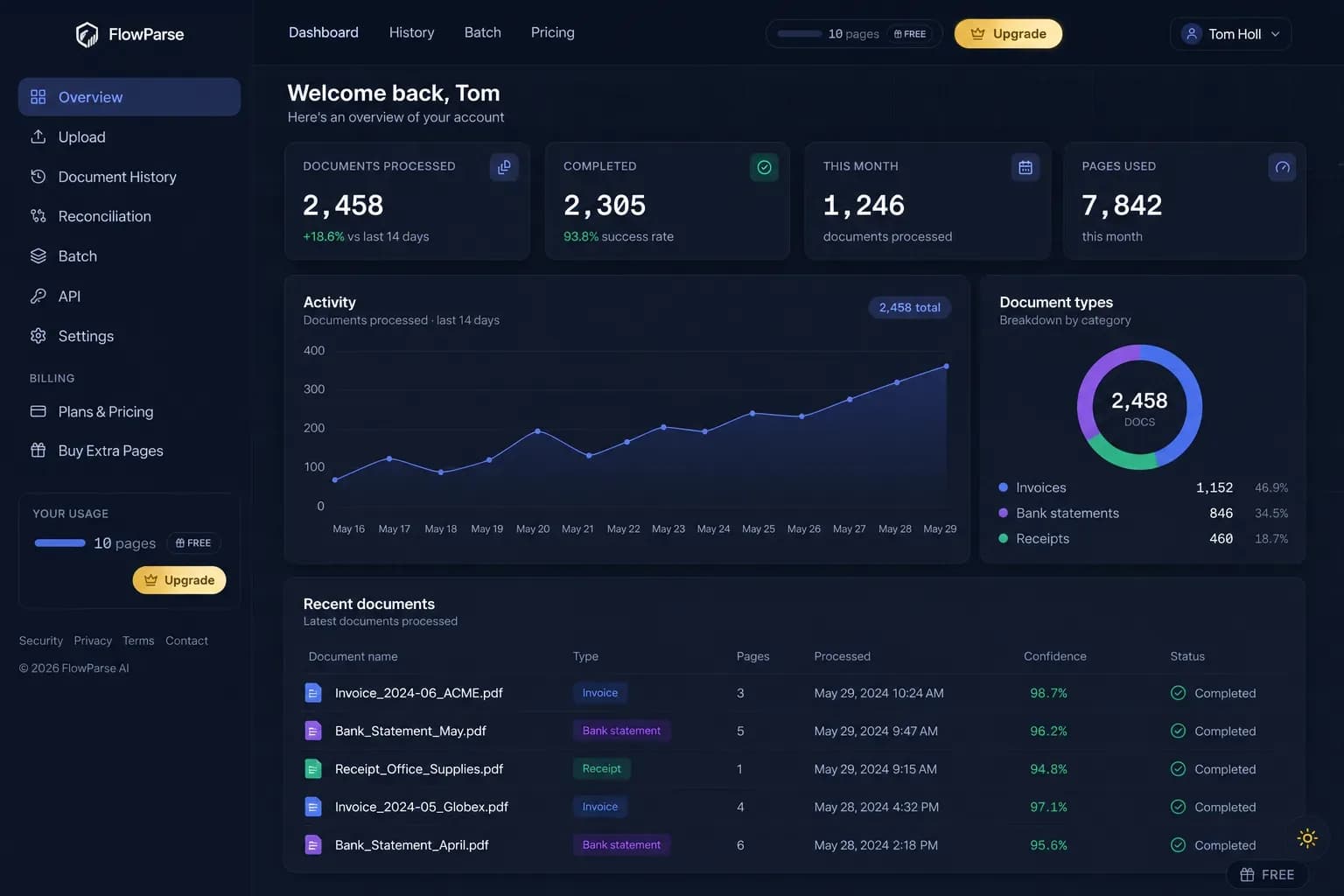
Textract returns OCR blocks and table cells; FlowParse returns finished, structured transactions and invoice fields.
Balance validation in the box
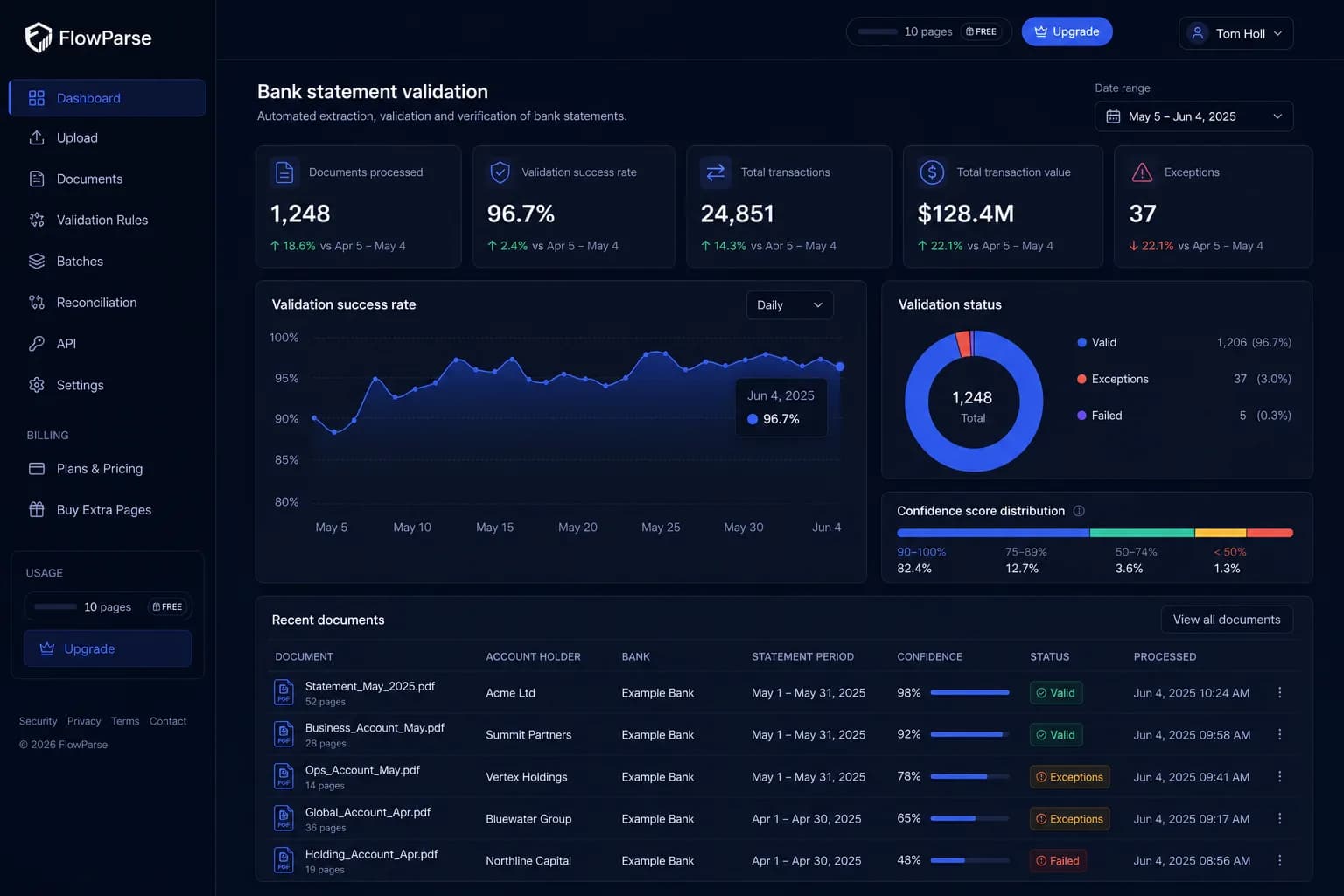
A deterministic check confirms opening + transactions = closing, with a 0-100 quality score — no rules to author.
Accounting-ready export
Native .QBO/.QFX/.OFX and Xero/Excel files, not raw JSON you map into a ledger yourself.
No AWS account or IAM
Nothing to provision — no S3 buckets, IAM roles, async jobs or SDK glue before your first result.
Self-serve and free to start
Convert a real statement in the browser today, or call one REST endpoint — no cloud project.
Debits and credits solved
Money in and out are merged into one signed amount; Textract just gives you the cells.
Quick Comparison — AWS Textract vs FlowParse
A feature-by-feature look at AWS Textract and FlowParse.
| Feature | AWS Textract | FlowParse |
|---|---|---|
| Bank statement PDF → structured transactions | Cells only — you parse | Yes |
| Debit/credit → single signed amount | Build it yourself | Yes |
| Balance reconciliation + quality score | No | Yes |
| Native .QBO / .QFX / .OFX export | No | Yes |
| Xero / Excel / CSV export | Build it yourself | Yes |
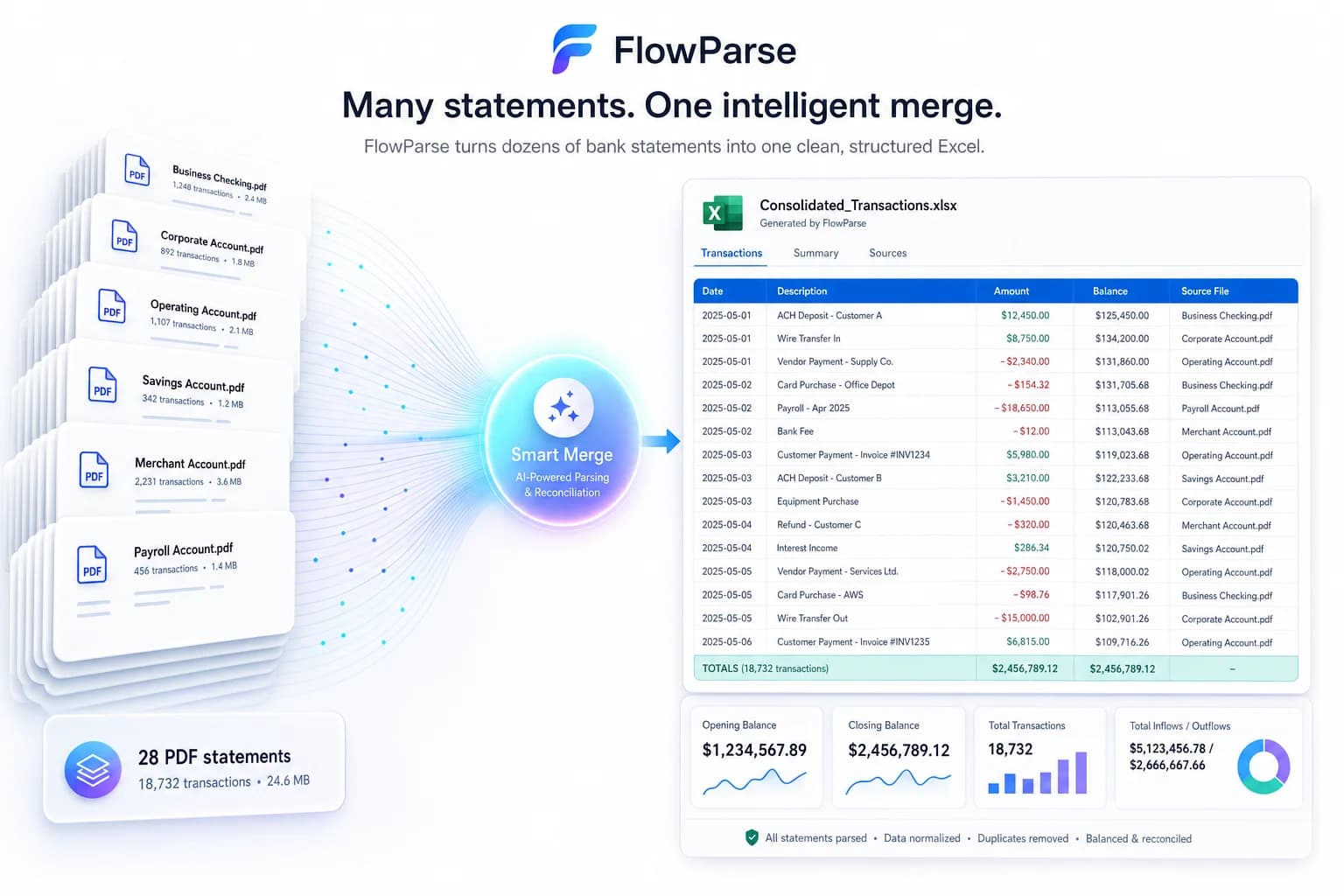
| Smart Merge — 100 PDFs → 1 Excel | No | Yes |
| Editable review grid for humans | No | Yes |
| Works with no AWS account / pipeline | No | Yes |
| Self-serve browser app | No | Yes |
| Free no-signup tier | Free-tier pages, then per-page | Yes |
| REST API | Yes | Yes |
| General OCR across any document type | Yes | Finance-focused |
What Is AWS Textract?
Amazon Textract is an AWS machine-learning service that extracts printed and handwritten text, tables, forms and key-value pairs from documents. It's a genuinely strong OCR and layout primitive — its table and form features go well beyond plain text recognition, and its Queries and Layout capabilities let you pull specific values from a wide range of documents at cloud scale. It's the right building block when you're constructing a bespoke document pipeline on AWS and want a reliable, low-level extraction engine underneath it.
What Textract deliberately does not do is understand your document as a business object. It returns geometry, cells and confidence scores; turning those into a bank statement — reconstructing transaction rows across page breaks, merging debit and credit columns into a signed amount, validating that the balance reconciles, and writing a file QuickBooks will import — is code you write and maintain. There's an AWS account, IAM, S3, async job handling and an SDK to wire up before any of it runs.
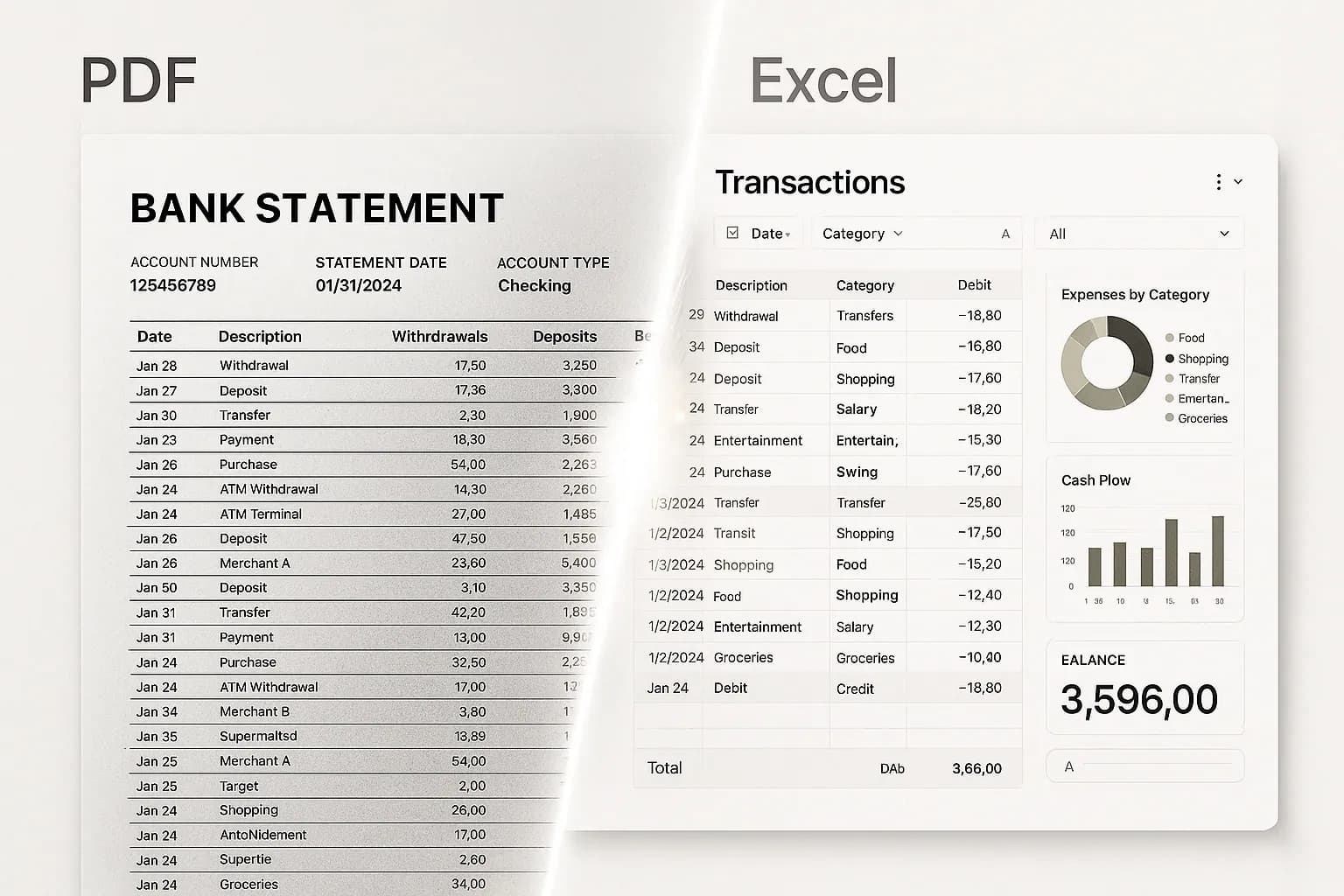
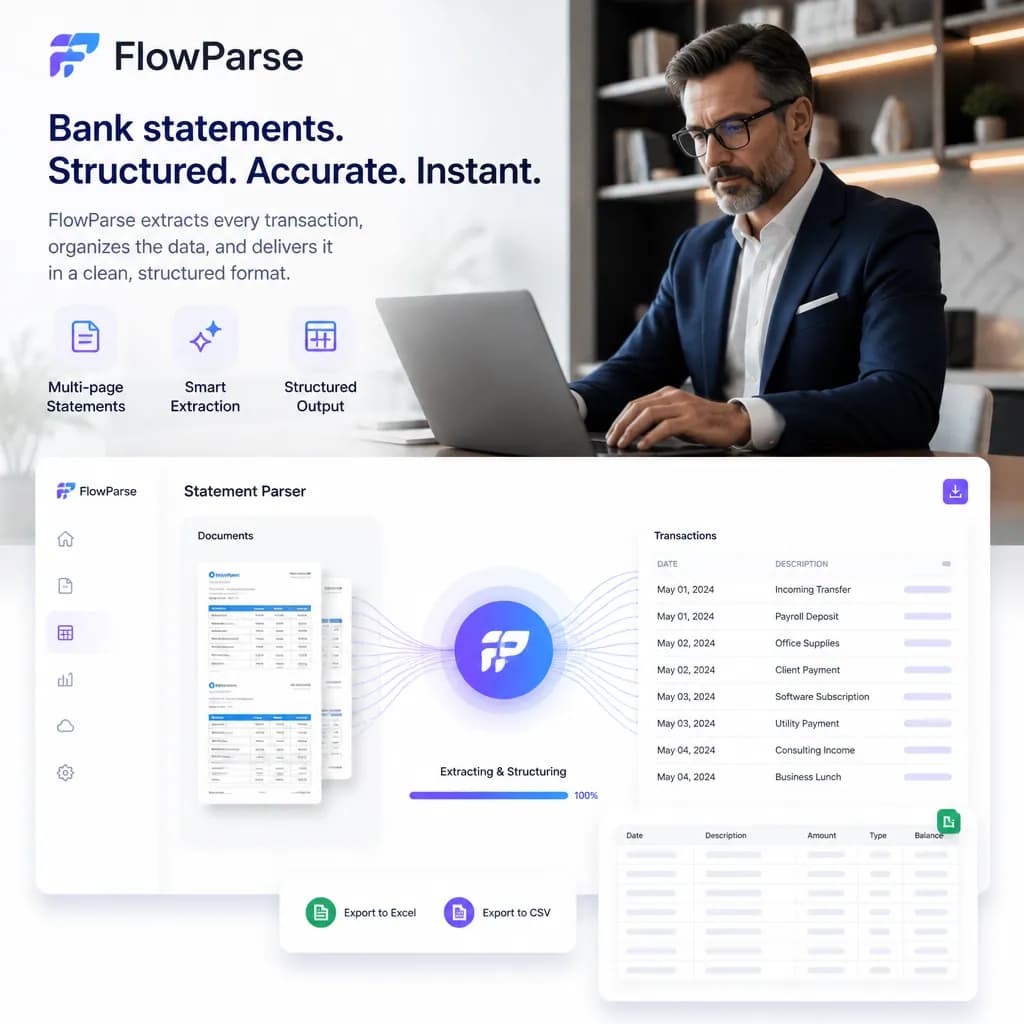
FlowParse starts where Textract stops. It's pre-trained on financial documents specifically, so a bank statement, invoice or receipt comes back as finished, validated data — signed transactions, line items, totals and tax — ready to review in an editable grid and export as the files accountants actually import. It's available self-serve in the browser and as a metered REST API, with a free tier. Both use OCR under the hood; the difference is everything built on top.
AWS Textract strengths
- Excellent low-level OCR, tables and forms at cloud scale
- Queries and Layout for targeted extraction from any document
- Deep AWS ecosystem integration (S3, Lambda, Step Functions)
- Handwriting and broad document-type support
Where teams want something different
- Returns raw blocks/cells — no bank-statement or invoice business logic
- No balance validation, debit/credit normalisation or quality score
- No accounting-export files (QBO/QFX/OFX/Xero) — you build the mapping
- Requires an AWS account, IAM and pipeline code before any result
Why Teams Switch to FlowParse
Skip the pipeline
Get finished transactions and invoice fields without writing the parsing, validation and export layers yourself.
Statements to a real bank feed
Export .QBO/.QFX/.OFX (OFX 1.0.2, FITID de-dup) so imports never double-post — no mapping to build.
A quality gate you can trust
Balance reconciliation, duplicate detection and a 0-100 score ship in the box.
No AWS overhead
No account, IAM, S3 or async job wiring — a browser upload or one REST call.
Consolidate and reconcile
Merge a year into one Excel and match payments to invoices, out of the box.
Free to evaluate
Run a real statement through the whole flow before committing anything.
OCR primitive vs finished result
Textract gives you the raw material to build financial extraction. FlowParse gives you the finished financial extraction.
Textract path
- Set up AWS account + IAM
- Upload to S3, run async job
- Parse blocks/cells into rows
- Write validation + export code
- Integrate, then maintain
FlowParse path
- Sign up free, no setup
- Upload a statement, invoice or receipt
- AI extracts + validates (balance check)
- Review in an editable grid
- Export native QBO/QFX/OFX/Xero/Excel
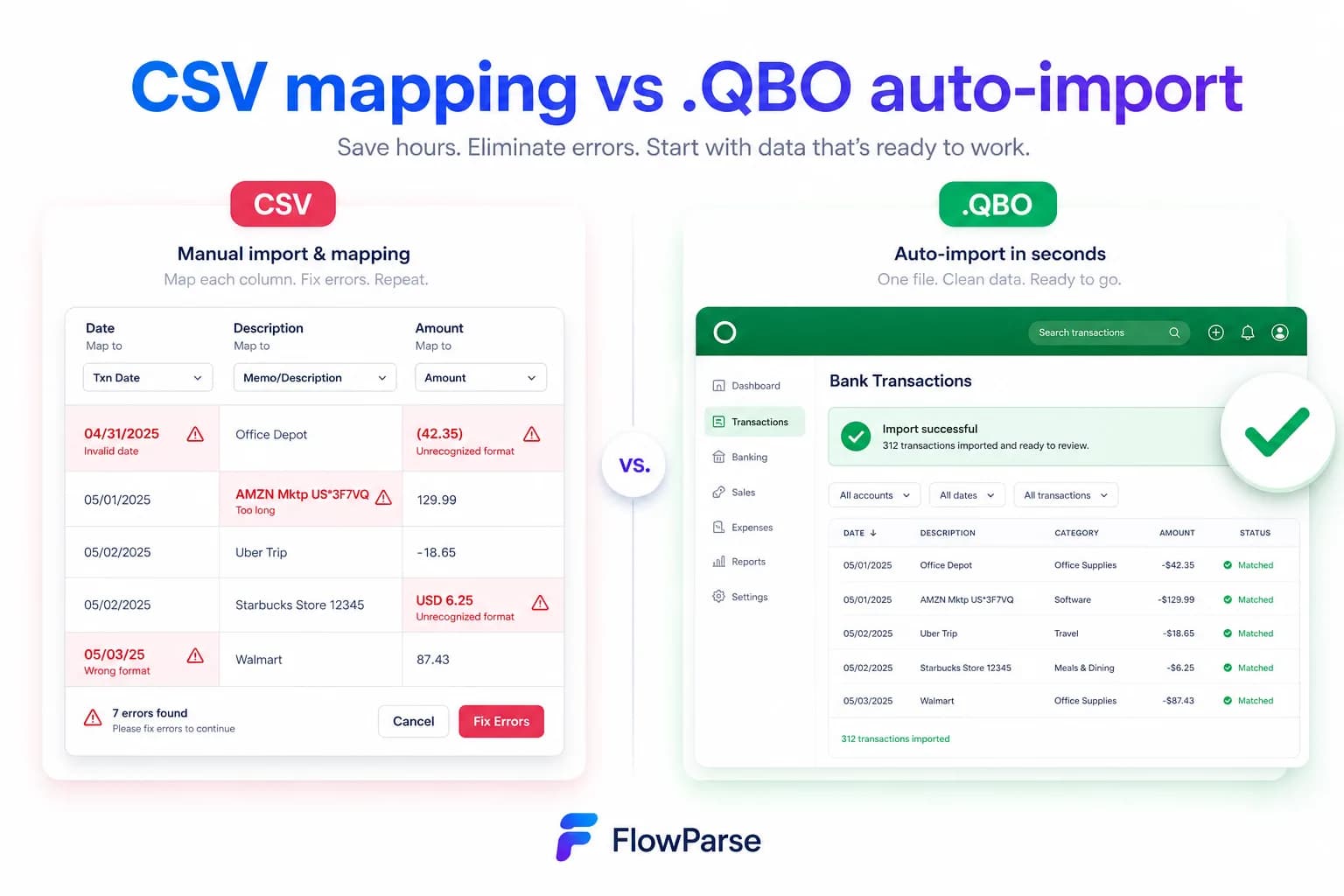
Pricing Comparison
How the cost and commitment models compare.
| Feature | AWS Textract | FlowParse |
|---|---|---|
| Free tier | AWS free tier (limited pages, 3 months) | Yes — pages/month, no signup |
| Model | Per page/API call, AWS billing | Per page from a balance |
| Setup before first result | AWS account + pipeline code | None |
| Accounting-export files | Build it yourself | Yes (QBO/QFX/OFX/Xero) |
| Self-serve onboarding | Developer-led | Instant |
Accuracy Comparison
Both platforms use modern AI OCR — here is how extraction quality is assured.
| Feature | AWS Textract | FlowParse |
|---|---|---|
| Raw OCR / handwriting | Excellent | Strong (coordinate + AI OCR) |
| Tables (cells) | Strong | Reconstructed into rows |
| Bank statement transactions | You reconstruct | Every row, balance-validated |
| Debit/credit normalisation | Build it yourself | Single signed amount |
| Balance reconciliation | No | Built in |
Who should choose AWS Textract?
- Engineering teams building a bespoke pipeline on AWS
- Use cases spanning many document types beyond finance
- Products needing raw OCR/handwriting at massive scale
- Teams already standardised on the AWS stack
Who should choose FlowParse?
- Accountants and finance teams converting statements and invoices
- Developers wanting finished financial data from one REST call
- SMBs and practices without an engineering pipeline to build
- Anyone wanting a free, self-serve way to convert a document
Migrating from AWS Textract to FlowParse
Switching takes minutes — there are no templates to rebuild or models to retrain.
Export your documents
Export invoices and statements from AWS Textract or your source.
Upload to FlowParse
Drag and drop PDFs, scans, or images — no setup.
Review extracted data
Check fields in the editable preview before export.
Export Excel or CSV
Download structured data for your accounting system.
Automate workflows
Use the API and integrations for future documents.
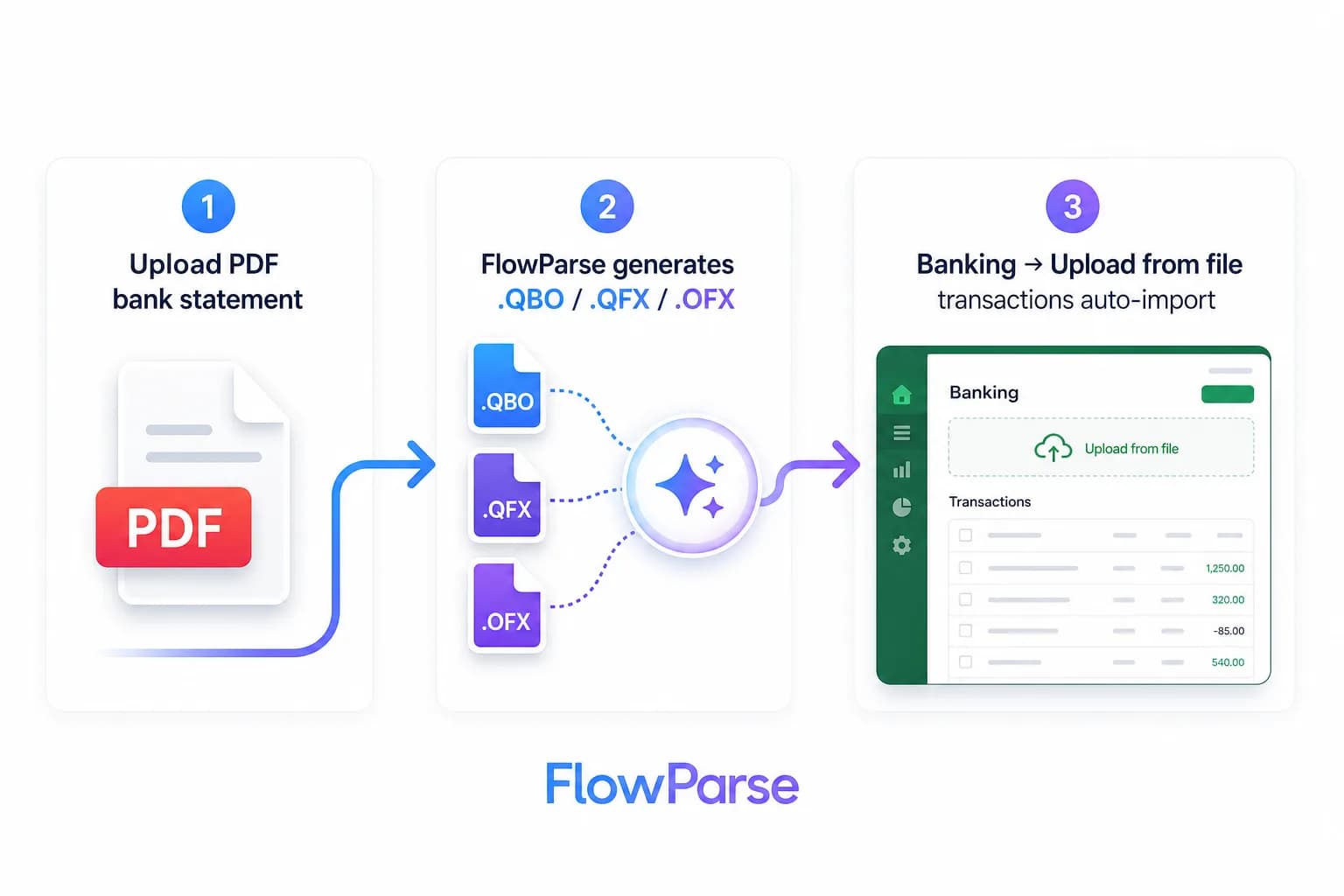
AWS Textract vs FlowParse: primitive vs product
The clearest way to compare these is by what comes back and what you have to do with it. Textract returns a rich but low-level representation of a page: lines and words with bounding boxes, table structures as rows and cells, form fields as key-value pairs, and confidence scores. That's exactly what you want when you're building a custom pipeline and need a dependable OCR and layout engine underneath it. The intelligence about what those cells *mean* — that a row is a transaction, that two columns are debit and credit, that a figure is a closing balance — is yours to write.
FlowParse returns the meaning. Upload a bank statement or invoice and you get finished objects: dated transactions with a single signed amount, line items with quantities and tax, totals that have been checked. The reconstruction across page breaks, the debit/credit normalisation, the balance validation and the native accounting export are all included, because the engine is built for financial documents rather than for arbitrary ones.
So the deciding question is whether you're buying a building block or a result. If you're assembling a bespoke document system on AWS and want raw OCR to build on, Textract is the primitive. If your documents are statements, invoices and receipts and you want validated, importable data today, FlowParse is the product that already contains the layers you'd otherwise build on top of Textract.
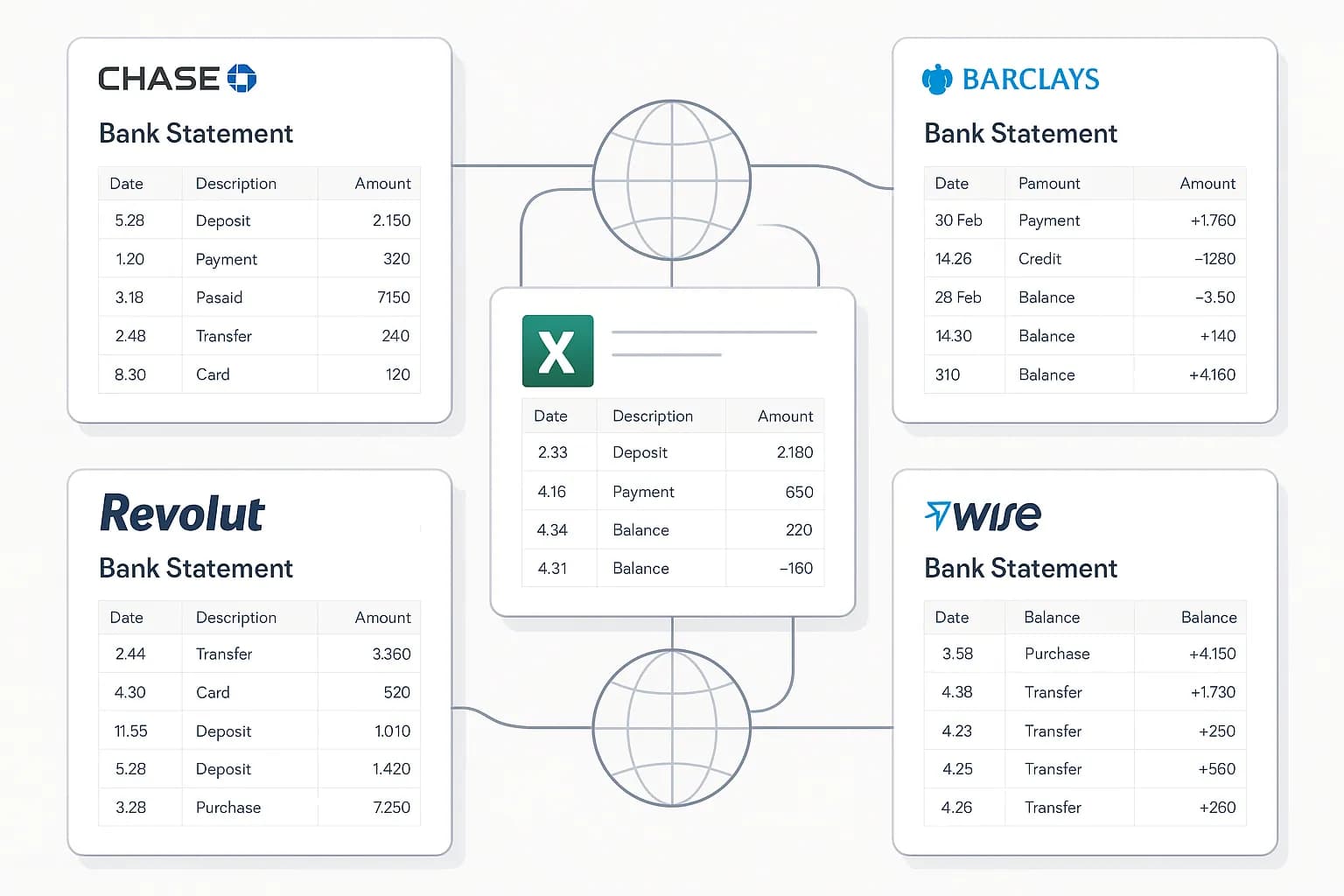
The work that lives between OCR and usable data
It's easy to underestimate the distance between 'the text was recognised' and 'the data is usable'. On a bank statement, that gap includes stitching a transaction list back together across page breaks, deciding which numbers are amounts versus balances versus reference numbers, merging separate debit and credit columns into one signed value, parsing dates that might be day-first or month-first, and confirming that opening balance plus every transaction equals the closing balance so you know nothing was dropped. On an invoice it includes associating each line item with its quantity, unit price and tax, and checking the totals sum.
With Textract you write and own all of that logic, and you maintain it as layouts vary. FlowParse ships it: the same universal financial model that reads the document also normalises, validates and scores it, and surfaces anything uncertain for a quick human check in an editable grid. That's the difference between a primitive that recognises characters and a tool that hands you numbers you can trust — the scanned-document path runs through the same bank statement OCR API.
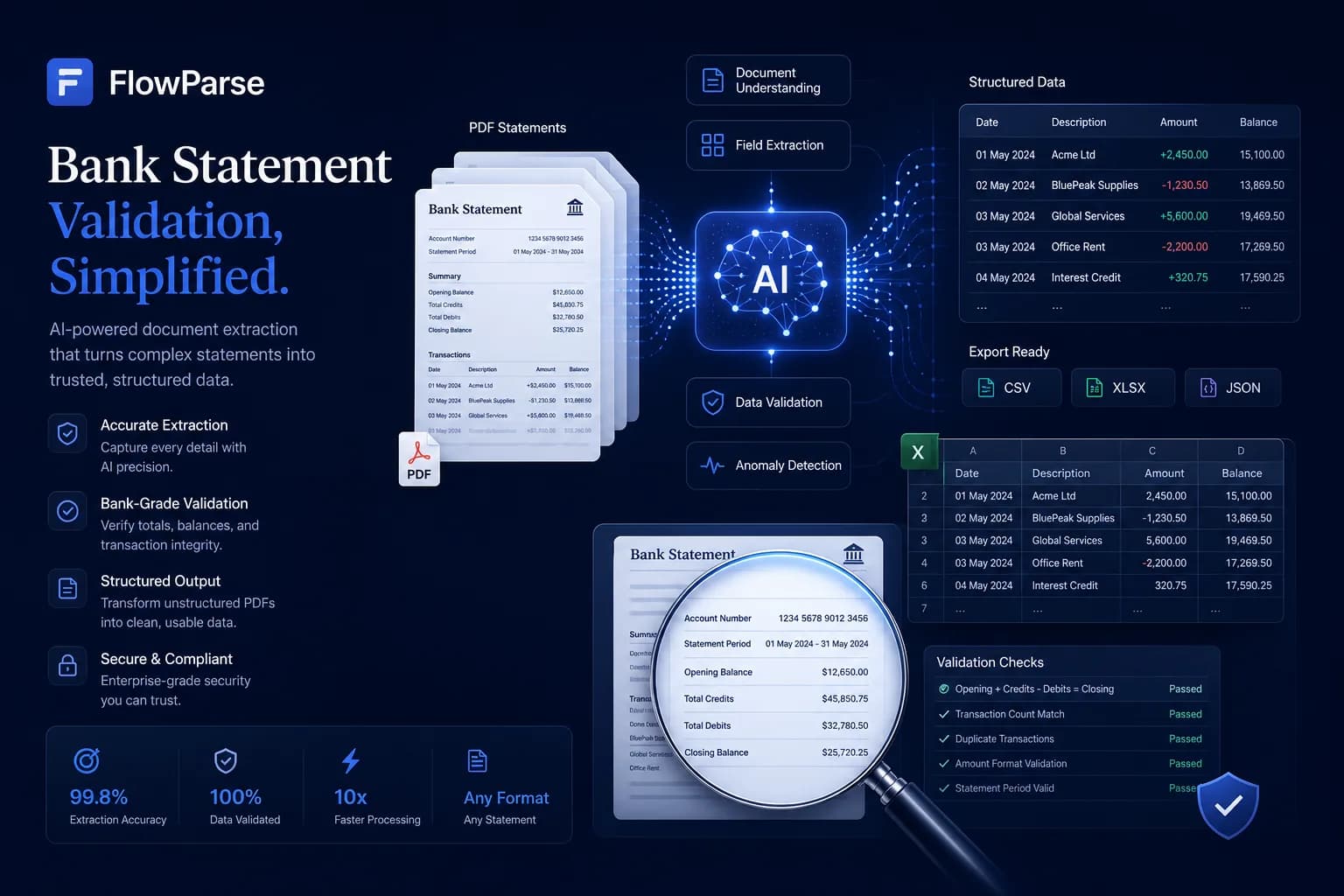
The accounting export gap
A raw OCR service extracts values; turning those values into a file your accounting software imports is entirely your integration to build and keep working. FlowParse produces real Open Financial Exchange files out of the box: `.QBO` and `.QFX` for QuickBooks and Quicken, `.OFX` for tools like GnuCash and Sage, plus a Xero-ready CSV and clean Excel. Each transaction carries a stable `FITID`, which is what stops a re-import double-posting rows the user already has.
That's real engineering you don't have to do on top of Textract — and don't have to keep working as formats evolve. The accounting export feature and the PDF to QBO page show the full format list and the exact import steps into each tool.
| Stage | AWS Textract | FlowParse |
|---|---|---|
| OCR / tables | Yes (raw blocks) | Yes (then structured) |
| Transaction reconstruction | Build it yourself | Built in |
| Debit/credit → signed amount | Build it yourself | Built in |
| Balance validation + score | None | Built in |
| .QBO/.QFX/.OFX/Xero files | Build it yourself | Native |
No AWS account, no pipeline to stand up
Textract is, by design, a developer service inside AWS: you provision an account and IAM, put documents in S3, call the sync or async API, handle job completion, and store the results — all before you write a line of the parsing logic. For an AWS-native engineering team that's routine; for a finance team or a small dev shop it's a project in itself.
FlowParse removes that entirely. Anyone can drop a statement into the bank statement to Excel tool and judge the output in seconds, and a developer can get the same finished data from a single authenticated REST call, billed per page — no account provisioning, no job orchestration. When you're ready to automate, the bank statement API and document extraction API cover it, with the parsing guide walking through the pattern.
Pricing, privacy and getting started
On price, Textract bills per page or API call through AWS, and that meter sits on top of the engineering time to build and maintain the pipeline around it — the true cost is the pipeline, not the OCR. FlowParse is per page drawn from a balance, with a free monthly allowance and no signup required to try it; because the output is finished, the per-page price is close to the whole cost. See the pricing page for plans, and usage is visible per API key so cost is predictable and attributable.
On privacy, FlowParse processes in EU data centres, deletes the original PDF immediately after extraction, stores extracted data encrypted, and never trains models on your documents — details on the security page. With Textract, data residency and retention follow your AWS region and configuration, which is powerful but is also yours to get right. Getting started with FlowParse is the easy part: convert a document free, then get an API key to automate.
One engine for statements, invoices and receipts
Choosing a finance-focused tool doesn't narrow you to one document. FlowParse extracts bank statements, invoices and receipts with full line items, supplier and buyer details, totals and a tax breakdown, and runs an AI VAT auditor on invoices — all on the same pre-trained engine, all in a consistent schema.
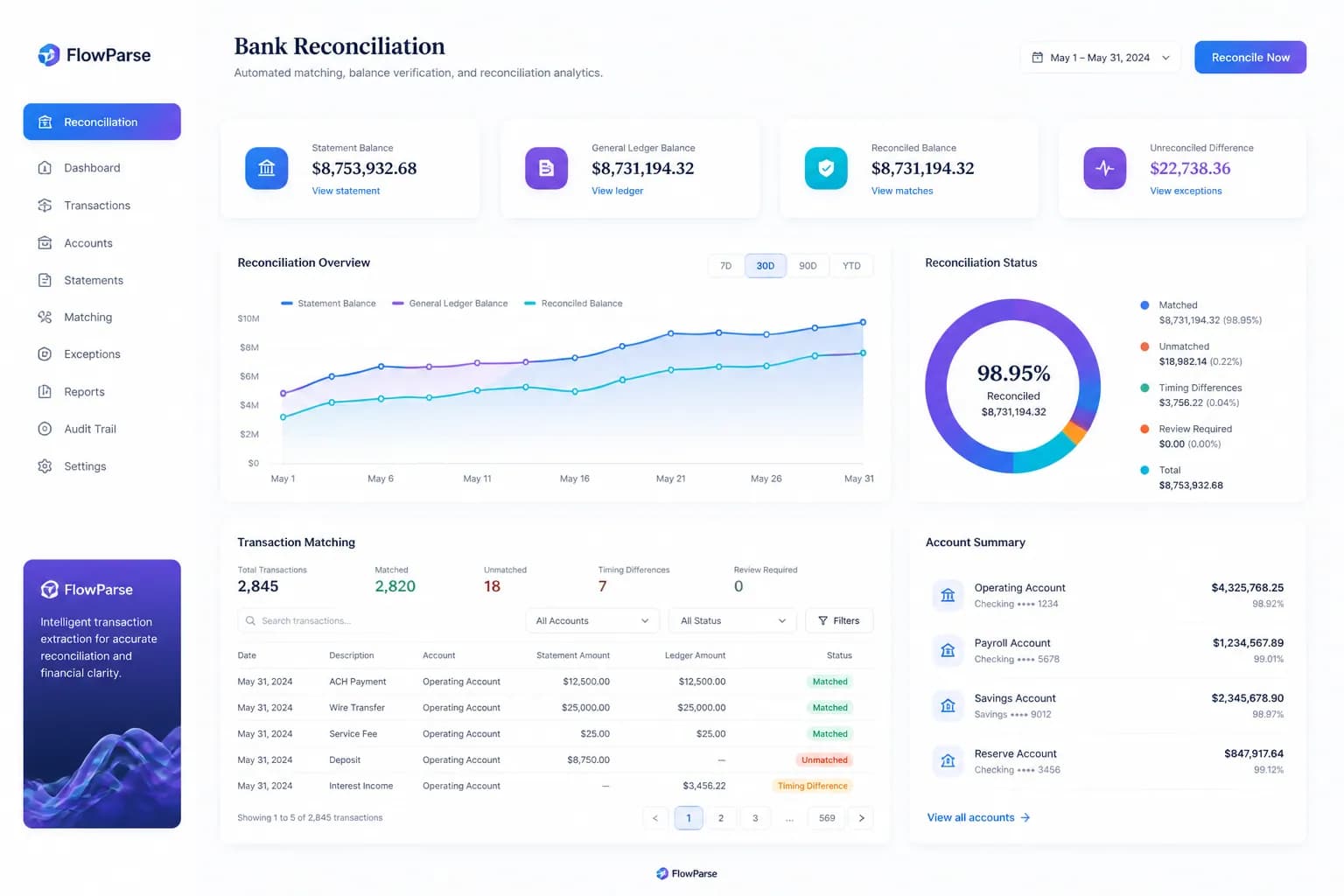
Because everything comes back in the same shape, cross-document workflows are built in rather than assembled: an invoice you extract can be reconciled against the bank payment you extracted from a statement, with no mapping between separately built parsers. On Textract, each of those documents and each of those joins is code you own.
Where Textract's strength is being a general-purpose OCR block for any document at scale, FlowParse's strength is that the financial set is already solved and tied together — which is exactly what you want when the documents in front of you are financial.
A real-world scenario: a team that just needs the transactions
Picture a small product team that reached for Textract to add 'import a bank statement' to their app. Textract happily OCR'd the pages and returned tables — and then the real work began: reconstructing rows across page breaks, working out which column was the balance, merging debits and credits, handling a bank whose layout put the date in an unexpected place, and building an exporter so the data could leave as a QBO file. Weeks in, they had a fragile parser that broke on the next unfamiliar statement.
With FlowParse, the same feature is one API call that returns validated transactions and can emit a QBO bank feed directly, with Smart Merge available when a user uploads a year at once. The engine already handles the unfamiliar layouts, because it was trained on a huge diversity of real statements rather than tuned to a few.
The lesson is one of altitude, not capability — Textract is an excellent OCR primitive, and if you're building broad document infrastructure it's the right layer. But for a team whose need is financial documents turned into trustworthy, exportable data, starting from a finished, finance-specific engine gets there in a fraction of the time and keeps working as the inputs change.
Total cost of ownership, not just per-page price
Comparing a raw OCR API with a finished tool on per-page price alone misses where the cost actually lives. With a primitive like Textract, the OCR meter is the smallest line item: the parsing logic, the validation rules, the export mappings and the pipeline orchestration take engineering time to build and never really stop needing maintenance — every new bank layout or document type is more code. That ongoing work is the true, recurring cost of building on a primitive.
FlowParse's total cost of ownership is close to its per-page price because there's nothing to build or maintain. The model is pre-trained, so a new bank or vendor format just works; validation and accounting export ship in the box; and there's no pipeline to host, patch or babysit. For financial documents specifically, that turns a build-and-maintain project into a line on a usage report.
This is the heart of the build-versus-buy decision. If you genuinely need general OCR across arbitrary documents at scale and are building infrastructure anyway, Textract is the right primitive. If your documents are statements, invoices and receipts, paying to build the layers on top of an OCR API means paying to recreate what a finance-specific engine already includes — and counting the whole cost, not just the meter, is what usually settles it.