A Dext Alternative
Statements, Validation & 9-Format Export
Dext (formerly Receipt Bank) is a bookkeeping-automation platform built around receipt and invoice capture for accounting practices, with publishing into Xero, QuickBooks and Sage. FlowParse is built around financial-document conversion end to end — bank statements, invoices and receipts — with a deterministic balance-validation gate, Smart Merge, native QBO/QFX/OFX/Xero export, a metered REST API and a free no-signup tier.
Accounting and bookkeeping practices that want high-volume receipt and bill capture per client, published into Xero/QuickBooks/Sage.
Anyone who needs accurate bank-statement conversion and accounting-ready exports (QBO/QFX/Xero) alongside invoices and receipts, with a free way to start.
Why Businesses Look for Dext Alternatives
Statements as a first-class type
Dext centres on receipts and bills; FlowParse treats multi-page bank statements as a core document type, extracted row-by-row.
Balance validation in the box
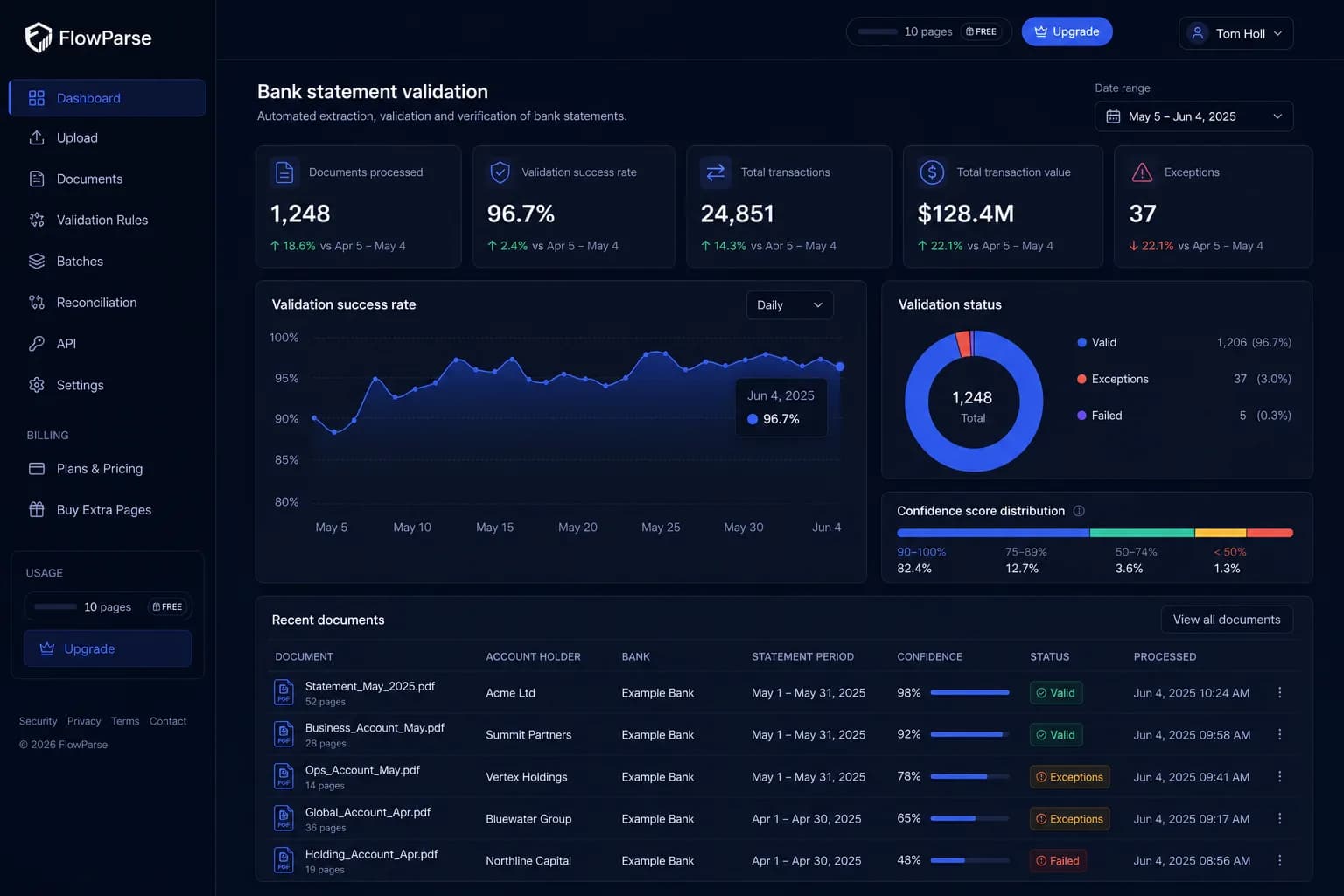
A deterministic check confirms opening + transactions = closing, catching dropped or misread rows.
Native bank-feed export
Get .QBO/.QFX/.OFX with FITID de-dup, not just a publish into one accounting product.
Start free, no per-client plan
Convert a real document and see the output before paying — no practice subscription required.
Consolidate a year
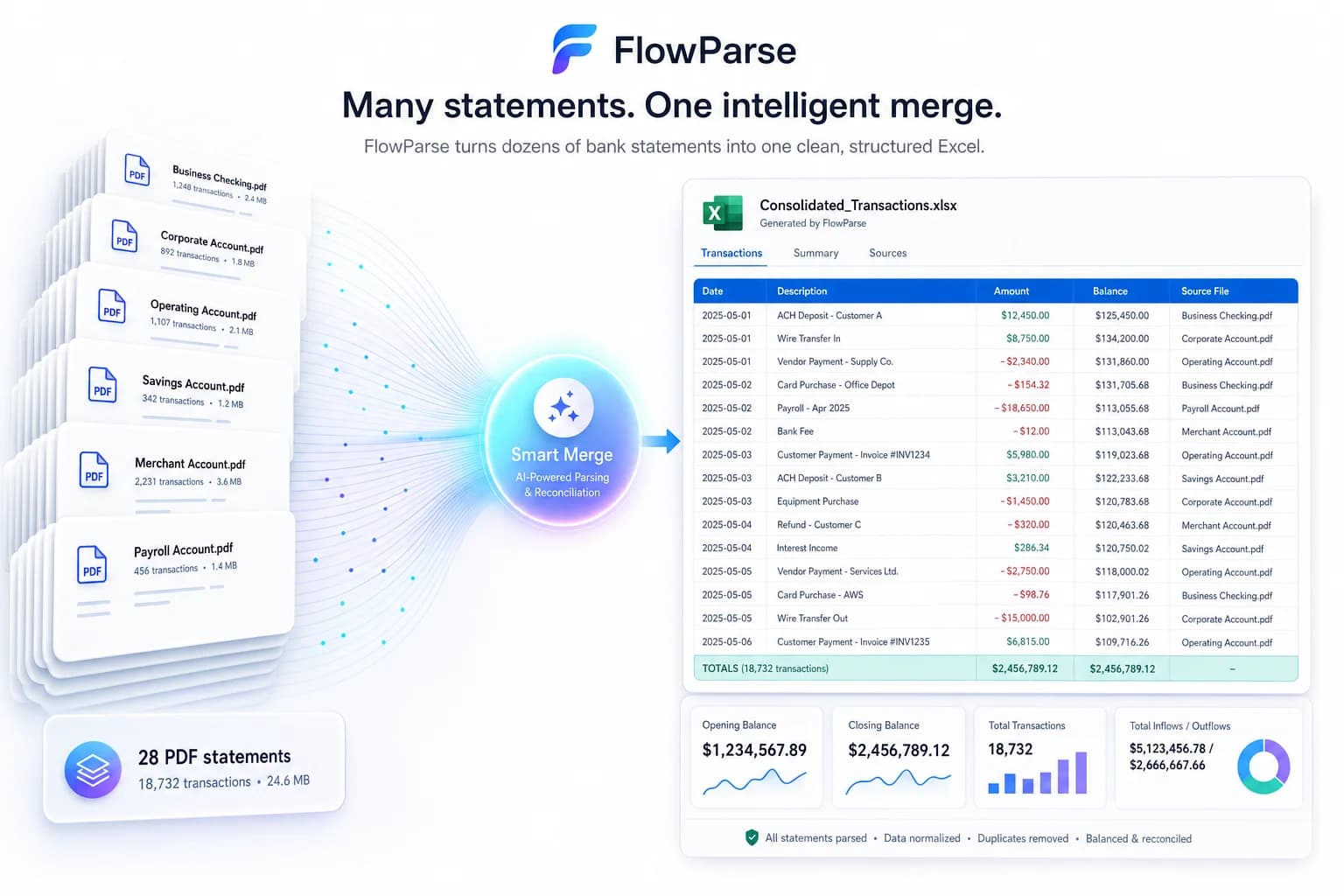
Smart Merge combines up to 100 statements into one reconciled Excel — a workflow, not a feed.
Transparent per-page cost
Pay per page from a balance you top up; no per-client or per-document tiering to model.
Quick Comparison — Dext vs FlowParse
A feature-by-feature look at Dext and FlowParse.
| Feature | Dext | FlowParse |
|---|---|---|
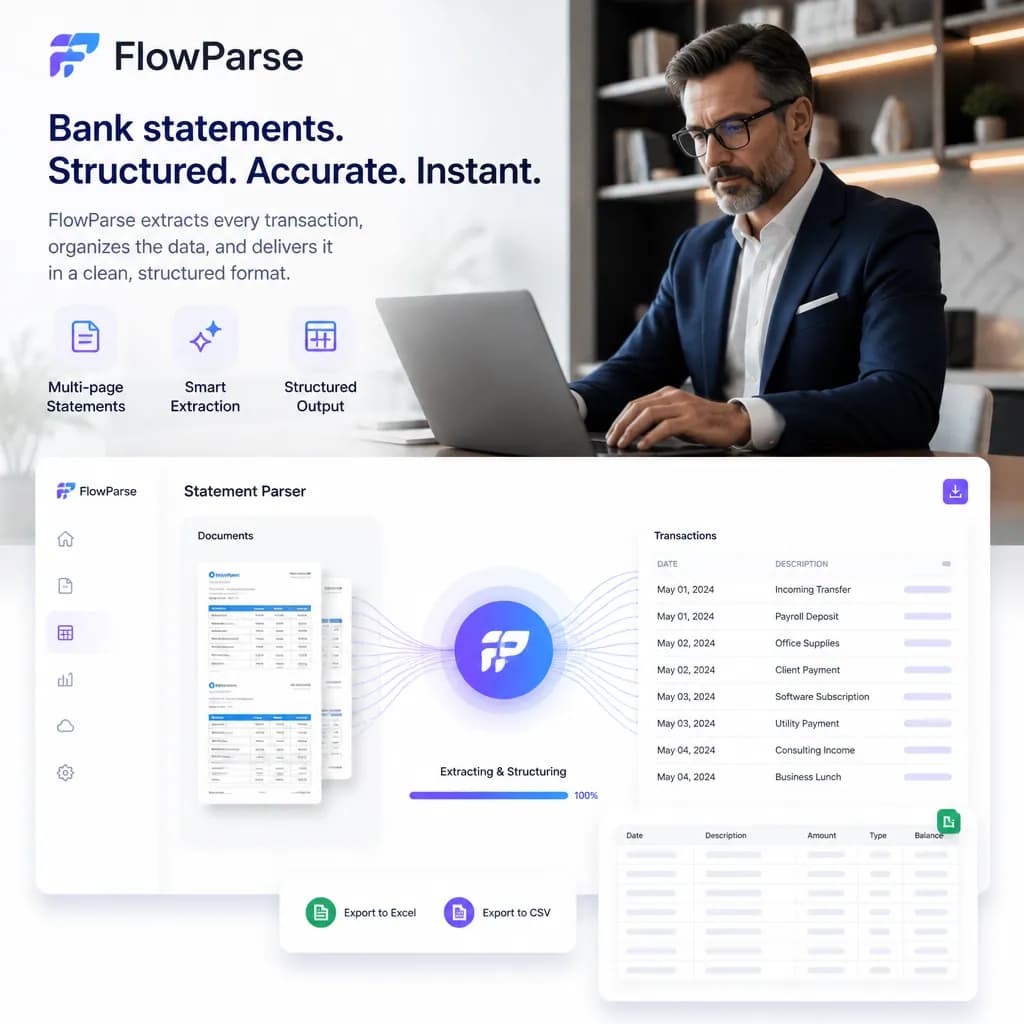
| Bank statement PDF → structured data | Add-on extraction | Yes |
| Invoice & receipt extraction | Yes | Yes |
| Native .QBO / .QFX / .OFX export | No | Yes |
| Xero / Excel / CSV export | Publishes to Xero/QBO/Sage | Yes |
| Deterministic balance reconciliation + score | No | Yes |
| Smart Merge — 100 PDFs → 1 Excel | No | Yes |
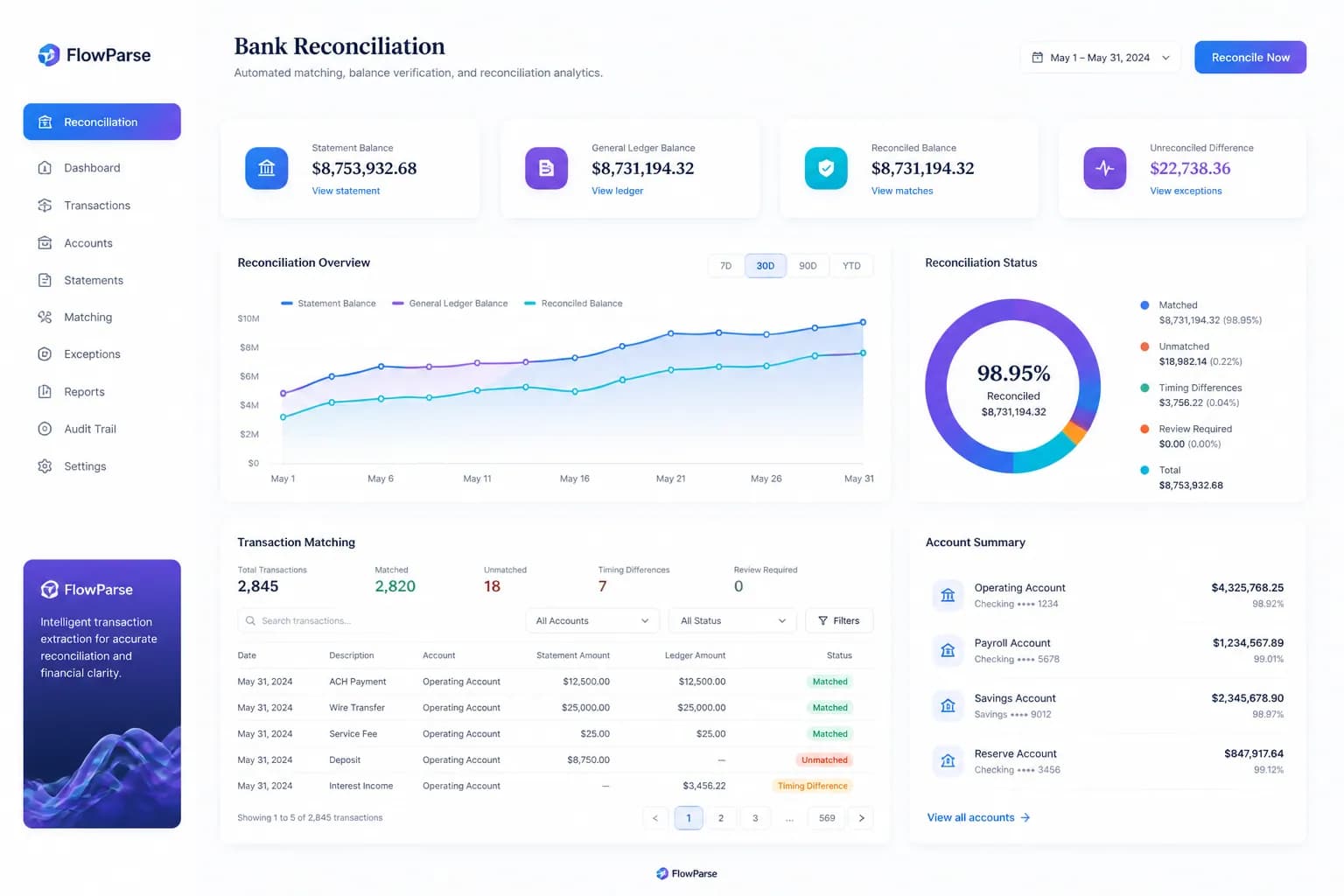
| Reconciliation (invoices ↔ payments) | Within accounting software | Yes |
| REST API with per-page billing | Partner API | Yes |
| Free no-signup tier | No | Yes |
| Works without a practice subscription | No | Yes |
| Editable review grid before export | Field review | Yes |
| EU processing / GDPR focus | Region-dependent | Yes |
What Is Dext?
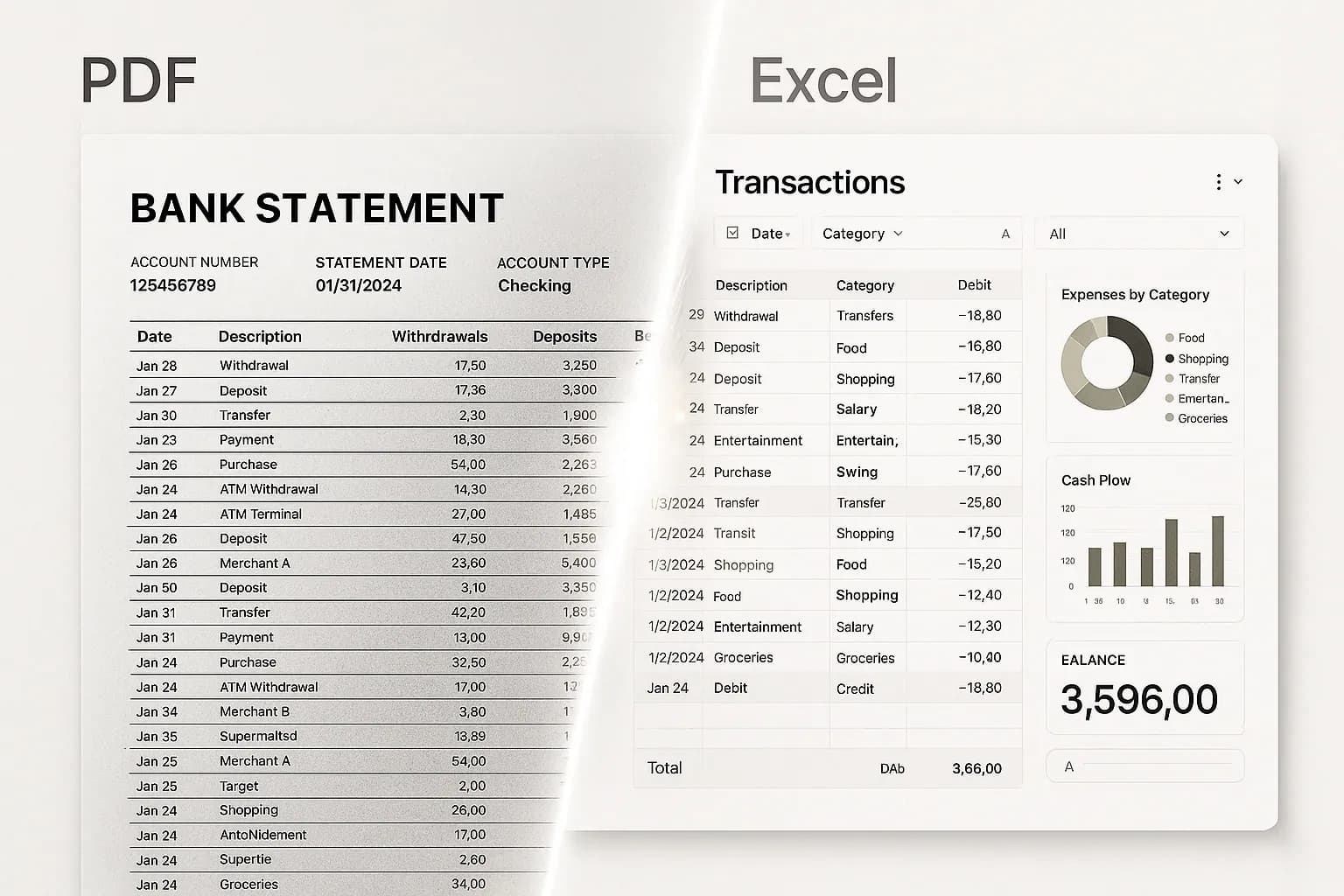
Dext, formerly Receipt Bank, is a well-established bookkeeping-automation platform aimed at accounting and bookkeeping practices. Its core product (Dext Prepare) captures receipts, invoices and bills — submitted by photo, email, upload or auto-fetch — extracts the key fields, lets a bookkeeper review them, and publishes the result into Xero, QuickBooks Online or Sage. It also offers bank-statement extraction as part of its toolkit.
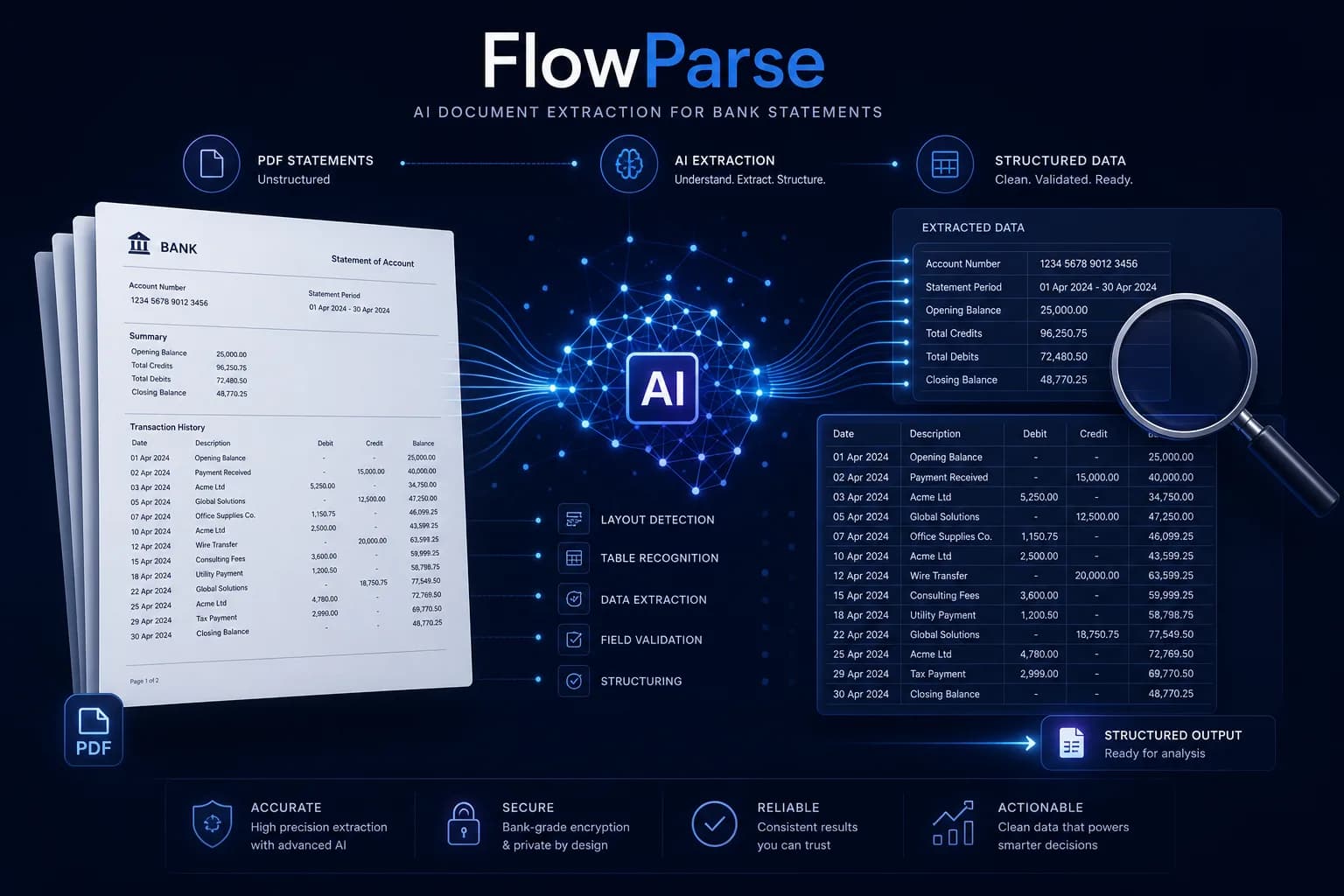
FlowParse is an AI document engine focused on converting financial documents — bank statements, invoices and receipts — into clean, validated, structured data and then into the files accountants actually import. The emphasis is on bank-statement accuracy, deterministic validation and accounting-software export, available both as a browser app and a REST API, with a free no-signup tier so you can try a real document before paying.
Both turn financial paperwork into data, but with a different centre of gravity. Dext optimises for high-volume receipt and bill capture across a book of clients, published into the practice's accounting stack. FlowParse optimises for statement-to-ledger accuracy with a hard validation gate and portable, multi-format export. If bank statements and one-click QBO/QFX/Xero export are the bottleneck, FlowParse is the closer fit.
Dext strengths
- Mature, high-volume receipt and invoice capture for practices
- Multiple submission methods (photo, email, auto-fetch)
- Native publishing into Xero, QuickBooks and Sage
- Practice-management features for handling many clients
Where teams want something different
- Receipt/bill capture is the core; bank-statement conversion is secondary
- No native QBO/QFX/OFX bank-feed export to hand any accountant
- No deterministic balance-reconciliation gate on extracted statements
- Per-client/per-document plans; no free no-signup way to try a single document end to end
Why Teams Switch to FlowParse
Statements to a real bank feed
Export .QBO/.QFX/.OFX (OFX 1.0.2, FITID de-dup) so imports never double-post — not just a publish to one product.
A quality gate you can trust
Balance reconciliation, duplicate detection and a 0–100 score let you auto-accept the clean and review the rest.
One workflow, not just a feed
Upload, review in an editable grid, validate, merge and export — or call the same things over REST.
Consolidate and reconcile
Merge a year into one Excel and match payments to invoices, out of the box.
Predictable cost
Per-page pricing from a top-up balance with usage visible per key — no per-client tiering to model.
Free to evaluate
Run a statement, invoice or receipt through the whole flow before committing — no procurement.
Capture-and-publish vs convert-and-export
Dext captures receipts and bills and publishes them into your accounting software. FlowParse converts any document — especially statements — into validated data you can export anywhere.
Capture-first path
- Submit receipts/bills (photo, email, fetch)
- Fields extracted and reviewed
- Published into Xero/QBO/Sage
- Statements handled as an add-on
- Locked to the practice's accounting target
FlowParse path
- Upload any statement, invoice or receipt
- AI extracts + validates (balance check)
- Review in an editable grid
- Export native QBO/QFX/OFX/Xero/Excel
- Merge a year or reconcile to invoices
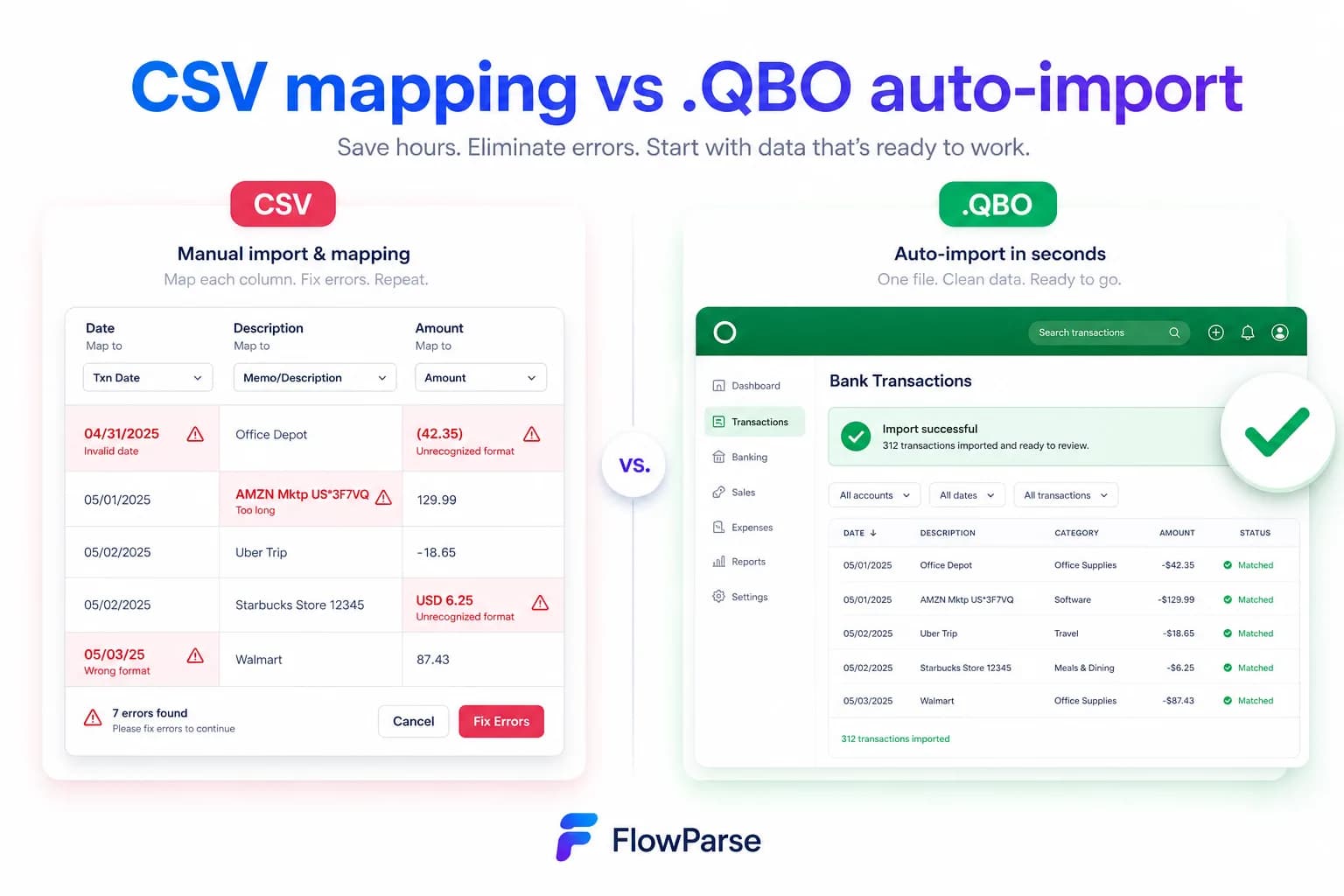
Pricing Comparison
How the cost and commitment models compare.
| Feature | Dext | FlowParse |
|---|---|---|
| Free tier (no signup) | Trial only | Yes — pages/month free |
| Model | Per-client / per-document plans | Per page from a balance |
| Bank-feed export included | No | Yes (QBO/QFX/OFX) |
| Validation included | Review step | Deterministic + free |
| Start without a subscription | No | Yes |
Accuracy Comparison
Both platforms use modern AI OCR — here is how extraction quality is assured.
| Feature | Dext | FlowParse |
|---|---|---|
| Receipt / invoice line items | Strong | Strong |
| Multi-page bank statements | Supported (add-on) | Every row, balance-validated |
| Debit/credit normalisation | Varies | Single signed amount |
| Balance reconciliation check | No | Yes |
| Human review step | Bookkeeper review | Editable grid + API |
Who should choose Dext?
- Accounting and bookkeeping practices capturing receipts at scale
- Teams wanting multi-method submission (photo, email, auto-fetch)
- Firms standardised on Xero, QuickBooks or Sage publishing
- Practices needing client-management around document capture
Who should choose FlowParse?
- Accountants and bookkeepers converting client bank statements
- Finance teams needing QBO/QFX/Xero-ready exports
- Lenders and analysts pulling transaction data from statements
- Anyone wanting a free, no-signup way to convert a document
Migrating from Dext to FlowParse
Switching takes minutes — there are no templates to rebuild or models to retrain.
Export your documents
Export invoices and statements from Dext or your source.
Upload to FlowParse
Drag and drop PDFs, scans, or images — no setup.
Review extracted data
Check fields in the editable preview before export.
Export Excel or CSV
Download structured data for your accounting system.
Automate workflows
Use the API and integrations for future documents.
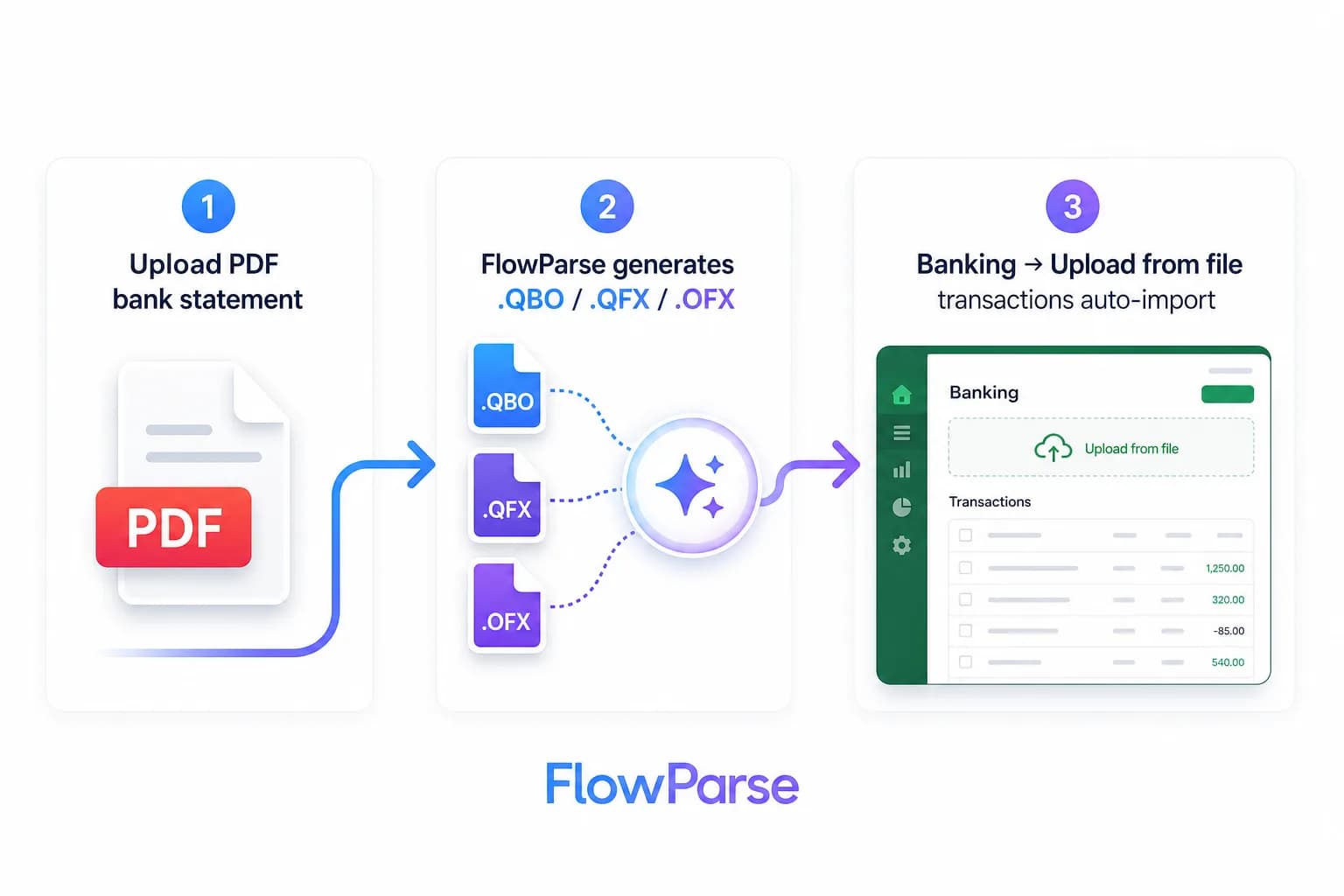
Dext vs FlowParse: different centres of gravity
It helps to frame this as 'built for what', not 'better or worse'. Dext grew up as Receipt Bank, solving receipt and bill capture for accounting practices — get a shoebox of receipts off a client's hands, extract the fields, review, and publish into Xero, QuickBooks or Sage. That heritage shows in its multi-method submission, its practice-management features and its per-client model. If your core problem is high-volume receipt capture across a book of clients, that's the right shape.
FlowParse grew up solving the bank-statement-to-ledger problem: take a year of messy PDF statements from any bank and produce clean, balance-validated transactions that import into QuickBooks, Xero or Excel. That heritage shows in the Smart Merge workflow, the validation engine and native bank-feed export. Invoices and receipts are supported too, but the gravity is statements and accounting output.
So the real question is which document type is your bottleneck and what your last mile looks like. Both extract receipts; if statements and a portable, importable accounting file are what you're missing, FlowParse does that out of the box where a capture-first platform leaves it to the accounting software.
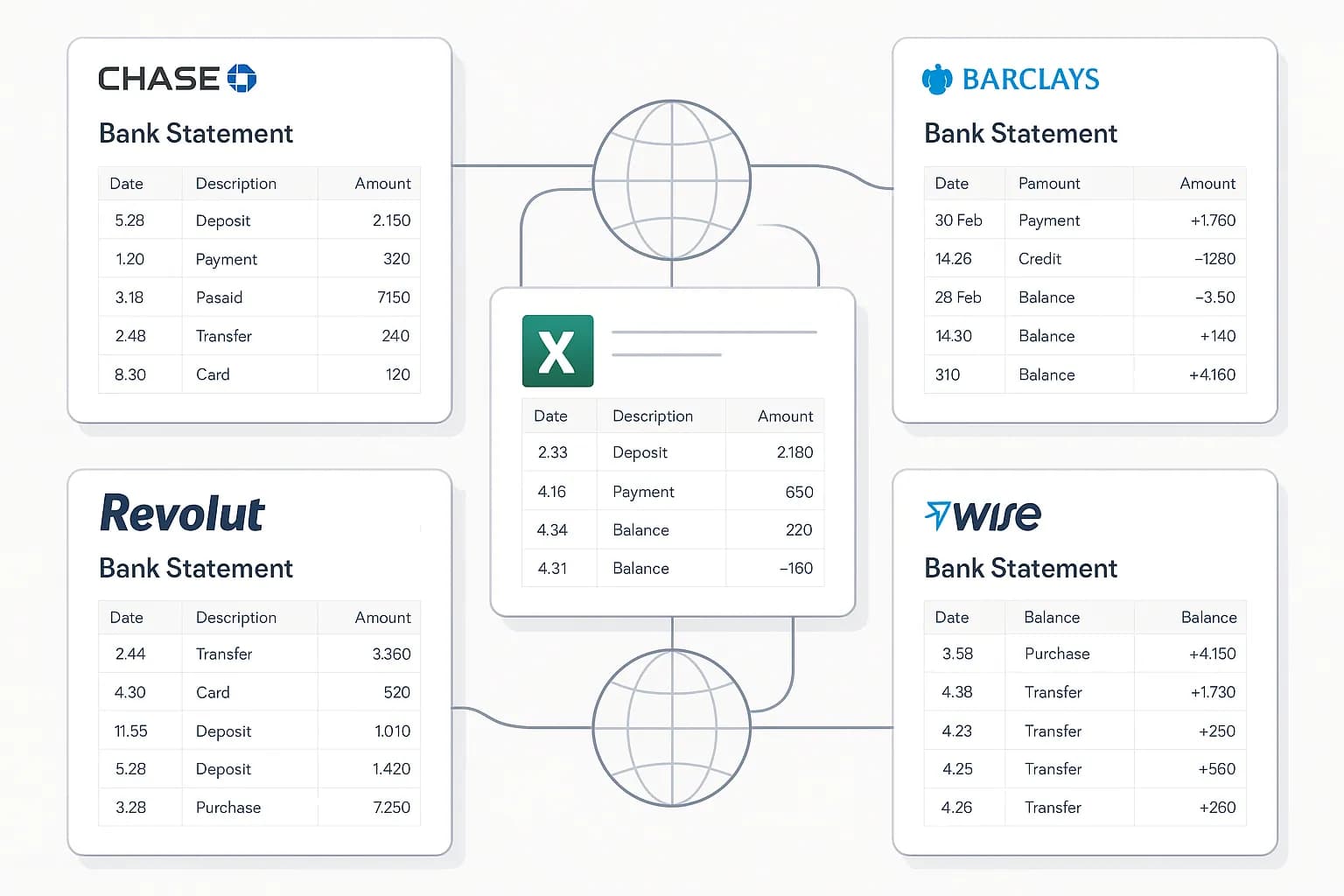
The accounting export gap
Dext's output is a transaction published into your accounting software with the source attached. FlowParse instead produces real Open Financial Exchange files you own: `.QBO` and `.QFX` for QuickBooks and Quicken, `.OFX` for tools like GnuCash and Sage, plus a Xero-ready CSV and clean Excel. Each transaction carries a stable `FITID`, which is what stops a re-import double-posting rows the user already has.
That portability matters when you work across more than one ledger, migrate a client between systems, or simply want the raw data in a spreadsheet before it touches the books. The accounting export feature and the PDF to QBO page show the full format list and import steps.
| Output | Dext | FlowParse |
|---|---|---|
| .QBO / .QFX (QuickBooks/Quicken) | Publishes, not a file | Native |
| .OFX (GnuCash, Sage, others) | No | Native |
| Xero CSV | Native publish | Native |
| Excel / CSV | Export available | Native |
| FITID de-duplication | N/A | Built in |
Validation and accuracy you can gate on
Dext puts a human review step before publishing, which is sensible. FlowParse adds a deterministic layer on top of human review: a 0–100 quality score with specific, explainable checks. For statements that means a balance-reconciliation test — opening balance plus the sum of transactions must equal the closing balance — which catches a dropped or misread row that a glance might miss. For invoices it means totals and tax math are verified.
That difference matters when you automate. With a hard pass/fail check you can confidently auto-accept clean documents and route only the genuinely ambiguous ones to a human, whether you're working in the app's editable preview or gating on the score returned by the validate API. It turns 'reviewed' into 'provably reconciled'.
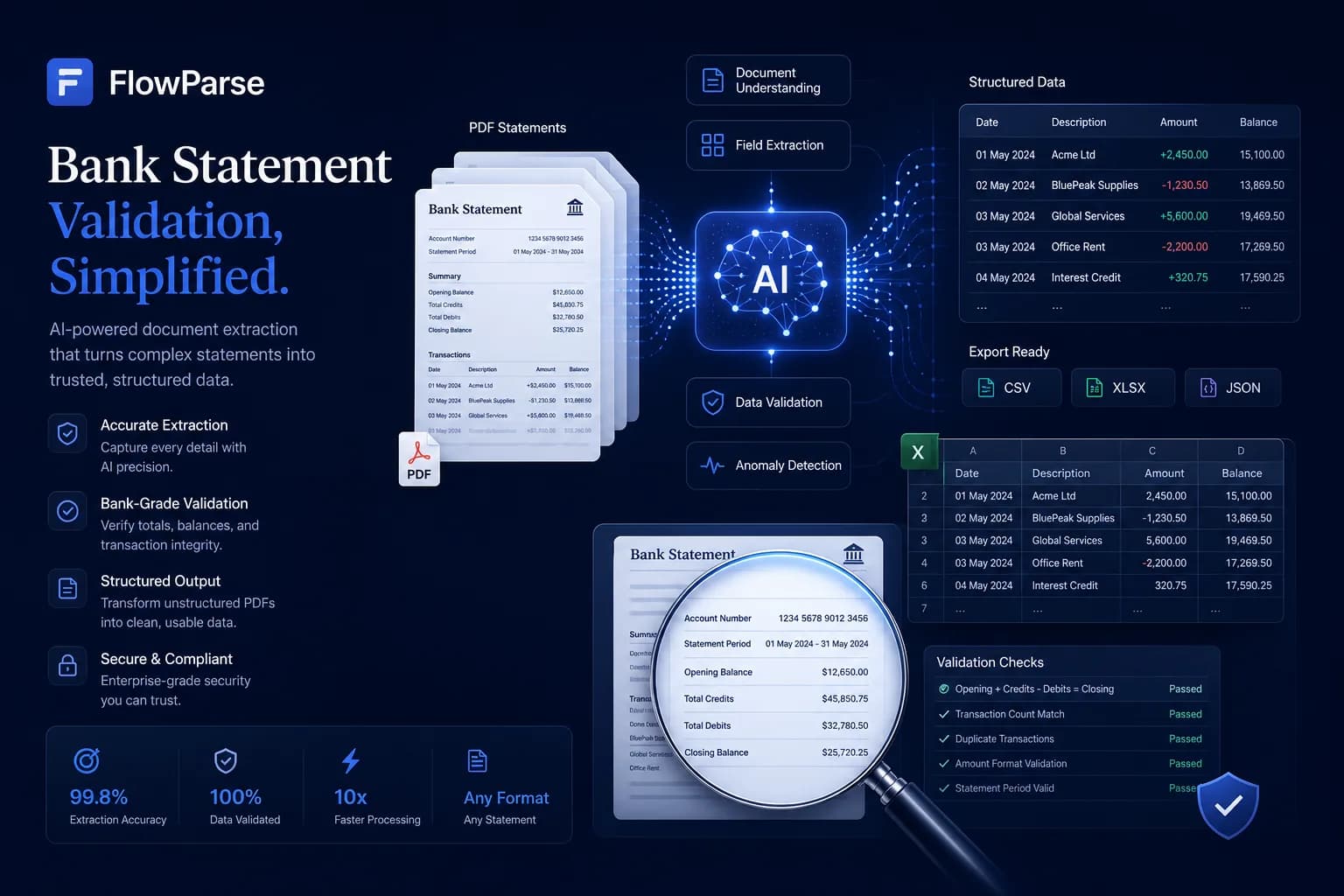
Workflow and API, not just a capture queue
Dext is excellent at the capture-review-publish loop for a practice. FlowParse gives you both an API and a complete browser workflow that isn't tied to one accounting destination: an accountant can upload a statement, review and fix any row in an editable grid, run reconciliation, and export to whatever the client uses — without writing code. A developer can do the same over REST.
That dual nature also lowers the cost of evaluation. Instead of onboarding a client to find out whether the data is good enough, you can drop a real statement into the bank statement to Excel tool and see the result in seconds. When you're ready to automate, the same capabilities are available through the bank statement API and document extraction API.
Pricing, privacy and getting started
FlowParse pricing is per page drawn from a balance, with a free monthly allowance and no signup required to try it — usage is visible per API key so cost is predictable and attributable. That contrasts with the per-client or per-document plans common to practice-capture platforms, where evaluating means committing to a subscription tier first. See the pricing page for plans.
On privacy, FlowParse processes in EU data centres, deletes the original PDF immediately after extraction, stores extracted data encrypted, and never trains models on your documents — details on the security page. Getting started is the easiest part: convert a document free in the app, then, when you want to automate, get an API key and follow the guide to parsing bank statements with an API.
One engine for invoices and receipts too
Switching the statement workload to FlowParse doesn't mean giving up receipt and invoice capture. FlowParse extracts invoices and receipts with full line items, supplier and buyer details, totals and a tax breakdown, and runs an AI VAT auditor on top to catch tax errors — so the same account that converts your bank statements also handles invoice data extraction and receipt scanning.
Where Dext's strength is the high-volume capture queue for a practice, FlowParse's strength is the conversion-and-export pipeline: turn a pile of invoices and statements into validated, reconciled, exportable data you can send anywhere. Both ingest receipts; the question is whether you also need first-class statement conversion and portable multi-format export from the same tool.
Practically, an invoice you extract can be reconciled against the bank payment you extracted from a statement — both came from the same API, in the same shape, so matching them is built in rather than a project.
Security, compliance and data residency
Financial-document tools live or die on trust. FlowParse processes documents in EU data centres, deletes the original PDF the moment extraction completes, stores only the extracted data (encrypted), lets you delete it at any time, and never uses your documents to train models — detailed on the security page. For EU-centric practices that data-residency and deletion default is often a deciding factor.
On access control, each API key is hashed, scoped to your account, request-counted and instantly revocable, and every call is logged with a document label and page cost for a clean audit trail. You decide retention because you control the request: store the fields you need, drop the `raw_table` if you don't, and keep PII out of your logs.
| Aspect | Detail |
|---|---|
| Processing region | EU data centres |
| Original PDF | Deleted after extraction |
| Model training | Never on your documents |
| API keys | Hashed, scoped, revocable, logged |
| Your data | Encrypted; delete anytime; standard-format export |
A real-world scenario: an accounting practice
Picture a practice that already uses a capture tool for its clients' receipts. A new client arrives mid-year with a shoebox of PDFs — twelve monthly bank statements from two banks plus a stack of supplier invoices. The receipts and bills flow into the capture queue fine, but the statements are the backbone of the books, and turning a year of them into reconciled, QuickBooks-ready data is still a manual assembly job that the capture tool wasn't built to own.
With FlowParse, the practice runs the statements through one engine: each is extracted and balance-validated, then Smart Merge consolidates them into a single reconciled workbook; the invoices are extracted with line items and tax; and everything exports to the formats the client actually imports — a QBO bank feed for the statements, Excel for review. What used to be a multi-day onboarding becomes an afternoon.
The validation gate means the junior doing the conversion doesn't eyeball every row: clean documents pass automatically and only the flagged ones get a human glance. The senior reviews exceptions, not everything. That's the difference between a capture queue and a conversion-plus-validation workflow — and it's why practices that deal with statements as heavily as receipts often add FlowParse alongside their capture tool, or move statement work onto it entirely.
Running Dext and FlowParse side by side
Switching to FlowParse doesn't mean ripping out a capture tool your practice already relies on. Dext and FlowParse can run side by side, each doing what it does best: Dext keeps the high-volume receipt and bill capture queue your bookkeepers are used to, while FlowParse takes the bank-statement workload — the document type that benefits most from a balance-validation gate and where a capture-first platform is least specialised.
Because FlowParse outputs standard files, the two coexist without friction. A statement you convert exports as a QBO/QFX/OFX feed, a Xero CSV or clean Excel that lands in the same ledger Dext is publishing into, so there's no proprietary format to reconcile between the tools. For a practice that's broadly happy with Dext but wants statement conversion it can fully trust, that's the lowest-risk way to add it.
If consolidation onto one engine appeals later, FlowParse also extracts invoices and receipts in the same validated, exportable shape — so you can migrate document types gradually rather than in one disruptive cutover. Start with statements, prove the value, and let the rest follow on your timeline.
The reason this side-by-side approach works so well is that Dext and FlowParse are strongest at opposite ends of the document spectrum. Dext is built for the high-frequency, low-individual-stakes flow of receipts and bills, where the win is volume and submission convenience. FlowParse is built for the low-frequency, high-stakes statement, where the win is proven completeness and a clean accounting file. Letting each tool own the end it's designed for tends to beat asking either one to stretch across both.