A MoneyThumb Alternative
PDF to QBO Online — No Desktop App
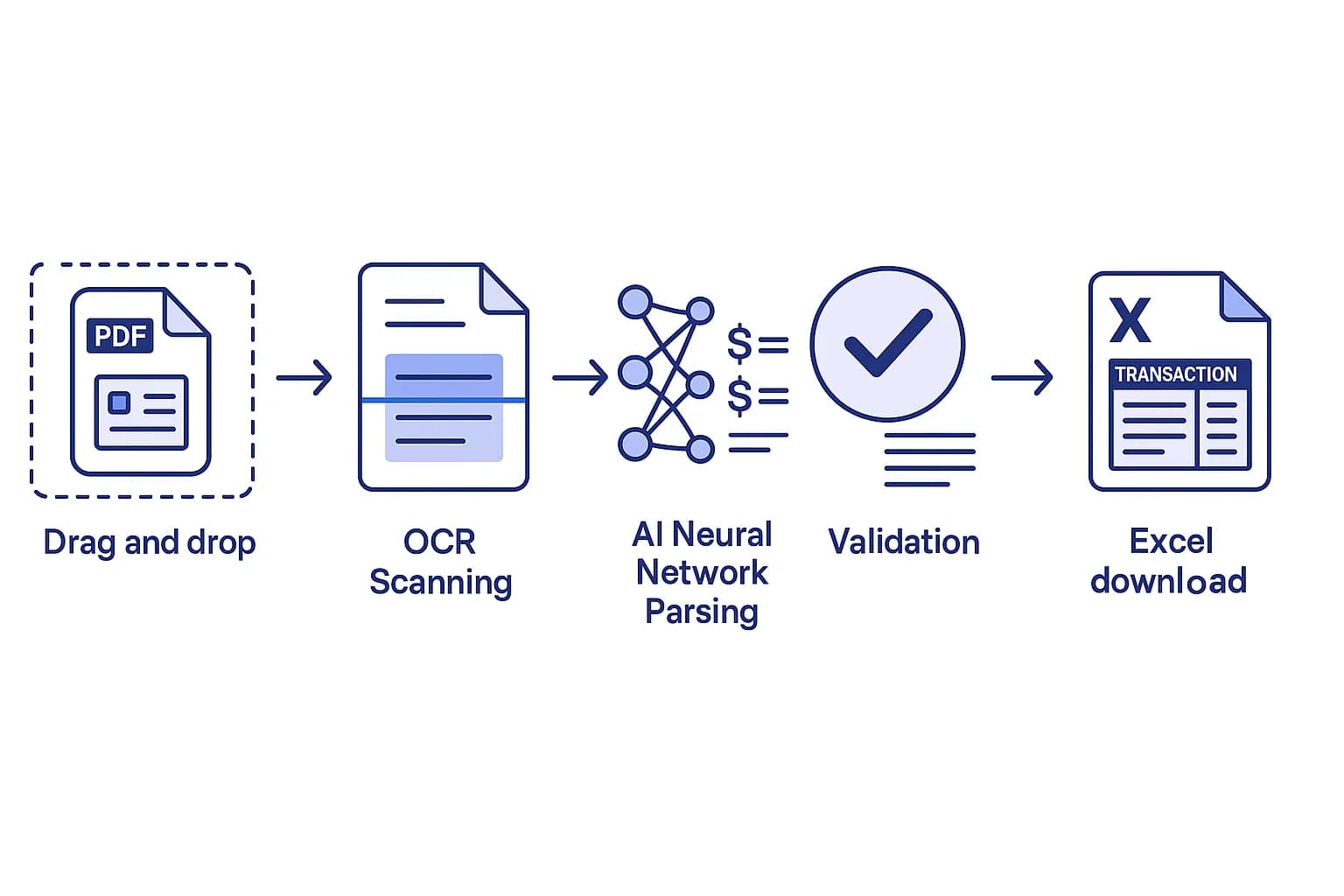
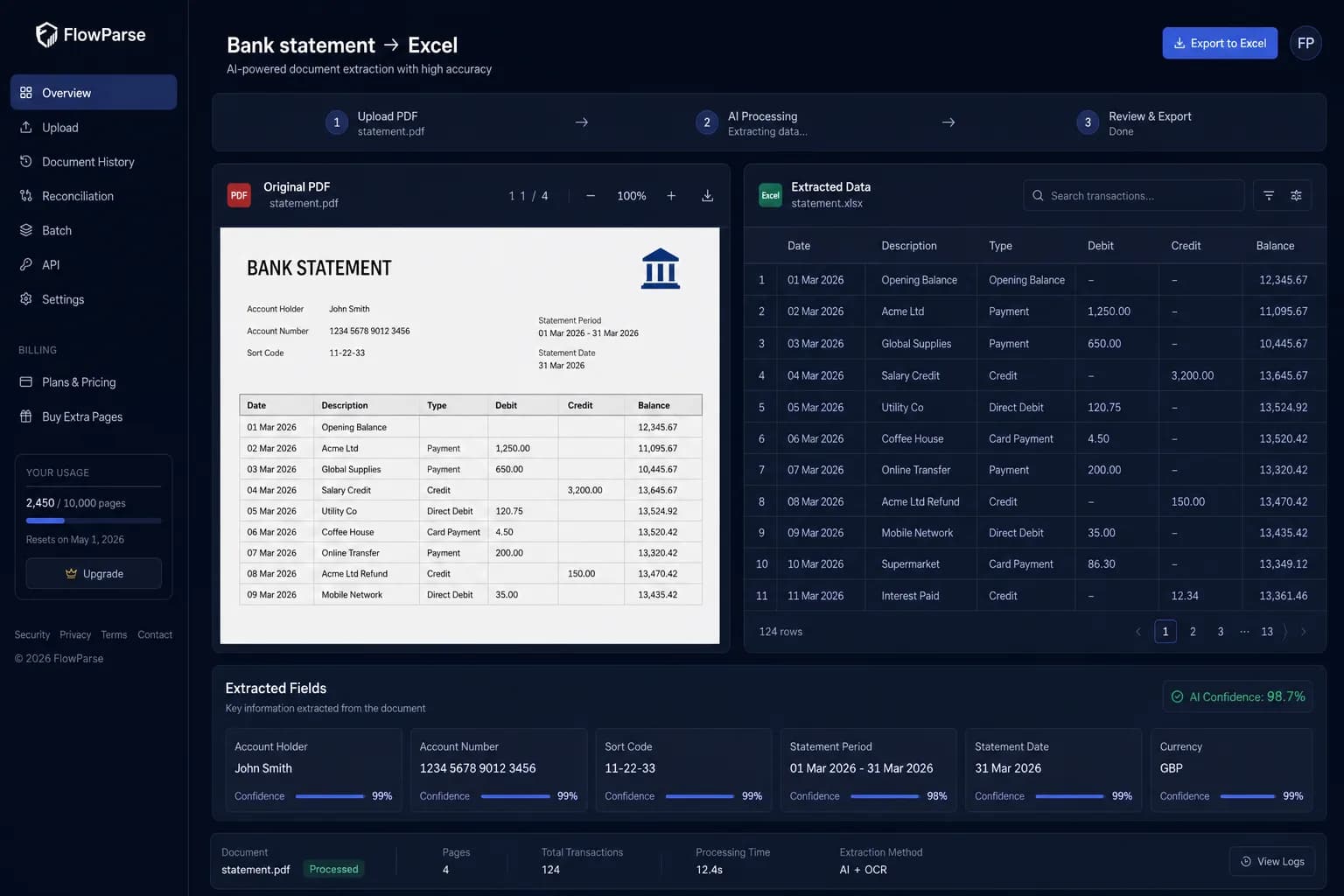
MoneyThumb is known for its PDF-to-QBO conversion and financial-file tools, often run as desktop software. FlowParse does the same conversion — PDF statements to QBO, QFX, OFX, Excel and CSV — entirely in your browser, for any bank, with AI extraction, Smart Merge and a free no-signup tier.
Users who want installed desktop software and lender-focused transaction analysis tools.
Anyone who wants browser-based PDF-to-QBO with AI extraction, no install, and a free way to start.
Why Businesses Look for MoneyThumb Alternatives
No desktop install
People want to convert from any device in the browser, not install and license desktop software.
Any bank, no template
AI layout reading handles statements the converter has never seen before.
Start free
Convert a real statement and see the .QBO before paying.
Consolidate a year
Merging many statements into one file is the slow part — Smart Merge automates it.
More than QBO
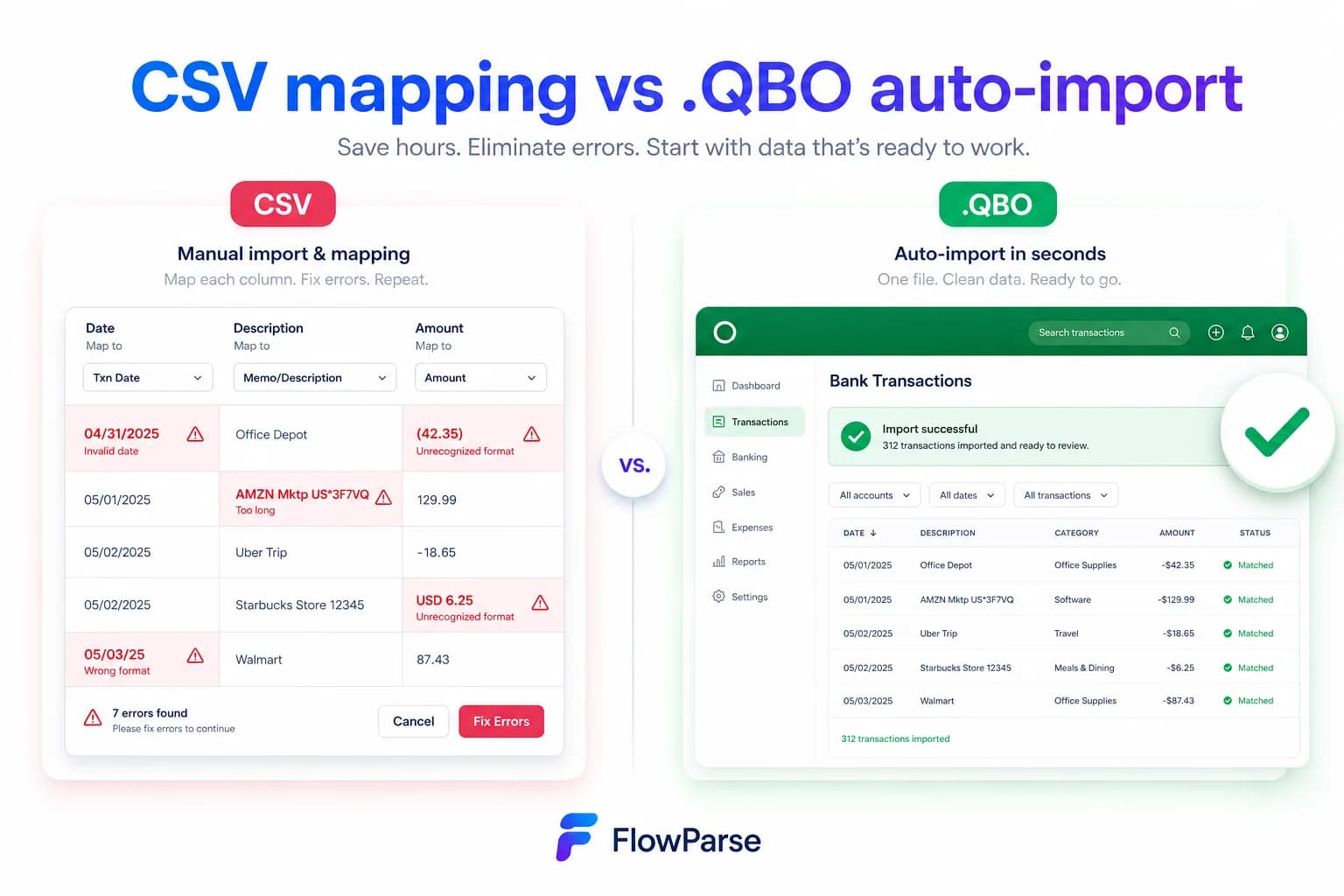
Teams also want Excel, CSV and a Xero-ready export from the same upload.
Validation built in
Balance checks and duplicate detection keep the import clean.
Quick Comparison — MoneyThumb vs FlowParse
A feature-by-feature look at MoneyThumb and FlowParse.
| Feature | MoneyThumb | FlowParse |
|---|---|---|
| PDF statement → .QBO | Yes | Yes |
| .QFX / .OFX export | Yes | Yes |
| Browser-based (no install) | Desktop app | Yes |
| AI extraction, any bank | Template-based | Yes |
| Excel & CSV export | Limited | Yes |
| Xero-ready export | No | Yes |
| Smart Merge — 100 PDFs → 1 Excel | No | Yes |
| Free no-signup tier | No | Yes |
| Balance validation | Limited | Yes |
| Public API | No | Yes |
What Is MoneyThumb?
MoneyThumb makes financial-file conversion tools — notably its 2qbo-style PDF-to-QBO converters — and transaction-analysis products used in lending. Its converters are well established and often run as installed desktop software with per-product licensing.
That model suits users who want offline desktop tools. But it means installing and licensing software, working on one machine, and relying on layout templates that can struggle with an unfamiliar statement.
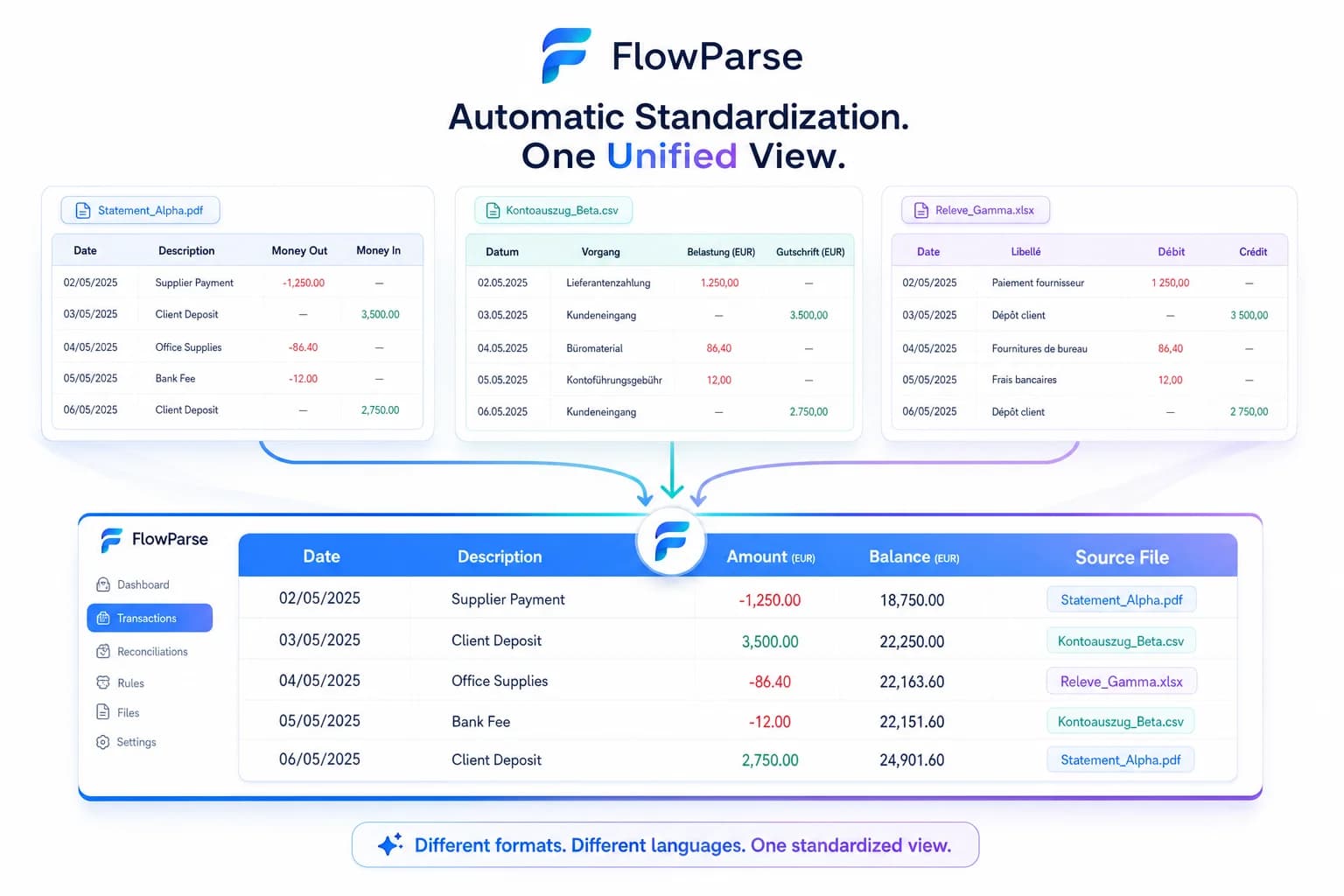
FlowParse does the core conversion — PDF statements to .QBO, .QFX, .OFX, Excel and CSV — entirely online. Extraction is AI-based so it reads any bank's layout, you can start on the free tier, and Smart Merge consolidates a whole year into one reconciled workbook.
MoneyThumb strengths
- Established PDF-to-QBO conversion
- QFX/OFX and financial-file formats
- Lender / transaction-analysis tools
- Works offline once installed
Where teams want something different
- Often desktop software to install and license
- Template-based reading can struggle with new layouts
- No free no-signup web tier
- Consolidating many statements is manual
Why Teams Switch to FlowParse
No install
Convert in the browser from any device — nothing to license or update.
AI, any bank
Layouts read by meaning, so unfamiliar statements still convert.
Start free
See the .QBO from a real statement before you pay.
Smart Merge
Consolidate up to 100 statements into one reconciled Excel.
Desktop templates vs browser AI
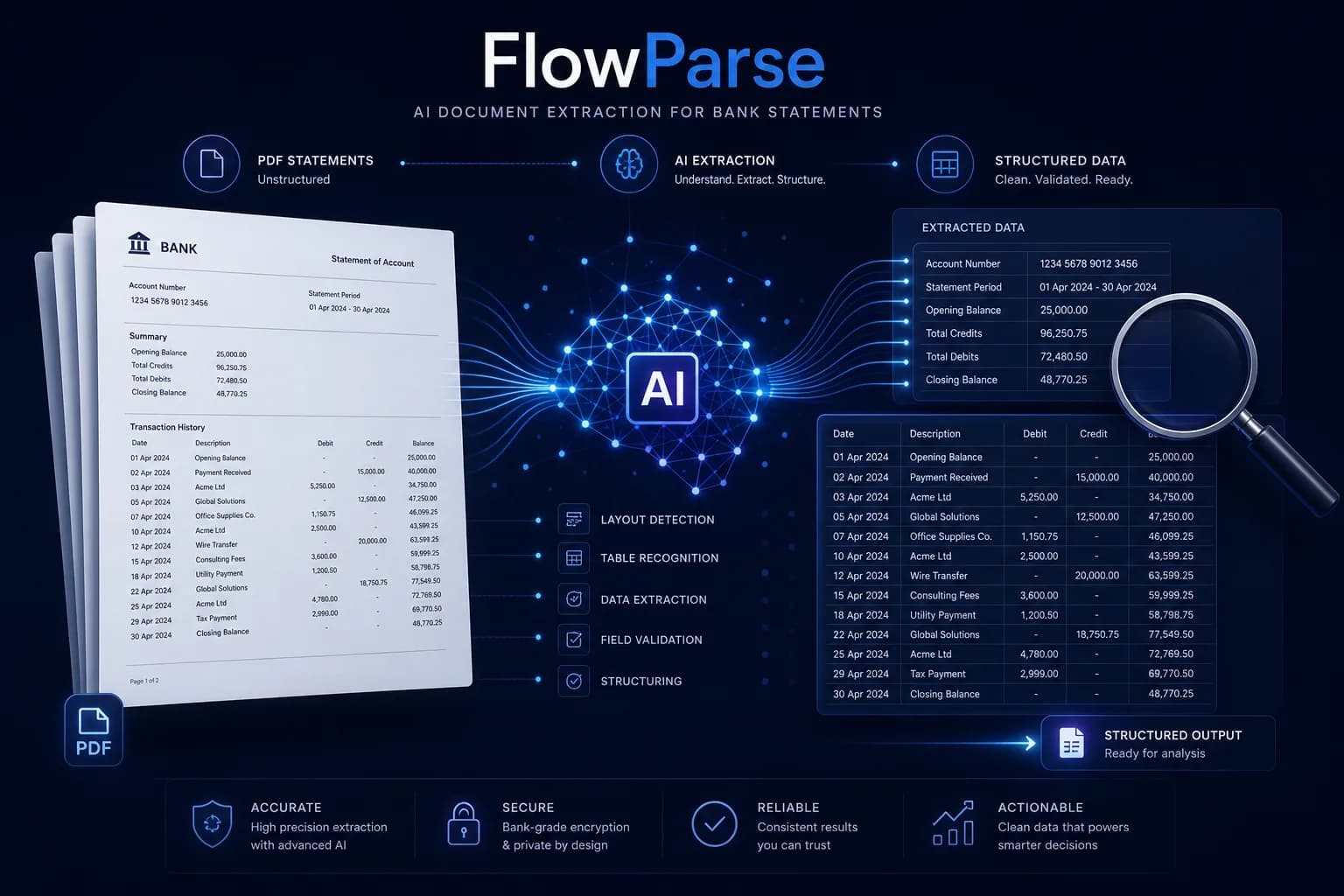
The difference shows up the moment you upload a statement the tool hasn't seen before.
Template / desktop
- Install and license software
- Work on one machine
- Rely on a layout template
- Re-configure when a bank changes format
FlowParse (browser AI)
- Open in any browser
- AI reads the layout by meaning
- Any bank, no template
- Validated .QBO/.QFX/.OFX in seconds
Pricing Comparison
How the cost and commitment models compare.
| Feature | MoneyThumb | FlowParse |
|---|---|---|
| Delivery | Desktop software / licence | Web app, nothing to install |
| Entry cost | Paid licence / product | Free tier, then pay per page |
| Try without paying | Limited | Yes — free pages monthly |
| Use on any device | Per-machine | Any browser |
Accuracy Comparison
Both platforms use modern AI OCR — here is how extraction quality is assured.
| Feature | MoneyThumb | FlowParse |
|---|---|---|
| Reads unfamiliar layouts | Template-dependent | AI, any layout |
| Scanned statement OCR | Varies | Yes |
| Balance reconciliation | Limited | Yes |
| Editable review before export | Limited | Yes |
| Per-field confidence scores | No | Yes |
Who should choose MoneyThumb?
- Users who prefer installed desktop software
- Lenders using transaction-analysis products
- Workflows already built on MoneyThumb tools
Who should choose FlowParse?
- Anyone who wants browser-based PDF-to-QBO
- Teams converting statements from many different banks
- Accountants consolidating a year with Smart Merge
- Users who want to start free, no install
Migrating from MoneyThumb to FlowParse
Switching takes minutes — there are no templates to rebuild or models to retrain.
Export your documents
Export invoices and statements from MoneyThumb or your source.
Upload to FlowParse
Drag and drop PDFs, scans, or images — no setup.
Review extracted data
Check fields in the editable preview before export.
Export Excel or CSV
Download structured data for your accounting system.
Automate workflows
Use the API and integrations for future documents.