A Plaid Alternative
The PDF Fallback For Everything The Feed Can't Reach
Plaid connects a customer's bank account and returns up to 24 months of categorised transactions across 12,000+ institutions, updated in real time. That is the better tool whenever it works. FlowParse is what you use when it does not: history older than the feed goes, an institution that is not covered, a closed account, a foreign bank, or a customer who will not hand over their bank login.
Products that need live, ongoing transaction data from a customer's current account — and whose customers are willing and able to connect it.
Everything the feed cannot reach: older history, unsupported or foreign institutions, closed accounts, one-off analysis, and customers who will only ever send a PDF.
Why Businesses Look for Plaid Alternatives
No connection required
A PDF statement is something anyone can send. No bank login, no consent flow, no coverage question.
History beyond the feed
Feeds reach back a limited window. A statement from 2019 converts exactly like one from last month.
Any institution, anywhere
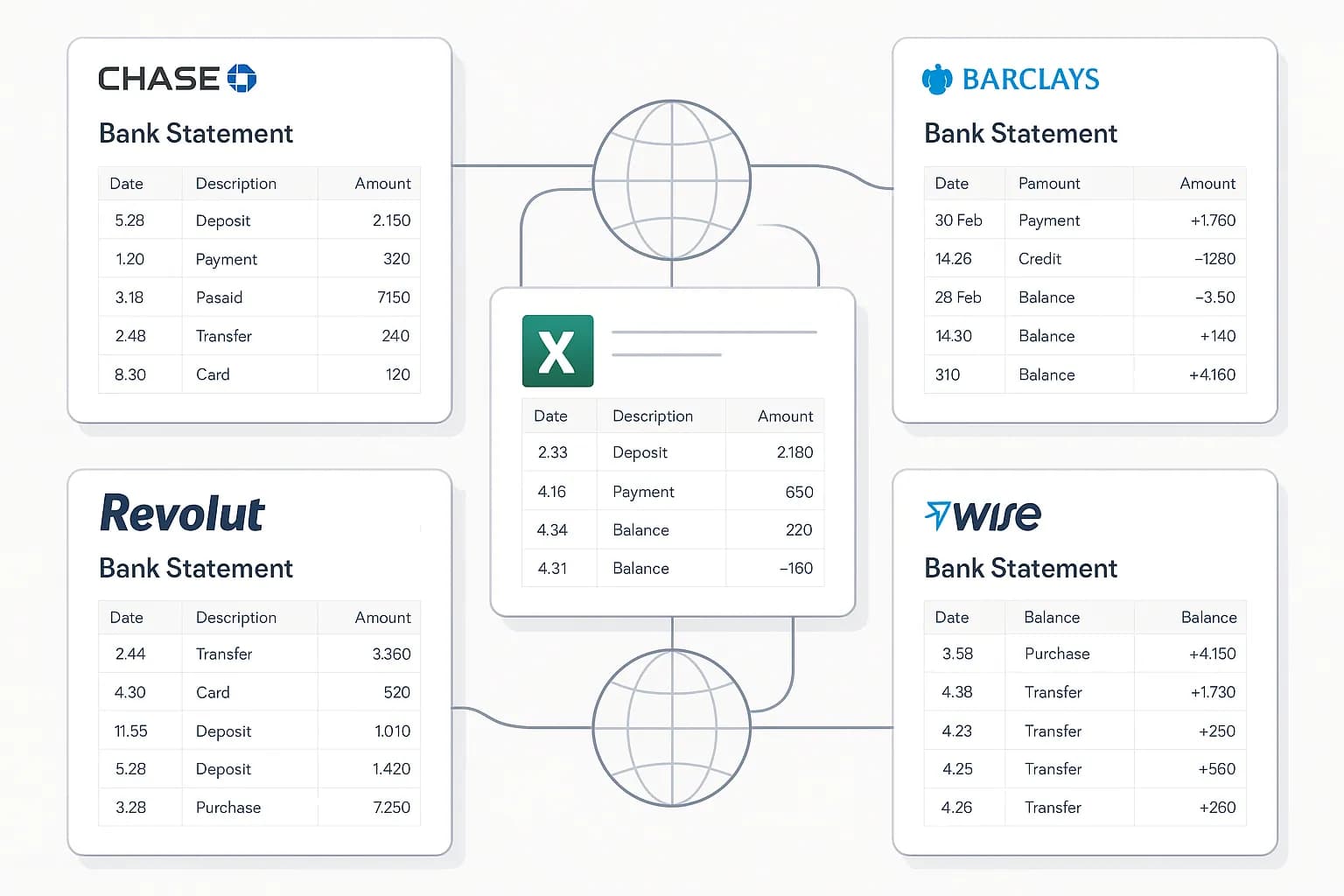
Extraction is AI-based, so an uncovered regional bank or a foreign account reads the same way.
Closed accounts still work
You cannot connect an account that no longer exists — but its statements still convert.
Accounting-ready export
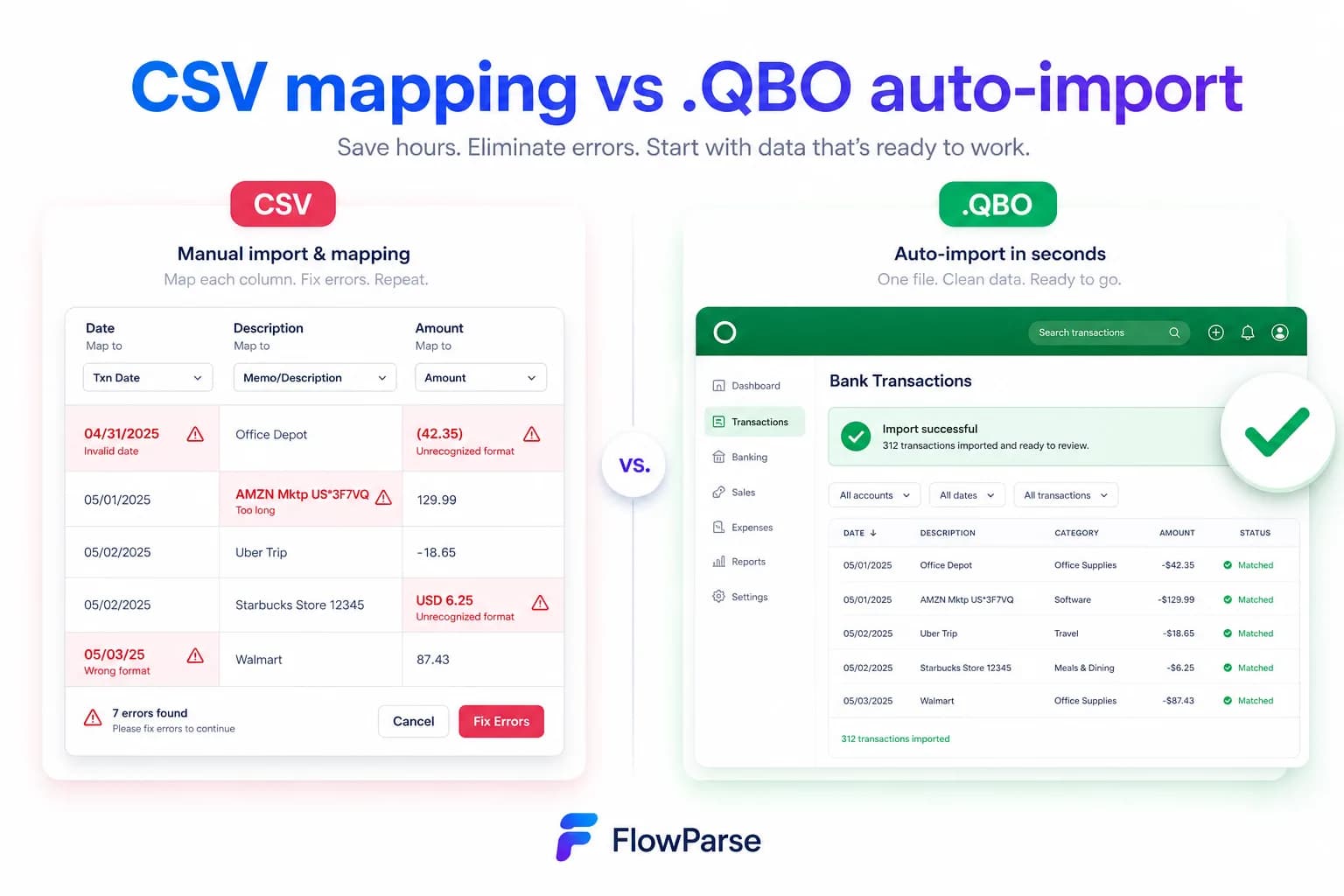
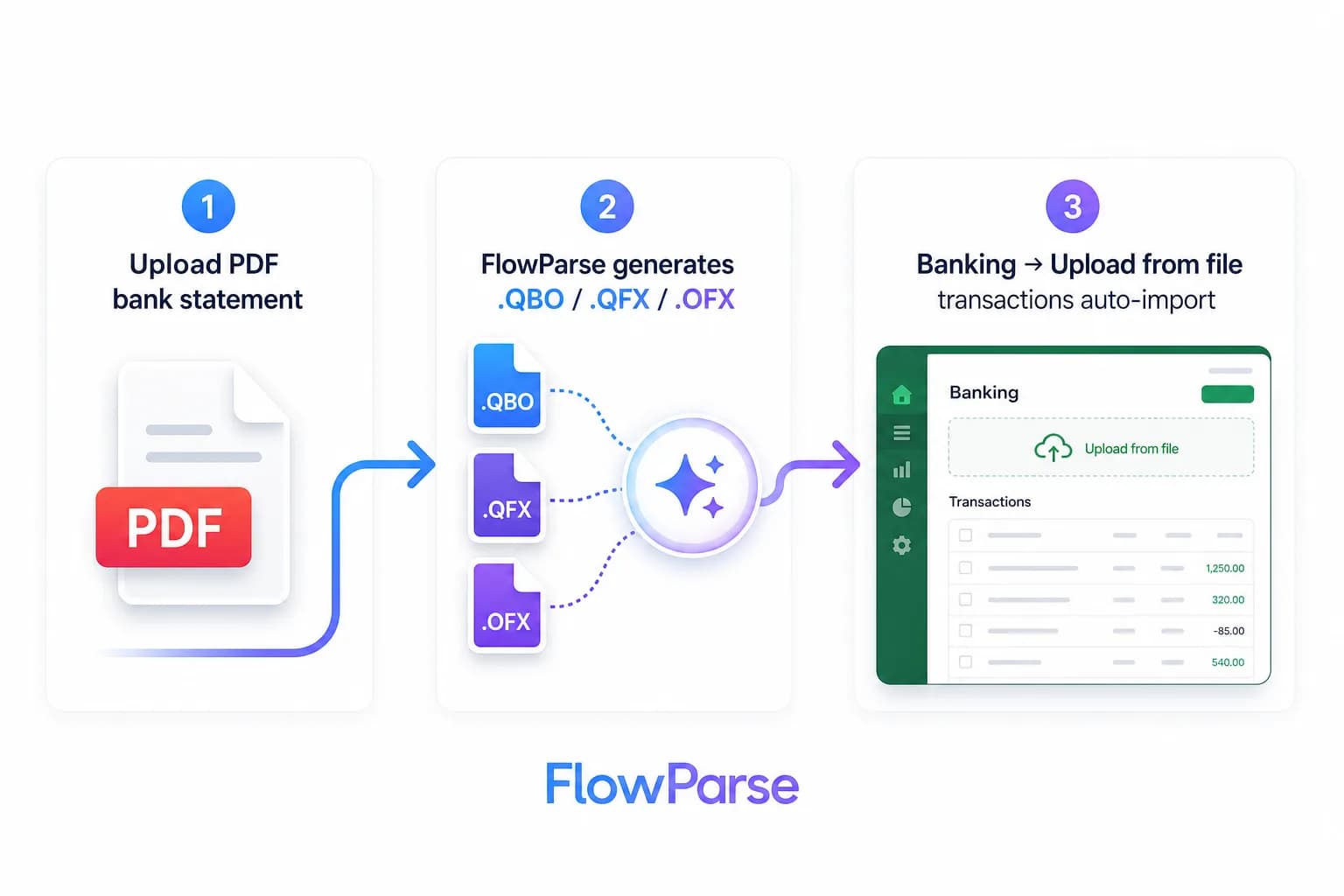
Native .QBO/.QFX/.OFX and Xero/Excel files for the accounts a feed does not cover.
Free to start
Convert a real statement today — no integration, no consent flow, no contract.
Quick Comparison — Plaid vs FlowParse
A feature-by-feature look at Plaid and FlowParse.
| Feature | Plaid | FlowParse |
|---|---|---|
| Live, ongoing transaction data | Yes | No |
| Real-time updates as transactions post | Yes | No |
| Works without the customer's bank login | No | Yes |
| History older than the feed's window | No | Yes |
| Institutions not covered by the aggregator | No | Yes |
| Closed or dormant accounts | No | Yes |
| Categorised transactions | Yes | Bookkeeping categories |
| Balance reconciliation + quality score | N/A (feed data) | Yes |
| Native .QBO / .QFX / .OFX export | No | Yes |
| Smart Merge — 100 PDFs → 1 Excel | No | Yes |
| Self-serve app for non-developers | No | Yes |
| Invoices and receipts | No | Yes |
What Is Plaid?
Plaid is the connective tissue of a large part of fintech, and it is worth being clear about how good the model is. A customer links their bank account through Plaid Link, and your product receives their transactions — up to 24 months of history, categorised, across 12,000+ financial institutions, updated in real time as new transactions post. No uploads, no documents, no parsing. When it works, it is not merely better than reading PDFs; it is a different quality of thing entirely, because the data keeps arriving without anyone doing anything.
This page is therefore not the usual competitive teardown, because FlowParse is not trying to replace that and would be a poor choice if you tried. We do not connect to banks. There is no open-banking integration, no consent flow, no credential handling, no live feed and no real-time anything. If your product needs a customer's ongoing transaction data and your customer will link their account, use Plaid — we would tell you the same in person.
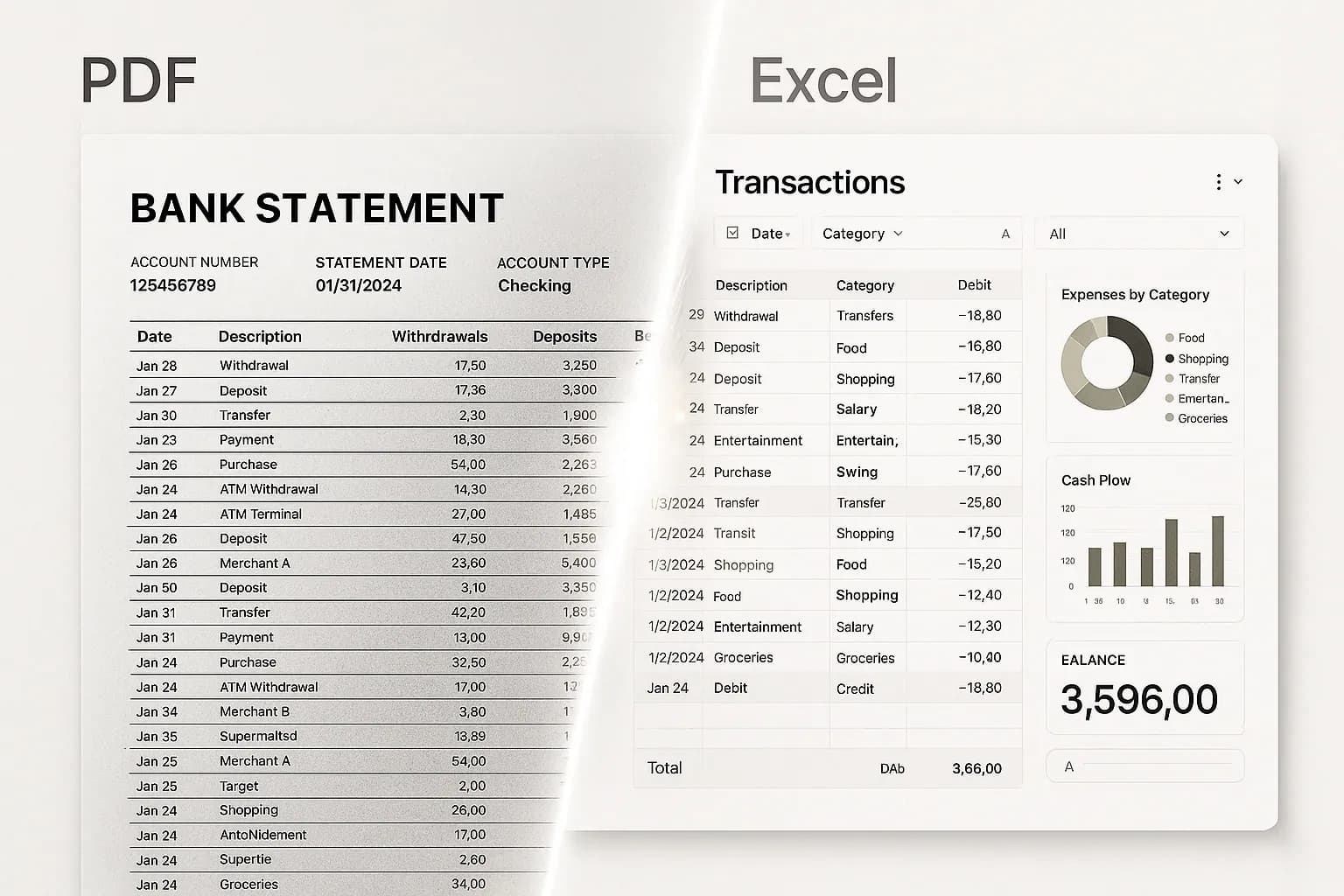
What FlowParse is for is the gap around the feed, and the gap is larger than most integrations assume. It is the history older than the window. It is the institution the aggregator does not cover, or covers badly. It is the foreign account. It is the account that was closed last year. It is the customer who will not put their bank password into your app but will happily email a PDF. In every one of those cases the statement exists and the feed does not — and a [validated conversion](/features/validation-engine) of that PDF, with [accounting export](/features/accounting-software-export), is the only path to the data.
Plaid strengths
- Live, ongoing data with no document handling at all
- Very broad institution coverage in its core markets
- Categorised transactions with real-time updates
- No upload friction — the customer links once
Where teams want something different
- Requires the customer to connect an account and share credentials
- History is limited to the feed's window — older periods are unreachable
- Uncovered, foreign, closed or dormant accounts leave you with nothing
- No accounting-export files, and no help with a PDF someone emailed you
Why Teams Switch to FlowParse
Not a switch — a fallback
Keep the feed as the primary path and use PDFs for the accounts and periods it cannot reach.
Reach older history
A statement from several years ago converts exactly like last month's.
Serve the customers who won't link
Some never will. A PDF upload keeps them in the product instead of losing them at the consent screen.
Cover the long tail of banks
AI extraction reads an uncovered regional or foreign bank with no per-institution work.
Straight into accounting software
Real .QBO/.QFX/.OFX and Xero-ready files for the feed's blind spots.
Free to evaluate
Run a real statement through the whole flow before integrating anything.
A connected feed vs the document itself
Plaid gets the data from the bank. FlowParse gets it from the statement — which is the only option when there is no connection to make.
Feed path (use it when you can)
- Customer links their account
- Transactions arrive automatically
- Updated in real time
- Limited to covered institutions
- Limited to the feed's history window
FlowParse path (for the rest)
- Someone sends a PDF statement
- Validated, signed transactions
- Balance check proves completeness
- Any bank, any period, closed accounts
- Export native QBO/QFX/OFX/Xero/Excel
Pricing Comparison
How the cost and commitment models compare.
| Feature | Plaid | FlowParse |
|---|---|---|
| Free tier | Sandbox / developer plan | Free pages/month + no-signup try |
| Model | Per connected item / API usage | Per page from a balance |
| Data source | Connected bank account | The PDF statement |
| Customer action needed | Link the account | Send a statement |
| Accounting-export files | No | Yes (QBO/QFX/OFX/Xero) |
| Setup to first result | Integrate Link + consent | None (app) / one call (API) |
Accuracy Comparison
Both platforms use modern AI OCR — here is how extraction quality is assured.
| Feature | Plaid | FlowParse |
|---|---|---|
| Data fidelity where covered | Excellent (from the bank) | ~98% + balance-validated |
| Uncovered institution | No data | Reads the statement |
| History beyond the window | No data | Reads the statement |
| Closed account | No data | Reads the statement |
| Completeness proof | N/A (source of truth) | Arithmetic balance check |
| Human review step | N/A | Editable grid + API |
Who should choose Plaid?
- Products needing live, ongoing transaction data
- Consumer fintech where linking an account is normal
- Use cases requiring real-time balance and transaction updates
- Teams whose customers are in well-covered markets
Who should choose FlowParse?
- Anyone holding a PDF statement and no bank connection
- Accountants and bookkeepers working from client documents
- Products needing history older than a feed reaches
- Teams serving foreign, uncovered or closed accounts
Migrating from Plaid to FlowParse
Switching takes minutes — there are no templates to rebuild or models to retrain.
Export your documents
Export invoices and statements from Plaid or your source.
Upload to FlowParse
Drag and drop PDFs, scans, or images — no setup.
Review extracted data
Check fields in the editable preview before export.
Export Excel or CSV
Download structured data for your accounting system.
Automate workflows
Use the API and integrations for future documents.
This is not a competitive page, and pretending otherwise would not help you
Most pages with this title exist to argue that the incumbent is worse than it looks. This one cannot honestly do that. A connected bank feed beats reading a PDF on every axis that a feed covers: the data comes from the institution rather than from a rendering of a page, it arrives without anyone uploading anything, it updates in real time, and there is no question of a row being dropped at a page break because there are no pages. If your customer links their account and their bank is covered, you have the better data and you should use it.
So the useful question is not which is better. It is what your product does in the cases where the feed returns nothing — and every product that relies on a feed has those cases, usually more than the initial integration estimate assumed.
That is the whole argument of this page. Not that you should replace Plaid with document parsing, which would be a strange and worse architecture. That you should have a document path for the remainder, because the remainder is real, permanent, and currently landing in someone's inbox as a PDF with nothing to do about it.
The four gaps a feed cannot close
History. Plaid advertises up to 24 months of transactions. For a live product that is generous; for financial work it frequently is not. A lender reviewing three years of trading, an accountant catching up books that were never done, a business being sold and asked for five years of accounts — none of those are edge cases, and all of them are outside the window. The document does not expire: a statement from 2019 converts exactly like one from last month.
Coverage. Aggregators cover their core markets extremely well and the tail less so. The regional bank, the credit union, the foreign account your customer holds, the newer institution not yet integrated — for each one the API returns nothing at all, and there is no amount of retrying that changes it. AI extraction has no coverage list, because there is no per-institution work to do: an unfamiliar layout reads by meaning like a familiar one.
Closed accounts. You cannot connect to an account that no longer exists. Yet the accounts that matter most in retrospective work — a business that has changed banks, a partnership that dissolved, an old account someone needs for a tax enquiry — are frequently closed. The statements still exist; only the connection is gone.
Consent. Some customers will simply not enter their bank credentials into a third-party flow. They are not wrong to hesitate, and no amount of trust-badge design converts all of them. A PDF upload is the path that keeps those users in the product rather than losing them at the consent screen.
What makes a document path trustworthy
The reasonable objection to falling back on PDFs is that document data is softer than feed data. That is a fair worry and it is exactly why validation is the centre of the product rather than a footnote.
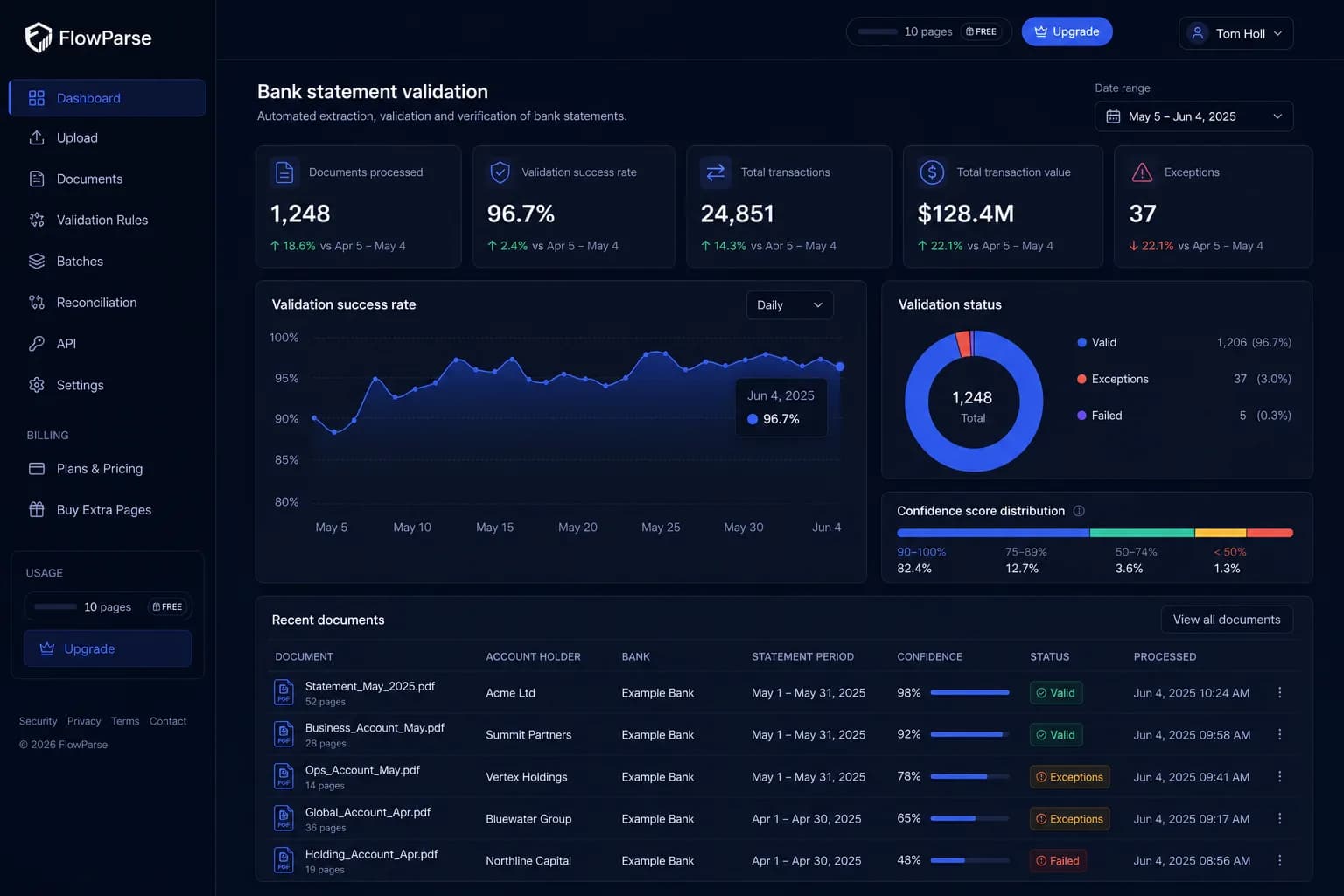
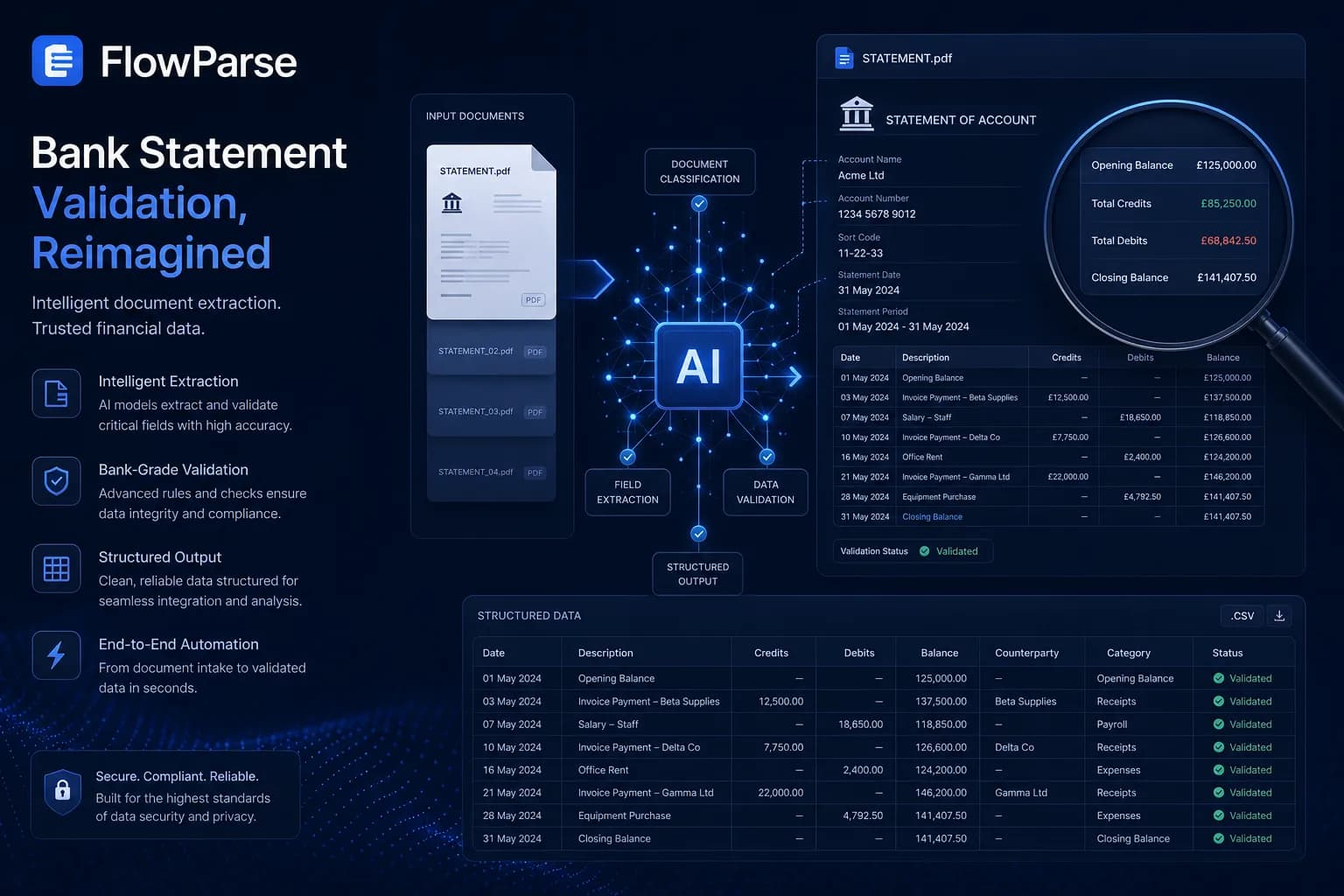
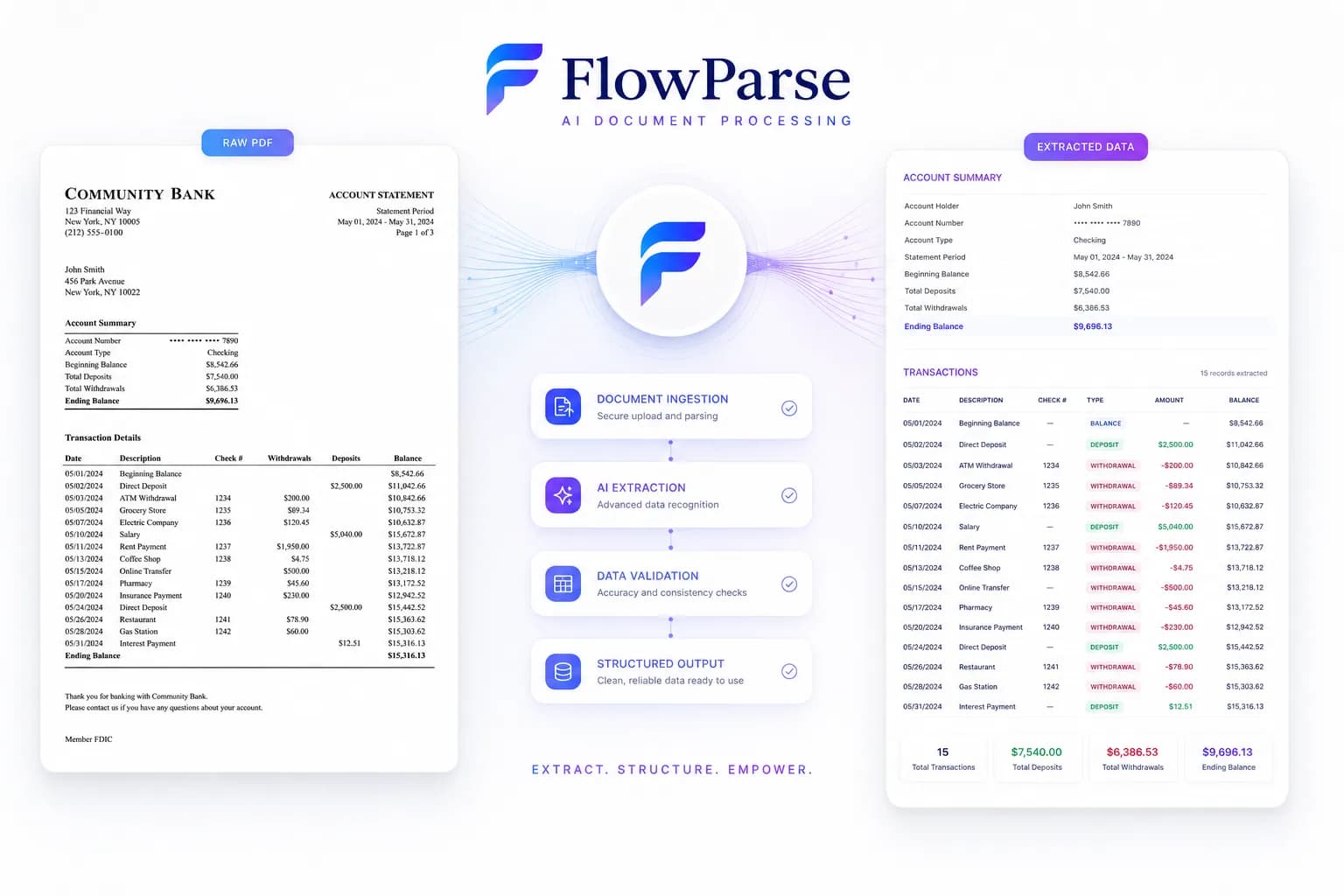
Feed data comes from the bank, so its completeness is not in question. A document path has to earn the same confidence, and the way to earn it is arithmetic rather than assertion. Every statement prints its own closing balance, which means it carries a testable claim: opening balance, plus every transaction, must equal that figure. FlowParse runs that check on every statement, and if it fails, the response says so and names the rows around the break.
That is the only check that can prove an extraction wrong with no labelled data and no human involved — and it is what lets a document path sit alongside a feed in the same product without being the weak link. Validation returns a 0-100 score, so your pipeline can reject a questionable document automatically rather than merging it into good feed data and hoping.
| Situation | Plaid | FlowParse |
|---|---|---|
| Connected, covered, current account | Best tool | Unnecessary |
| History older than the window | No data | Reads the statement |
| Uncovered or foreign institution | No data | Reads the statement |
| Closed or dormant account | No data | Reads the statement |
| Customer won't share credentials | Blocked | Accepts a PDF |
| Needs a .QBO/Xero import file | Not offered | Native |
The accounting export gap, even for feed users
Here is a gap that catches teams already happily using a feed. Feed data lands in your product; it does not land in your customer's accounting software. And the accounts a feed does not cover — the older bank, the foreign account, the closed one — are precisely the accounts that get keyed into QuickBooks by hand at year end.
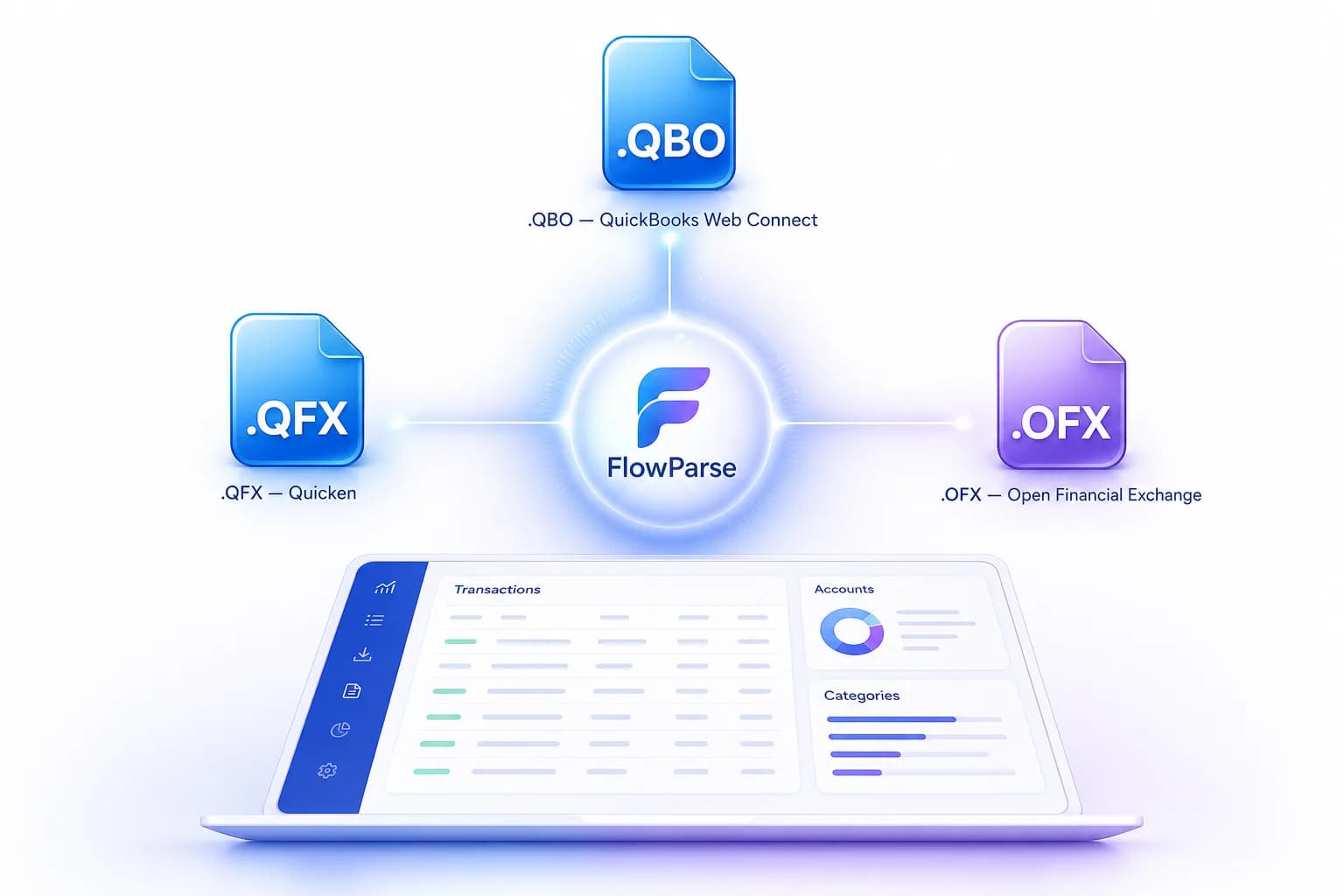
FlowParse writes the real files for exactly those: `.QBO` and `.QFX` for QuickBooks and Quicken, `.OFX` for tools like GnuCash and Sage, plus a Xero-ready CSV and clean Excel. Each transaction carries a stable `FITID`, which is what stops a re-import double-posting rows the user already has.
See accounting export and PDF to QBO for the formats and the exact import steps. It is the unglamorous half of the job, and it is where the feed's blind spots turn into an afternoon of typing.
Adding a fallback is one endpoint, not a project
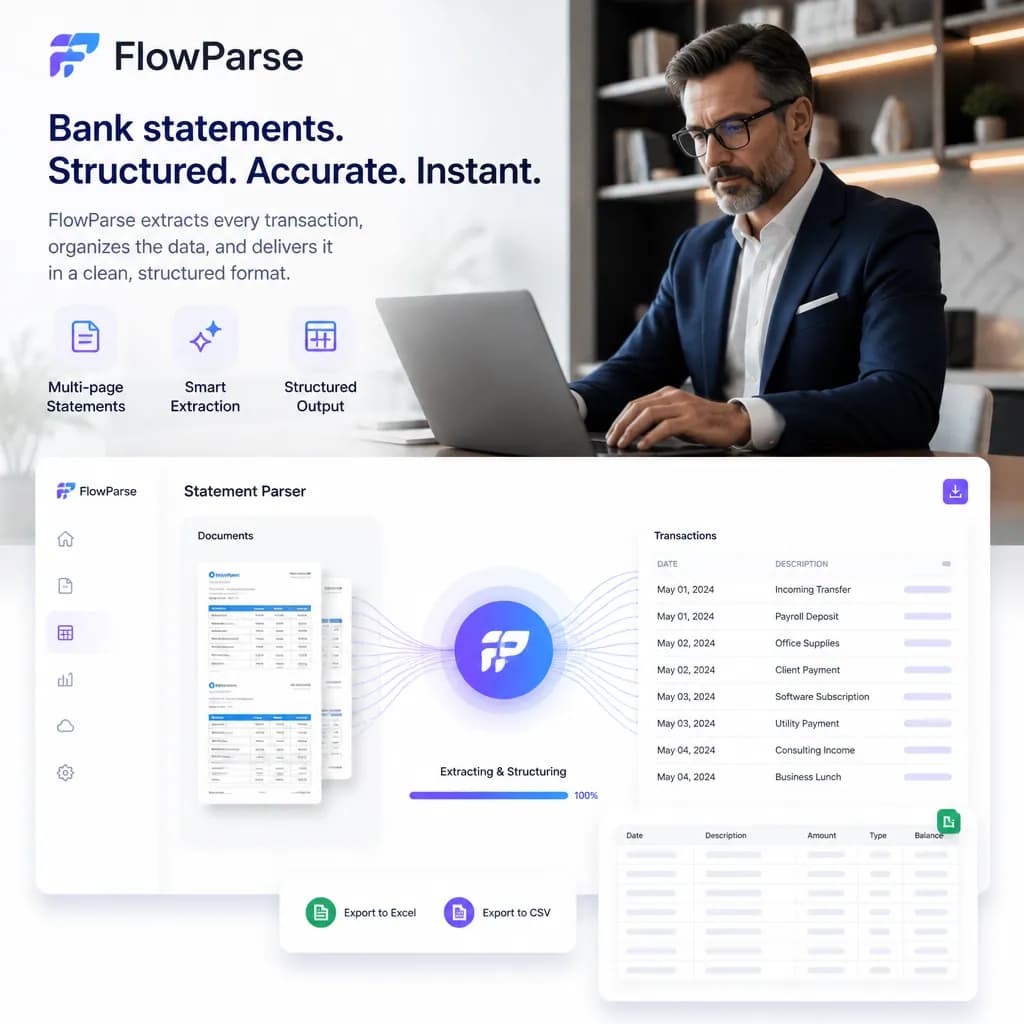
The practical worry about a document path is that it sounds like a second integration with a second failure surface. It is smaller than that. The bank statement API takes a PDF and returns validated, signed transactions with a 0-100 score — one authenticated REST call, billed per page, with no per-bank configuration to maintain because extraction is pre-trained rather than template-based.
So the fallback logic in your product is close to trivial: if the institution is uncovered, or the customer skipped the consent screen, or the period they need predates the feed, accept a PDF and call the endpoint. The data comes back in a shape you can merge with feed data rather than a parallel format you have to reconcile.
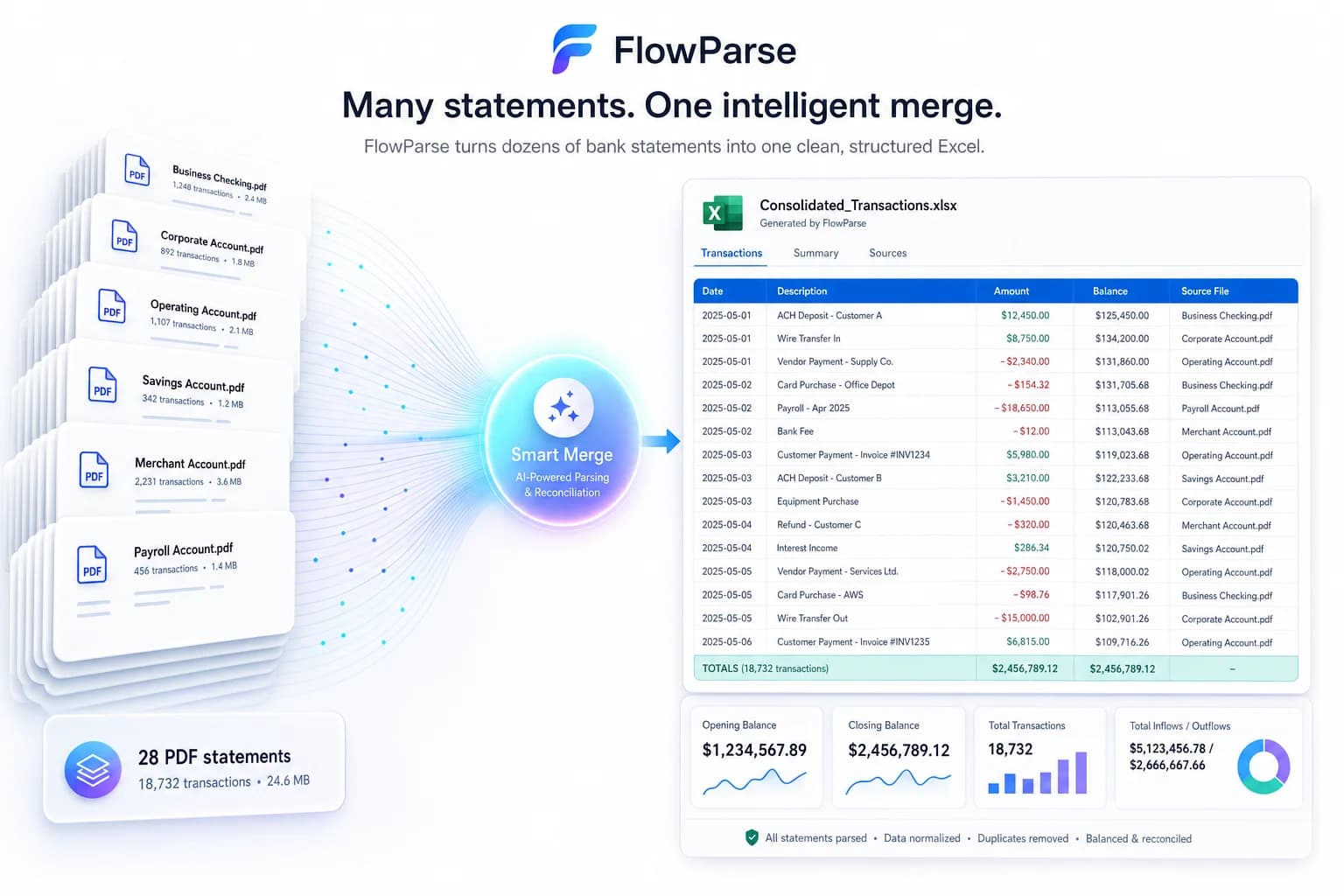
And for the humans in the loop — an ops team chasing a customer's older statements, an accountant working from a client's documents — there is a browser app, so nobody has to build them a UI. Smart Merge handles the case where they arrive with a year at once.
A real-world scenario: the 100% that turned out to be 80%
The integration plan says the feed covers everything. It is a reasonable belief — the coverage numbers are enormous, the demo accounts all link, and the happy path is genuinely excellent. Then the product meets real customers.
A share of them never finish the consent flow, because entering a bank password into an unfamiliar app is a thing many people simply will not do. Another share bank somewhere the aggregator does not reach — a small regional institution, a foreign account, something new. A third group needs a period further back than the feed goes, because the task is retrospective rather than live. And a fourth has an account that was closed last year, which is exactly the one the task is about.
None of those customers disappear. They send a PDF instead, to an inbox, where somebody types it into a spreadsheet — which is the manual process the integration was supposed to eliminate, quietly surviving inside the 20% nobody planned for. Adding a document path is not an admission that the feed failed; it is what makes the feed's coverage number true in practice. One API call returns validated transactions in the same shape as feed data, and the customer stays in the product.
Where Plaid genuinely wins
Nearly everywhere it applies, and it is worth saying without hedging. Live data is categorically better than a periodic document. It arrives without the customer doing anything after the first link, it updates in real time as transactions post, it comes from the institution rather than from a rendering of a page, and it never has a page break to lose a row at. Plaid covers 12,000+ institutions with up to 24 months of categorised history — for the mainstream consumer and SMB cases in its core markets, that is comprehensive.
The absence of document handling is itself the feature. No uploads, no OCR, no scans, no statement that arrives as a phone photograph taken at an angle, no wondering whether the last page was included. A product built on a feed simply does not have that category of problem, and adding one deliberately would be perverse.
So this page is not asking you to choose. It is asking what happens to the cases the feed does not serve — because those cases do not disappear when the integration ships. They land in an inbox as a PDF, and today they are probably being typed into a spreadsheet by someone who would rather not.
One engine for statements, invoices and receipts
A feed knows about bank transactions. It does not know about the invoice that explains one, or the receipt that substantiates it. FlowParse extracts bank statements, invoices and receipts with full line items, supplier and buyer details, totals and a tax breakdown, and runs an AI VAT auditor on invoices — all on one pre-trained engine, in a consistent schema.
Because everything comes back in the same shape, an invoice you extracted can be reconciled against the bank payment you extracted from a statement, with no mapping between separate sources. For a product whose feed tells it that money moved but not why, that is the other half of the picture — and it arrives as documents, which is precisely the format a feed has no view on.