A DocuPipe Alternative
A Defined Schema Is Not A Proven Statement
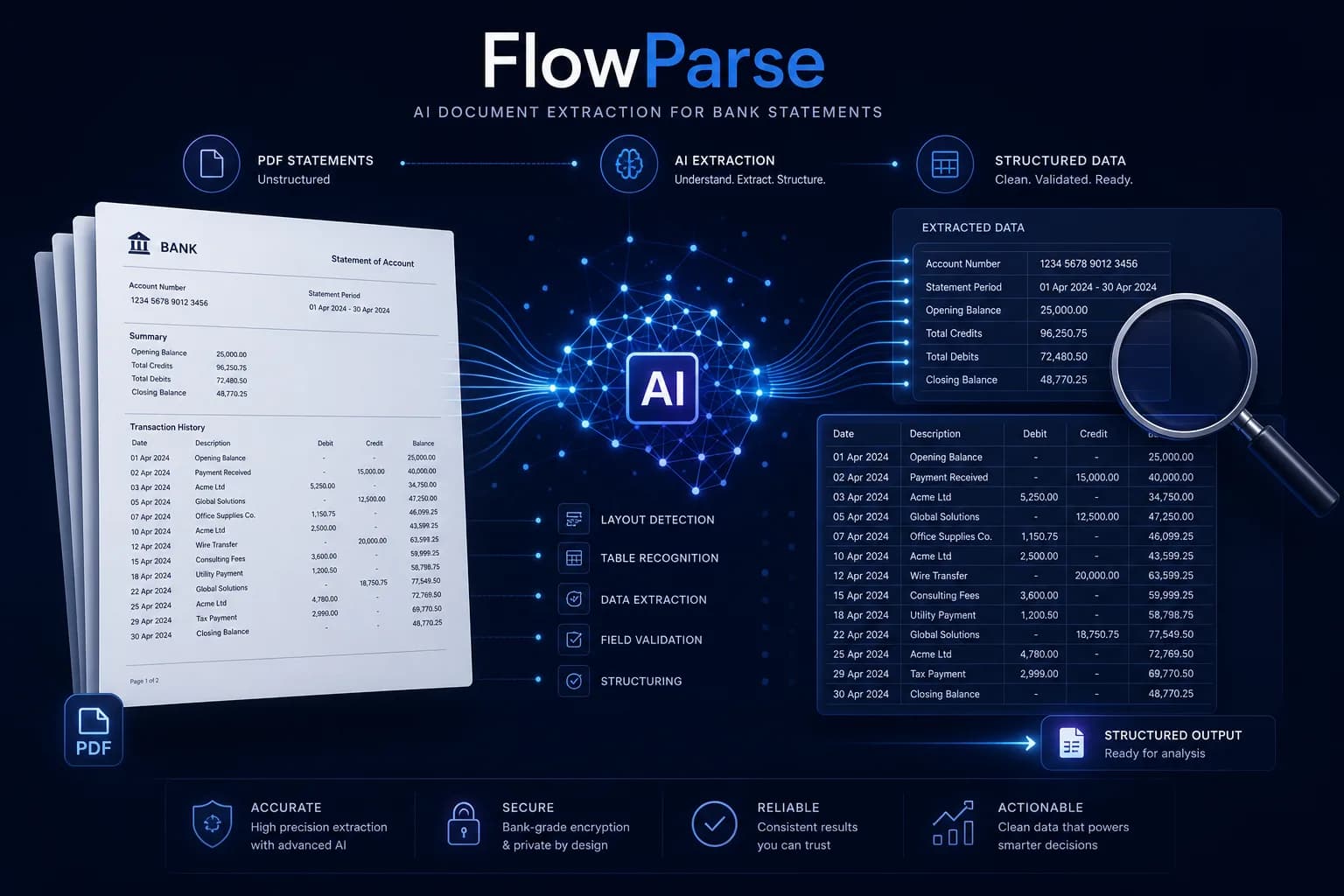
DocuPipe is a universal document extraction platform — define a schema for any document type, and its AI suggests fields, extracts data and lets a non-technical team member review and correct it, no code required. FlowParse is narrower and deeper: pre-trained specifically for bank statements, invoices and receipts, with signed transactions checked against the statement's own closing balance, Smart Merge, an editable review grid and native QBO/QFX/OFX/Xero export.
Teams extracting many different document types — contracts, medical forms, insurance claims, custom formats — who want a flexible, no-code schema builder and a general-purpose API.
Teams whose documents are financial and who want the finished result — a completeness proof, signed transactions and an accounting-ready export — without defining a schema first.
Why Businesses Look for DocuPipe Alternatives
Proof, not just a defined schema
A balance check confirms the extraction is complete — a correctly applied schema cannot tell you that on its own.
No schema to build first
FlowParse is pre-trained on financial documents, so there's no field mapping to define before the first upload.
Accounting-ready export
Native .QBO/.QFX/.OFX and Xero/Excel files — the actual destination of financial data, not a generic JSON payload.
Financial semantics built in
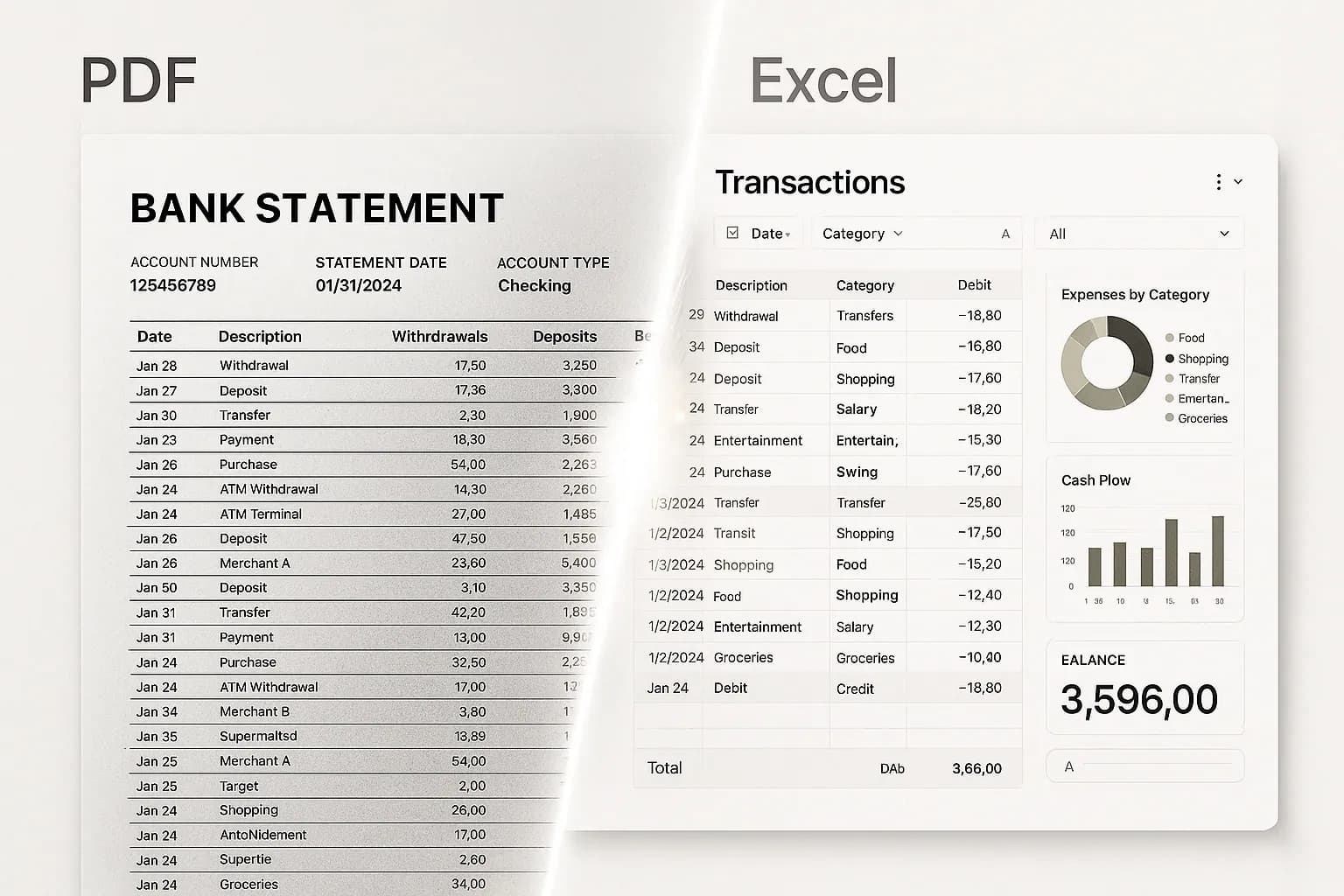
Debits and credits become one signed amount; dates are normalised; wrapped descriptions rejoined.
Consolidation built in
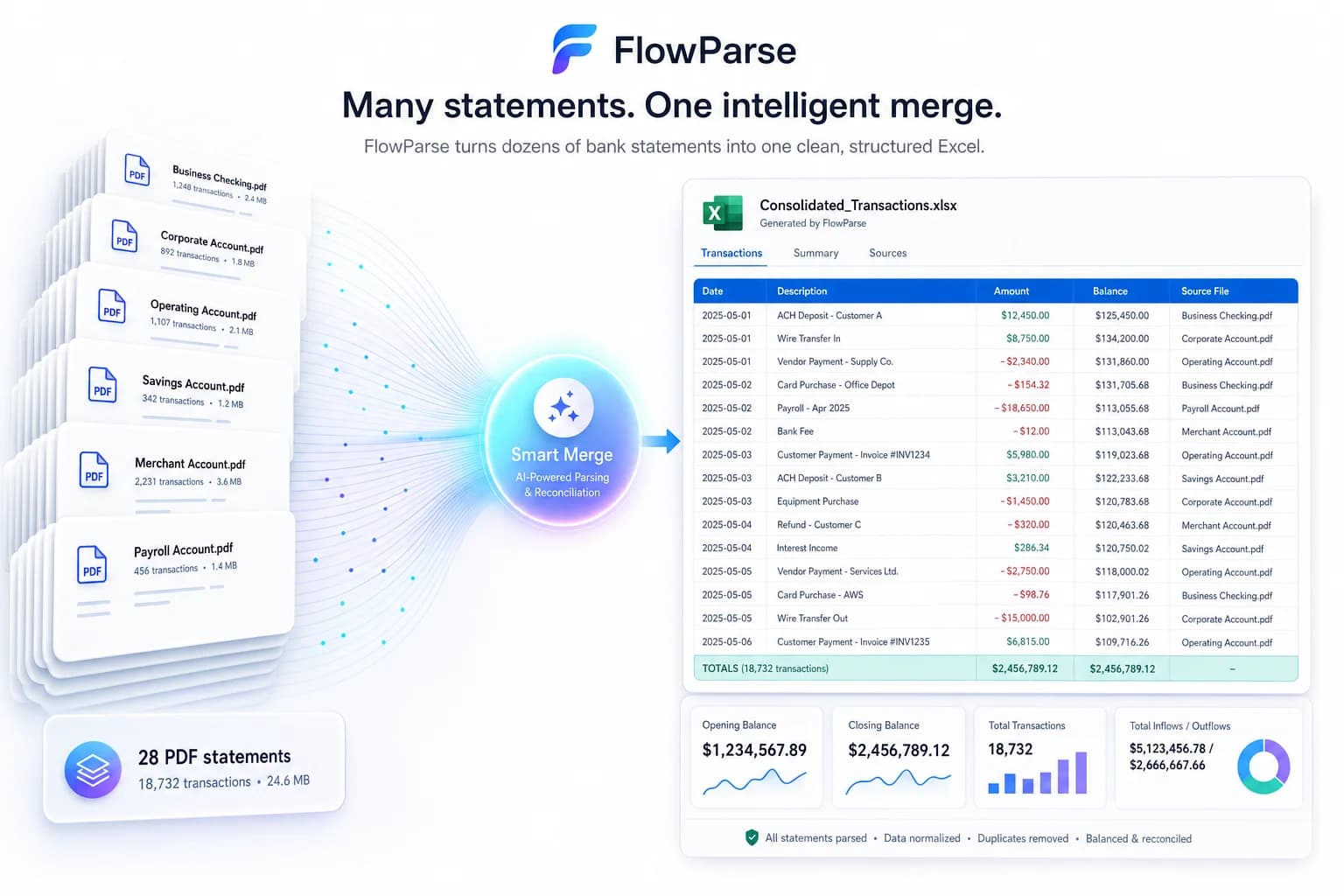
Smart Merge turns a year of PDFs into one reconciled Excel — a workflow, not a per-document extraction.
Self-serve and free to start
Run a real statement through the whole flow today, with a free monthly allowance.
Quick Comparison — DocuPipe vs FlowParse
A feature-by-feature look at DocuPipe and FlowParse.
| Feature | DocuPipe | FlowParse |
|---|---|---|
| No-code schema builder for any document type | Yes | Pre-trained instead (financial documents) |
| PDF → typed, signed transaction rows | Fields per your schema | Yes |
| Debit/credit → single signed amount | Build it into your schema logic | Yes |
| Balance reconciliation + quality score | No | Yes |
| Native .QBO / .QFX / .OFX export | No | Yes |
| Xero / Excel / CSV export | Build it yourself | Yes |
| Smart Merge — 100 PDFs → 1 Excel | No | Yes |
| Self-serve app for non-developers | Yes | Yes |
| Editable review grid for humans | Field-highlight review | Yes |
| Any document type | Yes | Financial set only |
| REST API | Yes | Yes |
| Free tier | Free starter credits | Free pages/month + no-signup try |
What Is DocuPipe?
DocuPipe is a universal document extraction platform built around a schema-first workflow: upload a sample document, its AI suggests fields, and a non-technical team member can add, remove or adjust the fields in a dashboard with no code and no deploy step. Click any extracted field and see it highlighted on the original document — a genuinely useful review pattern. It's positioned to handle any document type — invoices, contracts, medical forms, legal documents, insurance claims — and lists bank statement extraction as one use case among many, alongside customers standardising things like workers'-compensation referral intake from medical records and prescriptions.
That flexibility is real and it's the whole value proposition — one platform, any schema, any document family. But flexibility and financial completeness are different properties, and a bank statement needs both. A schema can extract every field it's told to look for with total correctness and still miss a row, because a row that's never emitted was never checked against the schema at all — it simply isn't in the output. Nothing in a general-purpose schema platform is specifically watching for that.
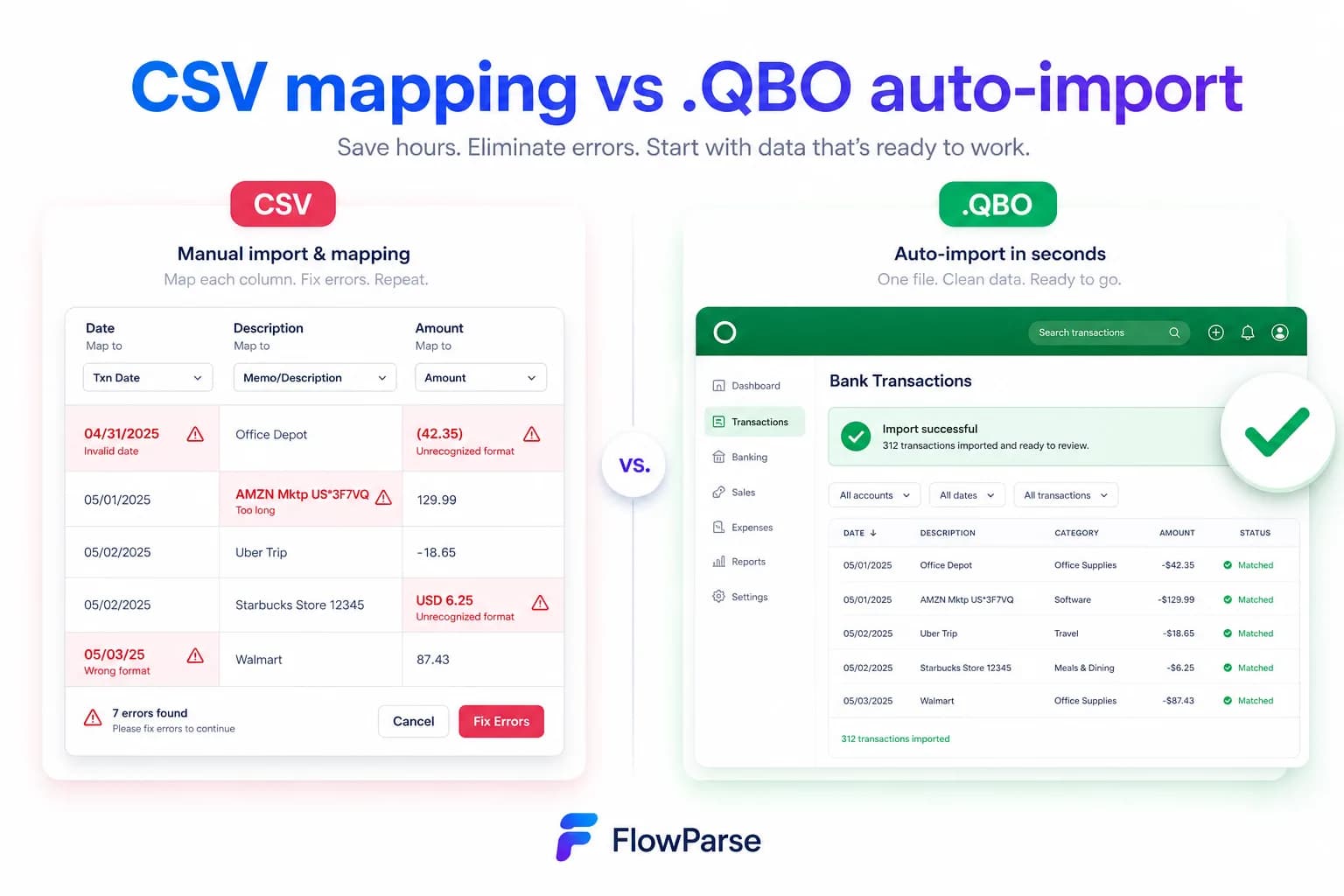
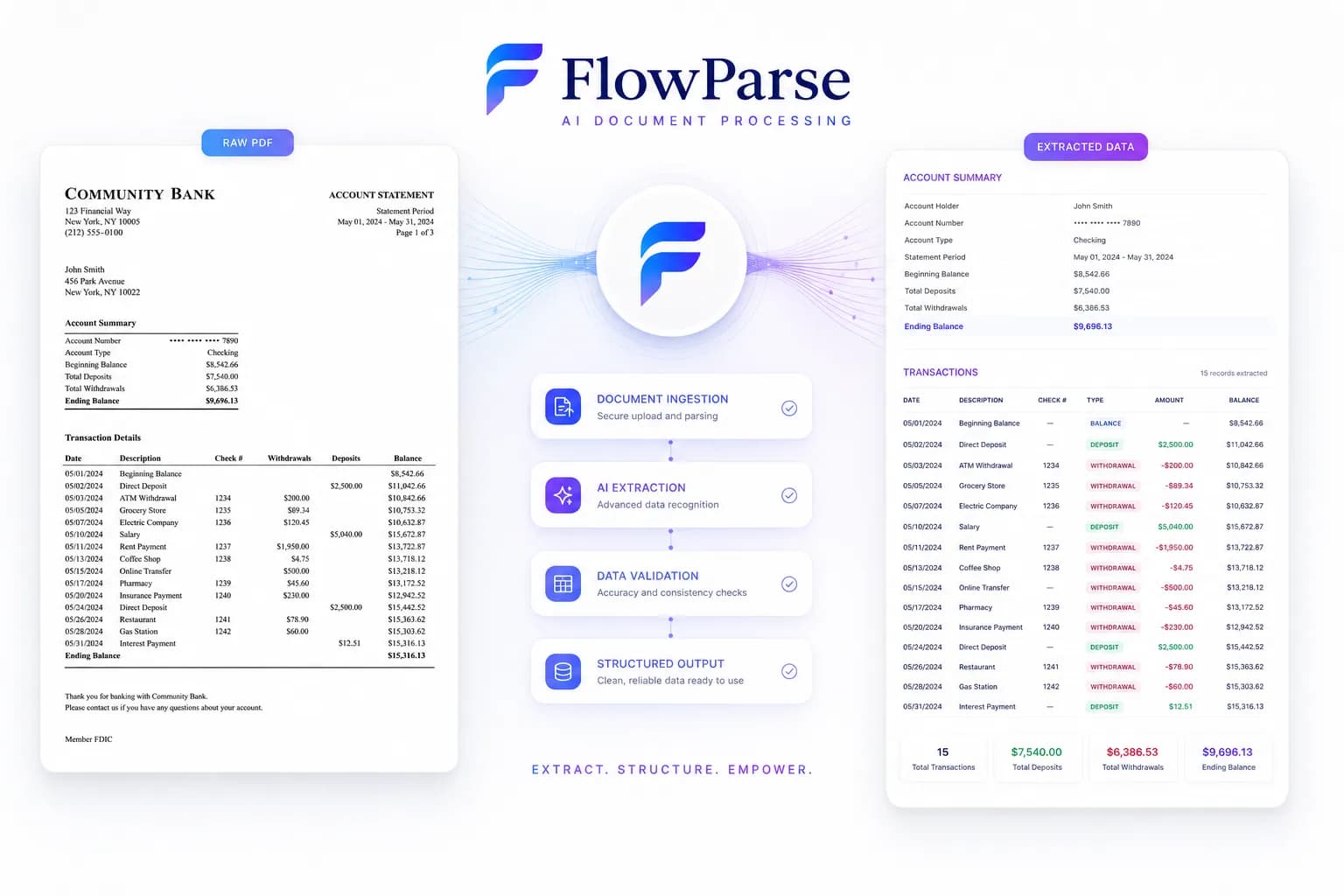
FlowParse is the finished layer for the financial set specifically. It's pre-trained on [bank statements](/bank-statement-converter), [invoices](/invoice-parser) and [receipts](/receipt-scanner) — no schema to define — returns typed signed transactions, and [tests the statement against itself](/features/validation-engine): opening balance plus every transaction must equal the closing balance the bank printed. Around that sit the [editable review grid](/features/editable-preview), [Smart Merge](/merge-pdf-to-excel) and native [accounting export](/features/accounting-software-export), in an app as well as an API.
DocuPipe strengths
- Flexible, no-code schema builder for any document type
- AI-suggested fields with a genuinely useful visual field-highlight review
- Broad compliance coverage (SOC-2, ISO 27001, GDPR, HIPAA)
- One platform for a mixed document estate, not just financial documents
Where teams want something different
- No arithmetic completeness proof — a schema applied correctly still can't catch a dropped row
- No debit/credit normalisation, consolidation or accounting export built in
- Bank statements are one use case among many, not a specific focus
- Credit-based pricing that scales with document volume across all use cases
Why Teams Switch to FlowParse
A proof, not a well-defined schema
Opening + transactions = closing is arithmetic. It catches what a correctly extracted field cannot.
Nothing to configure first
Pre-trained on financial documents — upload and get signed, normalised transactions immediately.
Statements to a real bank feed
Export .QBO/.QFX/.OFX (OFX 1.0.2, FITID de-dup) so imports never double-post.
Consolidate a year at once
Smart Merge combines up to 100 statements into one reconciled Excel.
Financial meaning included
Signed amounts, normalised dates and rejoined descriptions come back finished, not as raw schema fields.
Free to evaluate
Run a real statement through the whole flow before committing anything.
Defined schema vs proven statement
DocuPipe extracts exactly the fields your schema defines. FlowParse proves the statement is whole and sends it where it is going.
DocuPipe path
- Upload a sample, define or accept a schema
- Extract every document against that schema
- Interpret and normalise the fields yourself
- Build validation + consolidation
- Build export + accounting-file logic yourself
FlowParse path
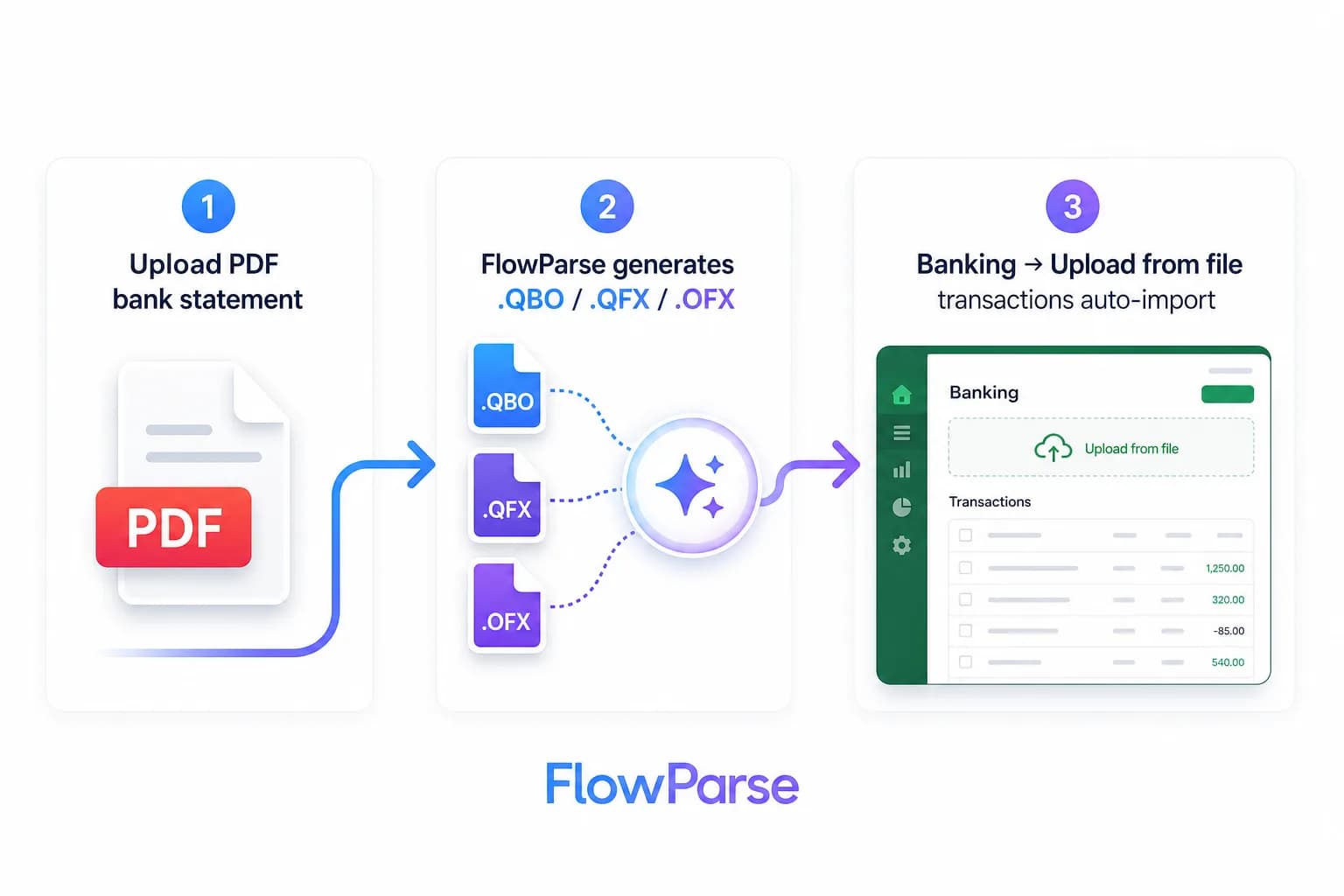
- Upload, or make one API call — no schema needed
- Typed, signed transactions returned
- Balance check proves completeness
- Editable review for the uncertain rows
- Export native QBO/QFX/OFX/Xero/Excel
Pricing Comparison
How the cost and commitment models compare.
| Feature | DocuPipe | FlowParse |
|---|---|---|
| Free tier | 300 signup credits + 100/month free | Free pages/month + no-signup try |
| Model | Credits per document, any type | Per page from a balance |
| Self-serve app | Yes (schema dashboard) | Yes (browser app) |
| Accounting-export files | Build it yourself | Yes (QBO/QFX/OFX/Xero) |
| Validation included | Schema field validation only | Yes (balance + score) |
| Setup to first result | Define or auto-suggest a schema first | None (app) / one call (API) |
Accuracy Comparison
Both platforms use modern AI OCR — here is how extraction quality is assured.
| Feature | DocuPipe | FlowParse |
|---|---|---|
| Schema-defined field extraction | Strong, across any document type | Pre-trained (financial layouts) |
| Bank statement transactions | Extracted per your schema | Every row, balance-validated |
| Completeness proof | No | Arithmetic balance check |
| Debit/credit normalisation | Build it into your schema | Single signed amount |
| Quality score to gate on | Field-level confidence | 0-100 validation score |
| Human review step | Visual field-highlight dashboard | Editable grid + API |
Who should choose DocuPipe?
- Teams extracting a mixed estate of contracts, forms, claims and custom documents
- Ops teams who want a no-code schema builder they control directly
- Products needing broad compliance coverage across regulated industries
- Teams that want one platform for every document type, not just financial ones
Who should choose FlowParse?
- Accountants and finance teams converting statements and invoices
- Developers who need validated financial rows plus export from one call
- Teams that must prove an extraction is complete, not just schema-conformant
- Anyone wanting a free, self-serve way to convert a statement today with nothing to configure
Migrating from DocuPipe to FlowParse
Switching takes minutes — there are no templates to rebuild or models to retrain.
Export your documents
Export invoices and statements from DocuPipe or your source.
Upload to FlowParse
Drag and drop PDFs, scans, or images — no setup.
Review extracted data
Check fields in the editable preview before export.
Export Excel or CSV
Download structured data for your accounting system.
Automate workflows
Use the API and integrations for future documents.
DocuPipe vs FlowParse: a flexible schema vs a proven statement
DocuPipe's core claim is flexibility — one platform, a schema for any document, a no-code dashboard that lets a non-engineer define exactly what to extract from invoices today and insurance claims tomorrow. That's a genuinely useful proposition for a team whose document estate is varied and doesn't want to stand up a separate tool per document type.
FlowParse's claim sits one level up, and only for the financial subset. For a bank statement, correctly extracting the fields a schema defines is necessary but not sufficient, because the real question isn't 'did you extract what the schema asked for?' but 'are these all the rows?'. A schema, however well designed, answers the first question. Only testing the statement against its own closing balance answers the second.
So the honest framing isn't accuracy versus inaccuracy — both platforms are built on capable modern extraction. It's flexible-and-general versus narrow-and-proven: DocuPipe hands your team a schema builder that works across your whole document estate; FlowParse hands you signed transactions, a completeness proof, a review grid, consolidation and a QBO file — for financial documents only, because that specificity is what makes the proof possible at all.
The failure mode a schema can't catch
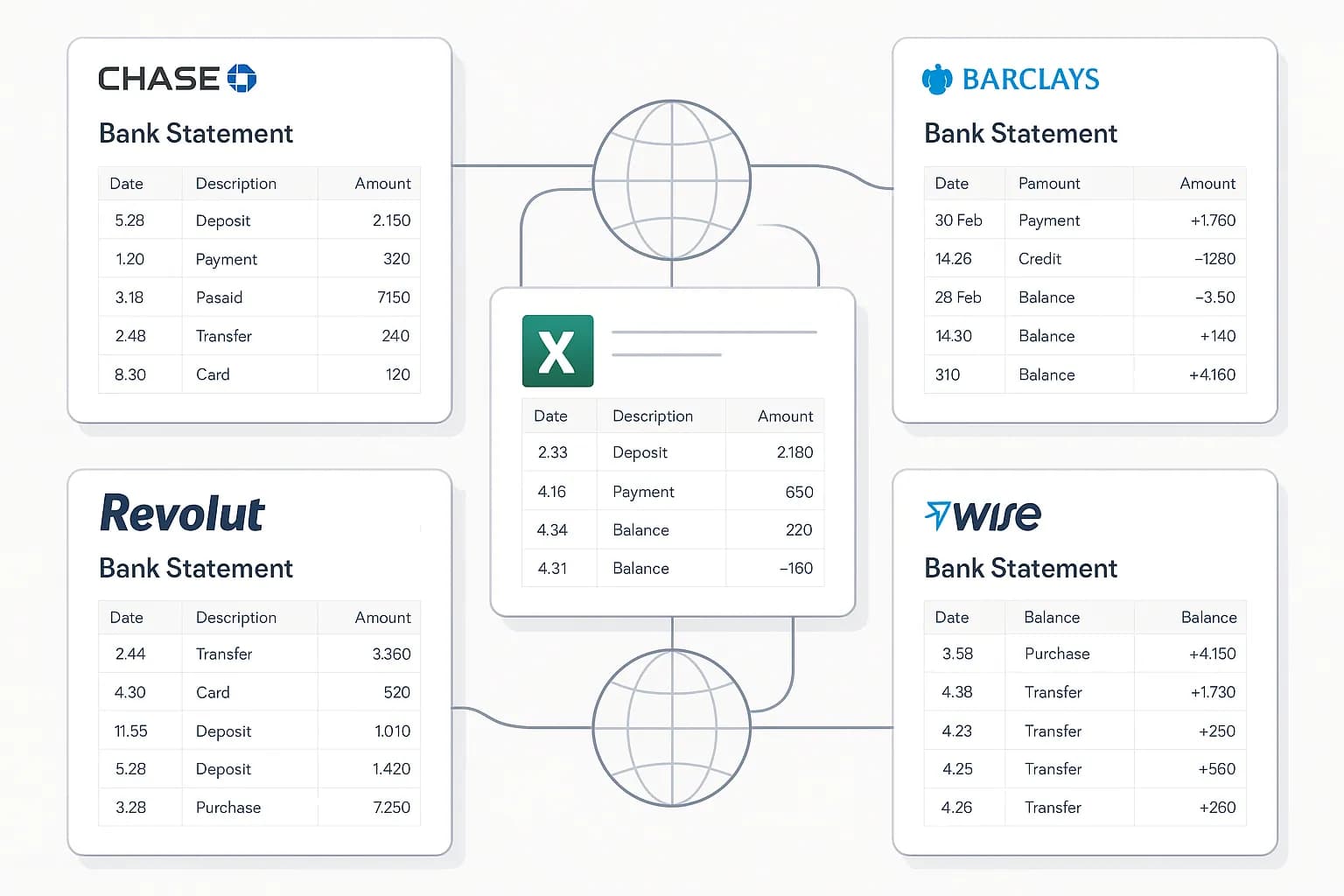
Picture the realistic worst case of a well-defined DocuPipe schema. A bank statement runs six pages. The schema correctly identifies date, description, amount and balance fields on every row it's given — the field-highlight review confirms each one matches the source document exactly. Somewhere on page four, a row straddling a page break is never extracted at all.
The dashboard shows a clean result. Every field that exists passes review, because the review tool checks whether a returned field matches the document — it has no equivalent step for asking whether a row that should exist simply isn't there. There's no missing-field warning, because from the schema's point of view nothing is missing; the row was never presented to it as a candidate at all.
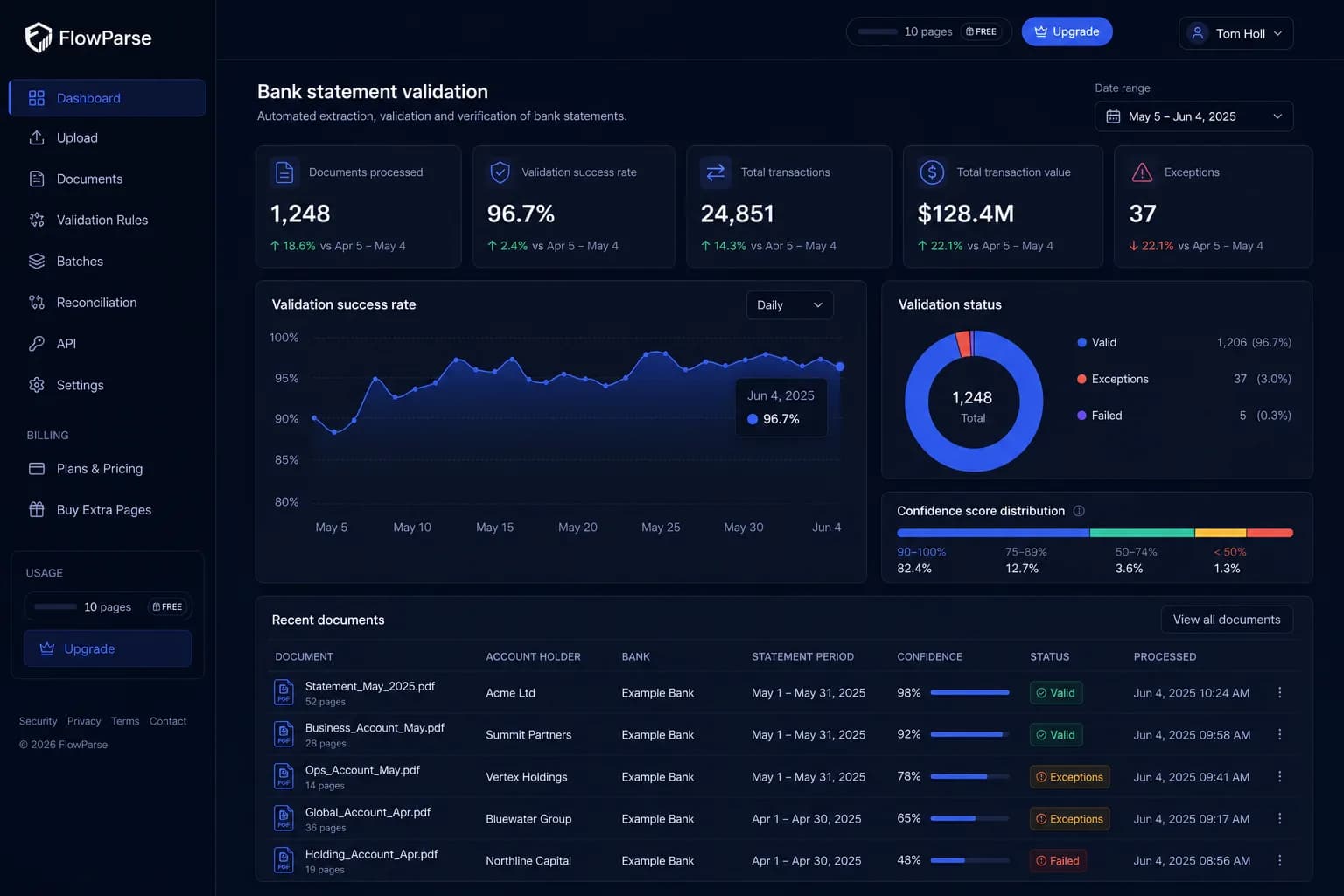
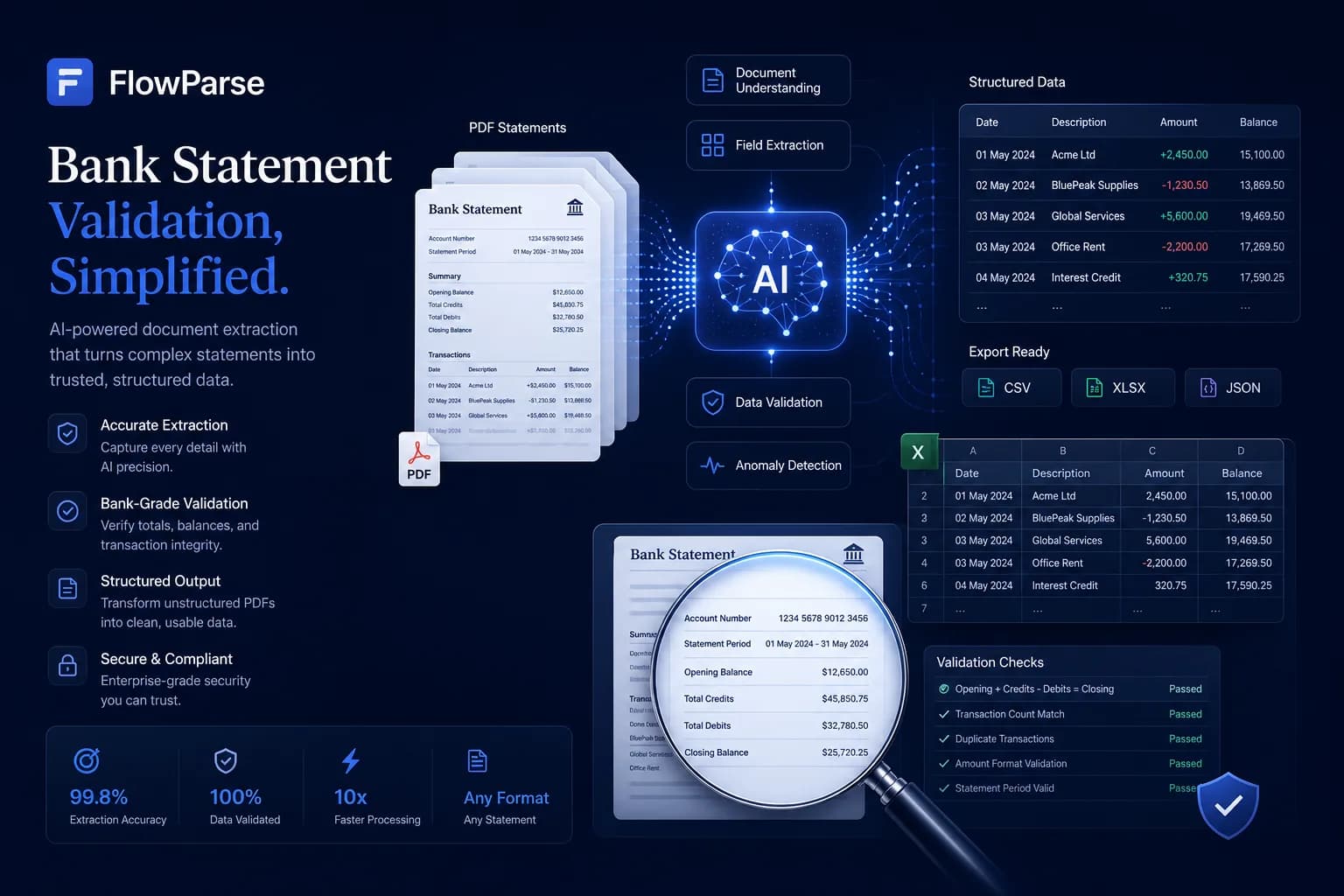
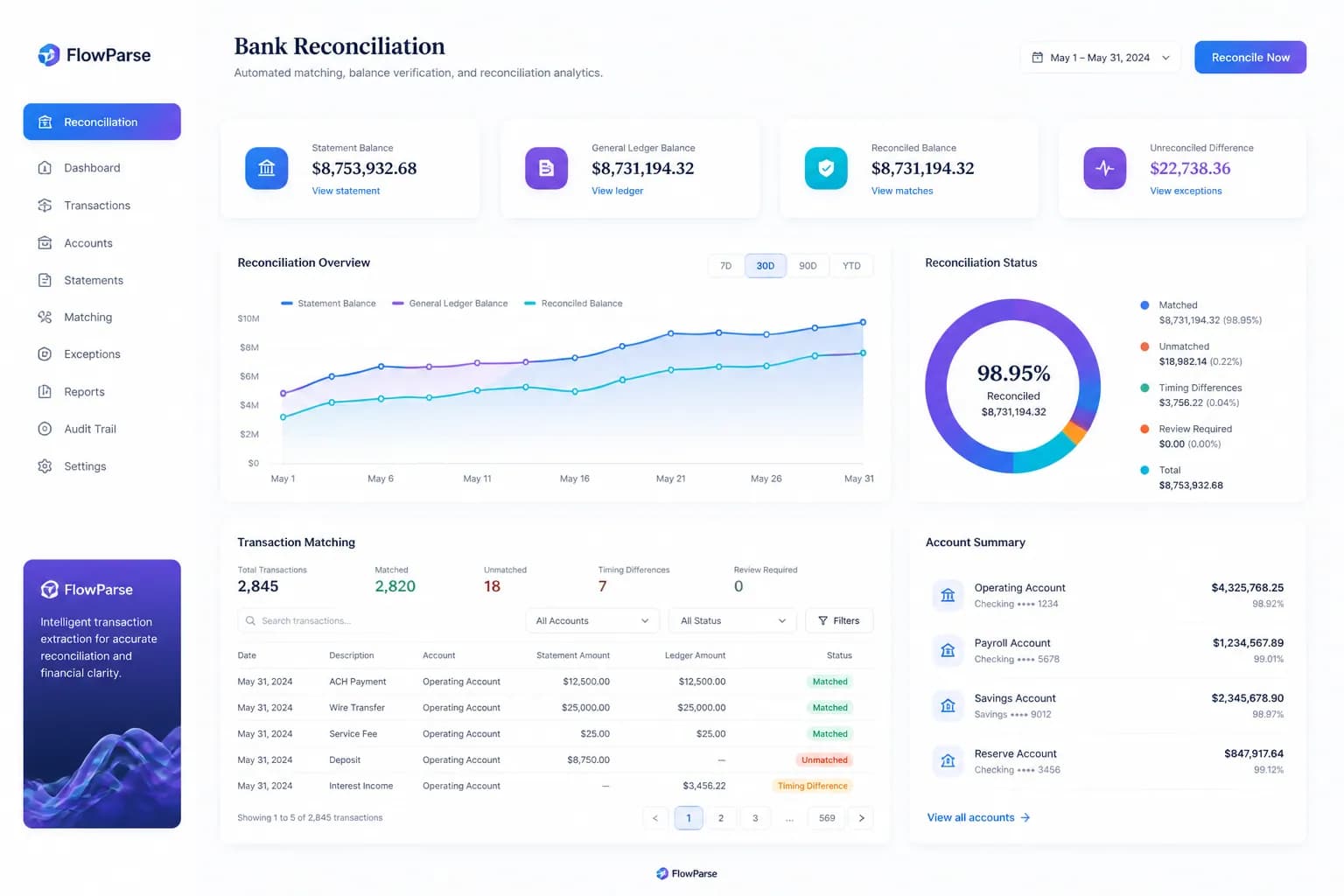
This is exactly why FlowParse treats the closing balance as evidence rather than as another field to extract. Opening balance plus every transaction extracted must equal the closing balance the bank printed. If it doesn't, something was missed — and the response says so, names the rows around the gap, and scores the document 0-100 so a pipeline can reject it automatically. It's the check that has nothing to do with whether a schema was well designed.
The domain layers past a defined schema
Even a perfectly executed schema extraction leaves distance between output and usable financial data. Separate debit and credit columns have to become one signed value — getting the sign wrong is the single most consequential bug in this domain, because the total still looks like a plausible number. Dates need locale disambiguation. Descriptions that wrap across lines need rejoining, or a payment reference truncates. A year of statements needs merging into one dataset without duplicating the overlapping month. And the result needs to leave as a file accounting software actually imports.
With a general schema platform, each of those is logic you write in your own application layer, on top of whatever the schema returns — and each is a place where a quiet bug in financial logic produces a number that still looks fine. FlowParse ships them: the same pre-trained engine that reads also normalises, validates and scores, offers the editable grid for review, consolidates up to 100 statements, and writes the accounting files — with scans handled through the same bank statement OCR API.
| Layer | DocuPipe | FlowParse |
|---|---|---|
| Schema-defined field extraction | Strong (any document type) | Pre-trained (financial layouts) |
| Debit/credit → signed amount | Build it into your schema logic | Built in |
| Completeness proof | None | Balance check |
| Consolidate many statements | Build it yourself | Smart Merge |
| .QBO/.QFX/.OFX/Xero files | Build it yourself | Native |
| Review UI for humans | Field-highlight dashboard | Editable grid |
The accounting export gap
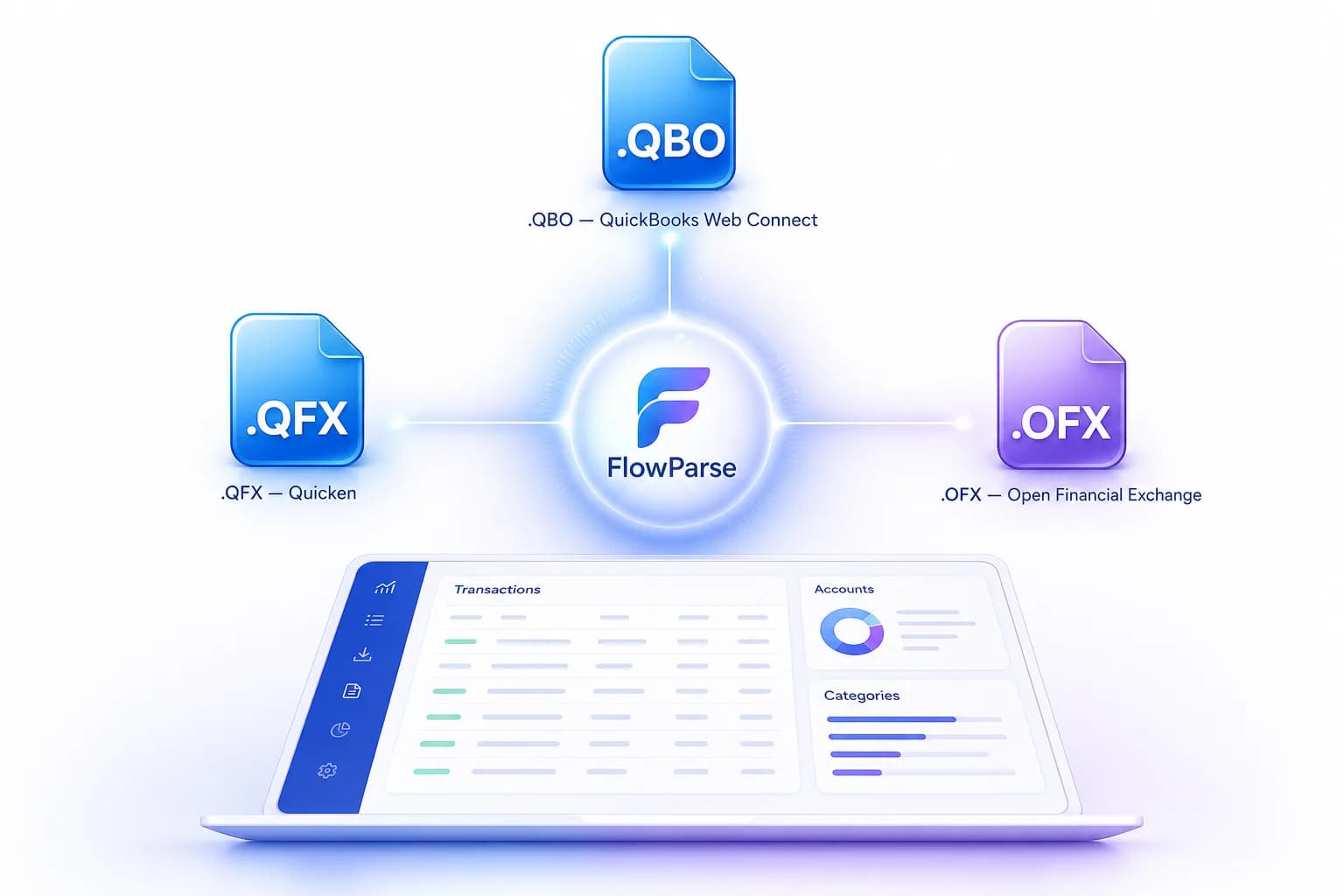
DocuPipe returns structured data against your schema; turning it into a file your accounting software imports is your integration to build and keep working as formats change. FlowParse produces real Open Financial Exchange files out of the box: `.QBO` and `.QFX` for QuickBooks and Quicken, `.OFX` for tools like GnuCash and Sage, plus a Xero-ready CSV and clean Excel. Each transaction carries a stable `FITID`, which is what stops a re-import double-posting rows the user already has.
That's engineering neither written nor maintained on your side. The accounting export feature and the PDF to QBO page list every format and the exact import steps into each tool.
Two self-serve dashboards, built for different jobs
Both platforms have a genuinely useful no-code dashboard, and it's worth being precise about what each one is for. DocuPipe's schema dashboard is for defining and refining what to extract — upload a sample, let AI suggest fields, adjust them, and the change applies immediately across future documents. It's a schema-authoring tool.
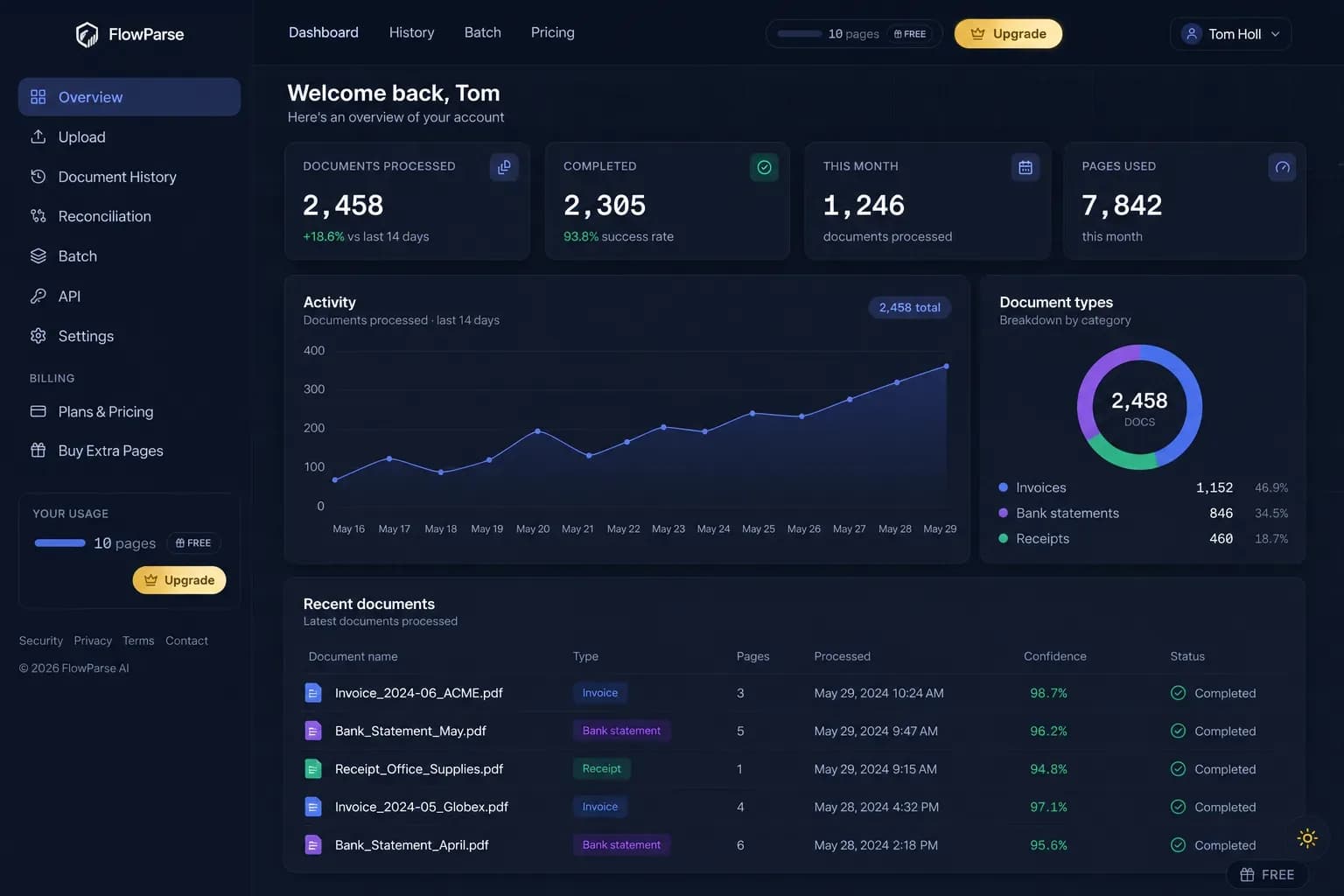
FlowParse's app has nothing to author, because the schema is already fixed by the pre-trained financial engine — upload a statement, review the extracted, signed transactions in an editable grid, and export. A non-developer opens the bank statement to Excel tool and is done in minutes, with no schema decisions to make first. The bank statement API and document extraction API cover the same capability programmatically.
One engine for statements, invoices and receipts
Choosing a finance-focused tool doesn't narrow you to one document. FlowParse extracts bank statements, invoices and receipts with full line items, supplier and buyer details, totals and a tax breakdown, and runs an AI VAT auditor on invoices — all on the same pre-trained engine, in a consistent schema you never had to define.
Because everything comes back in the same shape, cross-document workflows are built in rather than assembled: an invoice you extracted can be reconciled against the bank payment you extracted from a statement, with no schema mapping between the two document types. On DocuPipe, that would mean defining compatible schemas for both document types and joining the results in your own application.
Where DocuPipe's strength is one schema-driven platform across everything you send it, FlowParse's is that the financial set is already solved, validated and tied together — with no schema step at all.
A real-world scenario: the schema that was correctly applied
Consider a lending product that ingests applicant bank statements to assess affordability, built on a schema platform with a well-designed transaction schema — date, description, amount, balance, each field mapped and confirmed correct via the visual review tool. The schema itself is not the problem; every field it was told to extract, it extracted right.
Then a decision goes wrong. An applicant is approved on an income that turns out to be overstated, and the post-mortem finds the cause: on one six-page statement, rows spanning a page break were never presented to the schema at all — three transactions, including a large recurring outgoing. Nothing was mis-mapped. The rows simply weren't extracted, and a schema has no mechanism for noticing what it was never shown.
That's the failure mode this whole page is about, and no amount of schema refinement solves it — it's solved by making the document prove itself: opening balance, plus every transaction, must equal the closing balance printed on the statement. FlowParse runs that check on every statement and returns a score the pipeline can reject on — so an incomplete extraction fails loudly at ingestion instead of quietly at the credit committee.

Where DocuPipe genuinely wins
A fair comparison names where the other tool is the better choice, and for DocuPipe that's a genuinely mixed document estate. If your workflow spans invoices, contracts, medical intake forms, insurance claims and formats specific to your own business — and if compliance breadth across SOC-2, ISO 27001, GDPR and HIPAA matters to your buyer — DocuPipe's universal, no-code schema platform is built exactly for that, and FlowParse has nothing to offer outside the financial set. We're pre-trained for bank statements, invoices and receipts, deliberately not general.
There's also the case where a non-technical team wants direct control over exactly what gets extracted from a document type nobody has pre-trained a model on — a custom internal form, a niche industry document. DocuPipe's schema dashboard, where a sample document teaches the system its own fields, is the right tool for exactly that, and FlowParse's pre-trained approach has no equivalent for a document type it wasn't built for.
The honest division is by document family and by how much schema control you need. A mixed, varied, non-standard document estate you want to define yourself? DocuPipe. Financial documents where completeness must be provable, the numbers must be signed correctly and the output must import into QuickBooks or Xero — used by people who don't want to define a schema at all? FlowParse. Running both is common and sensible: a general schema platform for the varied estate, a specialist for the financial backbone.
Total cost of ownership, not just credits per document
Comparing a schema platform with a finished financial workflow on credits-per-document alone misses where the cost actually lives. With DocuPipe, the extraction credits are one line item; the debit/credit logic, date normalisation, completeness checking, consolidation and accounting exporters you build around the schema's output in your own application take engineering time and keep needing maintenance as formats and card statement layouts change.
FlowParse's total cost of ownership sits close to its per-page price because the domain layers and the app are already built. The engine is pre-trained, so a new bank format just works with no schema update; validation, consolidation and accounting export ship in the box. See the pricing page — usage is visible per API key, so cost stays predictable and attributable.
None of which makes DocuPipe expensive — for a varied document estate that genuinely needs custom schemas, its pricing tiers are reasonable and the flexibility is worth paying for. But if your need is specifically financial, building the completeness and export layers on top of a schema means paying to recreate what a finance-specific engine already includes, app and all.