A Unstructured Alternative
Finished Financial Extraction, Not Chunks For A Pipeline
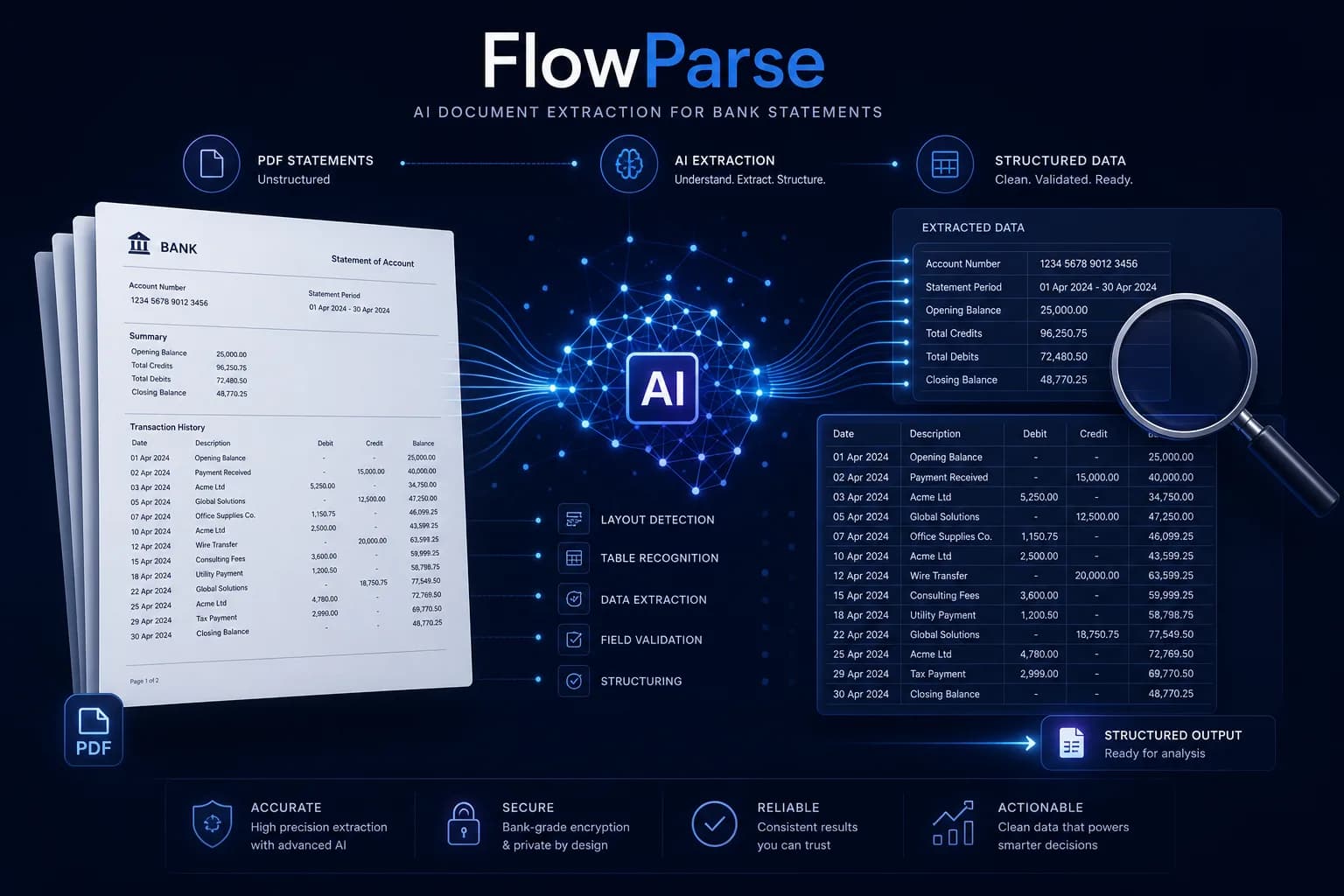
Unstructured is open-source document preprocessing: it ingests almost any file type, breaks it into elements and chunks, and feeds LLM and RAG pipelines through a large set of connectors — and you can self-host it. FlowParse is the finished layer for financial documents: validated, signed transactions with a balance check and native QBO/QFX/OFX/Xero export, as a self-serve app and an API.
Data and ML teams preprocessing a broad, mixed corpus for LLM pipelines — especially those who want open source, self-hosting, and connectors into their own storage.
Teams whose documents are financial and whose output must be numbers a ledger can import — validated, signed, balance-checked and exportable, not elements for an embedding step.
Why Businesses Look for Unstructured Alternatives
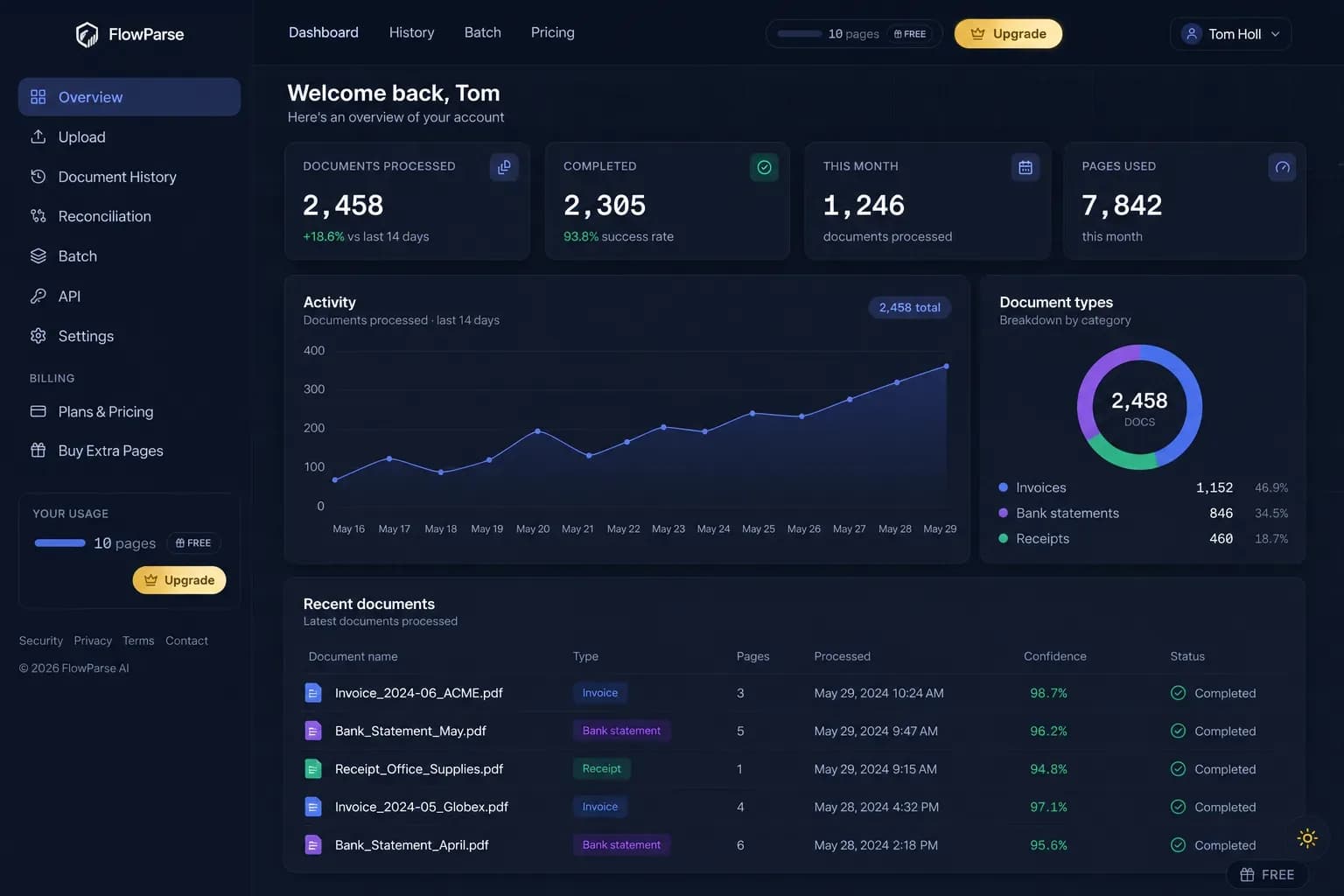
Financial semantics, not elements
Signed transactions with typed amounts and dates — not text blocks you still have to interpret.
Balance validation in the box
Opening + transactions = closing, checked arithmetically, with a 0-100 quality score.
Accounting-ready export
Native .QBO/.QFX/.OFX and Xero/Excel files — the actual destination of financial data.
An app, not only a library
Non-developers convert and review a statement in the browser — no pipeline, no Python.
Consolidation built in
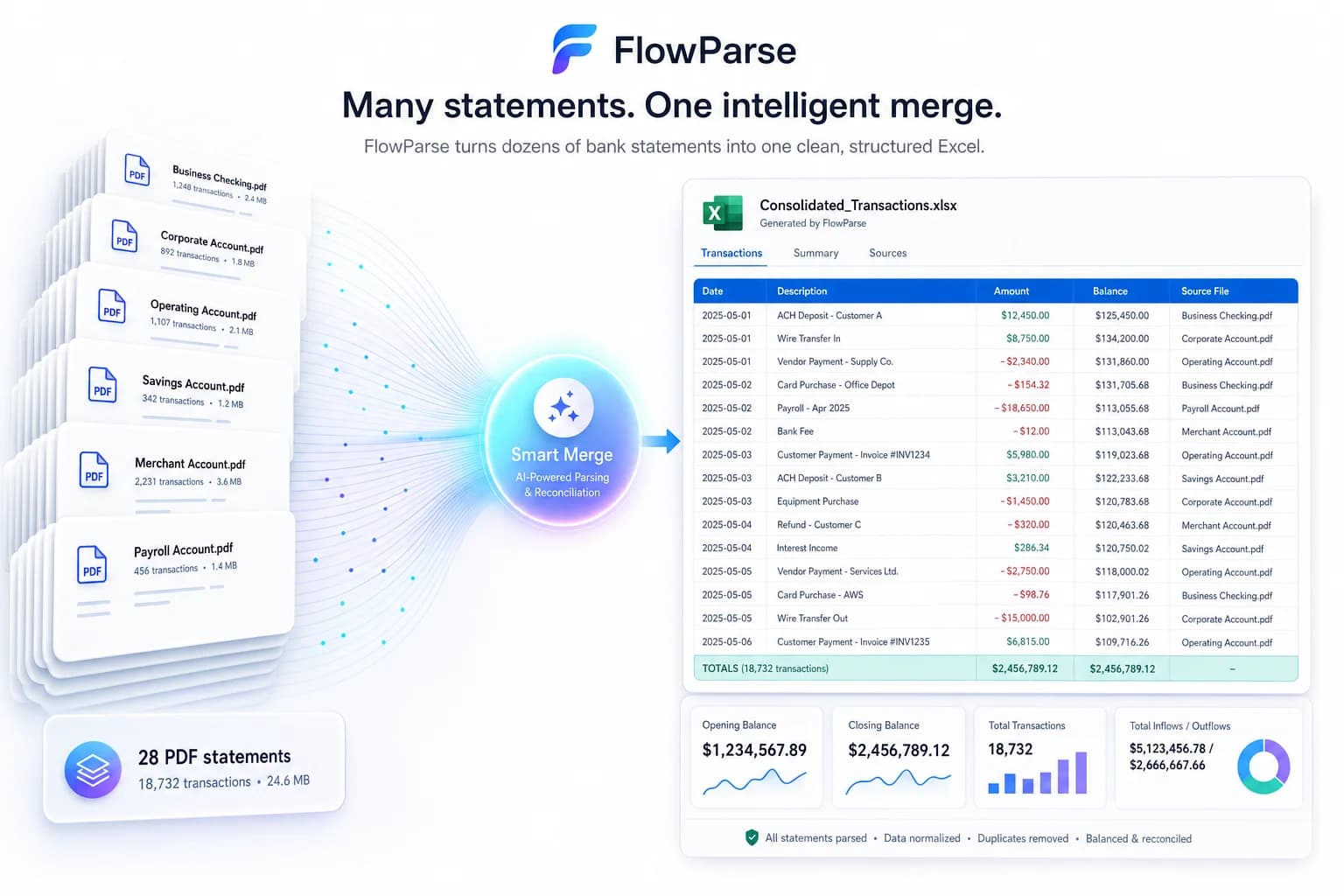
Smart Merge turns a year of PDFs into one reconciled Excel — a workflow, not preprocessing.
Self-serve and free to start
Run a real statement through the whole flow today, with a free monthly allowance.
Quick Comparison — Unstructured vs FlowParse
A feature-by-feature look at Unstructured and FlowParse.
| Feature | Unstructured | FlowParse |
|---|---|---|
| Any file type → elements / chunks | Yes | Not the goal |
| PDF → typed, signed transaction rows | Text elements you interpret | Yes |
| Debit/credit → single signed amount | No | Yes |
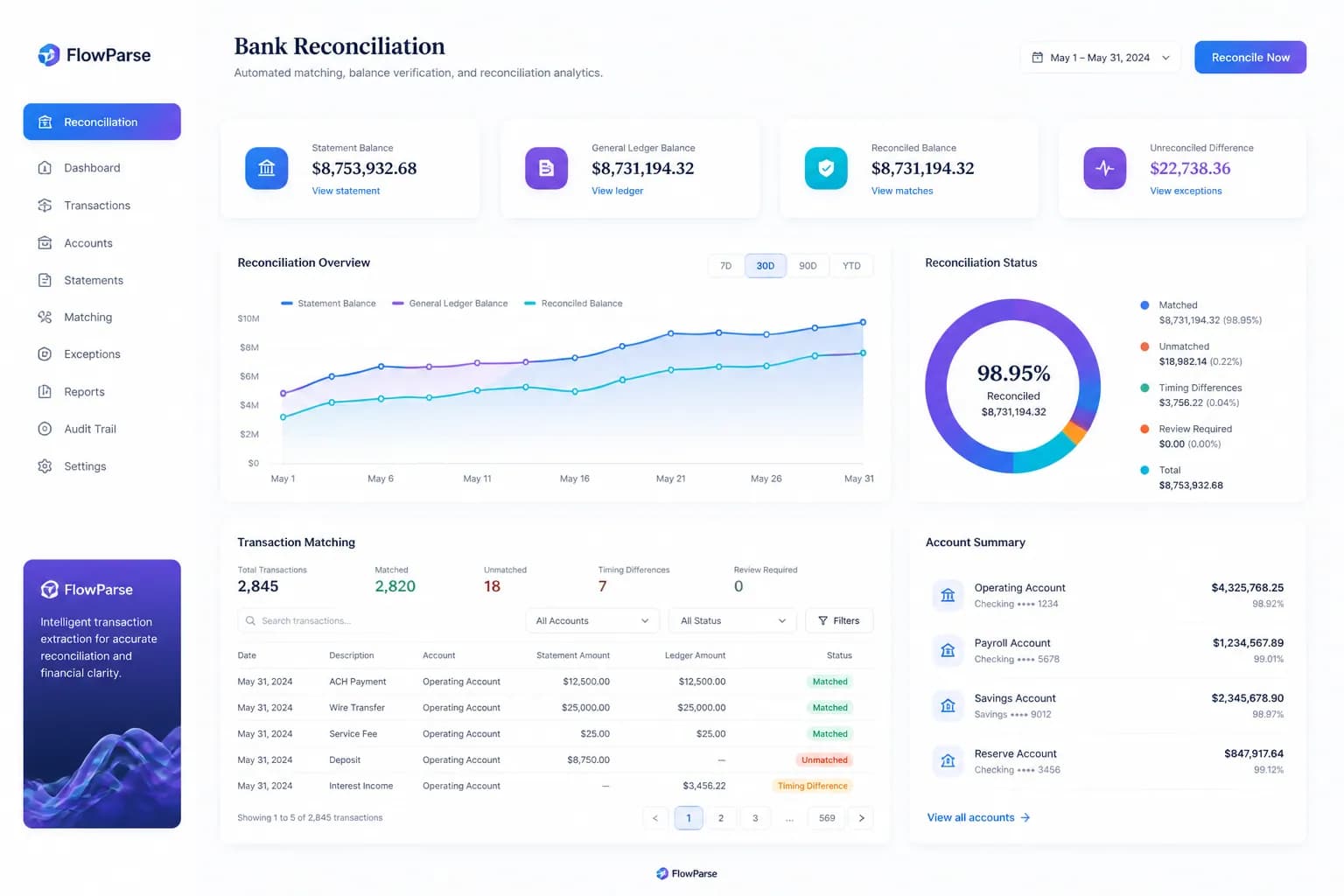
| Balance reconciliation + quality score | No | Yes |
| Native .QBO / .QFX / .OFX export | No | Yes |
| Xero / Excel / CSV export | No | Yes |
| Smart Merge — 100 PDFs → 1 Excel | No | Yes |
| Self-serve app for non-developers | No | Yes |
| Editable review grid for humans | No | Yes |
| Open source / self-hostable | Yes | No |
| Connectors to storage and vector DBs | Yes | JSON/files out |
| REST API | Yes | Yes |
What Is Unstructured?
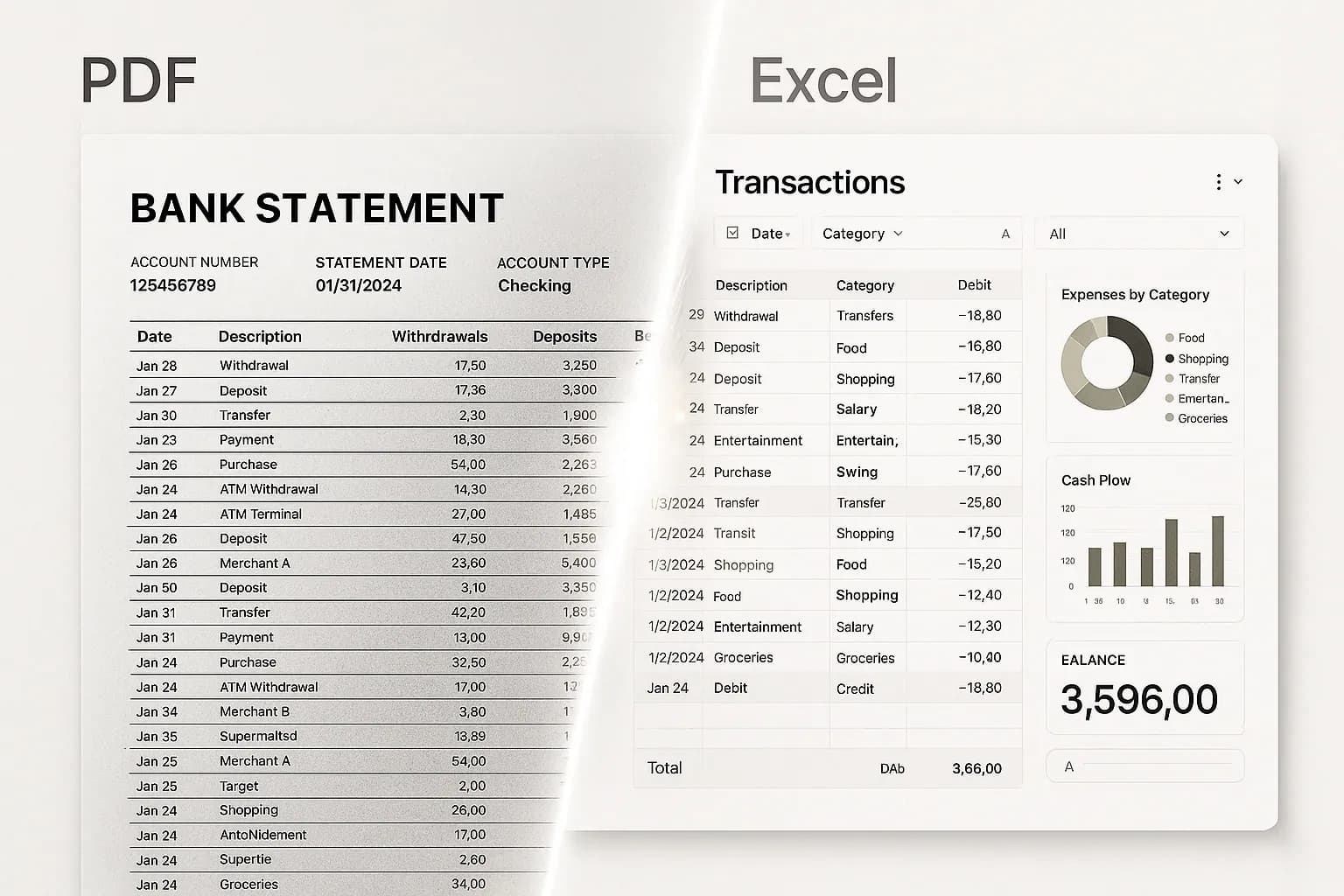
Unstructured is open-source infrastructure for the unglamorous half of any LLM project: getting documents into a state a pipeline can use. It ingests an unusually wide range of file types — PDFs, Office documents, HTML, email, images and more — and normalises them into elements: titles, narrative text, list items, tables, each with metadata. Then it chunks them for embedding, and a large connector ecosystem moves the results between your sources and your vector store. It is a genuinely useful piece of plumbing, it is open source, and you can run it yourself.
That design tells you what it is for. Unstructured's job is breadth and normalisation across a mixed corpus, not depth on one document type. Feed it a bank statement and you get well-structured elements representing that statement — which is exactly right if the next step is chunking and embedding, and some distance from what accounting needs. Amounts are text inside elements. Debits and credits sit in whatever columns the bank used. Nothing confirms the transaction list is complete. And no accounting package imports chunks.
FlowParse is the other shape entirely: narrow, deep and finished. It is pre-trained on [bank statements](/bank-statement-converter), [invoices](/invoice-parser) and [receipts](/receipt-scanner), and returns typed, signed transactions with the [balance check](/features/validation-engine) that proves nothing is missing, an [editable review grid](/features/editable-preview), [Smart Merge](/merge-pdf-to-excel) consolidation and native [accounting export](/features/accounting-software-export). One document family, solved end to end — and usable by an accountant in a browser, not only by a data engineer in a pipeline.
Unstructured strengths
- Open source and self-hostable — you can run it entirely yourself
- Exceptional file-type breadth across a mixed corpus
- Rich connector ecosystem into storage and vector databases
- Purpose-built for chunking and LLM/RAG preprocessing
Where teams want something different
- Produces elements and chunks — not typed, signed rows for a ledger
- No balance validation, so a dropped transaction still looks like clean output
- No debit/credit normalisation, consolidation or accounting export
- Library and API for engineers — no self-serve app, no human review step
Why Teams Switch to FlowParse
Financial meaning, not text blocks
Get signed, dated transactions rather than elements you must interpret into a ledger.
Proof, not just structure
A balance check tells you the extraction is complete — something normalisation cannot.
Statements to a real bank feed
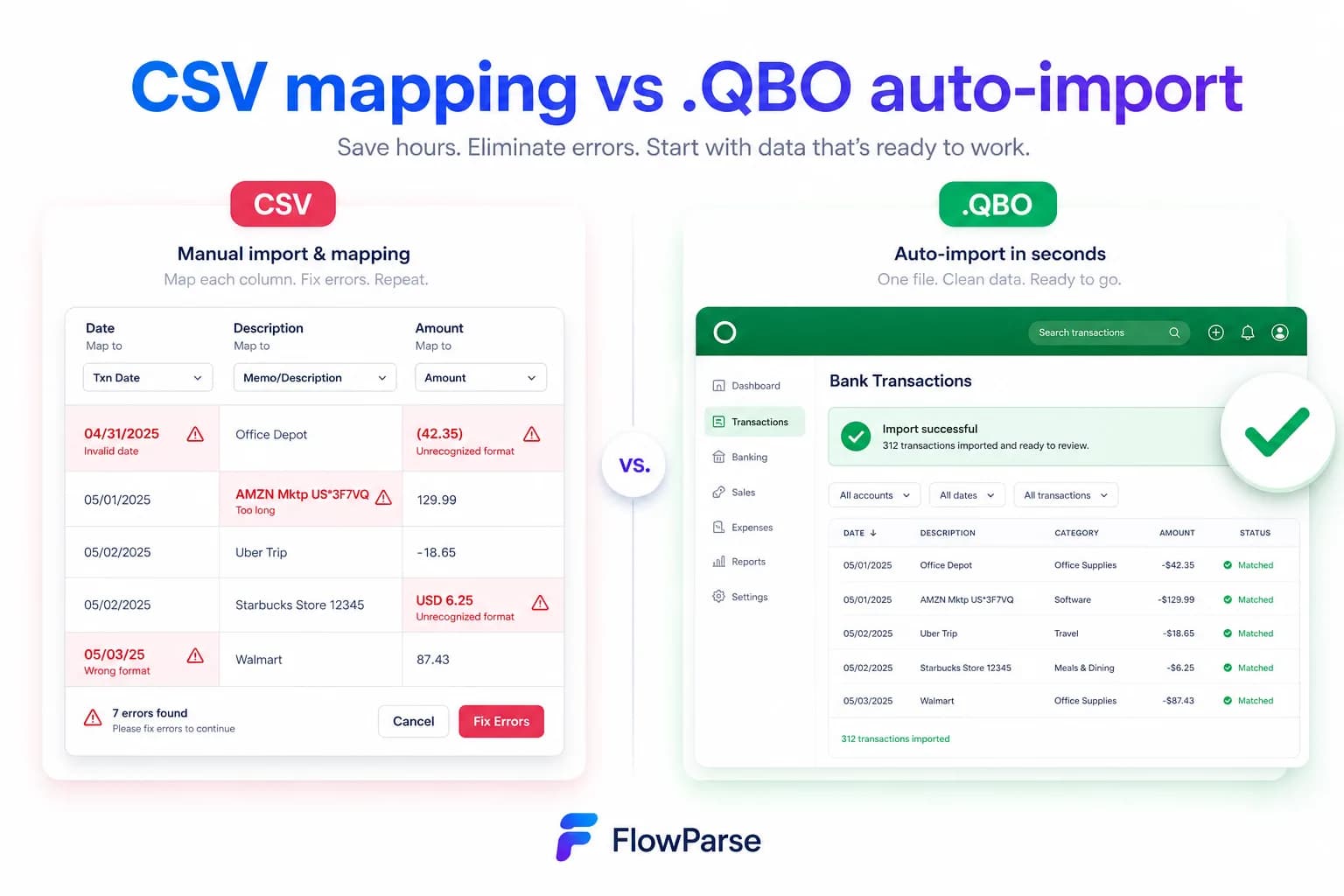
Export .QBO/.QFX/.OFX (OFX 1.0.2, FITID de-dup) so imports never double-post.
A human review step
Low-confidence values are flagged in an editable grid before anything leaves.
An app for the non-developers
Accountants convert and review in the browser — no pipeline, no Python.
Free to evaluate
Run a real statement through the whole flow before committing anything.
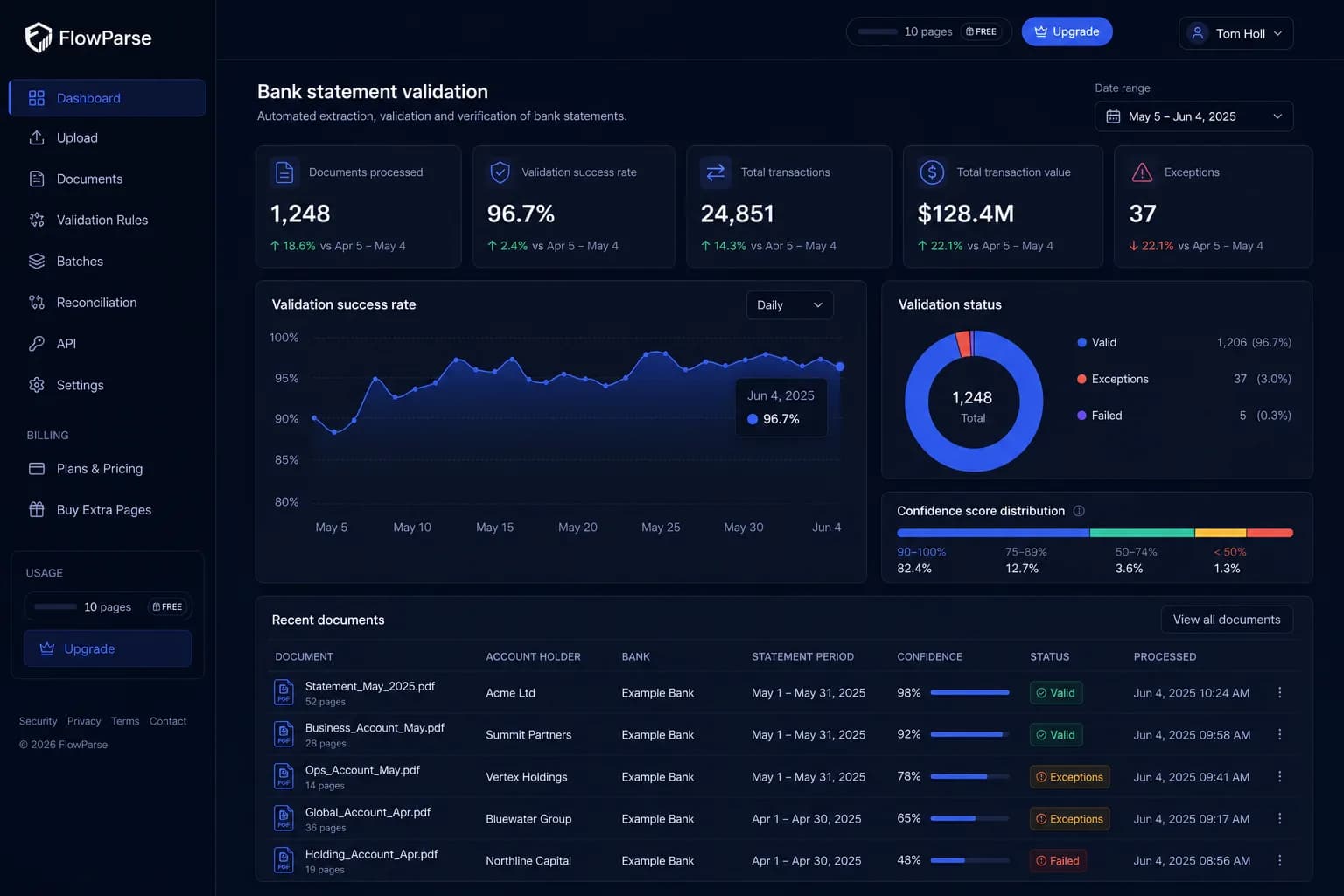
Chunks for a pipeline vs numbers for a ledger
Unstructured normalises any document into elements a pipeline can consume. FlowParse resolves financial documents into numbers your books can use.
Unstructured path
- Ingest and partition the file
- Get elements and chunks
- Write logic to find the transactions
- Type, sign and validate them yourself
- Build export + a review UI yourself
FlowParse path
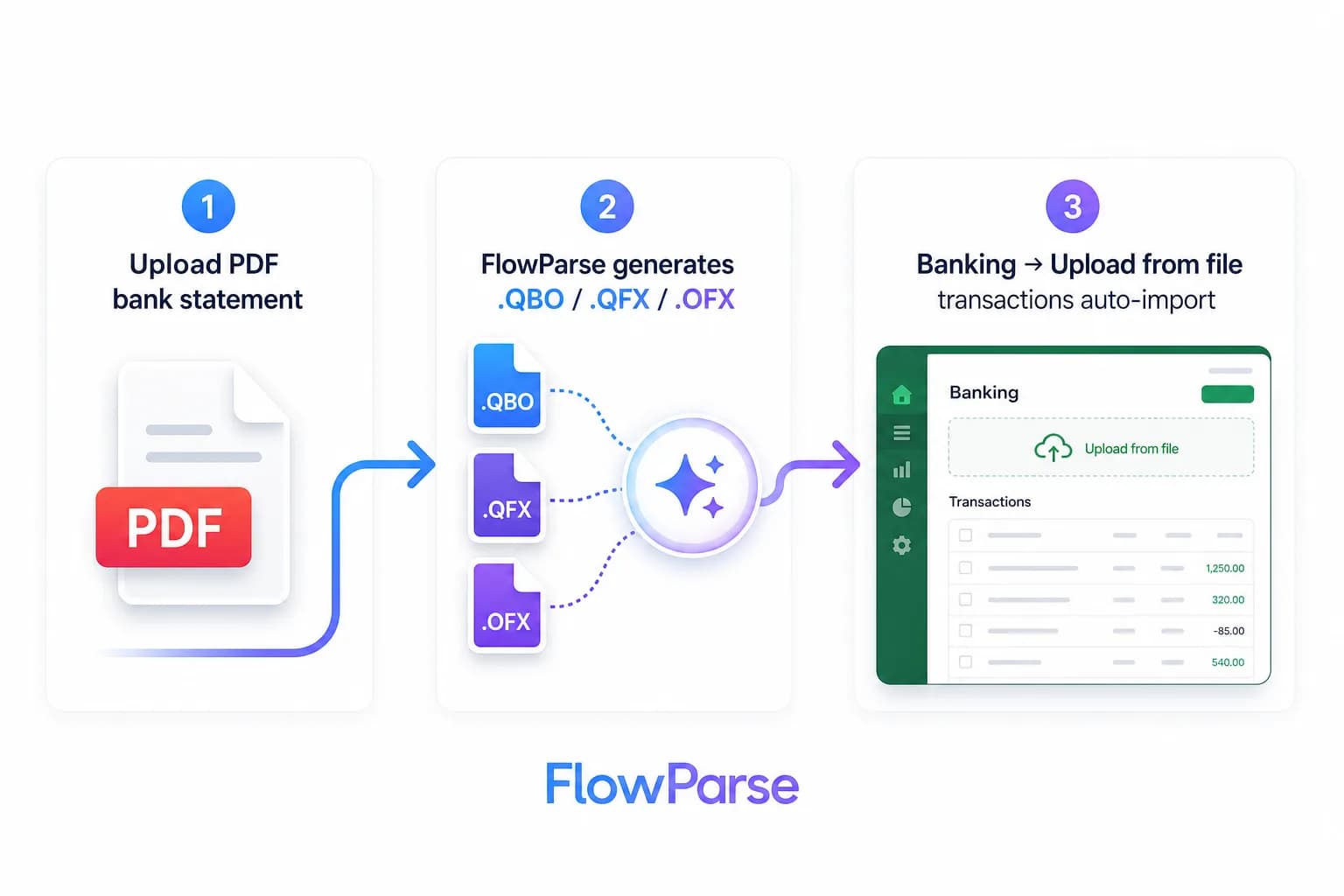
- Upload, or make one API call
- Typed, signed transactions returned
- Balance check proves completeness
- Editable review for the uncertain rows
- Export native QBO/QFX/OFX/Xero/Excel
Pricing Comparison
How the cost and commitment models compare.
| Feature | Unstructured | FlowParse |
|---|---|---|
| Free tier | Open source (self-host) + hosted tier | Free pages/month + no-signup try |
| Model | Free if self-hosted; per page hosted | Per page from a balance |
| Self-hosting | Yes (open source) | No (EU cloud only) |
| Self-serve app | No (library/API) | Yes (browser app) |
| Accounting-export files | None | Yes (QBO/QFX/OFX/Xero) |
| Setup to first result | Build a pipeline | None (app) / one call (API) |
Accuracy Comparison
Both platforms use modern AI OCR — here is how extraction quality is assured.
| Feature | Unstructured | FlowParse |
|---|---|---|
| File-type breadth | Excellent | PDF/JPG/PNG (financial) |
| Document structure / elements | Strong | Financial schema |
| Bank statement transactions | Text elements | Every row, balance-validated |
| Debit/credit normalisation | No | Single signed amount |
| Balance reconciliation | No | Built in |
| Human review step | No | Editable grid + API |
Who should choose Unstructured?
- Data and ML teams preprocessing a broad, mixed corpus
- Teams that require open source or self-hosting
- Pipelines needing many file types and storage connectors
- Engineers whose output is an embedding, not a ledger entry
Who should choose FlowParse?
- Accountants and finance teams converting statements and invoices
- Developers who need validated financial rows, not chunks
- Teams whose output must import into QuickBooks or Xero
- Anyone wanting a free, self-serve way to convert a document today
Migrating from Unstructured to FlowParse
Switching takes minutes — there are no templates to rebuild or models to retrain.
Export your documents
Export invoices and statements from Unstructured or your source.
Upload to FlowParse
Drag and drop PDFs, scans, or images — no setup.
Review extracted data
Check fields in the editable preview before export.
Export Excel or CSV
Download structured data for your accounting system.
Automate workflows
Use the API and integrations for future documents.
Unstructured vs FlowParse: breadth versus depth
These two tools are built on opposite bets, and knowing which bet suits you settles the choice quickly. Unstructured bets on breadth. Its value is that it will take whatever your organisation has — PDFs, Word files, spreadsheets, HTML, email, images — and normalise all of it into the same element model, then chunk it and move it wherever your pipeline needs it. It refuses to care what the document means, on purpose, because caring would prevent it from handling everything. That neutrality is the feature.
FlowParse bets on depth in one family. It cares enormously what the document means: that this column is a running balance, that this figure is a debit and therefore negative, that this description wrapped across two lines and is one description, that the closing balance is a claim the extraction can be tested against. That knowledge is what lets it return validated transactions and write a QBO file — and it is exactly the knowledge a general preprocessor cannot have without ceasing to be general.
So the question is what your corpus looks like and where it is going. A mixed estate feeding a model? Breadth wins, and Unstructured is built for it. A financial backbone feeding a ledger, a tax return or a lender? Depth wins, because at that point 'faithfully partitioned' is not the standard — 'provably complete and importable' is.
What elements still leave you holding
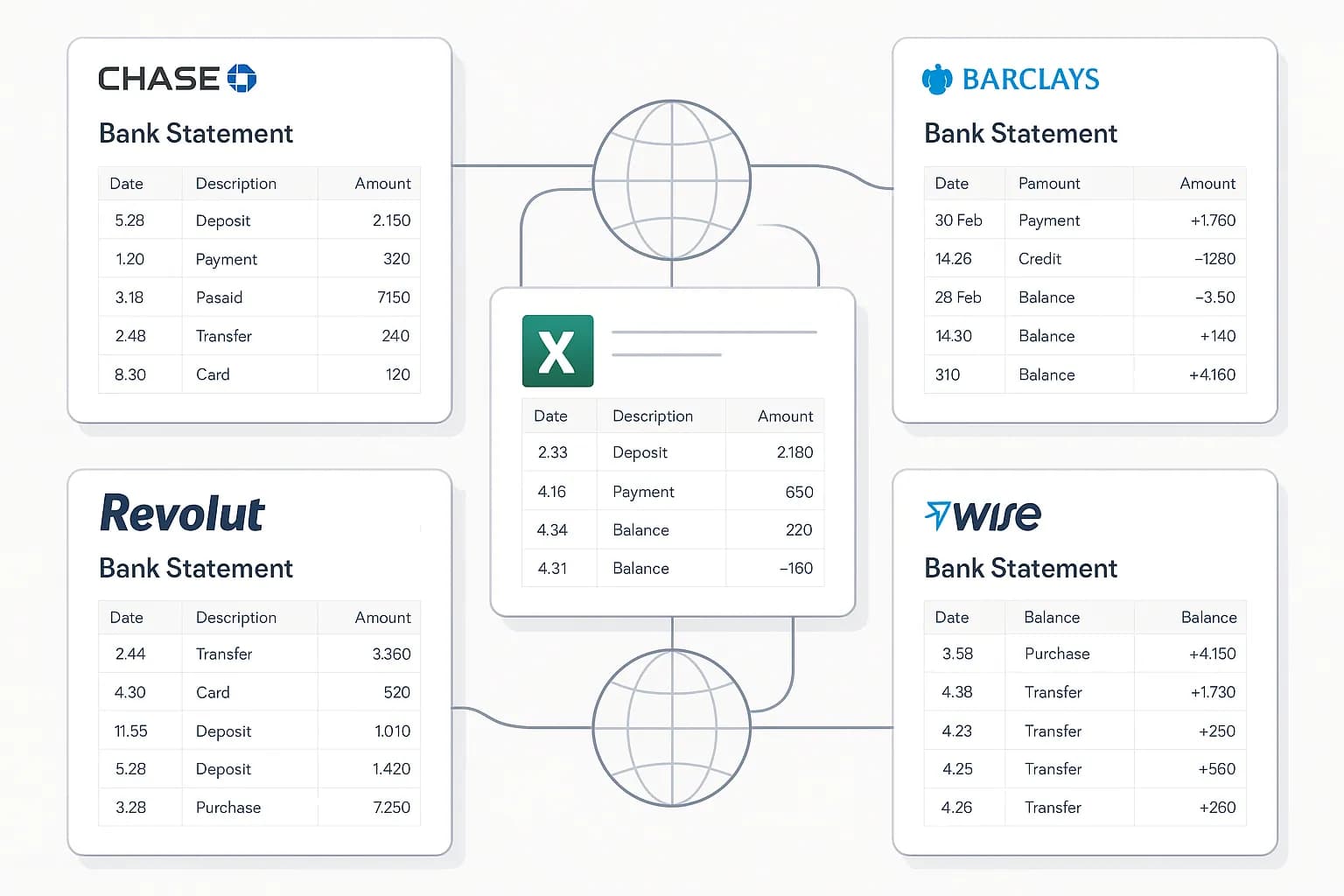
Suppose Unstructured partitions your bank statement flawlessly: the table is identified, the elements are clean, the metadata is right. Look at what you have. The amounts are text. Whether `1,234.56` is money in or money out depends on which column it came from, and reconstructing that relationship from elements is your logic. `03/04/2026` is March or April depending on the bank's country. The running balance is another column of text. And nothing tells you whether every transaction is present.
Each of those is small. Together they are the reason a preprocessing-plus-post-processing plan quietly becomes a quarter of work — and stays a maintenance burden, because the logic that reads one bank's element layout does not necessarily read another's. That is the long tail arriving through a side door.
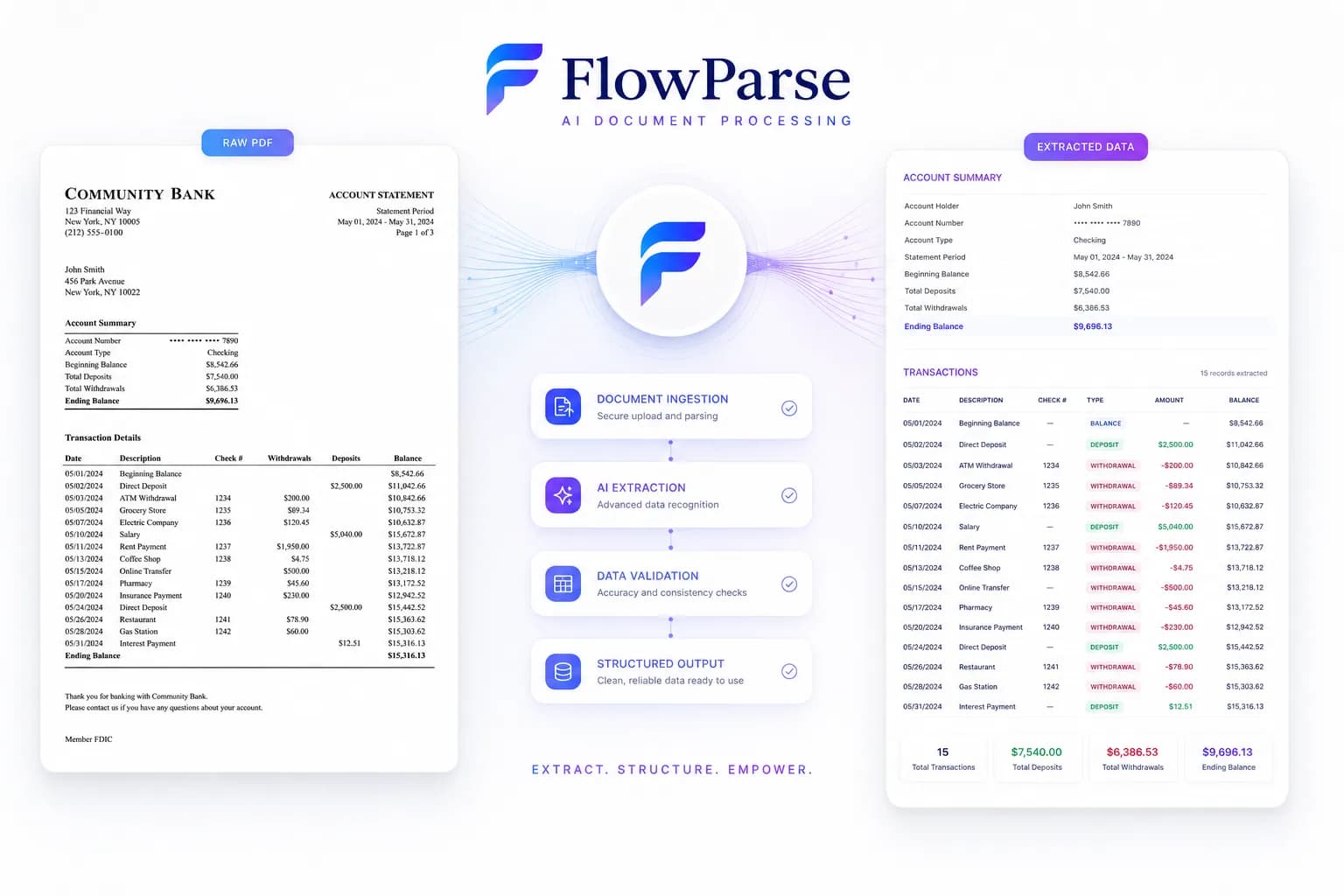
FlowParse gives you the far side of it: one upload or one call returns transactions with typed, signed amounts, normalised dates, rejoined descriptions and a running balance, plus a score telling you whether to trust them. Not a faster post-processing step — no post-processing step.
The check preprocessing cannot perform
Here is the difference that matters most for money. Preprocessing's job is representation: turn the page into structure. Its output can be perfectly structured and still be missing three transactions, because if a row was dropped at a page break the elements do not know it. Everything looks clean. Nothing announces that money is absent.
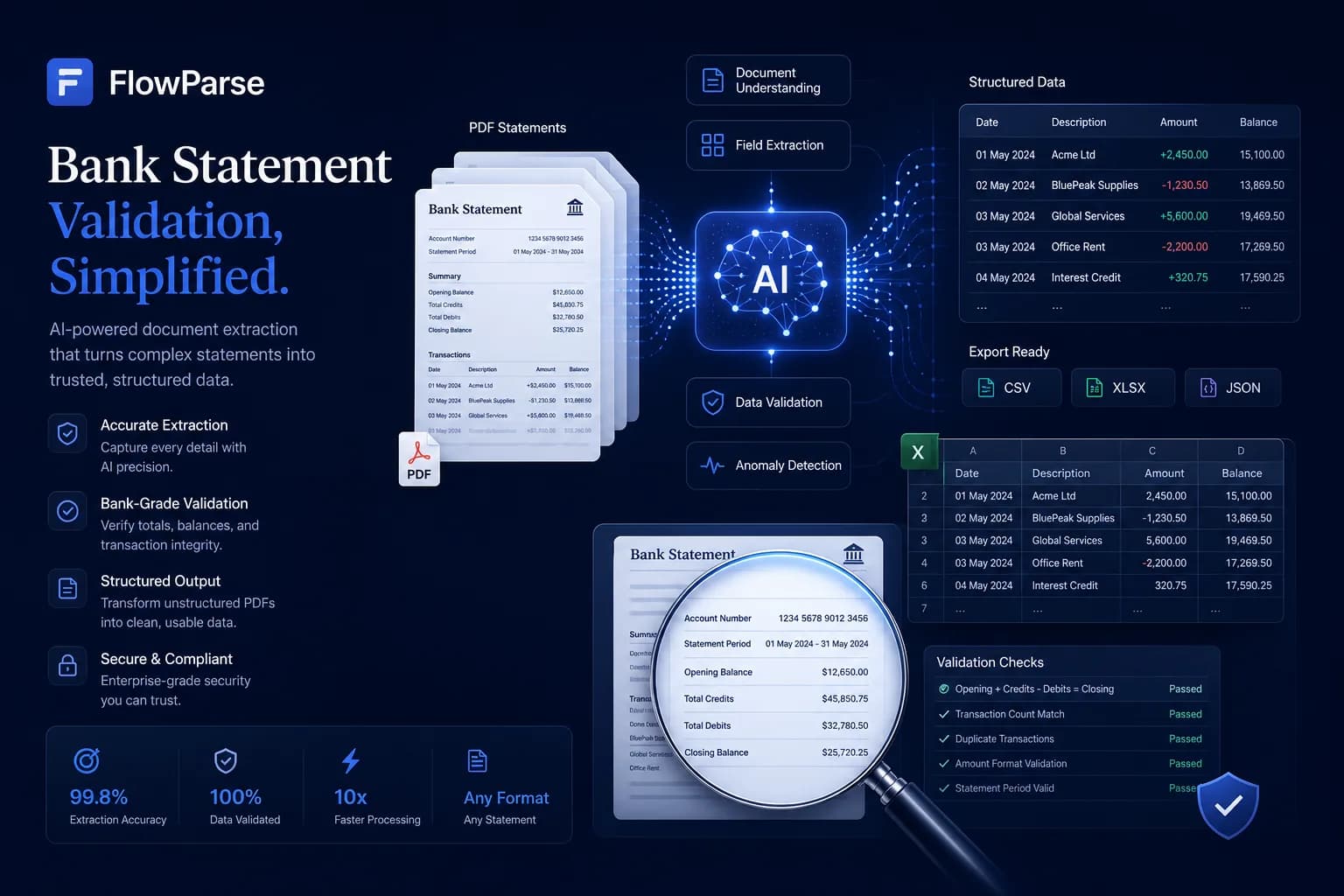
FlowParse checks the statement against itself: opening balance, plus every transaction extracted, must equal the closing balance the bank printed. If it does not, something was missed — and you learn it in the response, not months later when a reconciliation will not tie out. It is the only check that can prove an extraction wrong with no labelled data and no human in the loop, which is precisely what you need when nobody knows what the statement should have said.
Validation returns a 0-100 score you can gate on programmatically, so a bad extraction fails loudly rather than flowing into the books. That gate is the difference between a document pipeline and an accounting pipeline.
| Layer | Unstructured | FlowParse |
|---|---|---|
| Partition any file into elements | Yes (broad) | Not the goal |
| Typed, signed amounts | Text | Built in |
| Date normalisation | As printed | Normalised |
| Balance validation + score | None | Built in |
| Consolidate many statements | Build it yourself | Smart Merge |
| .QBO/.QFX/.OFX/Xero files | None | Native |
The accounting export gap
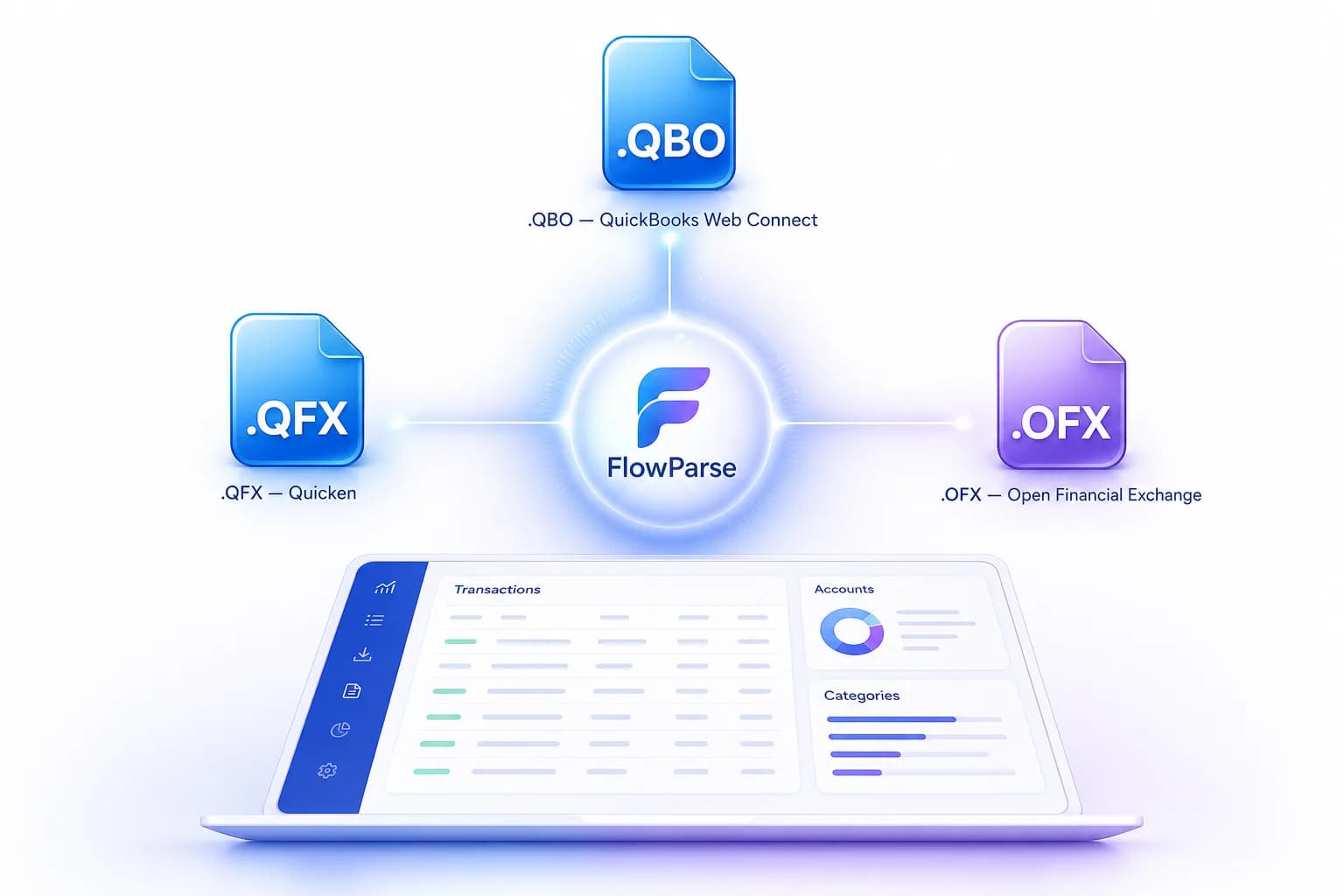
There is no path from chunks to a bank feed that does not run through your code. FlowParse produces real Open Financial Exchange files out of the box: `.QBO` and `.QFX` for QuickBooks and Quicken, `.OFX` for tools like GnuCash and Sage, plus a Xero-ready CSV and clean Excel. Each transaction carries a stable `FITID`, which is what stops a re-import double-posting rows the user already has.
That is engineering you neither write nor keep working as formats evolve. The accounting export feature and the PDF to QBO page list the formats and the exact import steps into each tool.
An app for the people who aren't building a pipeline
Unstructured is infrastructure a data engineer assembles — right for its audience, and no help at all to the accountant with twelve PDFs and a deadline. They are not going to install a library.
FlowParse is both. A non-developer opens the bank statement to Excel tool, uploads, reviews and exports — no code — while a developer automates the identical capability over REST, billed per page. The bank statement API and document extraction API cover the programmatic path, with the parsing guide showing the pattern.
One engine for statements, invoices and receipts
Depth in one family does not mean one document. FlowParse extracts bank statements, invoices and receipts with full line items, supplier and buyer details, totals and a tax breakdown, and runs an AI VAT auditor on invoices — all on the same pre-trained engine, in a consistent schema.
Because everything comes back in the same shape, cross-document workflows are built in rather than assembled: an invoice you extracted can be reconciled against the bank payment you extracted from a statement, with no mapping between separate outputs. In a general preprocessing pipeline, an invoice's elements and a statement's elements know nothing about each other, and joining them is logic you write and own.
Where Unstructured's strength is that it handles everything the same way, FlowParse's is that the financial set is handled specifically — validated, tied together, and pointed at the ledger.
A real-world scenario: the pipeline that met the finance team
A pattern worth naming, because it repeats. A data team builds a document pipeline on Unstructured and it works exactly as intended — the corpus is ingested, partitioned, chunked and embedded, and the search product on top is good. Then finance asks a question that sounds adjacent and is not: can we get the transactions out of these bank statements into the accounting system?
The elements are right there, so the first attempt is some logic to find the table and pull the rows. It mostly works, which is the dangerous part — mostly-working financial extraction produces numbers that are wrong in ways nobody notices. Then the tickets start: a debit posted as a credit because the sign logic guessed the column, a date read as April instead of March, a statement whose final page was quietly skipped, and a customer whose imported total does not match their bank by an amount nobody can explain.
The fix is not better logic; it is recognising that these are two different jobs. Keep Unstructured where breadth and embeddings are the product, and route the financial documents through an engine that returns signed transactions, proves completeness arithmetically, and writes the QBO or Xero file directly. Two tools, two problems, and nobody maintaining a hand-rolled statement parser forever.

Where Unstructured genuinely wins
A fair comparison names where the other tool is simply better, and Unstructured has one advantage FlowParse cannot answer at all: it is open source and you can run it yourself. If your compliance position is that documents never leave your infrastructure, or your procurement will not approve a hosted processor, or you need to air-gap the whole thing, that is not a preference we can argue with — it is a requirement, and self-hosted Unstructured meets it while a hosted service categorically does not. We would rather tell you that on this page than after a security review.
Its breadth is the other genuine win. Unstructured will take Office files, HTML, email, images and more; FlowParse accepts PDF, JPG and PNG because those are what financial documents arrive as. If your corpus is heterogeneous — contracts, wikis, decks, mail archives — that coverage is the point, and the connector ecosystem into storage and vector databases is real engineering you would otherwise write. Being open source also means you can read the code, fix it, and pin it, which some teams value above everything else.
The honest division is by requirement, not quality. Self-hosting, breadth, or a model as the destination? Unstructured. Financial documents that must be validated, provably complete and importable into accounting software, used by people who do not write code? FlowParse. Plenty of teams run both, and that is not a compromise — it is two different problems being solved by two tools that are each good at one.
Total cost of ownership, not just per-page price
Open source looks free, and the licence is — but the total cost is the pipeline. Running Unstructured yourself means infrastructure, upgrades and the ownership of everything downstream: logic that finds transactions in elements, types and signs them, normalises dates, validates completeness, consolidates statements, writes exporters, and presents a review UI. For a broad corpus feeding a model, most of that is unnecessary and the economics are excellent. For financial documents, all of it is required, and it never stops needing maintenance.
FlowParse's total cost of ownership sits close to its per-page price because the engine is pre-trained and the workflow is finished. A new bank format costs nothing; validation, consolidation and accounting export ship in the box; and non-developers use it without any UI work from you. See the pricing page — usage is visible per API key, so cost is predictable and attributable.
This is build-versus-buy stated plainly. If you need self-hosting or breadth, build on Unstructured — it is the right foundation and no hosted specialist replaces it. If your documents are financial, building the financial layers on top of general preprocessing means paying to recreate what a finance-specific engine already includes, app and all.