A Bank Statement Converter Alternative
The Spreadsheet Is The Start, Not The Finish
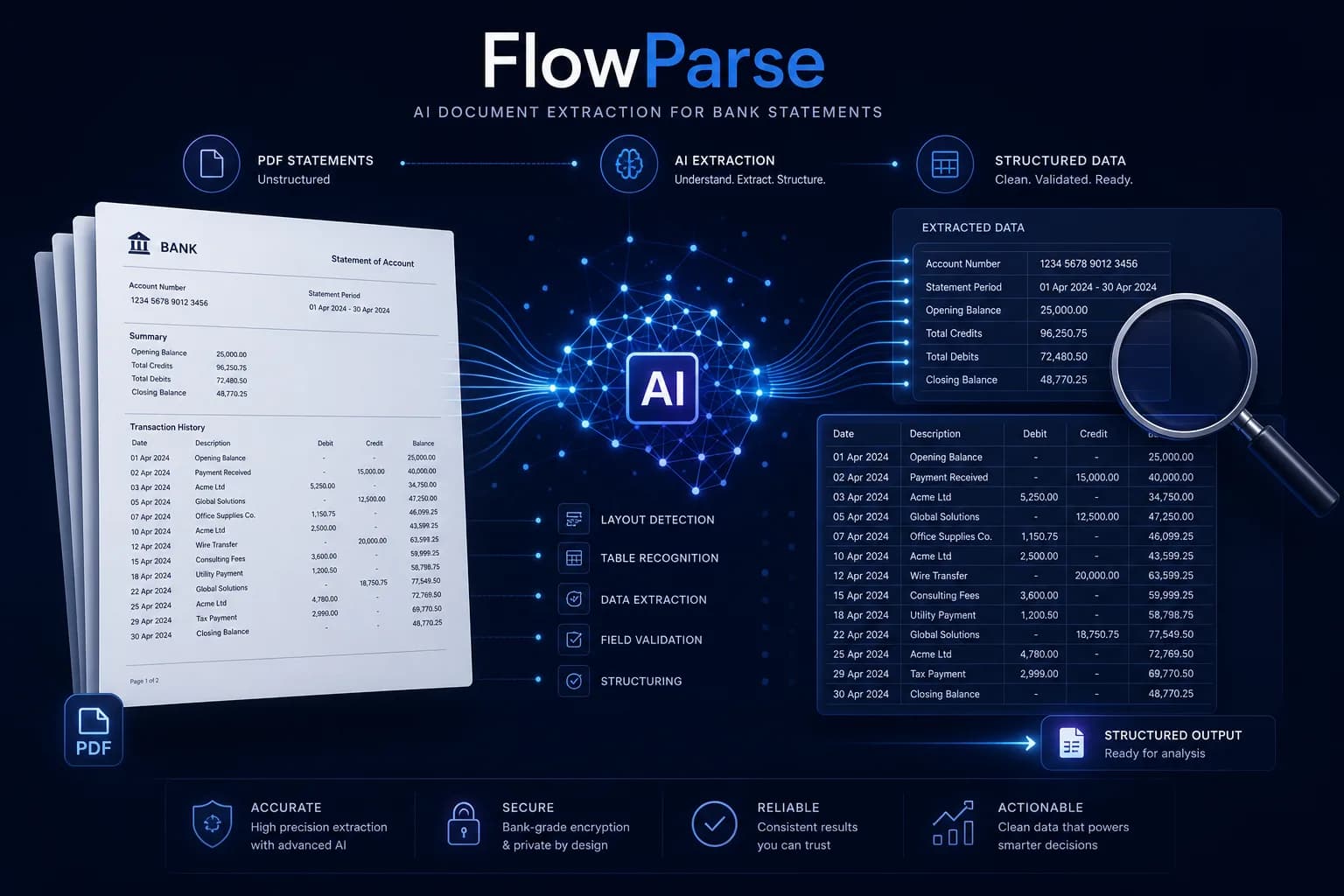
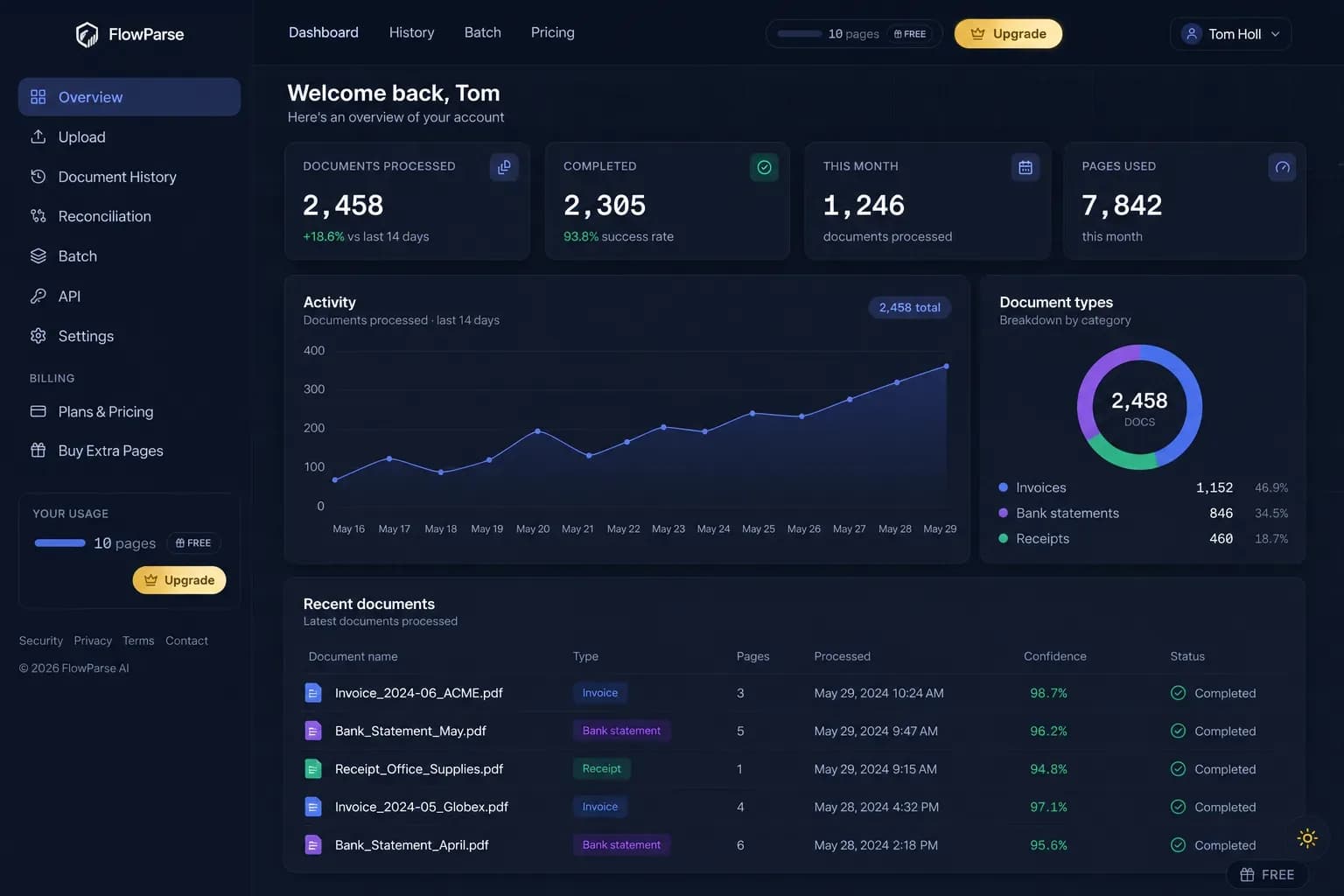
Bank Statement Converter is a straightforward online tool: upload a PDF statement, get an Excel file, with a free allowance and an API. FlowParse does that too — and then does the part that decides whether the data is usable: a balance check that proves nothing is missing, an editable review grid, Smart Merge across a year of statements, and native QBO/QFX/OFX/Xero files your accounting software imports directly.
Anyone who wants a quick, cheap PDF-to-Excel conversion and will eyeball the result themselves — especially for a one-off statement where a spreadsheet is genuinely the finish line.
Anyone whose spreadsheet has somewhere to go: books to close, a return to file, software to import into, or a year of statements to consolidate — where completeness has to be provable rather than assumed.
Why Businesses Look for Bank Statement Converter Alternatives
Proof the data is complete
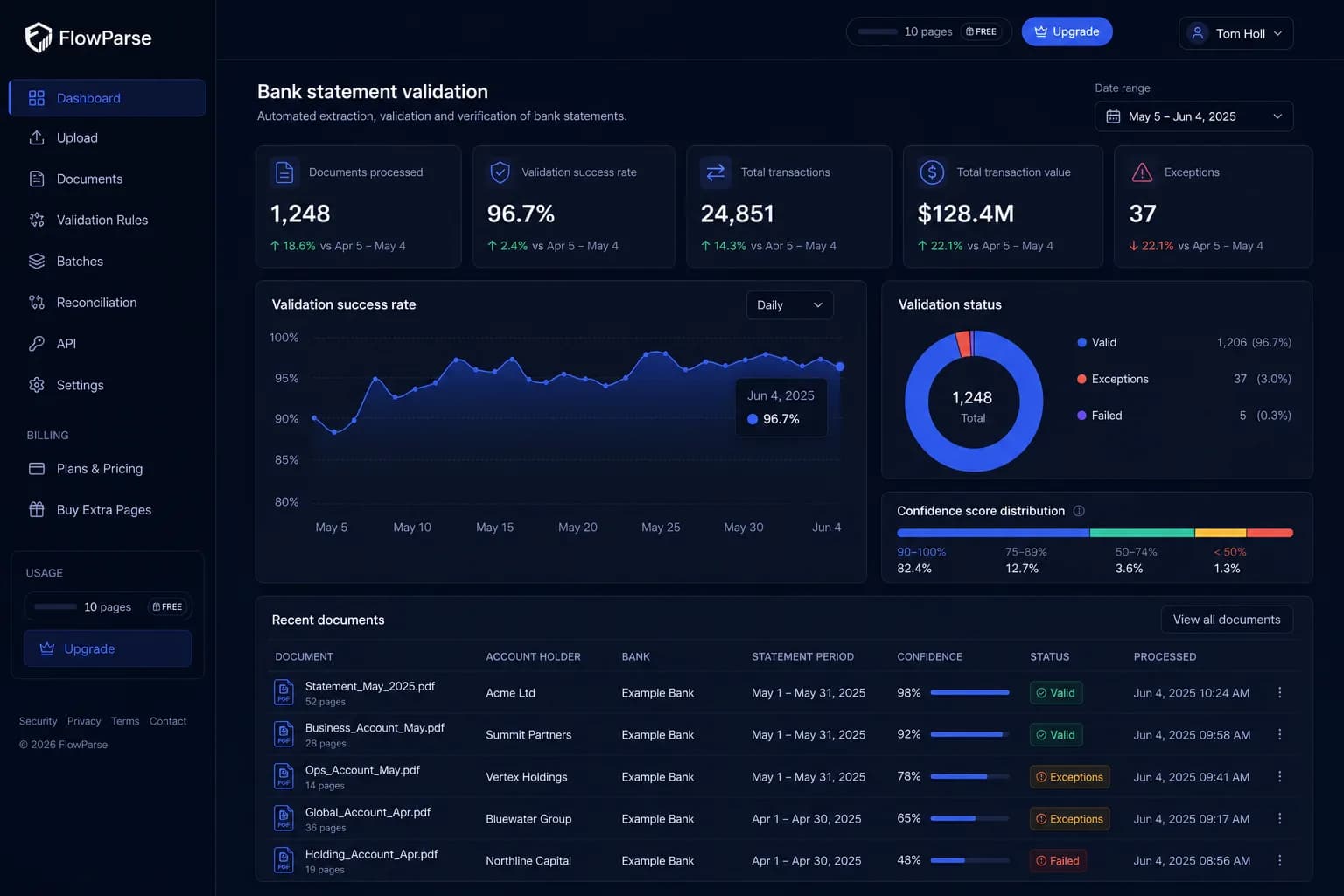
Opening + transactions = closing, checked arithmetically, with a 0-100 quality score.
Accounting-ready export
Native .QBO/.QFX/.OFX and Xero-ready CSV — not just an Excel file you re-map yourself.
Consolidation built in
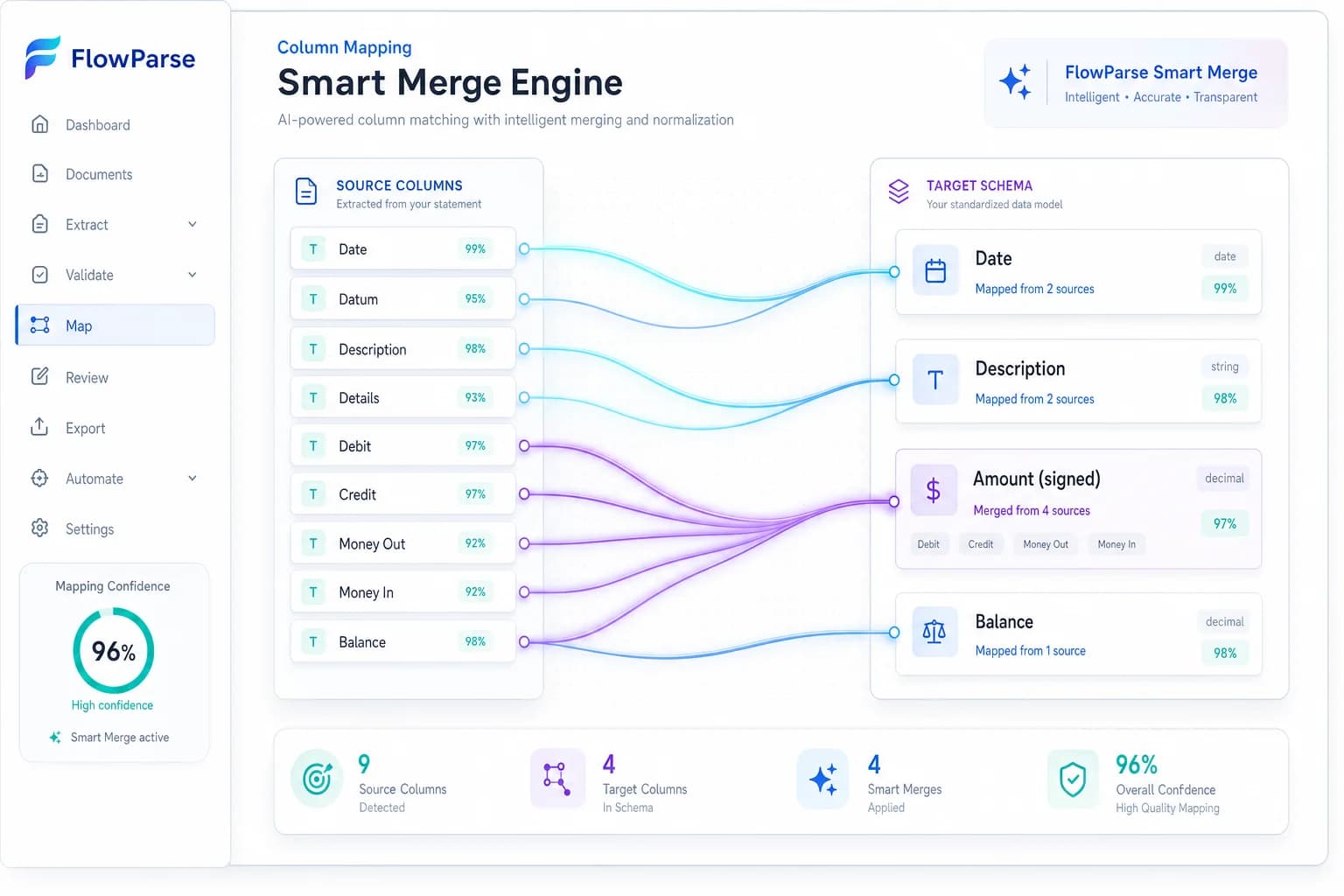
Smart Merge turns up to 100 statements into one reconciled sheet with duplicates removed.
An editable review grid
Low-confidence values are flagged and correctable before anything exports.
Invoices and receipts too
The same engine reads invoices and receipts, so one tool covers the financial set.
Also free to start
A free monthly allowance and no signup needed to convert a real statement.
Quick Comparison — Bank Statement Converter vs FlowParse
A feature-by-feature look at Bank Statement Converter and FlowParse.
| Feature | Bank Statement Converter | FlowParse |
|---|---|---|
| PDF statement → Excel / CSV | Yes | Yes |
| Works on any bank layout | Yes | Yes |
| Free tier | Yes | Free pages/month + no-signup try |
| REST API | Yes | Yes |
| Balance reconciliation + quality score | Not advertised | Yes |
| Debit/credit → single signed amount | Not advertised | Yes |
| Native .QBO / .QFX / .OFX export | Not advertised | Yes |
| Xero-ready CSV | Not advertised | Yes |
| Smart Merge — 100 PDFs → 1 Excel | Not advertised | Yes |
| Editable review grid | Not advertised | Yes |
| Invoices and receipts | Statements | Yes |
| Scanned statement OCR | Yes | Yes |
What Is Bank Statement Converter?
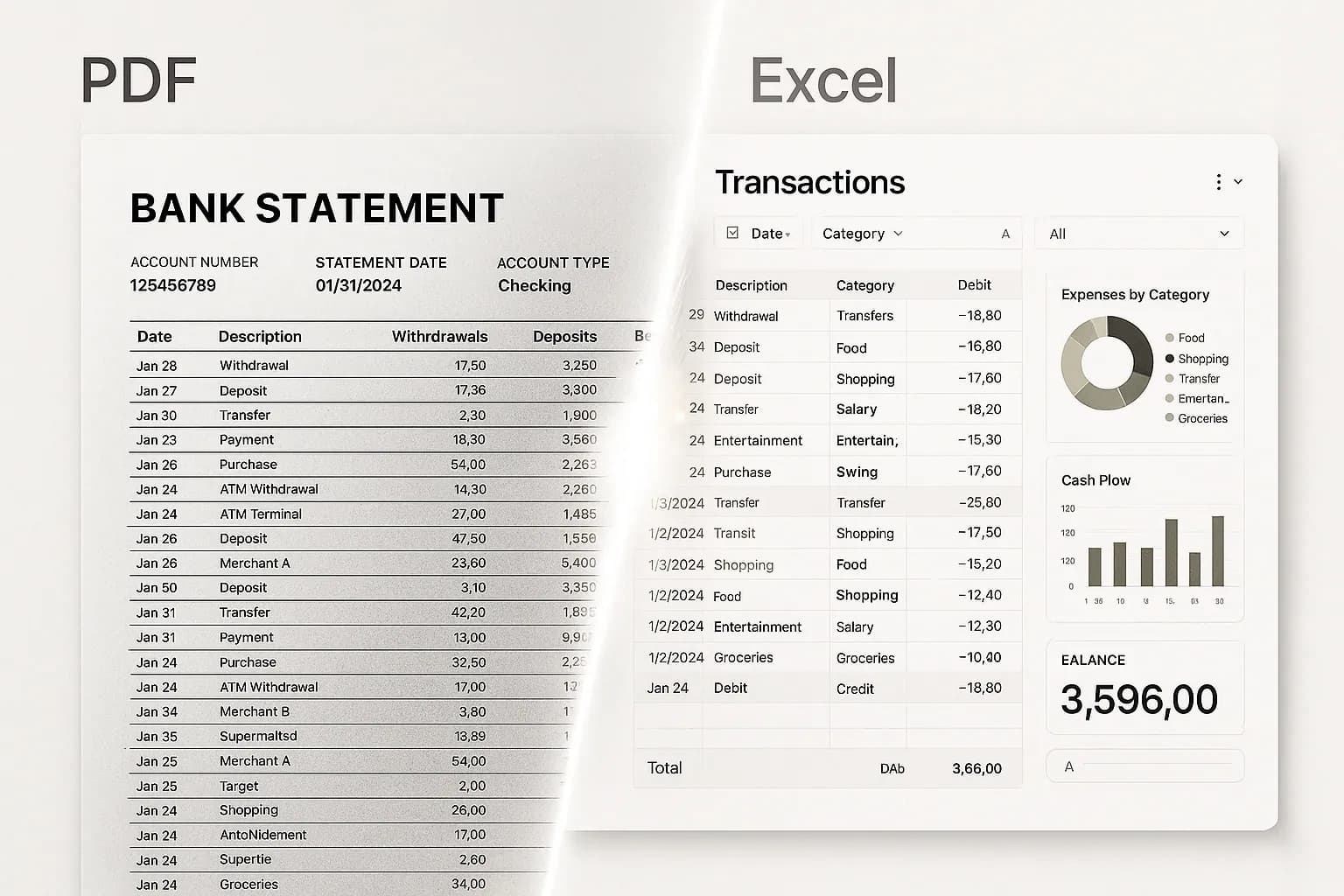
Bank Statement Converter does what its name says, and it does it without fuss: you upload a PDF bank statement, it reads the transactions, and you download a clean spreadsheet. It advertises support for statements from thousands of banks worldwide, offers a free allowance for anonymous and registered users with a paid subscription above that, and exposes an API for teams who want to automate. There is a lot to be said for a tool that is this legible — no onboarding, no configuration, no sales call, and for a single statement it is often all anyone needs.
What it does not advertise is anything past the spreadsheet. There is no mention of a balance reconciliation confirming that every transaction made it out of the PDF, no accounting-export files, no consolidation across multiple statements, and no review step for the rows the extraction was unsure about. To be fair to them, that is a legitimate product decision rather than an oversight: the tool is a converter, and a converter's job ends when the Excel file downloads.
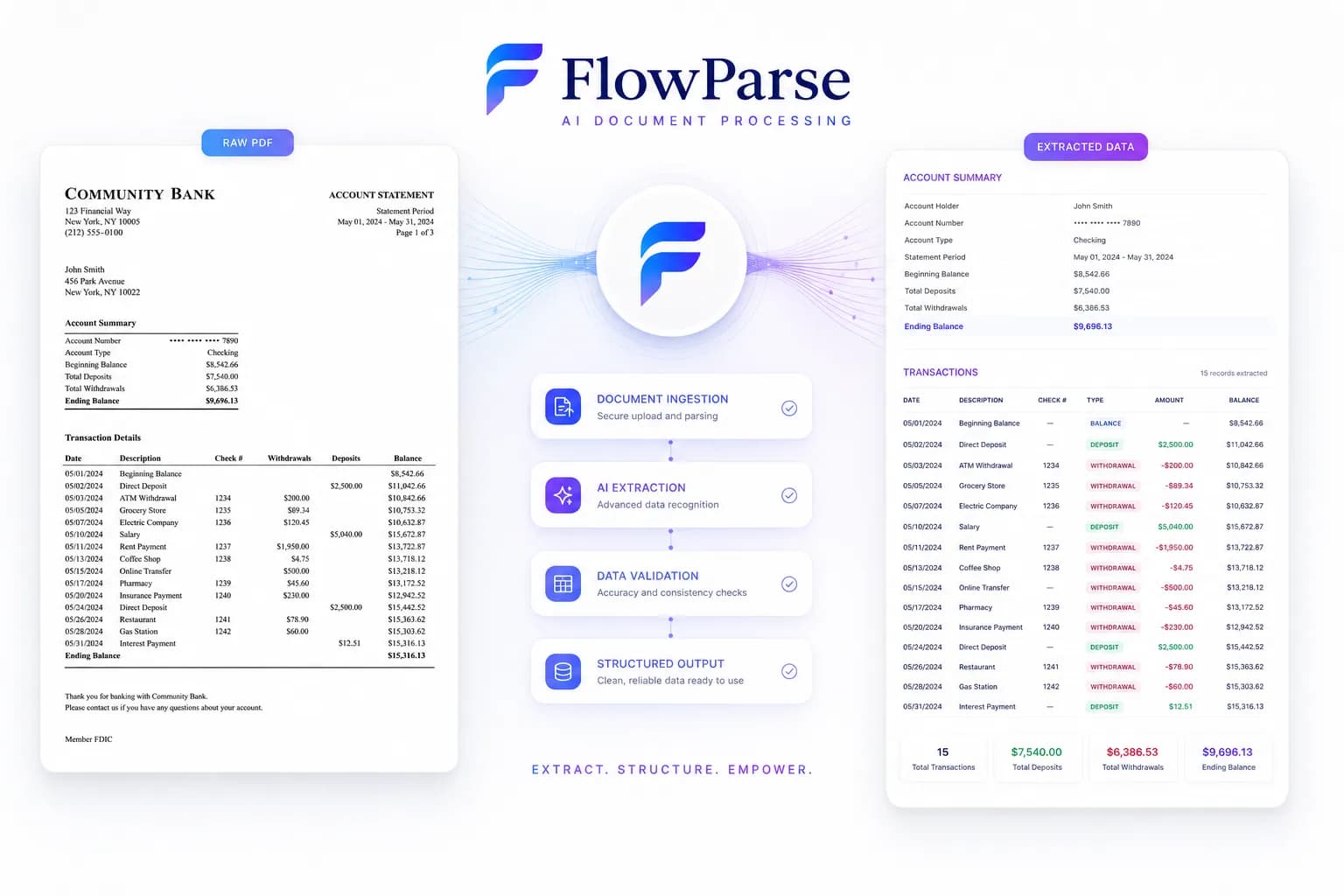
FlowParse starts from a different assumption — that almost nobody wants a spreadsheet as a final artefact. They want closed books, a filed return, an import into QuickBooks or Xero, or a year of statements as one dataset. So the same conversion is followed by the things that make the data usable: a [balance check](/features/validation-engine) that proves nothing is missing, an [editable review grid](/features/editable-preview), [Smart Merge](/merge-pdf-to-excel), and native [accounting export](/features/accounting-software-export). Same first step, considerably longer road.
Bank Statement Converter strengths
- Genuinely simple — upload, download, done
- Free allowance with no signup required to start
- Broad bank coverage without templates
- An API for teams who want to automate the conversion
Where teams want something different
- No advertised balance reconciliation — a dropped row still produces a clean-looking sheet
- No native QBO/QFX/OFX or Xero export files
- No consolidation across many statements, and no review step
- Statements only — invoices and receipts are a different tool
Why Teams Switch to FlowParse
Know the sheet is complete
The balance check catches a missing transaction that eyeballing a spreadsheet never will.
Straight into your ledger
Real .QBO/.QFX/.OFX with FITID de-duplication, plus Xero-ready CSV — no re-mapping.
A year in one pass
Smart Merge consolidates up to 100 statements, unifying columns and removing duplicates.
Fix the uncertain rows
Flagged values sit in an editable grid rather than hiding in a spreadsheet.
One tool for the whole set
Statements, invoices and receipts on one engine, in one consistent schema.
Still free to evaluate
Run your own awkward statement through the whole flow before paying anything.
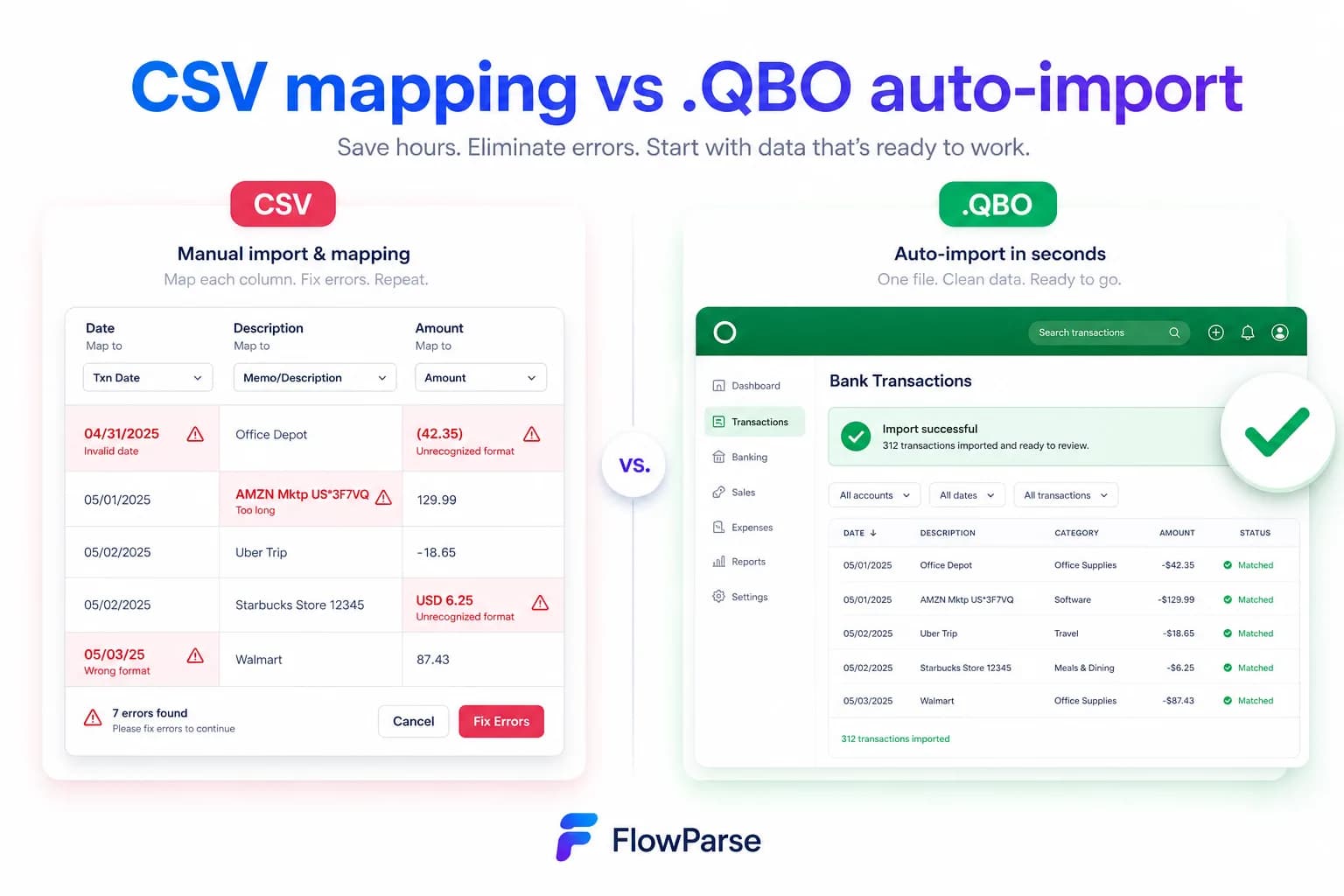
A converter vs a finished workflow
One hands you a spreadsheet. The other hands you data that is proven, consolidated and importable.
Converter path
- Upload the PDF
- Download an Excel file
- Eyeball it and hope
- Re-map columns for your software
- Repeat for all twelve statements
FlowParse path
- Upload, or make one API call
- Validated, signed transactions
- Balance check proves completeness
- Smart Merge for the whole year
- Export native QBO/QFX/OFX/Xero/Excel
Pricing Comparison
How the cost and commitment models compare.
| Feature | Bank Statement Converter | FlowParse |
|---|---|---|
| Free tier | Free conversions per day | Free pages/month + no-signup try |
| Model | Subscription above the free tier | Per page from a balance |
| API | Yes | Yes (metered per page) |
| Accounting-export files | Not advertised | Yes (QBO/QFX/OFX/Xero) |
| Validation included | Not advertised | Yes (balance + score) |
| Setup to first result | None | None |
Accuracy Comparison
Both platforms use modern AI OCR — here is how extraction quality is assured.
| Feature | Bank Statement Converter | FlowParse |
|---|---|---|
| Reads any bank layout | Yes | Yes |
| Scanned statement OCR | Yes | Yes |
| Completeness proof | Not advertised | Arithmetic balance check |
| Debit/credit normalisation | Not advertised | Single signed amount |
| Quality score to gate on | Not advertised | 0-100 validation score |
| Human review step | Not advertised | Editable grid + API |
Who should choose Bank Statement Converter?
- Anyone converting a single statement, once
- People who want the simplest possible tool
- Users whose finish line genuinely is a spreadsheet
- Developers who just need the transactions as data
Who should choose FlowParse?
- Accountants and bookkeepers closing books from statements
- Anyone importing into QuickBooks, Quicken or Xero
- People converting a year, or several accounts, at once
- Teams that need the extraction to be provably complete
Migrating from Bank Statement Converter to FlowParse
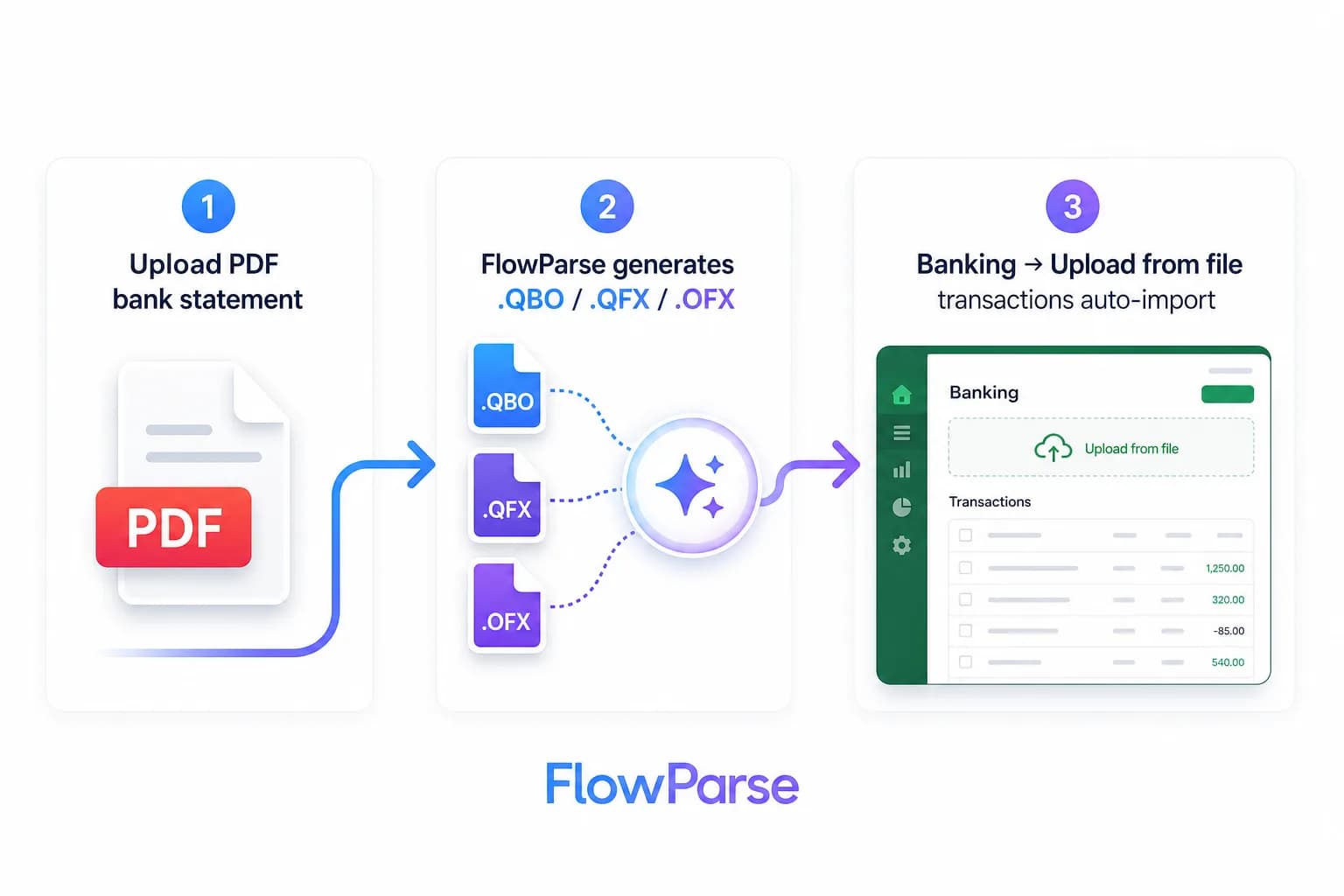
Switching takes minutes — there are no templates to rebuild or models to retrain.
Export your documents
Export invoices and statements from Bank Statement Converter or your source.
Upload to FlowParse
Drag and drop PDFs, scans, or images — no setup.
Review extracted data
Check fields in the editable preview before export.
Export Excel or CSV
Download structured data for your accounting system.
Automate workflows
Use the API and integrations for future documents.
The honest comparison: same first step, different finish line
It would be easy to write this page as though a simple converter were a bad product. It is not. Upload a PDF, download a spreadsheet, pay nothing for the first few — that is a clean, useful tool, and for a great many people it is genuinely the right one. If you have a single statement and you want the transactions in Excel so you can look at them, buying anything more elaborate would be silly.
The difference only appears when you ask what happens to the spreadsheet next. Almost nobody wants a spreadsheet as a keepsake. They want it because the books need closing, the return needs filing, QuickBooks needs the transactions, the accountant needs the year, or a lender needs evidence. Every one of those destinations imposes requirements a converter never promised: the data has to be complete, the debits have to be negative, the twelve statements have to be one dataset, and the file has to be one the software will accept.
So the question is not which tool converts better. It is whether your spreadsheet is the finish line or the starting line. If it is the finish line, use the simpler thing. If it is the starting line, everything below is the road you would otherwise be walking by hand.
The check that separates a spreadsheet from evidence
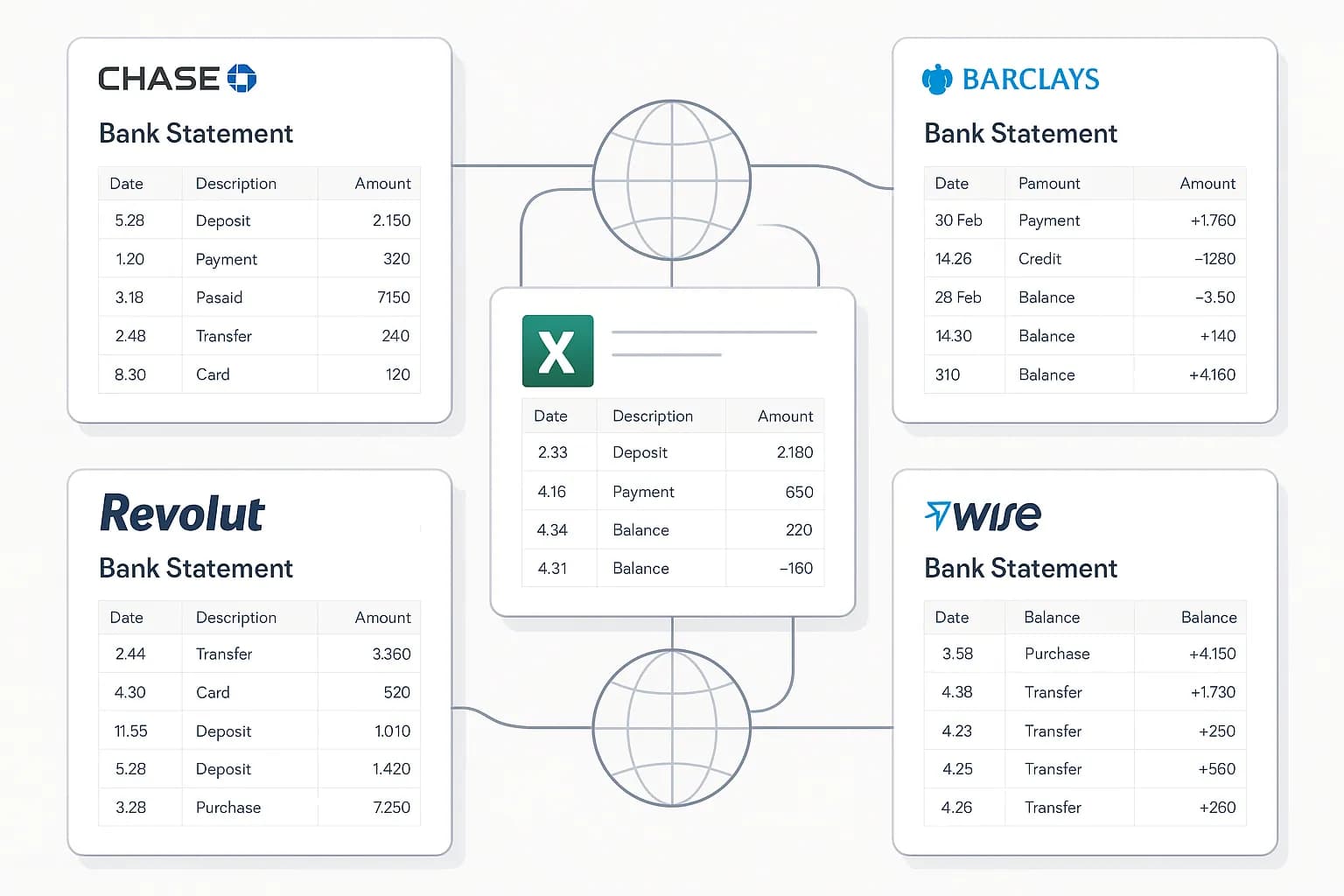
Here is the thing that should worry anyone converting statements with any tool, and it is not accuracy in the usual sense. Suppose the extraction misses three transactions — a row that straddled a page break, a section under an unusual heading, the last page of a six-page statement. Every other row is perfect.
Look at the resulting spreadsheet. There is no gap. No error message. No blank cells. No formatting anomaly. It is a clean, plausible, entirely reasonable-looking list of transactions that happens to be missing money. You cannot spot it by reading, because you do not know what should have been there. Nobody does — that is why you converted the statement in the first place.
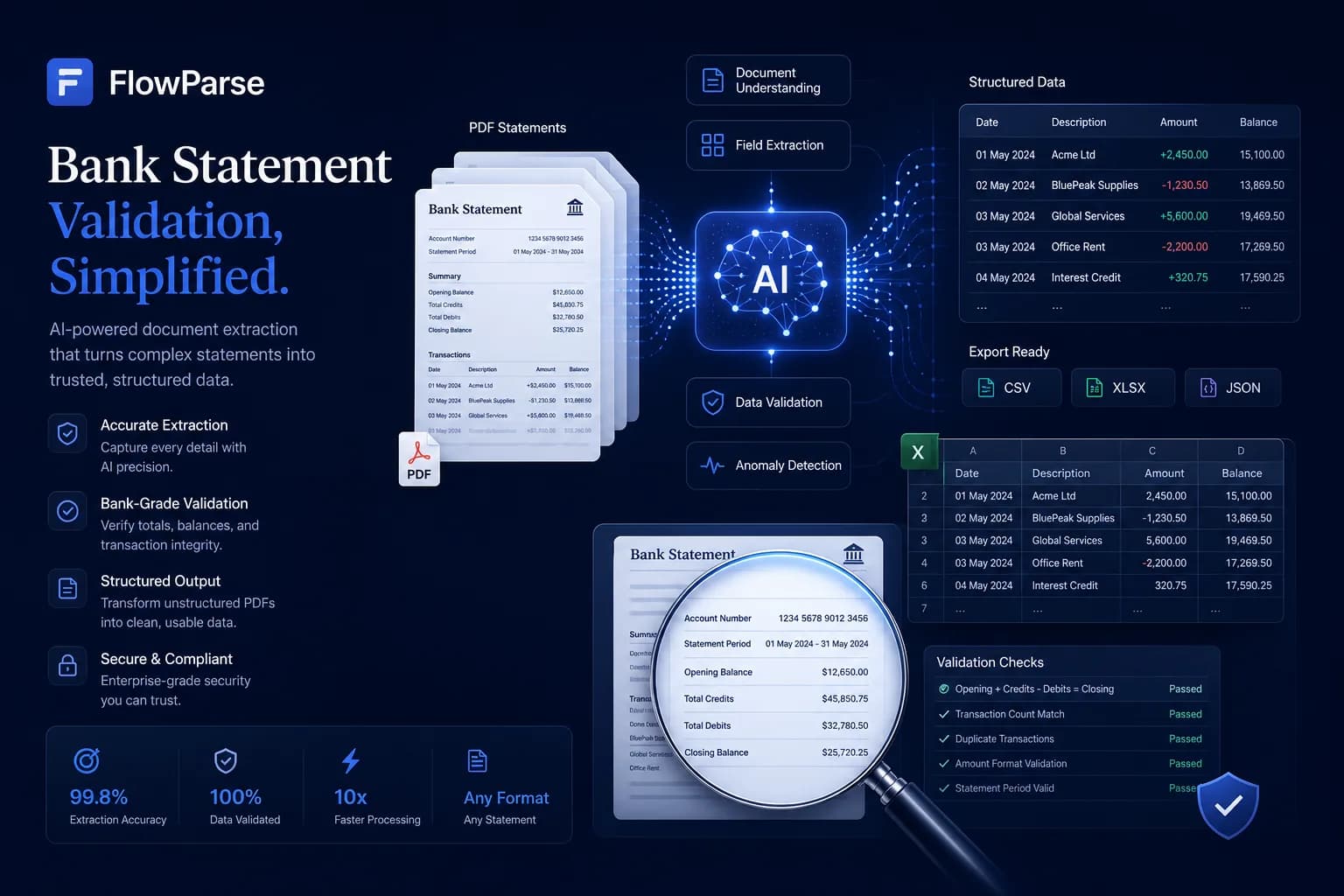
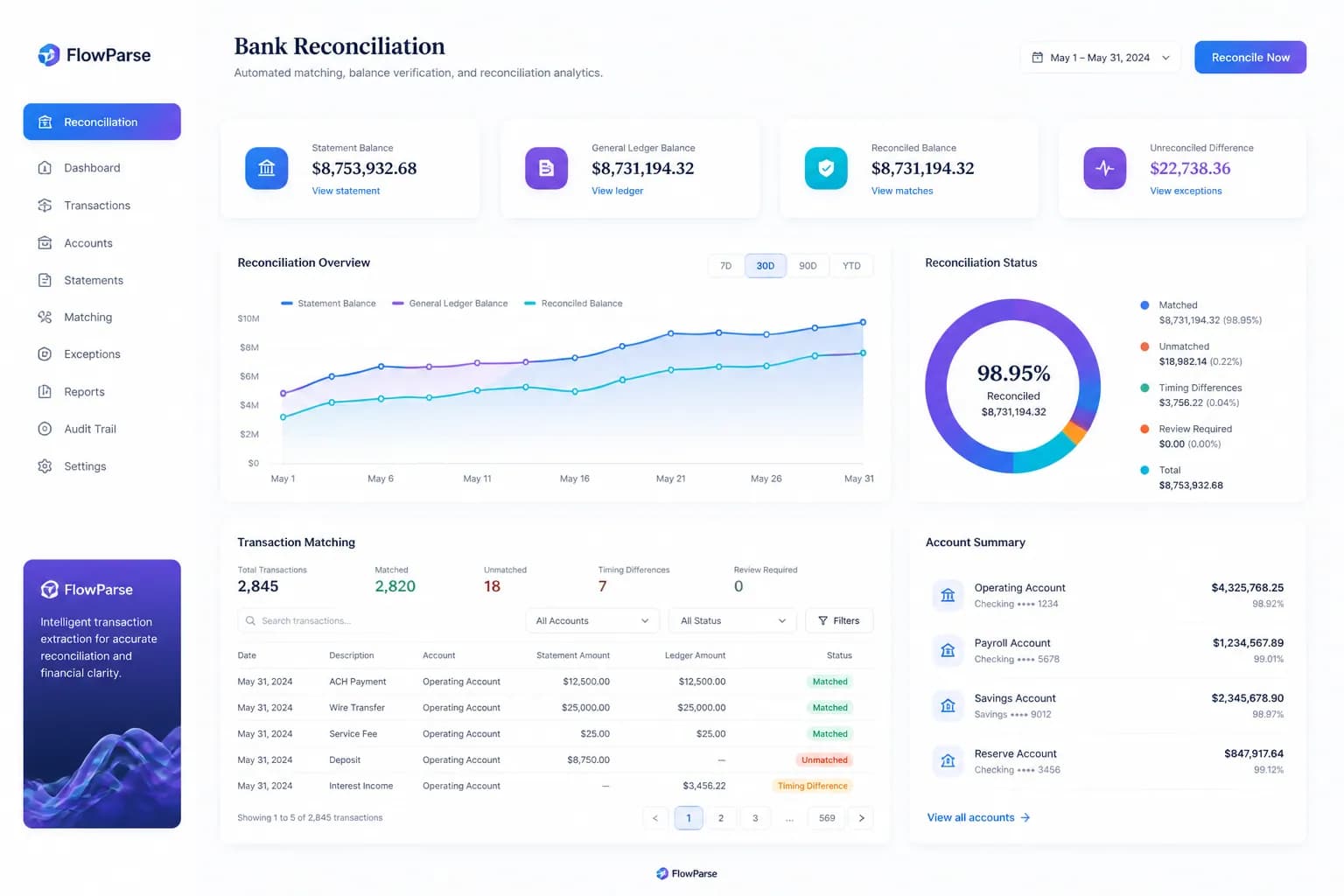
FlowParse checks the statement against itself: opening balance, plus every transaction extracted, must equal the closing balance the bank printed at the bottom. If it does not, something was missed, and you are told immediately, with the rows around the break named. It is the only check that can prove an extraction wrong with no labelled data and no human in the loop — and it is the difference between a spreadsheet and evidence you would put in front of an accountant. See validation for how the 0-100 score works.
Excel is not an accounting import
A converted spreadsheet and a file QuickBooks will import are different objects, and the distance between them is usually discovered late. Excel gives you columns in whatever order the bank printed them, dates in the bank's format, and — the part that bites — debits and credits in two separate columns, which no accounting import understands. So every import becomes a mapping exercise: match the columns to the wizard, fix the date format, work out the sign, do it again next month.
FlowParse writes the real thing. `.QBO` and `.QFX` for QuickBooks and Quicken, `.OFX` for tools like GnuCash and Sage, a Xero-ready CSV with the columns Xero expects, plus clean Excel if that is what you want. Every transaction carries a stable `FITID`, which is what stops a re-import posting every row twice — the failure mode nobody anticipates until their books have duplicate transactions throughout.
The accounting export feature and the PDF to QBO page list the formats and the exact import steps into each tool. It is the same upload; the difference is what comes out of it.
| Step | Bank Statement Converter | FlowParse |
|---|---|---|
| PDF → spreadsheet | Yes | Yes |
| Free tier | Yes | Yes |
| Proof nothing is missing | Not advertised | Balance check |
| Debit/credit → signed amount | Not advertised | Built in |
| .QBO/.QFX/.OFX/Xero files | Not advertised | Native |
| A year in one dataset | Not advertised | Smart Merge |
The year-at-once problem
Financial work rarely involves one statement. It involves twelve, or twenty-four, or a folder covering three accounts across two banks — and converting them one at a time is where a simple converter turns into an afternoon.
Each conversion lands in its own file, in that bank's column order, with that bank's date format. Merging them by hand means aligning columns that do not match, spotting that the January-to-March statement overlaps the March-to-June one and removing the duplicated rows without deleting two legitimately identical purchases, and remembering which file each row came from when a number looks wrong.
Smart Merge does the whole thing in one pass: up to 100 statements into one reconciled Excel with unified columns, duplicate detection and a source-file reference on every row. It exists because consolidation is not an edge case in financial work — it is the normal case, and it is the single biggest time difference between the two tools.
The rows the extraction was not sure about
Every extraction tool encounters values it is uncertain about — a smudged figure on a scan, a description in an unusual position, a column that could be a balance or an amount. The question is what happens to them.
In a plain spreadsheet, nothing happens to them. They are cells, indistinguishable from cells the tool was completely confident about. The uncertainty existed inside the tool and was discarded on the way out, which means the one piece of information that would tell you where to look is exactly the piece you never receive.
FlowParse keeps it. Low-confidence values are flagged in an editable review grid alongside any row that breaks the balance arithmetic, so a human checks the three rows worth checking rather than re-reading a six-page statement or, more realistically, checking nothing at all.
One engine for statements, invoices and receipts
A statement converter converts statements, which is fine until the invoices arrive. FlowParse extracts bank statements, invoices and receipts with full line items, supplier and buyer details, totals and a tax breakdown, and runs an AI VAT auditor on invoices — all on the same pre-trained engine.
Because everything comes back in the same schema, an invoice you extracted can be reconciled against the bank payment you extracted from a statement, with no mapping between tools. That is a workflow rather than a conversion, and it is the reason one tool across the financial set beats a converter plus a spreadsheet plus an afternoon.
Where Bank Statement Converter genuinely wins
Simplicity is a real feature and it deserves naming. A tool that does one thing, explains itself in a sentence, and asks nothing of you is a good tool — and the moment a product starts offering validation scores, review grids, merge workflows and six export formats, it has bought capability with surface area. If you convert one statement every few months and read the result yourself, that surface area is weight you are carrying for nothing.
The free tier is genuine too. You can convert a statement without an account, without a card, without a conversation. Plenty of tools in this category advertise free and mean a demo; this one means free. If your need is occasional and small, the honest advice is that the simplest tool that produces your spreadsheet is the right one, and FlowParse would be overkill.
The honest division is by what happens next. Spreadsheet as the finish line, once in a while, checked by eye? Use the simple converter. Books, a return, an accounting import, a year of statements, or data anyone else will rely on? That is where proof, consolidation and real export files stop being extras and start being the job — and that is the trade FlowParse is making.
The cost that is not on either price page
Both tools are cheap, and both have a free tier, so comparing sticker prices is close to pointless. The real cost of converting statements has never been the conversion — it is the hour spent re-mapping columns into the QuickBooks import wizard, the afternoon merging twelve files by hand, the evening reading a spreadsheet trying to satisfy yourself that nothing is missing, and occasionally the far worse cost of a number that was wrong and got filed.
That is the arithmetic worth doing. A free conversion that leaves you three hours of manual work is not cheaper than a paid one that leaves you none, and a free conversion that quietly omits a transaction is not cheap at all. FlowParse is per page from a balance with a free monthly allowance — see the pricing page — but the number that matters is what the whole task costs, not what the download costs.
None of which means you should pay for something you do not need. If your task genuinely ends at the spreadsheet, the free converter costs you nothing and wastes nothing. The point is only to count the whole task before deciding — because the download is the cheap part of it either way.