A Instabase Alternative
Financial Extraction Without An Implementation Project
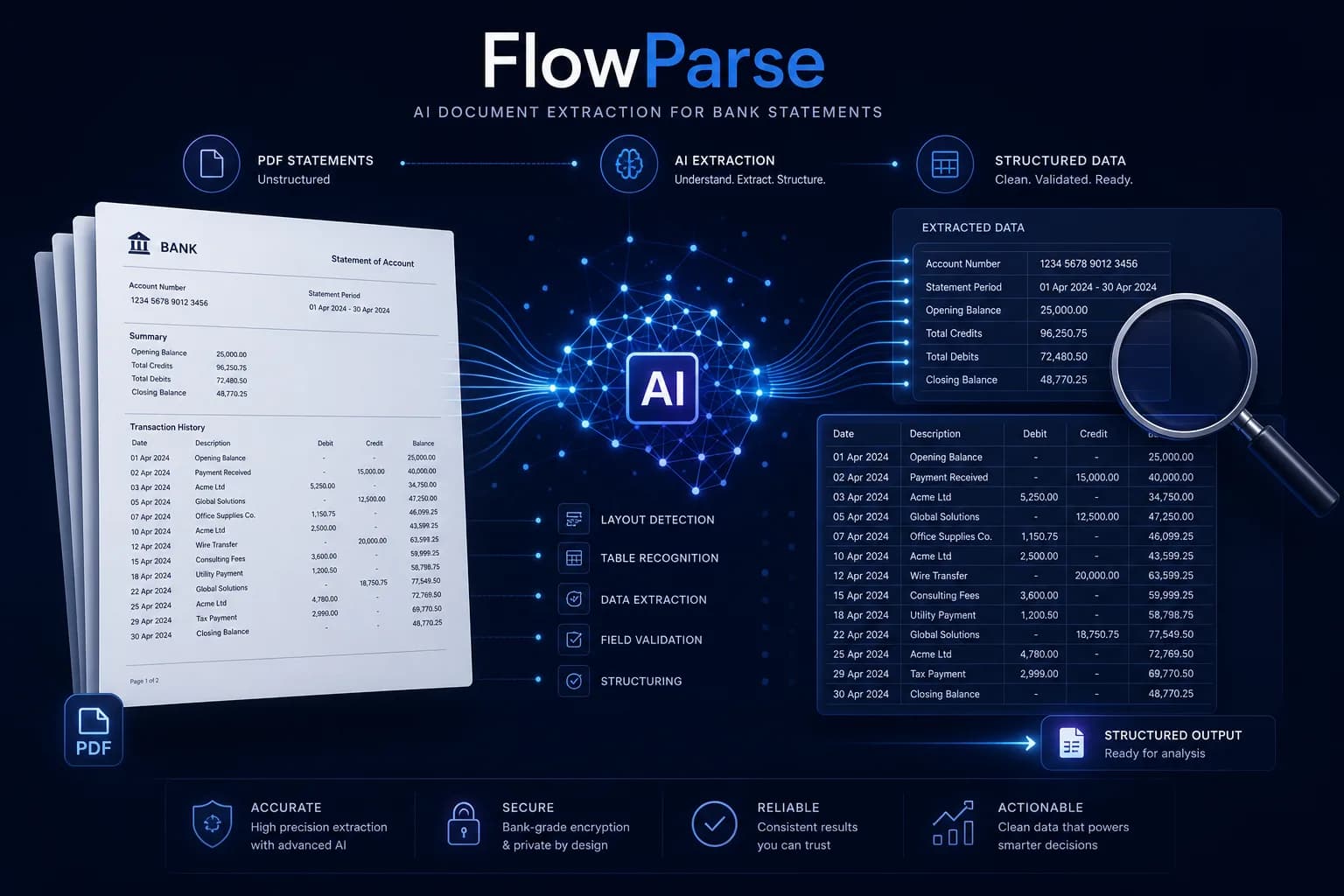
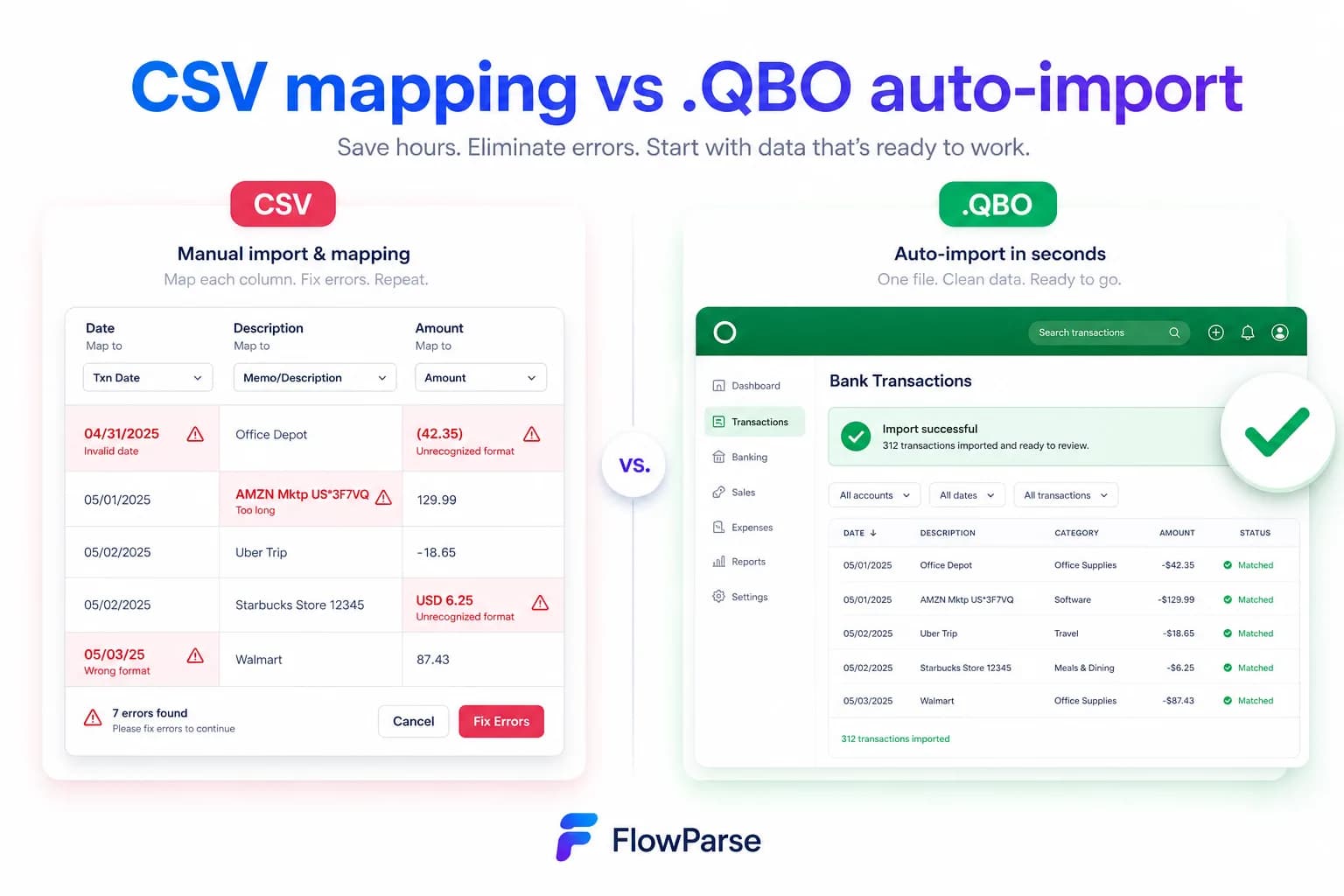
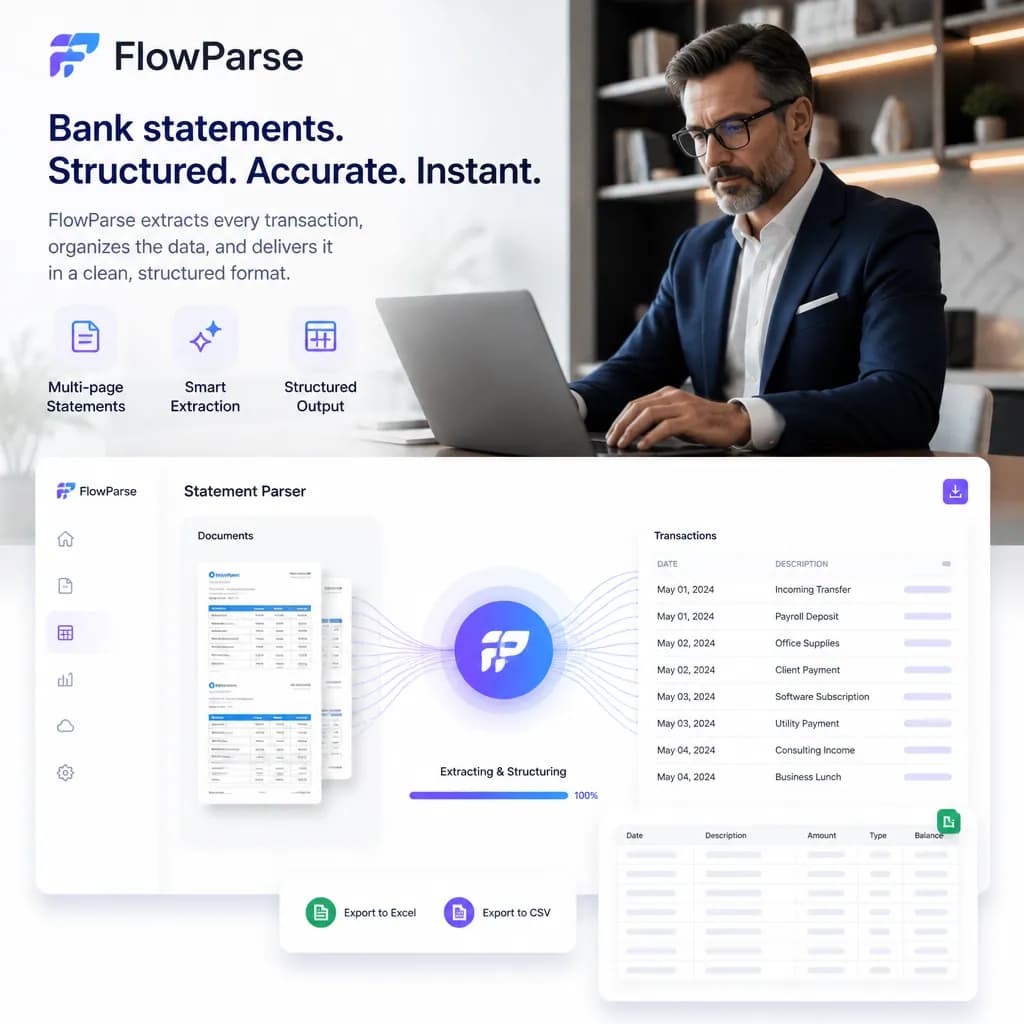
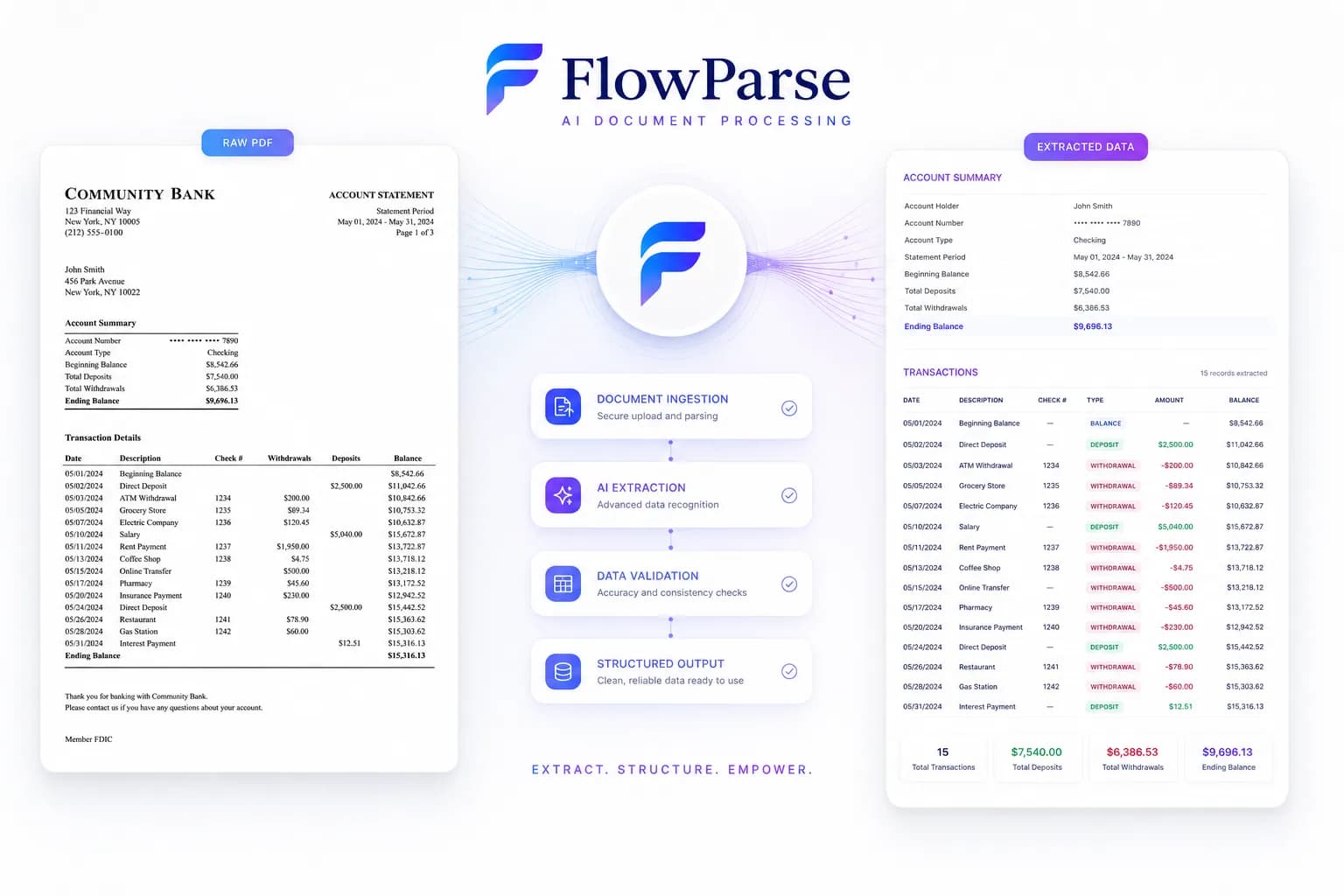
Instabase is an enterprise intelligent-document-processing platform: you build and configure applications on it for your own processes, deploy them at scale, and it can handle a very wide range of documents and workflows. FlowParse is not a platform — it is a finished financial tool. Upload a statement, get validated transactions and native QBO/QFX/OFX/Xero export, self-serve, today.
Large enterprises automating document-heavy processes across many departments, with the budget, timeline and internal team to implement and own a platform.
Teams who want bank statements, invoices and receipts turned into validated, importable data now — without an implementation, a procurement cycle or a configuration phase.
Why Businesses Look for Instabase Alternatives
Nothing to implement
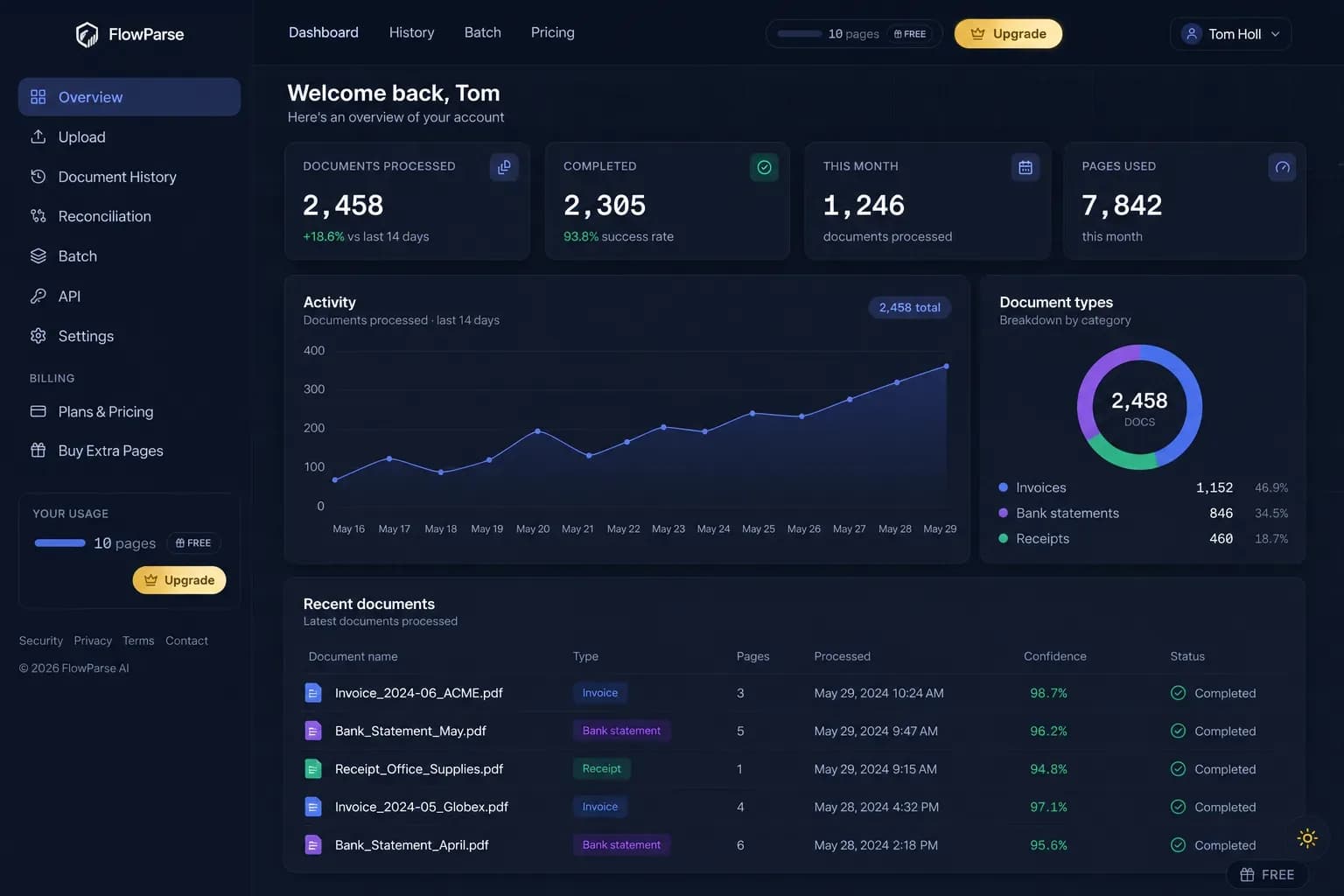
No platform to configure, no application to build, no rollout. Upload a statement and it works.
Balance validation in the box
Opening + transactions = closing, checked arithmetically, with a 0-100 quality score.
Accounting-ready export
Native .QBO/.QFX/.OFX and Xero/Excel files, not fields you map into a ledger yourself.
Priced per page, not per project
A free monthly allowance and a per-page balance — no minimum, no annual commitment.
Consolidation built in
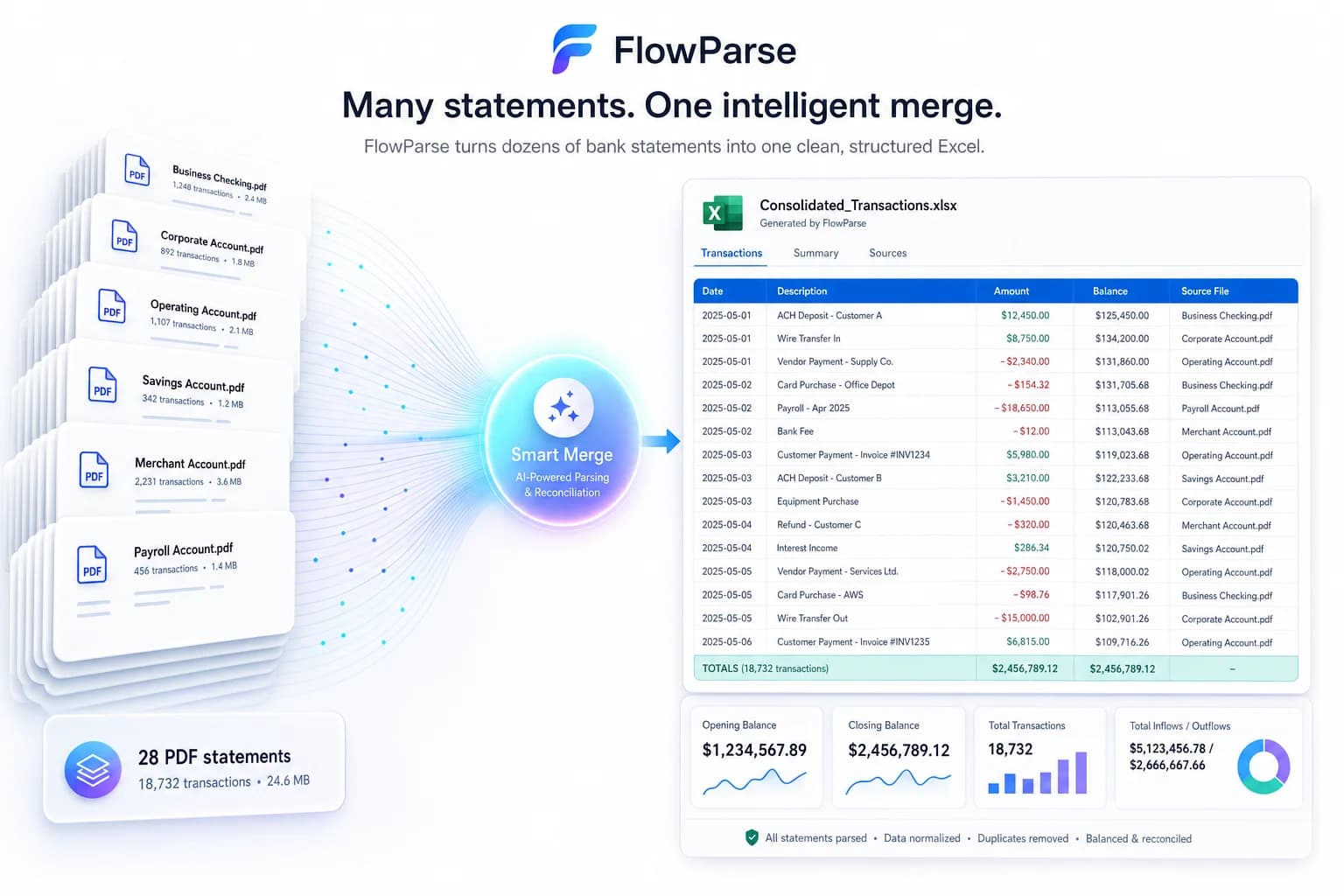
Smart Merge turns a year of PDFs into one reconciled Excel — already built, not configured.
Usable in five minutes
No sales call, no signup to try, no onboarding. Convert a real statement now.
Quick Comparison — Instabase vs FlowParse
A feature-by-feature look at Instabase and FlowParse.
| Feature | Instabase | FlowParse |
|---|---|---|
| Bank statement PDF → structured transactions | Configure an application | Yes |
| Time to first result | An implementation | Minutes |
| Debit/credit → single signed amount | Configure it | Yes |
| Balance reconciliation + quality score | Build the rule | Yes |
| Native .QBO / .QFX / .OFX export | Build the integration | Yes |
| Xero / Excel / CSV export | Build the integration | Yes |
| Smart Merge — 100 PDFs → 1 Excel | Build the workflow | Yes |
| Self-serve signup, no sales call | No | Yes |
| Free tier | No | Free pages/month + no-signup try |
| Any document type / process | Yes | Financial set only |
| Enterprise process orchestration | Yes | No |
| REST API | Yes | Yes |
What Is Instabase?
Instabase is an enterprise platform for intelligent document processing. Its premise is that a large organisation has many document-heavy processes — onboarding, claims, lending, compliance, back-office operations — and that each needs its own automation, built by people who understand that process. So Instabase gives you the building blocks: extraction, models, workflow, human review, and an application layer to assemble them, deployed at enterprise scale with the governance a bank or an insurer requires. For an organisation with that shape of problem, it is a serious tool, and its breadth is the point.
The cost of that generality is that it must be implemented. A platform does not know your processes until someone teaches it: applications get configured, document types onboarded, review steps designed, integrations written, and the whole thing rolled out. That is a project — with a timeline, a budget, a procurement cycle and internal owners. Perfectly reasonable when you are automating fifty processes across a bank. Wildly disproportionate when what you need is a year of bank statements turned into Excel by Friday.
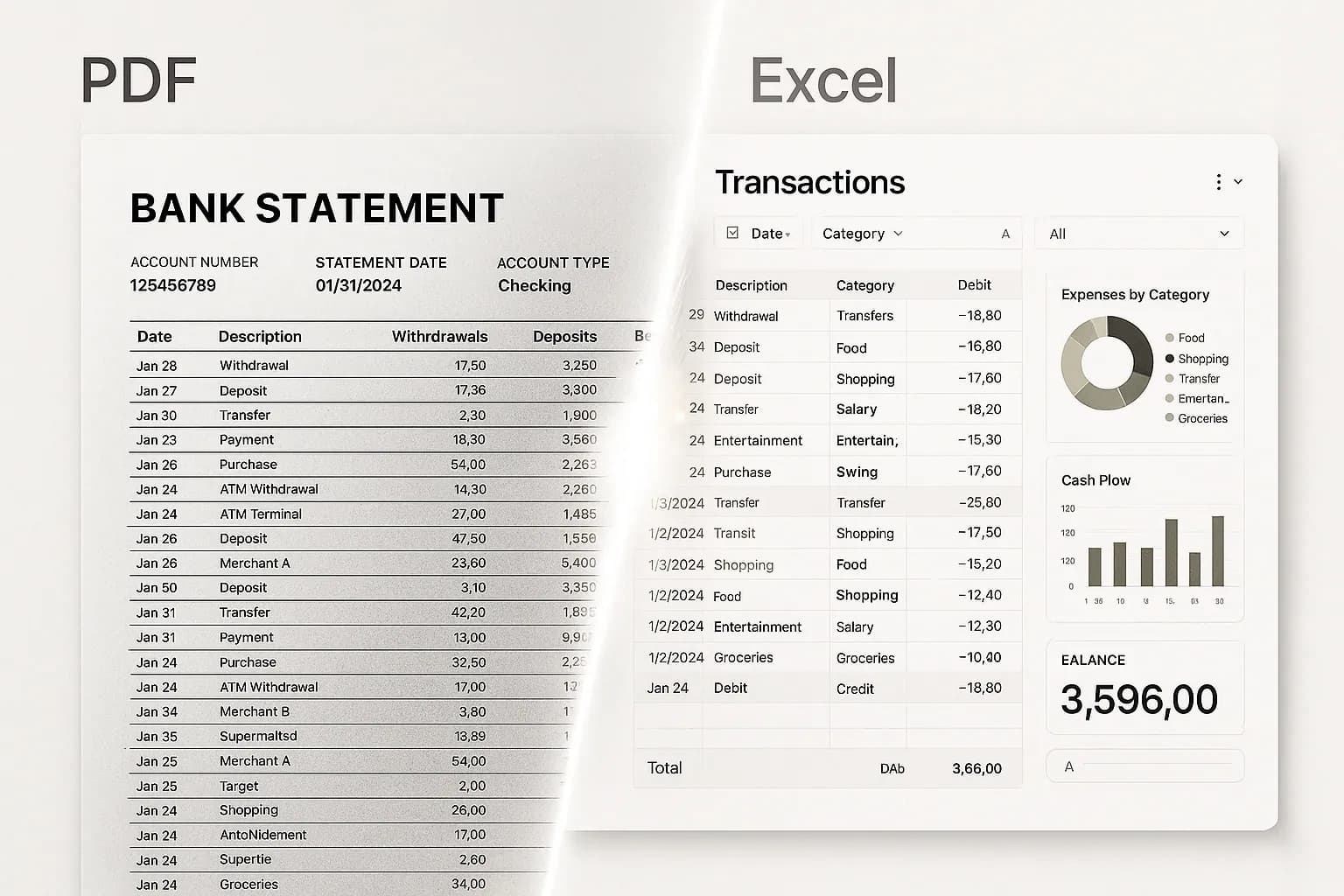
FlowParse is the opposite proposition, deliberately. It is not a platform and it does not want to be. It is pre-trained on [bank statements](/bank-statement-converter), [invoices](/invoice-parser) and [receipts](/receipt-scanner), with [balance validation](/features/validation-engine), an [editable review grid](/features/editable-preview), [Smart Merge](/merge-pdf-to-excel) and native [accounting export](/features/accounting-software-export) already built — because for the financial family, those decisions have obvious right answers and nobody needs to configure them. You upload a statement and you get data. There is nothing to implement, because everything is already decided.
Instabase strengths
- Genuine enterprise platform for document-heavy processes at scale
- Handles a wide range of document types and workflows
- Applications can encode process knowledge specific to your business
- Enterprise governance, deployment and support expectations
Where teams want something different
- Requires an implementation — configuration, onboarding and rollout
- Enterprise procurement and commitment rather than self-serve
- No pre-built accounting exports (QBO/QFX/OFX/Xero) — you integrate
- Disproportionate when the need is one document family, done well
Why Teams Switch to FlowParse
Skip the implementation
Nothing to configure or onboard — financial documents are pre-trained and finished.
Start free, today
Convert a real statement with no sales call, no signup, no procurement.
Statements to a real bank feed
Export .QBO/.QFX/.OFX (OFX 1.0.2, FITID de-dup) so imports never double-post.
A quality gate you can trust
Balance reconciliation, duplicate detection and a 0-100 score ship in the box.
Priced per page
No minimum and no annual commitment — pay for the pages you actually convert.
Consolidate a year at once
Smart Merge combines up to 100 statements into one reconciled Excel.
A platform you implement vs a tool you use
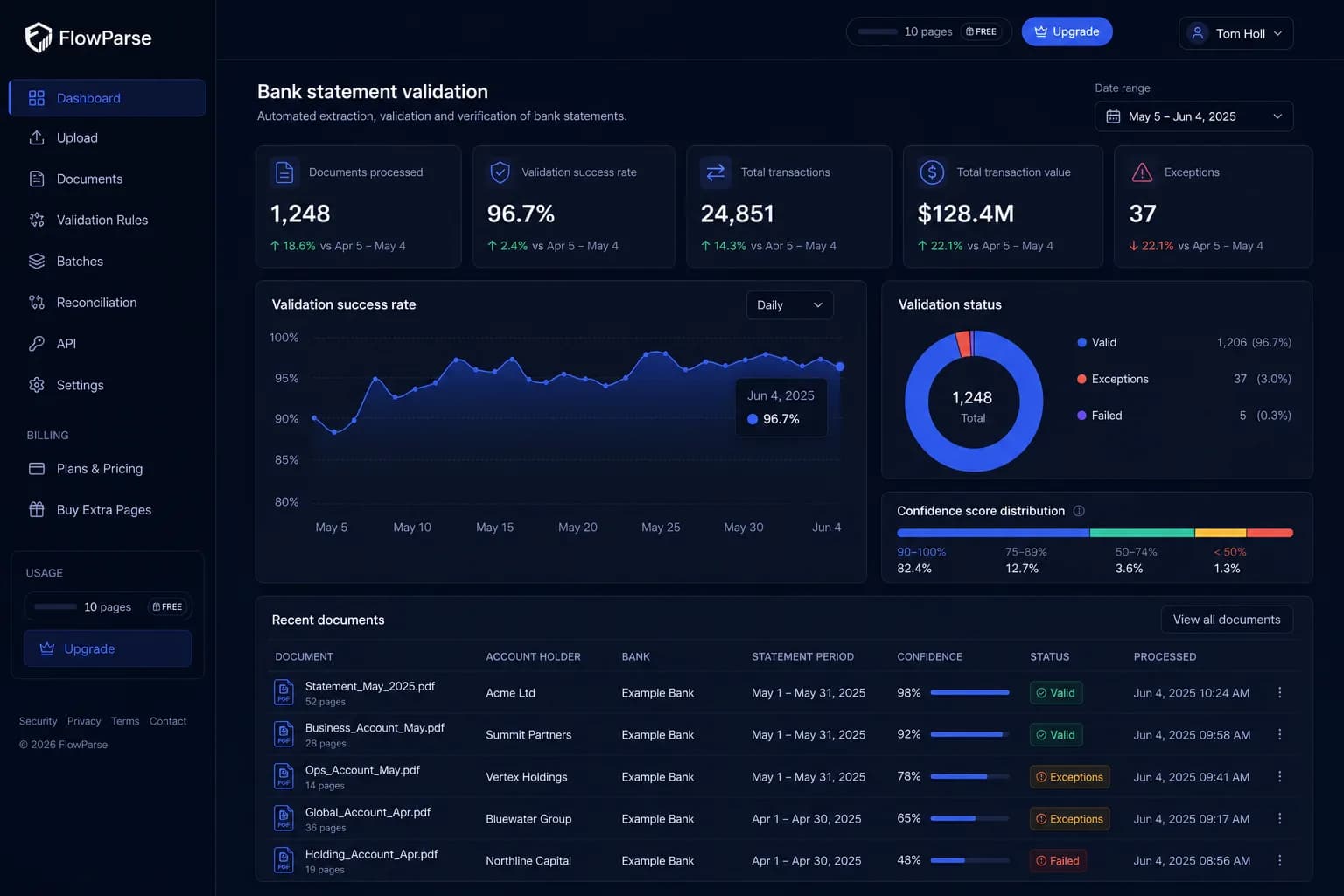
Instabase gives you building blocks for any document process. FlowParse gives you the financial one, finished.
Instabase path
- Procurement and scoping
- Configure an application
- Onboard document types
- Design review + integrations
- Roll out and maintain it
FlowParse path
- Upload a statement, or call the API
- Validated, signed transactions
- Balance check + editable review built in
- Smart Merge to consolidate
- Export native QBO/QFX/OFX/Xero/Excel
Pricing Comparison
How the cost and commitment models compare.
| Feature | Instabase | FlowParse |
|---|---|---|
| Free tier | No (enterprise sales) | Free pages/month + no-signup try |
| Model | Enterprise contract | Per page from a balance |
| Minimum commitment | Typically annual | None |
| Implementation cost | A project | None (pre-trained) |
| Accounting-export files | Build the integration | Yes (QBO/QFX/OFX/Xero) |
| Setup to first result | An implementation | None (app) / one call (API) |
Accuracy Comparison
Both platforms use modern AI OCR — here is how extraction quality is assured.
| Feature | Instabase | FlowParse |
|---|---|---|
| Breadth of document types | Very wide (configurable) | Financial set only |
| Bank statement transactions | Configure an application | Every row, balance-validated |
| Unseen bank layout | May need onboarding | Works immediately |
| Debit/credit normalisation | Configure it | Single signed amount |
| Balance reconciliation | Build the rule | Built in |
| Human review step | Yes (configurable) | Editable grid + API |
Who should choose Instabase?
- Large enterprises automating many document-heavy processes
- Banks, insurers and organisations with governance requirements
- Teams with budget, timeline and staff to own a platform
- Processes that are bespoke and cannot be bought off the shelf
Who should choose FlowParse?
- Accountants and finance teams converting statements and invoices
- Developers wanting validated financial data plus export from one call
- SMBs and teams with no appetite for an implementation project
- Anyone wanting a free, self-serve way to convert a document today
Migrating from Instabase to FlowParse
Switching takes minutes — there are no templates to rebuild or models to retrain.
Export your documents
Export invoices and statements from Instabase or your source.
Upload to FlowParse
Drag and drop PDFs, scans, or images — no setup.
Review extracted data
Check fields in the editable preview before export.
Export Excel or CSV
Download structured data for your accounting system.
Automate workflows
Use the API and integrations for future documents.
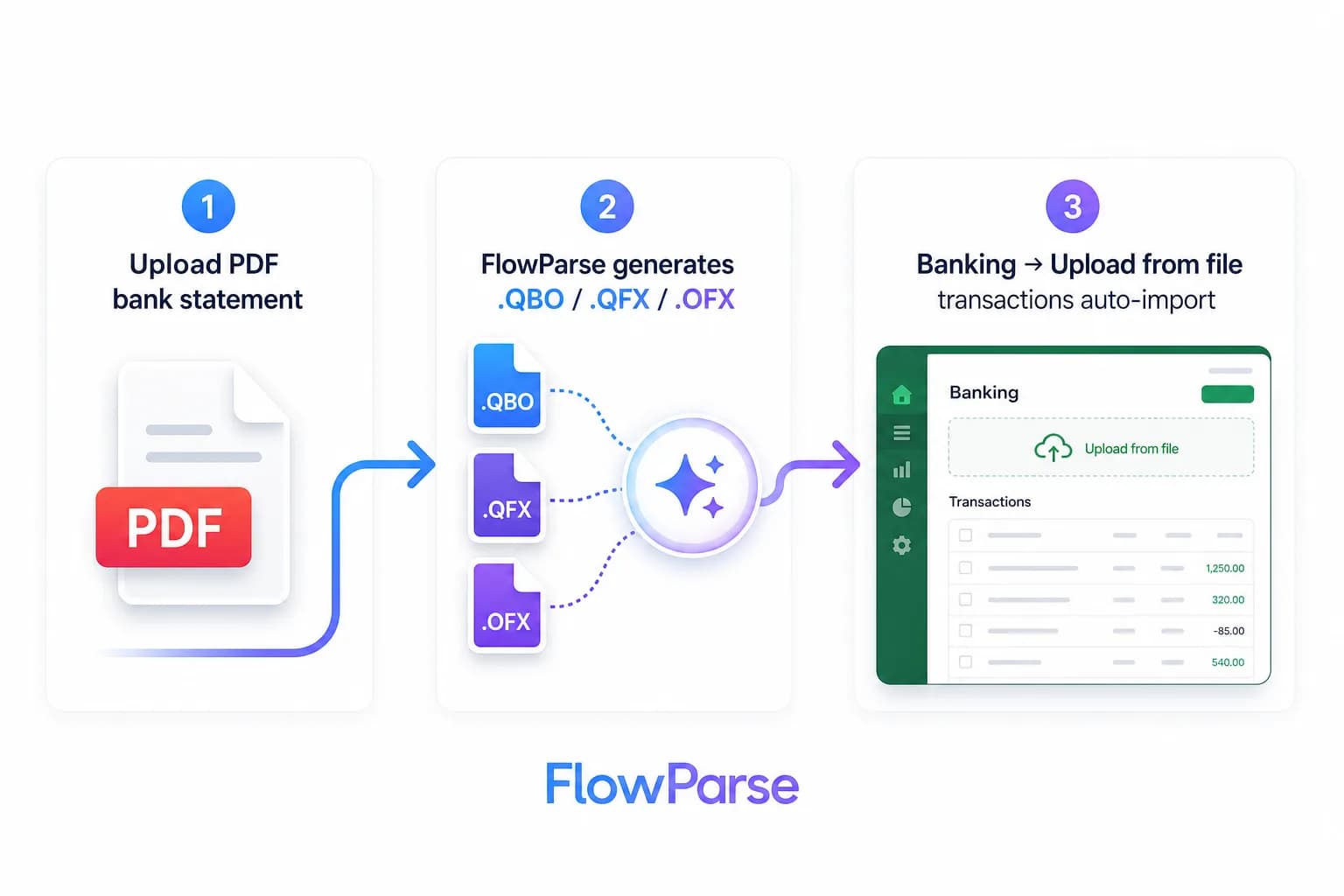
Instabase vs FlowParse: a platform to build on vs a tool that is built
The distance between these two is not quality — it is proportion. Instabase is a platform, and platforms are generous: they will automate a lending workflow, a claims process, an onboarding pipeline and a compliance check, each shaped exactly to how your organisation does it, with review steps and governance to match. That generality is precisely why an enterprise buys one, and it is why the platform cannot arrive knowing anything specific. Someone has to build the applications, onboard the document types, wire the integrations and roll it out.
FlowParse made the opposite trade on purpose. It knows one family of documents extremely well and refuses to be anything else, which means every decision a platform would ask you to configure is already made: what a debit is, that the closing balance is a testable claim, that a wrapped description is one description, that the output should be a QBO file with a `FITID` on every row. Those are not preferences to be gathered in a workshop; for financial documents they have right answers, and they are already implemented.
So the question is what you are actually buying. Capability you will shape to fifty processes over the next year? A platform is the correct instrument, and Instabase is a serious one. A year of statements turned into validated Excel before Friday, or statement import shipped in your product this sprint? A finished tool gets you there this afternoon, and a platform would spend the first month before it read its first page.
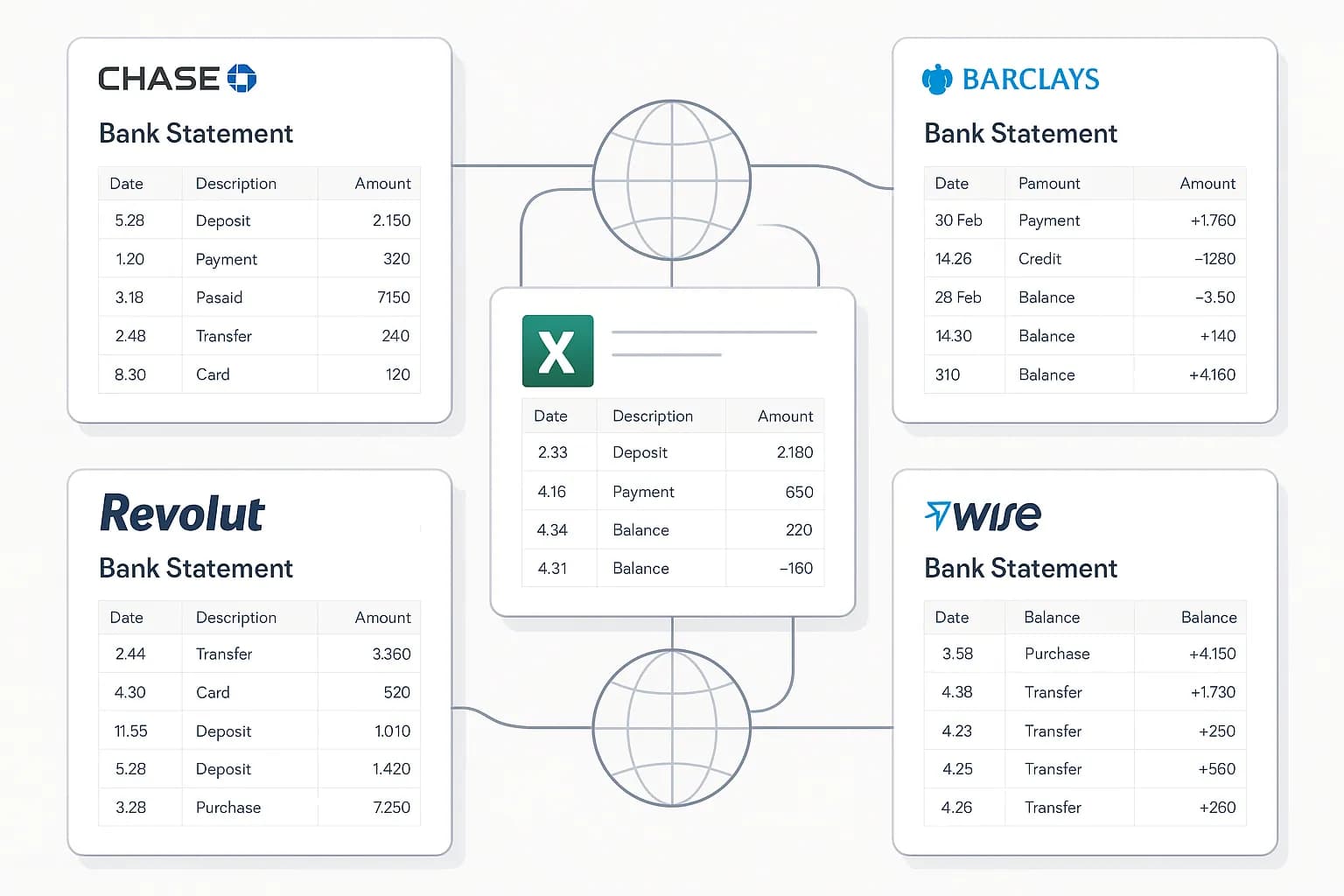
Time to first result is the whole story
Compare the two paths honestly and the difference is not features — it is the calendar. The platform path starts with a conversation, becomes a scoping exercise, passes through procurement, and eventually reaches an implementation phase where applications are configured, document types onboarded and integrations written. Nothing is wrong with any of that when the prize is automating a bank's back office. It is simply an enormous amount of runway before the first statement is read.
The finished-tool path is: upload a statement, look at the transactions, export the Excel. That is not a demo — it is the product, working, on your real document, before anyone has approved anything. If it does not read your bank properly you have learnt that in ninety seconds instead of after a procurement cycle.
This is why we do not gate the thing behind a sales call. Try it on a real statement — the honest test of any extraction tool is whether it handles the specific, awkward, badly-designed statement your bank actually produces, and no slide answers that question.
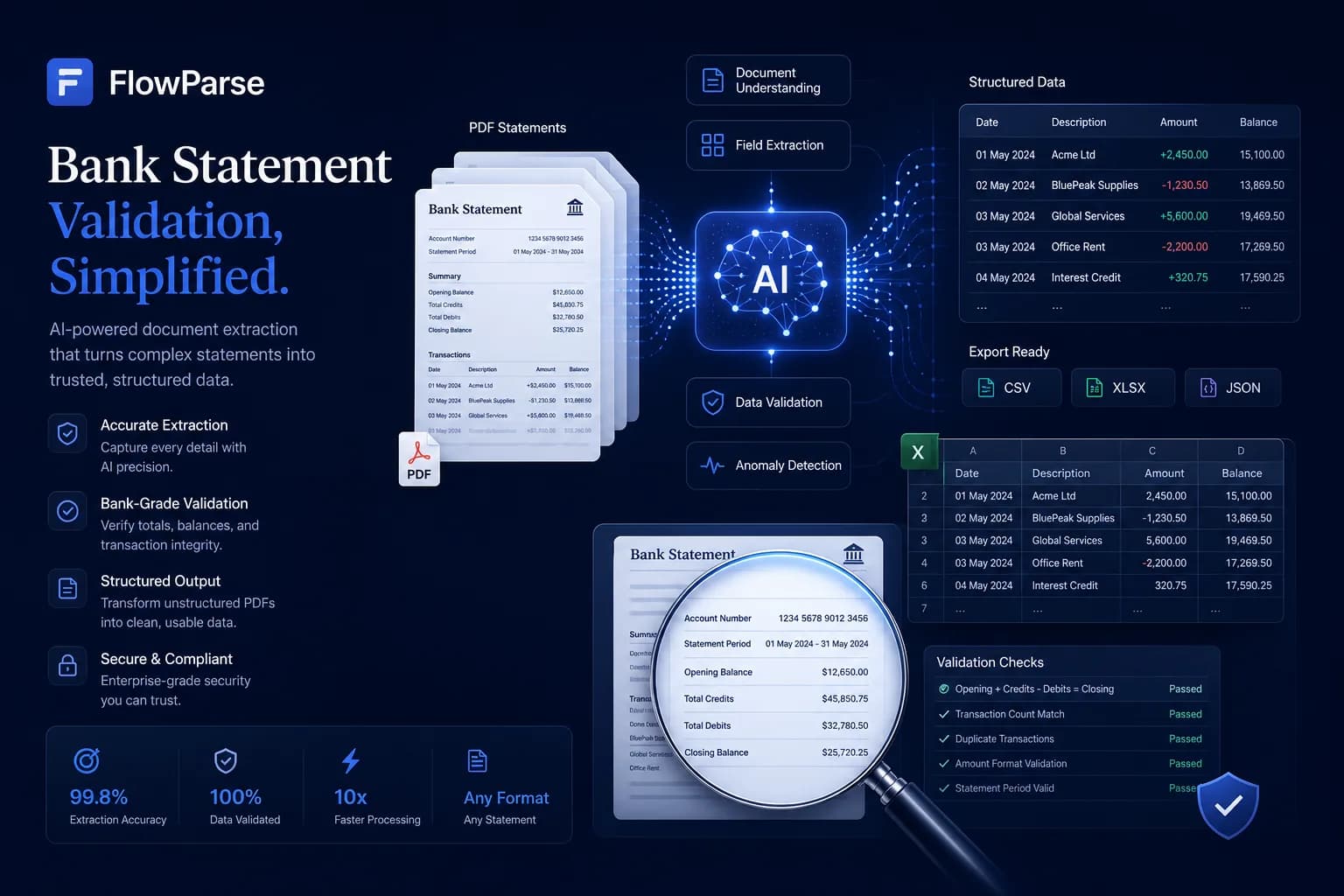
The layers a platform asks you to configure
On a platform, the financial specifics are your responsibility to encode. Merging separate debit and credit columns into a single signed amount is a rule you write — and getting the sign wrong is the most consequential bug in this domain, because the total still looks like a number. Confirming that opening balance plus every transaction equals the closing balance is a validation someone has to think of, author and maintain. Consolidating twelve statements into one dataset without duplicating the overlapping month is a workflow. Producing a `.QBO` file with a stable `FITID` per row is an integration.
In FlowParse all four ship in the box, because they are not variations between customers — they are what the financial job is. Validation, the editable grid, Smart Merge and accounting export are the product, not a configuration surface. That is the advantage of refusing to be general.
| Layer | Instabase | FlowParse |
|---|---|---|
| Read a bank statement | Configure an application | Pre-trained |
| Debit/credit → signed amount | Configure it | Built in |
| Balance validation + score | Author the rule | Built in |
| Consolidate many statements | Build the workflow | Smart Merge |
| .QBO/.QFX/.OFX/Xero files | Build the integration | Native |
| Time to first result | An implementation | Minutes |
The accounting export gap
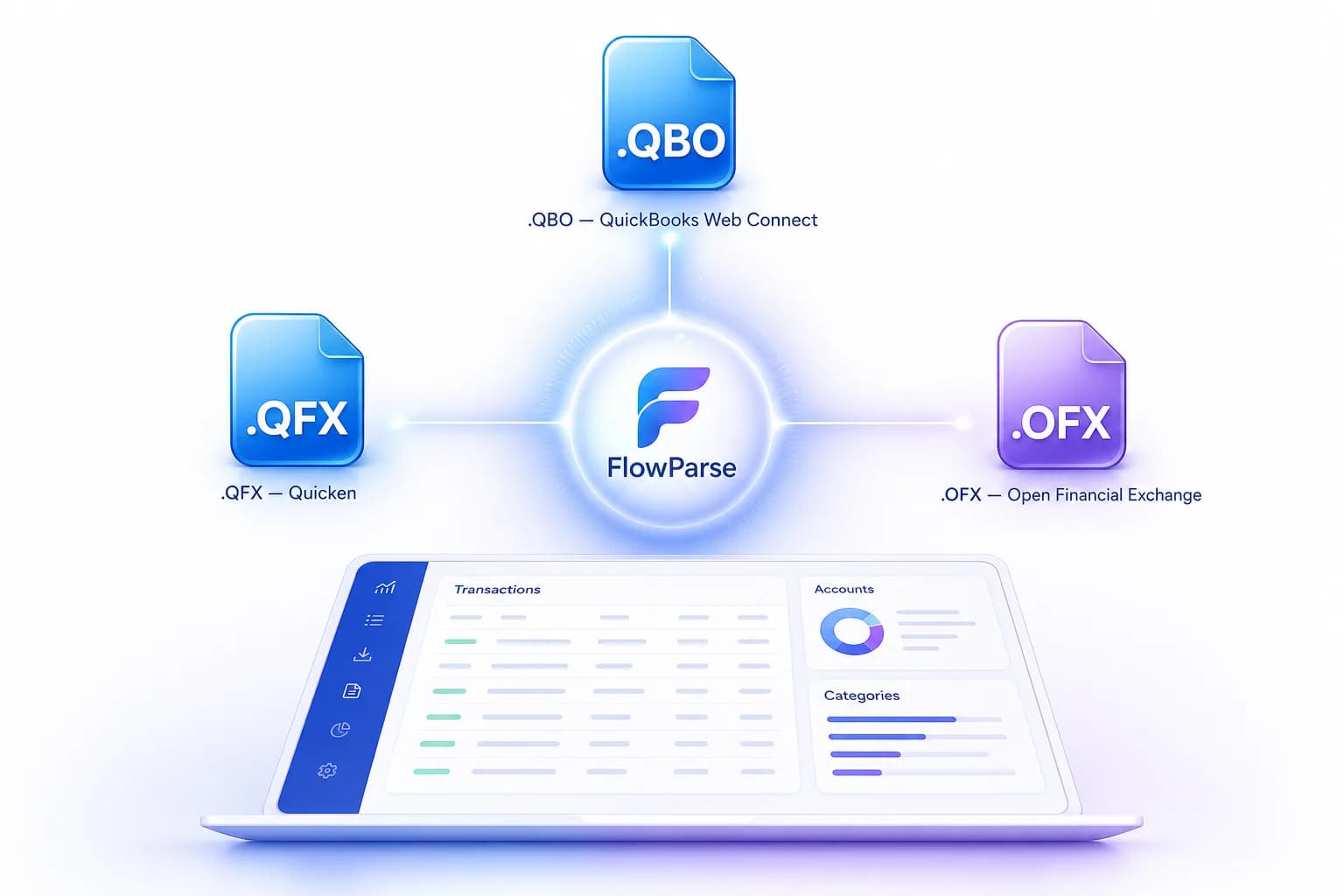
General platforms rarely ship the financial last mile, because it is specific to a destination they do not assume. FlowParse produces real Open Financial Exchange files out of the box: `.QBO` and `.QFX` for QuickBooks and Quicken, `.OFX` for tools like GnuCash and Sage, plus a Xero-ready CSV and clean Excel. Each transaction carries a stable `FITID`, which is what stops a re-import double-posting rows the user already has.
That is an integration you neither scope nor maintain. The accounting export feature and the PDF to QBO page list every format and the exact import steps into each tool.
Priced per page, not per project
Enterprise platforms are bought, not tried: an annual contract, a minimum, an implementation alongside it. That model exists because the value is large and the work is real — but it puts the tool out of reach of the bookkeeper with a year of PDFs, the accountant onboarding a client, and the developer who wants to know whether this works before writing a business case.
FlowParse is per page from a top-up balance, with a free monthly allowance and no signup required to try it. No minimum, no commitment, no call. See the pricing page for the plans; usage is visible per API key, so cost stays predictable and attributable.
That is not a claim to be cheaper than an enterprise platform in some abstract sense — it is a different transaction entirely. One is a programme; the other is a utility you meter.
One engine for statements, invoices and receipts
Refusing to be a platform does not mean handling one document. FlowParse extracts bank statements, invoices and receipts with full line items, supplier and buyer details, totals and a tax breakdown, and runs an AI VAT auditor on invoices — all on the same pre-trained engine, in a consistent schema.
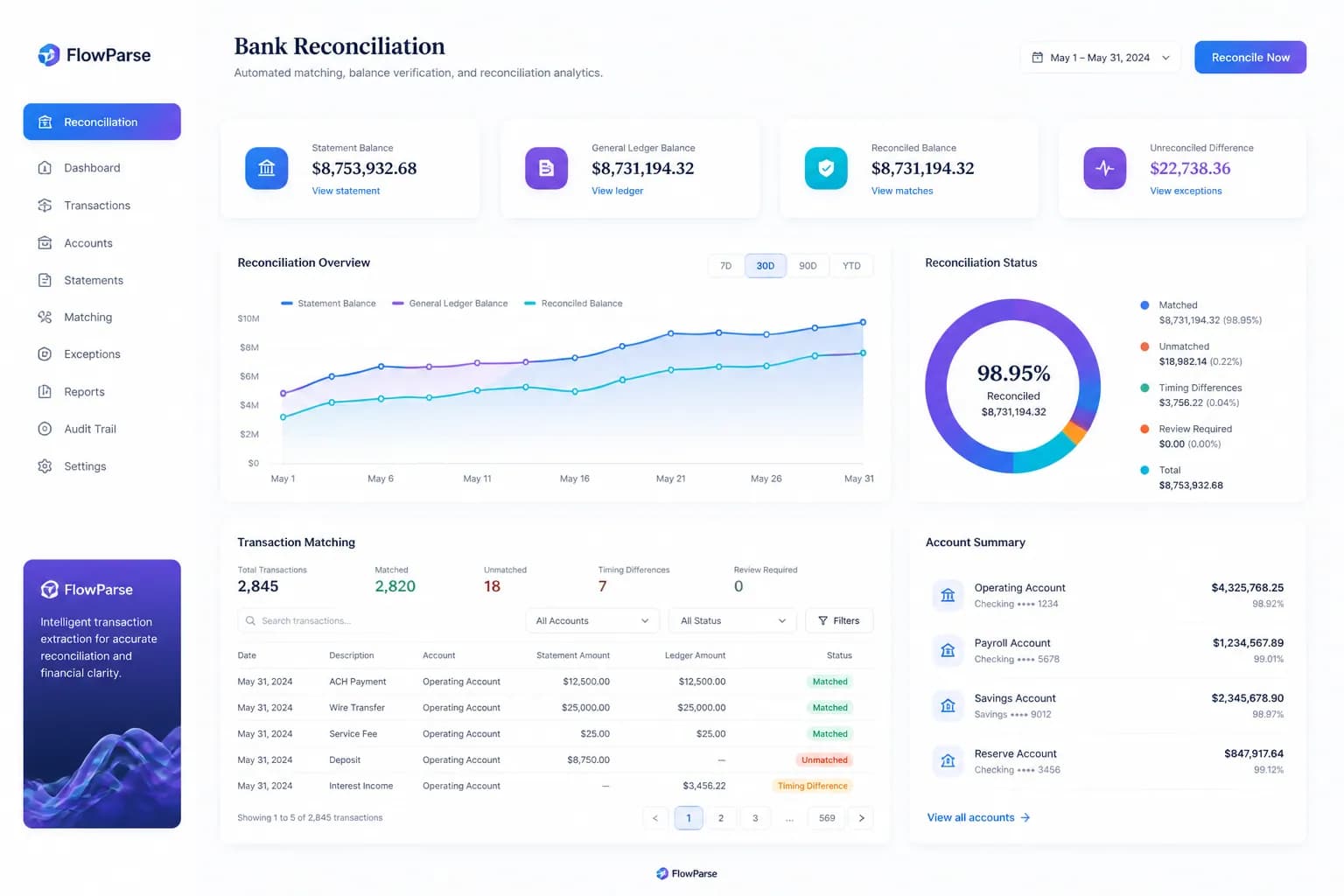
Because everything comes back in the same shape, cross-document workflows are built in rather than configured: an invoice you extracted can be reconciled against the bank payment you extracted from a statement, with no mapping between separate applications. On a platform, joining two applications' outputs is a design decision someone owns.
The financial estate — statements, invoices, receipts, and the reconciliation between them — is the whole scope, and it is already assembled.
A real-world scenario: the finance team that could not wait
A familiar shape inside larger organisations. The enterprise has a platform programme underway — a serious, well-run initiative that will, over the next few quarters, automate document processes across several departments. Meanwhile the finance team has a year of statements from four accounts, a close deadline, and a temp typing them into Excel.
Their request never survives prioritisation, and it should not: against lending automation and claims handling, converting some bank statements is not where a platform programme starts. So the manual work continues, quarter after quarter, because the only sanctioned tool is one whose roadmap cannot reach them.
This is where the two approaches stop competing and start complementing. The platform does the bespoke, enterprise-scale processes it was bought for. The finance team converts their statements this afternoon through a finished tool, priced per page, validated against the closing balance, exported straight to QuickBooks or Xero — no roadmap slot required. An organisation running both is not being inconsistent; it is matching the instrument to the size of the problem.
Where Instabase genuinely wins
A fair comparison names where the other tool is simply the right answer, and for Instabase there are several. If your problem is not one document family but an organisation full of document-heavy processes — lending decisions, claims handling, KYC, back-office operations — then what you need is exactly what a platform provides: building blocks you shape to processes that are specific to your business and that nobody sells off the shelf. FlowParse has no answer to that, because it is one tool doing one thing.
Enterprise requirements are the other real win. Deployment options, governance, audit and access controls, the ability to encode a compliance process into a reviewable application, procurement and support arrangements that a large regulated institution requires — these are not features we compete on. We are a hosted, EU-processed service with no on-premise or private-cloud option. If your governance mandates otherwise, that ends the conversation honestly and in Instabase's favour.
The division is by scope and scale. Many processes, bespoke, enterprise-governed, with a team to own them? A platform. One document family, done immediately, priced per page, usable by an accountant with no project behind it? FlowParse. And these are not mutually exclusive: an enterprise running a platform for its bespoke processes may still route financial documents through a specialist because the validation and the accounting export are already built.
Total cost of ownership, not just licence price
For a platform, the licence is rarely the largest number. The implementation, the internal owners, the applications that must be configured and then maintained as document types drift, and the integrations that need updating are the real total — and when the platform automates fifty processes, that total is entirely justified by the fifty processes. The economics are sound at that scale.
The trouble is when the same shape is applied to one document family. Then you are funding a generic capability, an implementation, and a configuration effort in order to obtain something a specialist already ships: validated transactions, consolidation and accounting export. FlowParse's total cost of ownership sits close to its per-page price because the engine is pre-trained, the workflow is finished and non-developers use it without any UI work.
So the test is honest and simple: count your processes. Many, bespoke and enterprise? Buy the platform — it is the right instrument and this page is not trying to talk you out of it. Financial documents that need to be right and importable? A finished tool gets you there today, at a price that is a line on a usage report rather than a programme.