A Docparser Alternative
AI Extraction, No Rules to Build
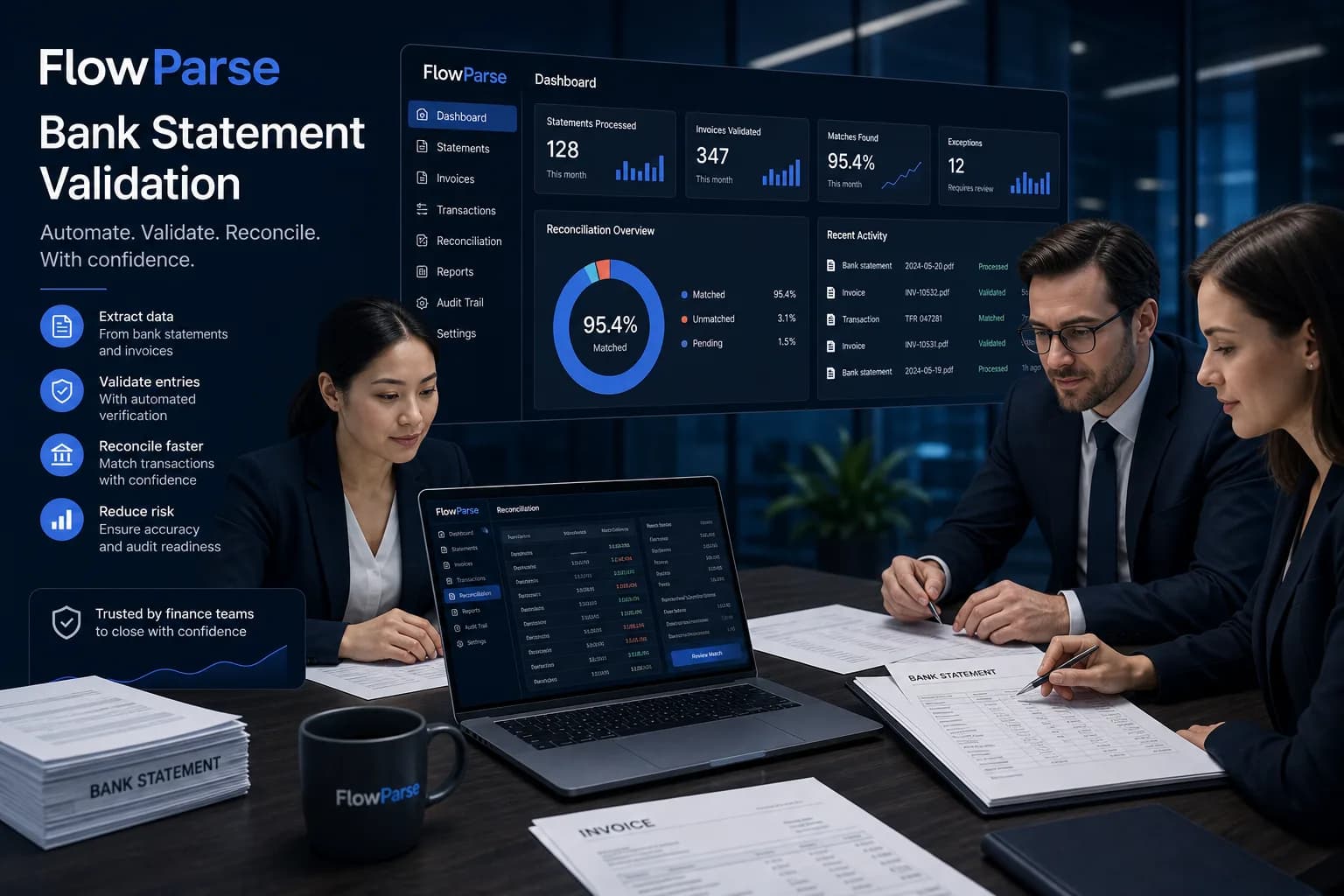
Docparser is a rules-based document parser: you build parsing rules and templates for each layout you want to read. FlowParse uses AI that understands documents by meaning, so there's nothing to configure — upload a bank statement, invoice or receipt and get clean, validated data, then export to Excel, CSV, QBO, QFX, OFX or Xero. Plus Smart Merge, a REST API and a free no-signup tier.
Teams parsing a fixed set of predictable layouts who are happy to build and maintain parsing rules per template.
Teams that receive documents in many layouts (every bank is different) and want zero-setup AI extraction with accounting export.
Why Businesses Look for Docparser Alternatives
No rules to build
Docparser needs a parser/template per layout; FlowParse reads any layout with AI out of the box.
Every bank, day one
A new bank or vendor format works on the first upload — no template authoring.
Accounting-ready export
Native .QBO/.QFX/.OFX bank feeds and Xero CSV, not just generic field output.
Validation included
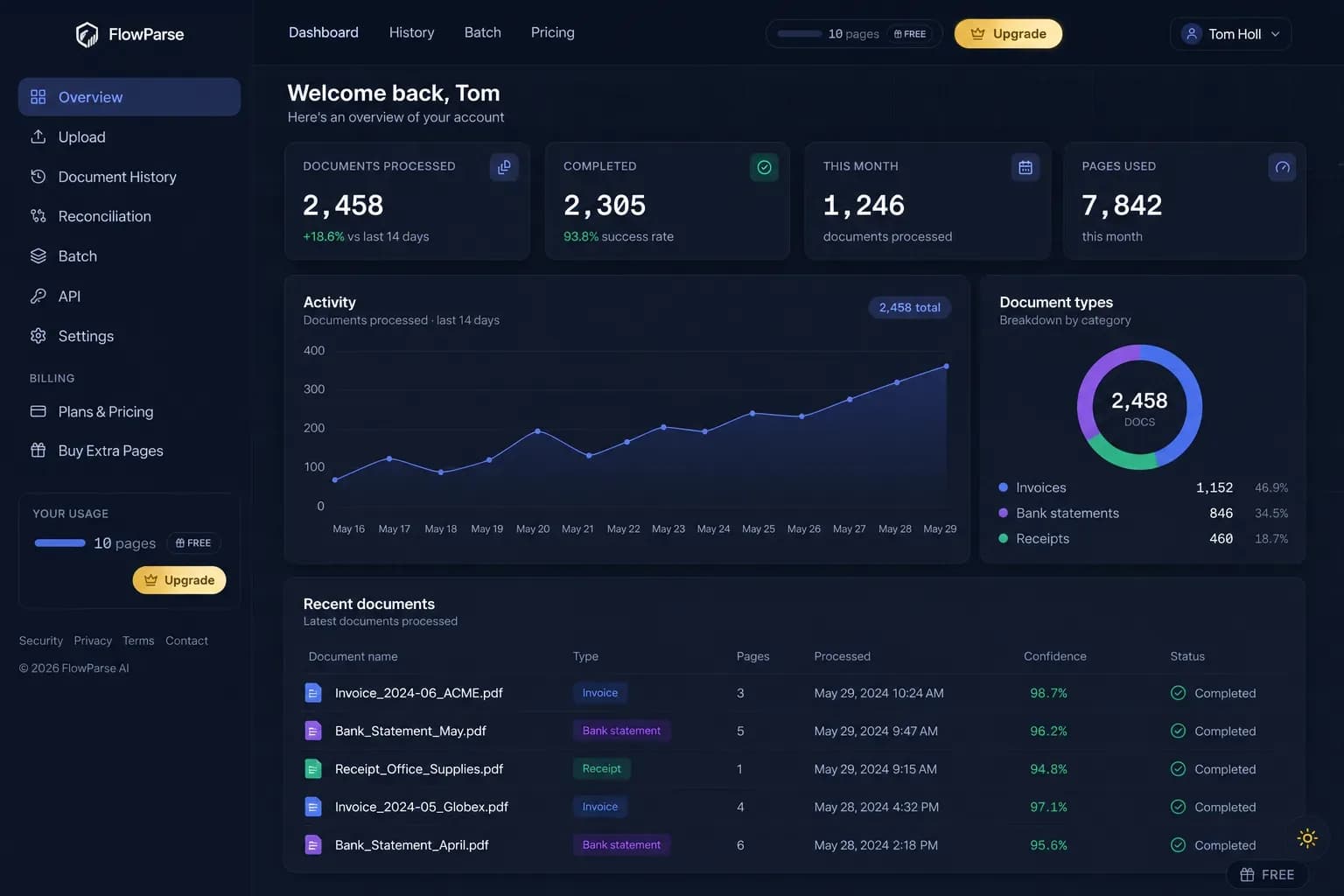
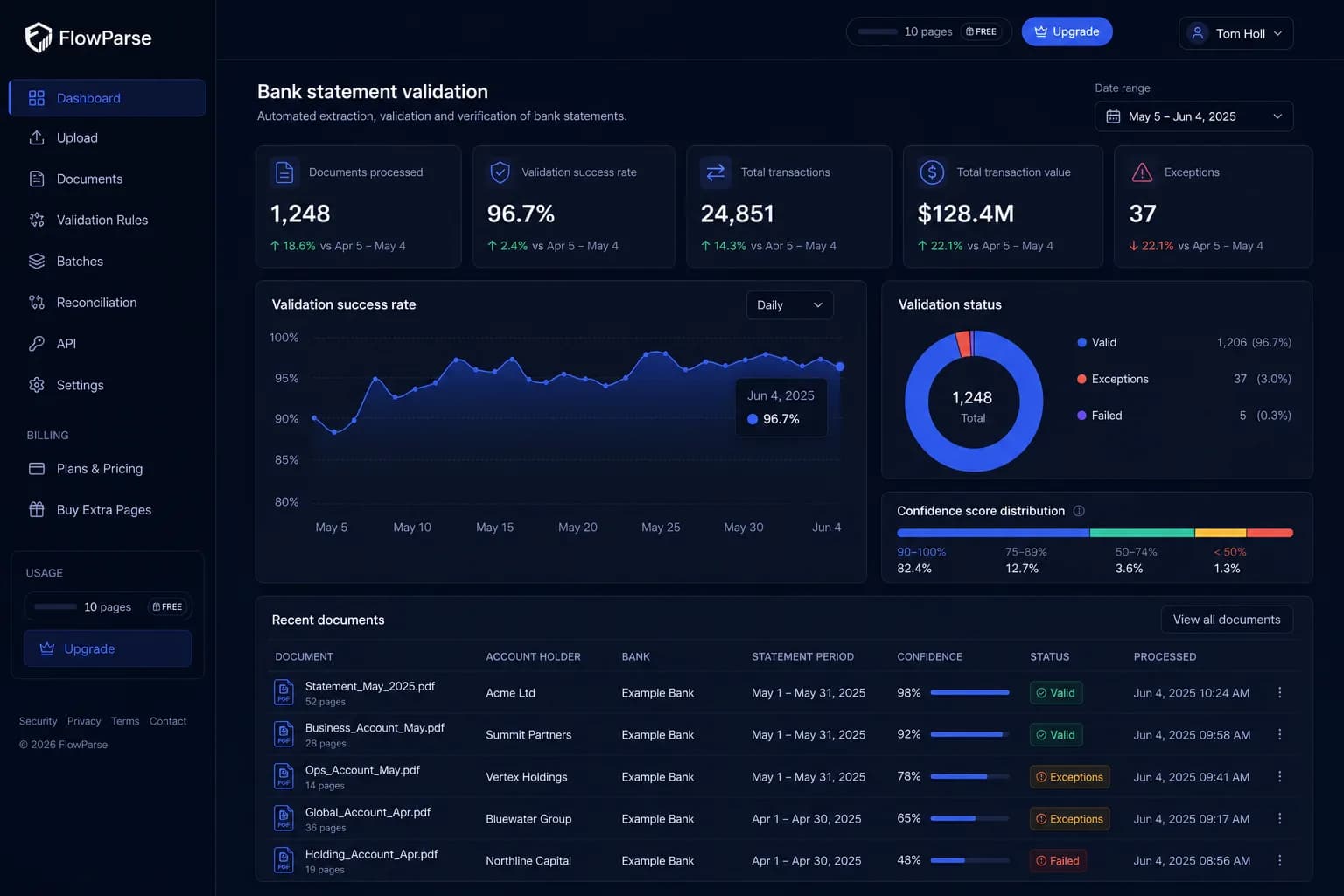
Balance reconciliation, duplicate detection and a 0–100 quality score ship in the box.
Start free
Convert a real document and see the result before paying — no setup project first.
Consolidate a year
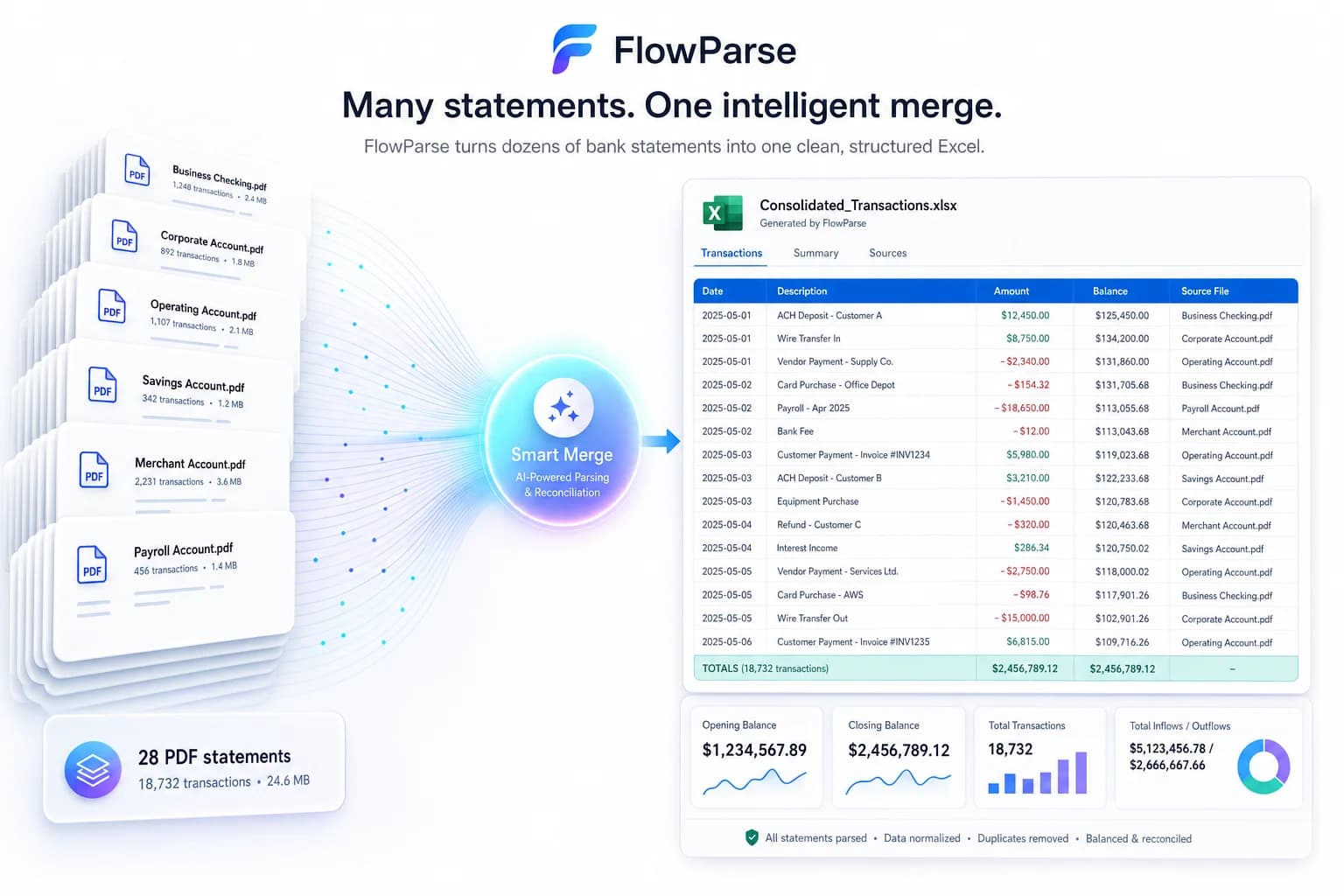
Smart Merge combines up to 100 statements into one reconciled Excel.
Quick Comparison — Docparser vs FlowParse
A feature-by-feature look at Docparser and FlowParse.
| Feature | Docparser | FlowParse |
|---|---|---|
| Setup per layout | Build rules/templates | None — AI |
| Bank statement PDF → data | Rules per bank | Any bank, no setup |
| Invoice & receipt extraction | Rules per vendor | AI, any layout |
| Native .QBO / .QFX / .OFX export | No | Yes |
| Xero / Excel / CSV export | Generic | Yes |
| Deterministic validation + score | No | Yes |
| Smart Merge — 100 PDFs → 1 Excel | No | Yes |
| Reconciliation (invoices ↔ payments) | No | Yes |
| REST API | Yes | Yes |
| Free no-signup tier | No | Yes |
| Handles unseen layouts | Needs new rule | Yes |
| Editable review step | Limited | Yes |
What Is Docparser?
Docparser is a document-parsing tool where you define parsing rules — anchors, regions and patterns — to extract fields from documents that share a layout. It's flexible across document types and integrates widely, and it works well when your inputs are predictable and you're willing to maintain a library of templates.
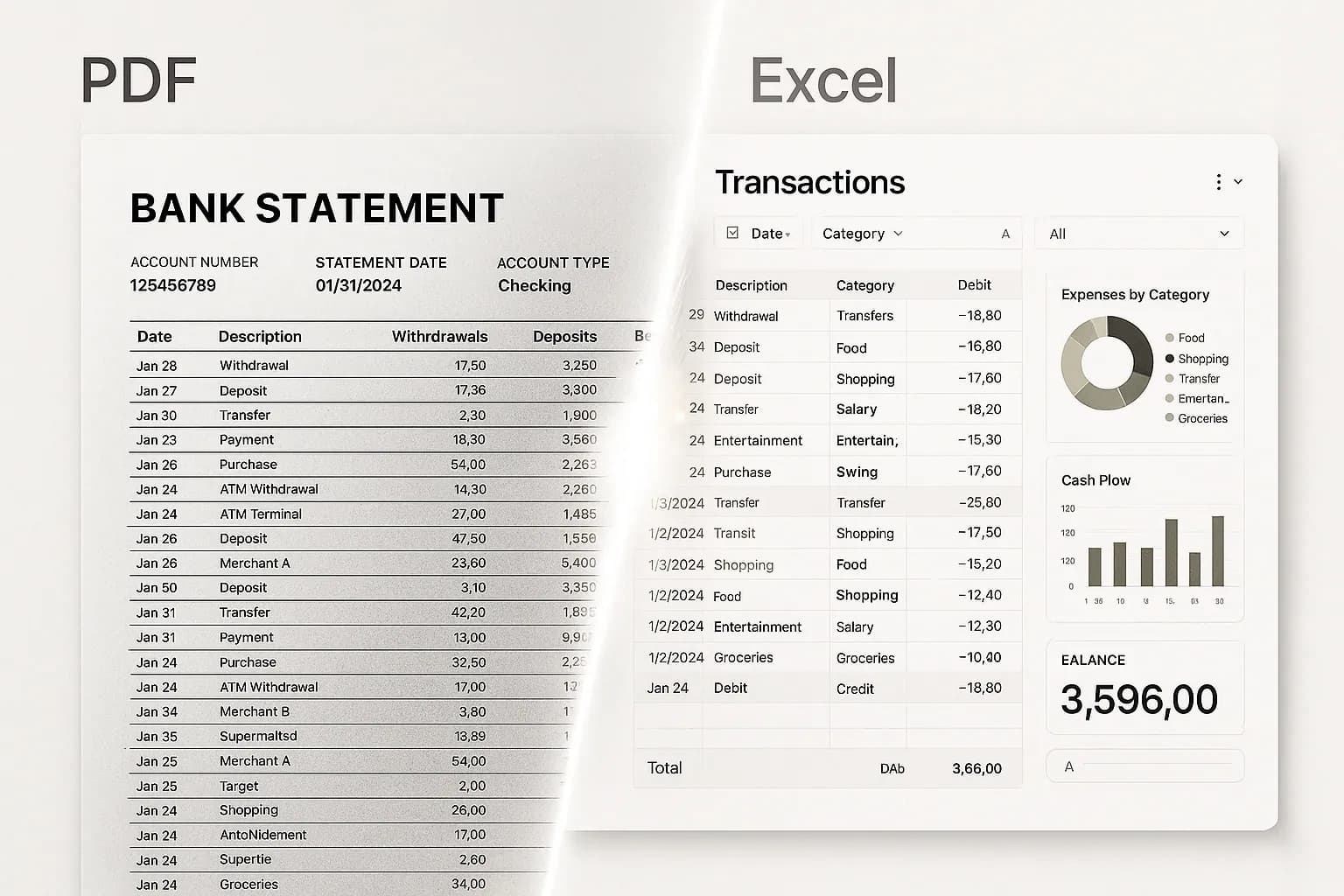
FlowParse takes the opposite approach for financial documents: instead of you describing where each field is, the AI understands what fields mean and reconstructs tables by reading the document's structure. There are no rules to author or maintain, which matters most when inputs vary — and bank statements vary by every bank, every format change and every customer.
Both extract data; the difference is who does the configuration work. With Docparser, you do, per layout, forever. With FlowParse, the model generalises, so a statement or invoice you've never seen returns clean, validated data on the first try — and you get accounting-ready export and a quality gate on top.
Docparser strengths
- Flexible rules engine for arbitrary, predictable layouts
- Wide integrations and webhooks
- Good for a fixed set of recurring document templates
- Fine-grained control over exact extraction regions
Where teams want something different
- You must build and maintain a parser/template per layout
- New or changed layouts break or need new rules
- No native QBO/QFX/OFX bank-feed export
- No built-in balance reconciliation or deterministic quality score
Why Teams Switch to FlowParse
Zero per-layout setup
AI reads any bank or vendor format without you authoring a rule — onboarding a new layout isn't an engineering task.
Statements to a real bank feed
Export .QBO/.QFX/.OFX (OFX 1.0.2, FITID de-dup) so imports never double-post.
A quality gate you can trust
Balance reconciliation, duplicates and a 0–100 score let you auto-accept the clean and review the rest.
Resilient to format changes
When a bank tweaks its template, there's no rule to fix — the AI just keeps reading it.
Consolidate and reconcile
Merge a year into one Excel and match payments to invoices out of the box.
Free to evaluate
Run a document through the whole flow before committing — no template project first.
Rules you maintain vs AI that generalises
The core trade-off is configuration. A rules engine is precise but brittle; an AI engine is general and resilient. For financial documents that vary by every bank, general wins.
Rules-based path
- Identify each layout
- Build a parser/template per layout
- Define anchors and regions
- Maintain rules as formats change
- Add a new rule for every new bank
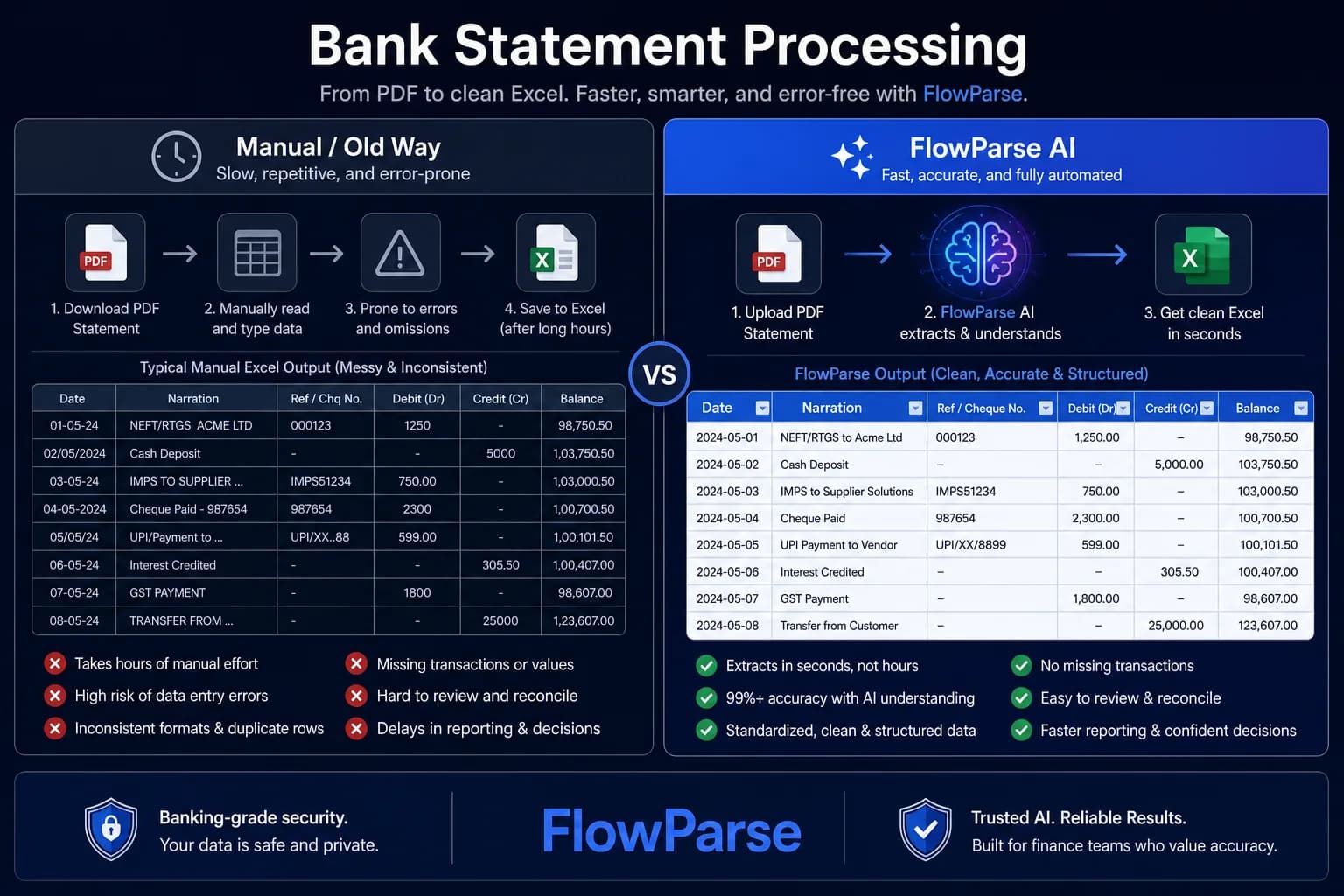
FlowParse path
- Upload any statement/invoice/receipt
- AI reads it by meaning, no setup
- Validate (balance + duplicate checks)
- Review and correct in a grid
- Export QBO/QFX/OFX/Xero/Excel
Pricing Comparison
How the cost and commitment models compare.
| Feature | Docparser | FlowParse |
|---|---|---|
| Free tier (no signup) | Trial | Yes — pages/month free |
| Model | Per-page tiers | Per page from a balance |
| Setup cost (your time) | Build templates | None |
| Bank-feed export included | No | Yes (QBO/QFX/OFX) |
| Validation included | No | Yes |
Accuracy Comparison
Both platforms use modern AI OCR — here is how extraction quality is assured.
| Feature | Docparser | FlowParse |
|---|---|---|
| Predictable fixed layout | High (once built) | High, no build |
| New / unseen layout | Needs new rule | Works first try |
| Multi-page bank statements | Rules per bank | Every row, validated |
| Balance reconciliation check | No | Yes |
| Human review step | Limited | Editable preview + API |
Who should choose Docparser?
- Teams with a small, stable set of recurring document layouts
- Users who want precise control via parsing rules
- Workflows that already depend on Docparser's integrations
- Documents that aren't financial statements or invoices
Who should choose FlowParse?
- Accountants converting statements from many different banks
- Finance teams needing QBO/QFX/Xero-ready exports
- Anyone whose document layouts change or vary widely
- Teams wanting a free, no-setup way to start
Migrating from Docparser to FlowParse
Switching takes minutes — there are no templates to rebuild or models to retrain.
Export your documents
Export invoices and statements from Docparser or your source.
Upload to FlowParse
Drag and drop PDFs, scans, or images — no setup.
Review extracted data
Check fields in the editable preview before export.
Export Excel or CSV
Download structured data for your accounting system.
Automate workflows
Use the API and integrations for future documents.
Rules-based vs AI extraction: the real cost
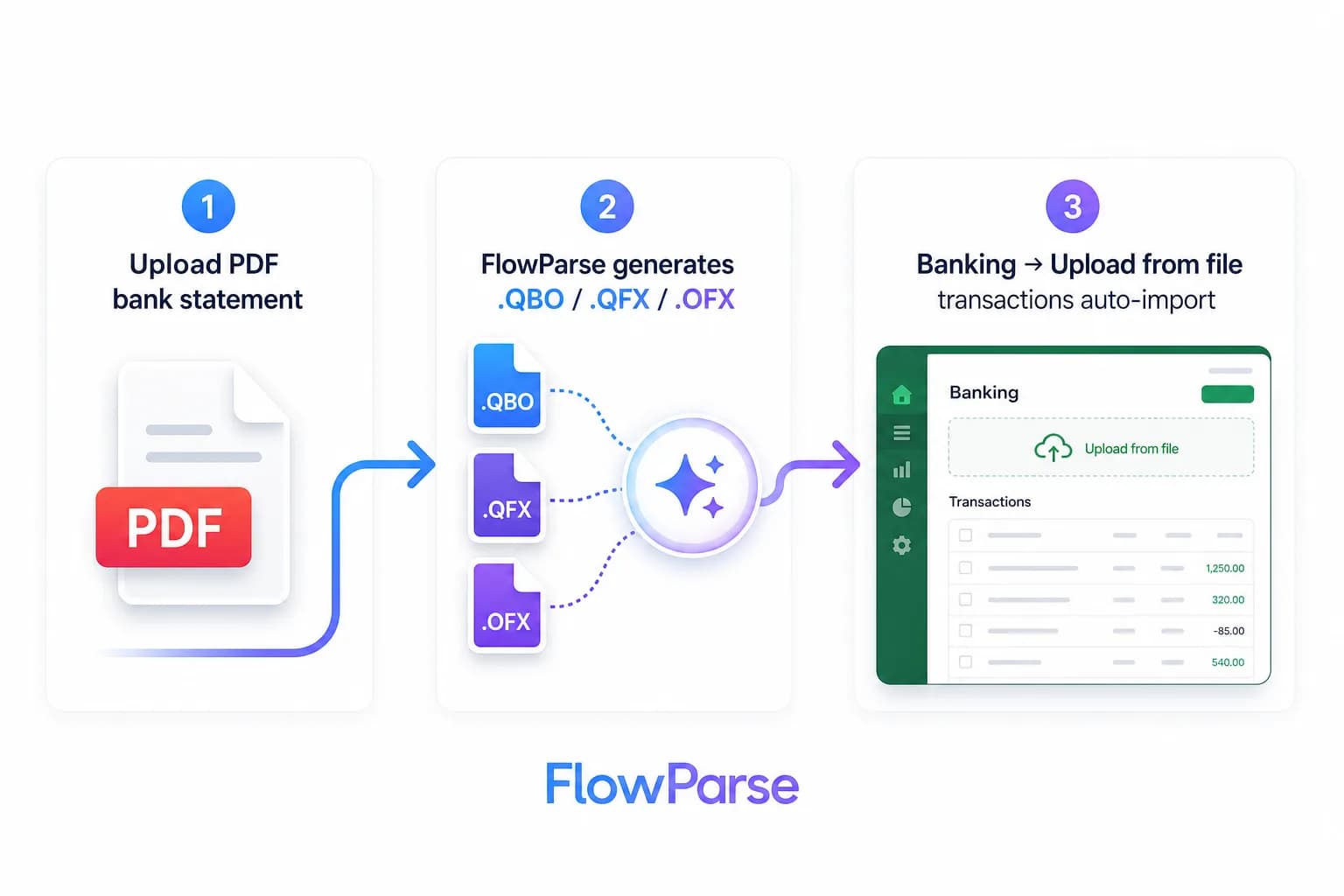
On paper, a rules engine and an AI extractor both 'get the data out'. In practice the cost lands in different places. With Docparser, the cost is upfront and recurring: someone has to identify each layout, build a parser with anchors and regions, test it, and then maintain it every time a sender changes their format. For a handful of stable templates that's manageable. For bank statements — where every bank differs and formats drift — it becomes a treadmill of rule-building.
With FlowParse, the model generalises, so the marginal cost of a new layout is essentially zero: a bank or vendor you've never seen returns clean data on the first upload. You trade fine-grained manual control for resilience and speed, which is the right trade when inputs are varied and unpredictable. The bank statement converter reads any bank precisely because there's no template to miss.
There's also a hidden reliability cost to rules: when a layout changes silently, a rule can keep 'working' while quietly extracting the wrong region. AI extraction paired with validation catches that, because the data still has to pass a balance or totals check before you trust it.
Accounting export and validation, built in
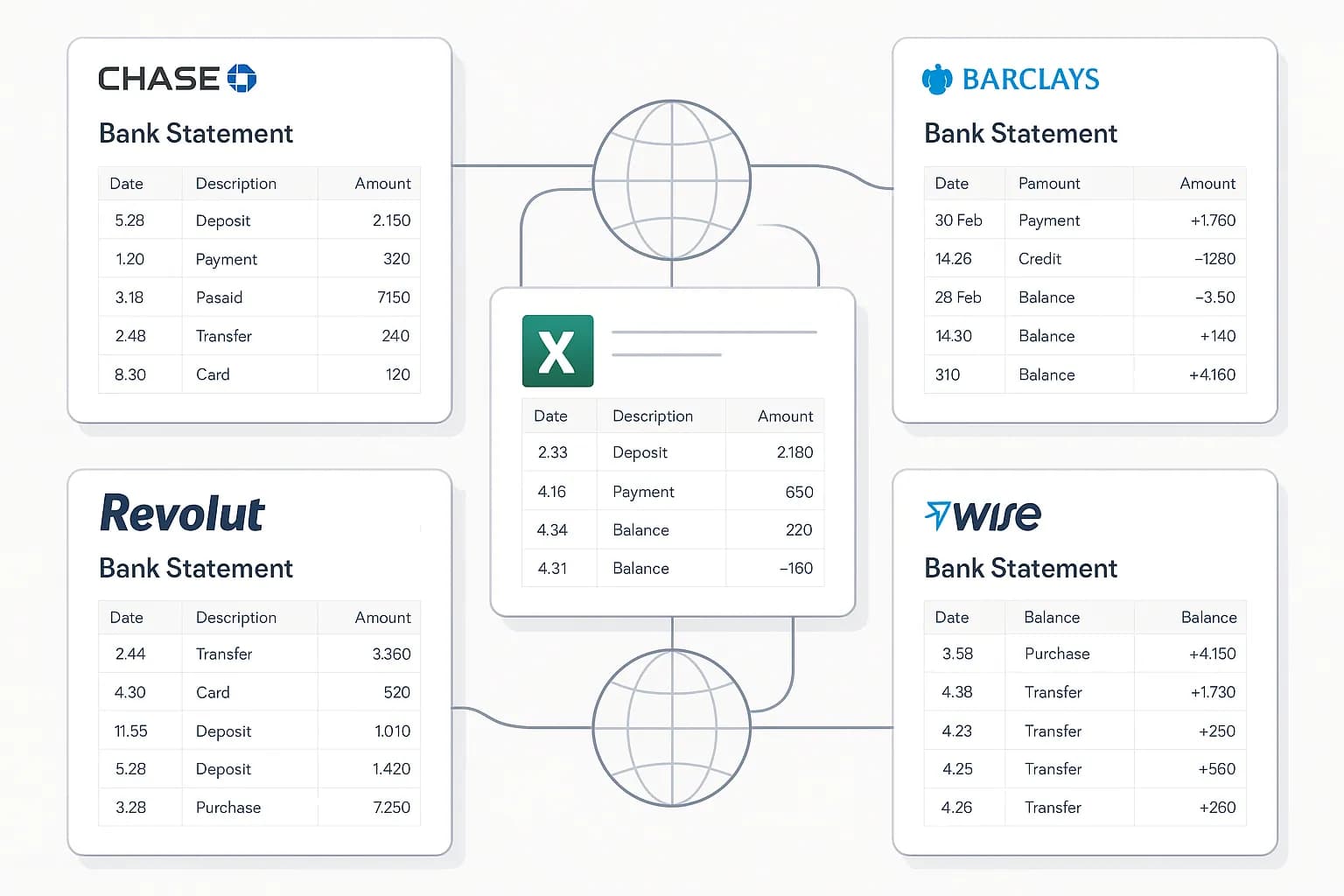
Beyond extraction, FlowParse closes the last mile that a generic parser leaves open. It produces real Open Financial Exchange files — `.QBO`/`.QFX` for QuickBooks and Quicken, `.OFX` for GnuCash and Sage — plus Xero CSV and clean Excel, each transaction tagged with a stable `FITID` so re-imports never double-post. With a rules engine you'd export generic fields and then build the mapping and de-duplication into each accounting system yourself.
Validation is the other built-in. Every result can be scored by the deterministic validation engine: for statements, opening balance plus transactions must equal the closing balance; for invoices, the totals and tax must add up. That gives you a hard, explainable gate to automate against — auto-accept clean documents, review the rest — rather than trusting that a parsing rule pointed at the right cell.
| Dimension | Docparser | FlowParse |
|---|---|---|
| Per-layout setup | Build rules/templates | None (AI) |
| New / changed layout | New or fixed rule | Works automatically |
| Bank-feed export | Build it yourself | Native QBO/QFX/OFX |
| Validation / quality score | None built in | Deterministic, free |
| Reconciliation | No | Yes |
When Docparser is still the better pick
This page argues for FlowParse, but honesty matters: Docparser is genuinely better for some jobs. If your documents are *not* financial statements or invoices — say, structured order forms, shipping manifests or bespoke PDFs with a fixed, unchanging layout — and you want precise, region-level control, a rules engine gives you exactly that. The same is true if your workflow is already deeply wired into Docparser's integrations and your layouts rarely change.
FlowParse is the better pick when your inputs are financial and varied: bank statements from many banks, invoices from many vendors, receipts in every shape — where authoring a rule per layout doesn't scale and you want validation and accounting export on top. If that's you, start with the bank statement to Excel tool or the document extraction API.
Workflow and a free way to start
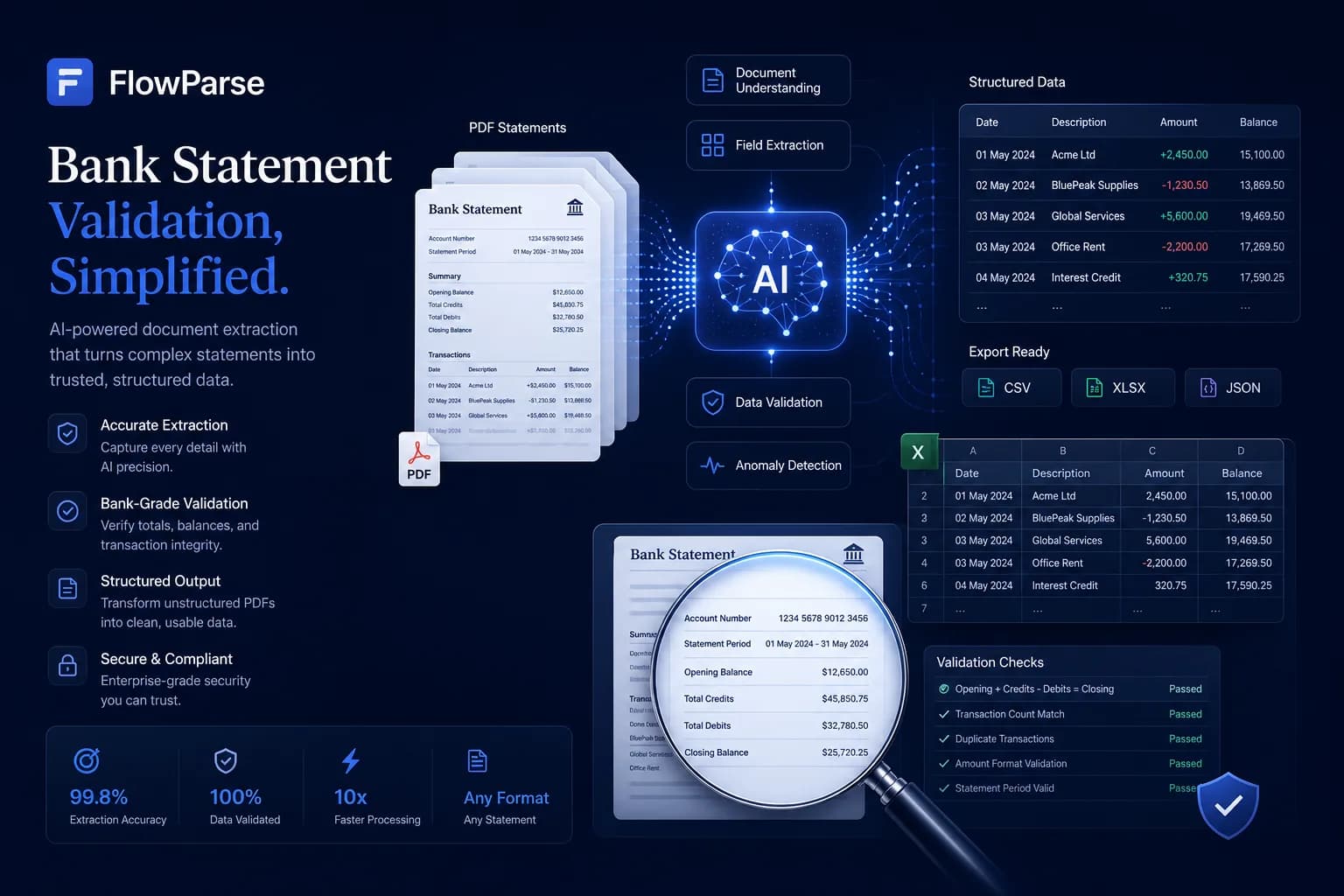
FlowParse is both an app and an API. Non-developers get a full workflow — upload, review and fix rows in an editable grid, reconcile, and export — while developers get the same capabilities over REST. With a rules-first tool, most of the value is locked behind building the parser first, which makes evaluation slow.
Because there's nothing to configure, you can evaluate FlowParse in minutes: drop a real statement into the converter and see clean, validated transactions immediately. When you're ready to automate, get an API key and follow the guide to parsing bank statements with an API. For batches, Smart Merge consolidates a year of statements into one workbook.
The maintenance burden grows with you
A rules engine's cost isn't the first template — it's the hundredth, and the ongoing upkeep. Every new sender, every redesigned invoice, every bank that shifts a column adds a rule to write and a rule to maintain. Over a year that quietly becomes a backlog: parsers that broke when a layout changed, regions that drifted, edge cases nobody noticed until a number came out wrong. The work scales with the variety of your documents, and financial documents are about as varied as they come.
AI extraction flattens that curve. Because FlowParse reads documents by meaning rather than fixed coordinates, the hundredth layout costs the same as the first — nothing. There's no library of parsers to own, no on-call rule fixing when a bank tweaks its statement, and no silent breakage, because every result still has to pass validation before you trust it. The team time you'd spend maintaining templates goes back into your actual product.
This is the difference between a tool that you operate and a tool that operates for you. For a stable, narrow set of layouts, operating a rules engine is fine. For the open-ended stream of statements and invoices most finance teams face, the bank statement converter approach — no rules, just upload — is what keeps working as volume and variety grow.
Security, privacy and data control
FlowParse is built to hold as little as possible: documents are processed in EU data centres, the original PDF is deleted as soon as extraction finishes, extracted data is stored encrypted and deletable on demand, and your documents are never used to train models — full detail on the security page. For teams with EU data-residency requirements, that default is often simpler to sign off than a general-purpose parser routing documents through US infrastructure.
API access is controlled with hashed, scoped, instantly revocable keys, and every call is logged with a document label and page cost for audit. Because you own the request, you also own retention — keep only the fields you need and keep PII out of logs. Combined with standard-format outputs (Excel, CSV, QBO, QFX, OFX, Xero and plain JSON), there's no proprietary lock-in: your data stays portable and yours.
| Aspect | Detail |
|---|---|
| Processing region | EU data centres |
| Original PDF | Deleted after extraction |
| Model training | Never on your documents |
| Outputs | Standard files + plain JSON (portable) |
| API keys | Hashed, scoped, revocable, logged |
Migrating from Docparser
Switching is mostly subtraction: you delete configuration rather than build it. Where Docparser needs a parser per layout, FlowParse needs none, so migration means replacing your template library with a single call. In the app, just start uploading documents. Via API, point your pipeline at the document extraction API or PDF to JSON API and read the structured JSON — the same shape feeds validation and export.
Run it in parallel first to build confidence: send a representative sample of your hardest layouts through FlowParse for free using validation and previews, and compare against your current parsers. Because there are no rules to author, that evaluation takes minutes, not a setup project — and per-page pricing with a free allowance means you can validate the whole migration before spending. The guide to parsing bank statements with an API shows the end-to-end pattern.
A real-world scenario: varied inputs, zero setup
Consider a bookkeeping team that takes on a dozen new clients a quarter. Each client banks somewhere different, uses different invoice software, and sends documents in whatever shape they have. With a rules-based parser, every one of those clients is a setup task: identify the layouts, build parsers, test them, and then babysit the rules as formats drift. The team spends its first week with each client configuring software instead of doing the books.
With FlowParse there is no setup at all. The team uploads each client's bank statements and invoices and gets clean, validated data immediately, regardless of which bank or vendor produced them — a layout nobody has seen before reads correctly on the first try. Onboarding a client becomes 'start uploading', not 'start configuring', and the validation gate keeps quality high without a human checking every row.
When a client's bank quietly changes its statement template next year, nothing breaks and nobody gets paged — the AI keeps reading it, and the balance check would flag anything that didn't add up. With a rules engine that same change means a broken parser and an afternoon of debugging anchors. Multiply that across a dozen clients and a year of format drift, and the maintenance difference becomes the whole story.
The output side is just as turnkey: statements export to QBO/QFX/OFX or Xero, invoices to Excel, and a year of statements consolidates with Smart Merge. The team's time goes into advisory work and exceptions, not into maintaining a library of templates. It's worth being concrete about where the hours actually go with a rules engine: discovery (which layouts do we have?), authoring (build the parser), QA (does it extract every field on every sample?), and then an open-ended tail of maintenance as senders change formats. None of those steps disappear — they recur with every new client and every redesign. The AI approach collapses all four into a single upload, and the only ongoing task is reviewing the small number of documents the validation gate flags. For a growing practice that difference compounds: the rules-based cost rises with client count, while the AI cost stays flat per document regardless of how many distinct layouts arrive.
It also changes who can do the work. A rules engine needs someone technical enough to reason about anchors, regions and regular expressions, which makes extraction a specialist bottleneck on the team. When extraction is just 'upload and review the flagged rows', any bookkeeper can run it on day one, and the people who understand the numbers — rather than the people who understand the parser — own the process end to end. That is the quiet organisational win behind dropping templates: extraction stops being a project that a developer maintains and becomes a routine task that the finance team simply does, which is exactly what you want when the goal is closing books, not shipping parsers.